AI Video Maker vs Traditional Editing: What Creators Should Know
An AI video maker can turn prompts, images, and clips into polished content faster than traditional workflows. Learn how it works, where it saves time, and how to create better videos with practical tips.

By Movi AI Team
Movi AI Editorial Team
An AI video maker helps you create videos from prompts, images, voice, or existing clips without building every scene manually. If you want to understand how it works, which tools matter, and when it beats traditional editing, this guide breaks it down in a practical way for creators, marketers, and small businesses.
1. How an AI video maker actually works
At a basic level, an AI video maker uses machine learning models to turn inputs into moving visual output. Those inputs can include a text prompt, a still image, a voice track, or a source video. The system predicts motion, scene changes, style, lighting, and subject behavior based on patterns learned from large datasets.
Common input types
- Text-to-video turns a written prompt into a generated clip or sequence.
- Image-to-video animates a still photo, illustration, or product image.
- Video-to-video transforms an existing clip into a new visual style or format.
- Speech-to-video builds scenes around voiceover, dialogue, or narration.
This is why AI video tools feel different from standard editors. Instead of placing every cut, keyframe, transition, and effect by hand, you guide the system with instructions and then refine the result.
2. AI video maker vs traditional editing
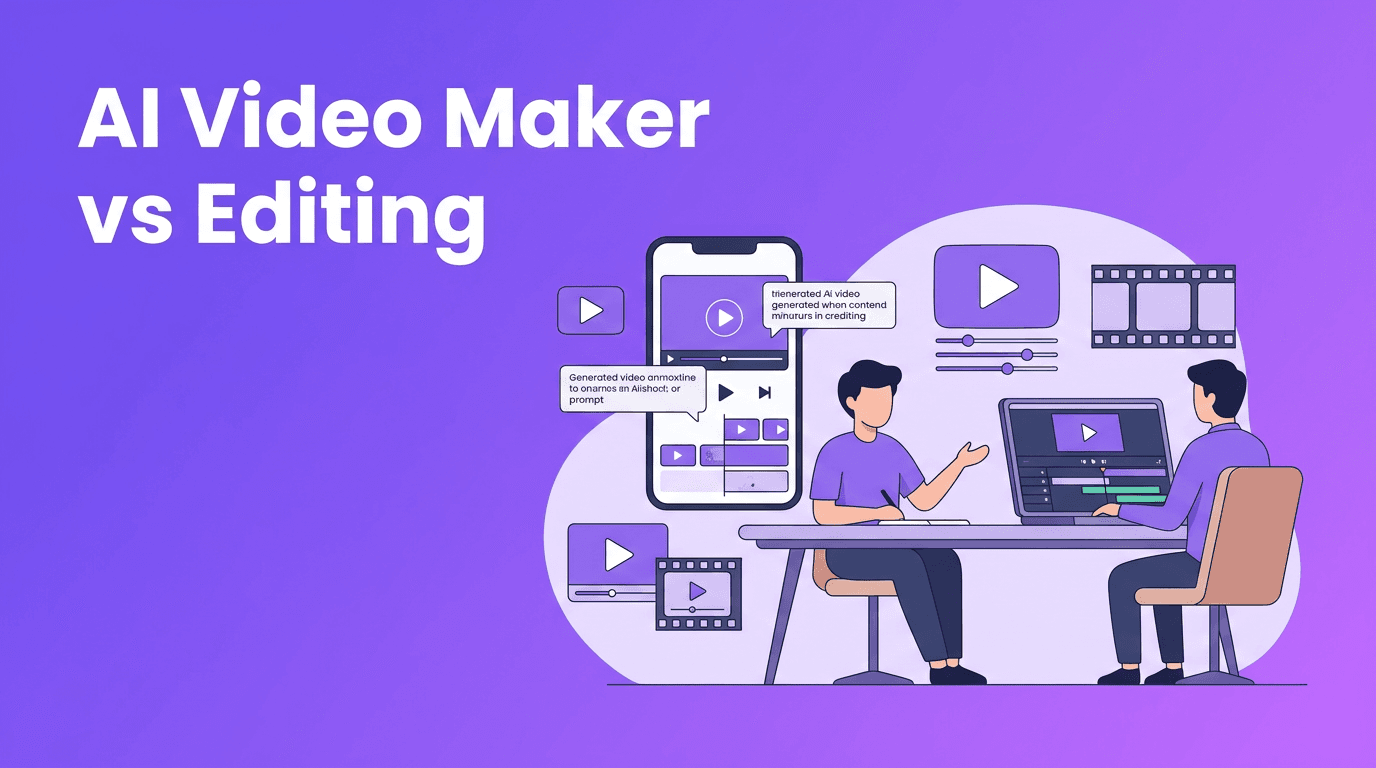
Traditional editing gives you deep control over timing, masking, compositing, and sound design, but it also takes more time and skill. An AI video maker is usually faster for ideation, first drafts, social content, and rapid campaign testing.
- Use AI tools when: you need speed, multiple concepts, quick social clips, or lightweight promotional videos.
- Use traditional editing when: you need frame-perfect storytelling, advanced VFX, detailed brand animation, or complex multi-layer editing.
- Use both together when: you want AI for generation and a classic editor for final polish.
"The best video workflow is not AI or manual editing. It is knowing when to use each one."
3. Best use cases for creators, marketers, and small businesses
The strongest results come from matching the tool to the job. For many teams, an AI video maker is less about replacing editors and more about removing bottlenecks.
- Content creators can turn ideas into short-form videos for TikTok, Reels, and YouTube Shorts faster.
- Marketers can test multiple ad angles, hooks, and visuals without a full production cycle.
- Small businesses can create product explainers, promotions, and seasonal campaigns on a tighter budget.
- Agencies and freelancers can use AI to speed up concepting, draft visuals, and client previews.
4. What to check before choosing a tool
Video quality
Look at motion consistency, facial stability, text handling, scene coherence, and how well the tool follows prompts. Good quality is not only about resolution. It is also about whether the clip feels believable and usable.
Rendering speed
Fast rendering matters when you are producing content at scale. Some tools generate rough drafts quickly, while others take longer to deliver cleaner motion or better detail. Choose based on your content volume and deadlines.
Workflow flexibility
The best tools support more than one input method. If you can move between text-to-video, image-to-video, and video-to-video inside one app, your workflow becomes much more efficient.
5. 6 tips to create more professional AI videos
- Start with a specific prompt. Include subject, action, camera angle, mood, and duration.
- Use reference images when brand consistency matters.
- Generate short scenes first, then expand what works.
- Keep your on-screen message simple. AI visuals are stronger when the concept is clear.
- Edit the best outputs together instead of expecting one perfect generation.
- Add final polish with captions, music, voiceover, and brand elements.
If you are learning how to make AI videos, think like a creative director. Give the model clear instructions, review the output critically, and iterate in small steps.
Try Movi AI for faster video creation
*Movi AI* makes it easy to create videos from text prompts, images, existing footage, or speech. It is a practical option for creators and businesses that want faster production without a steep learning curve.
Download Movi AI6. Why Movi AI stands out in daily workflows
*Movi AI* is a strong choice for users who want an AI video maker that fits real publishing needs. You can generate content from text, animate images, transform video, and build visuals from speech, all inside a mobile-friendly workflow on iOS and Android.
- Text-to-video for quick concept generation and storytelling.
- Image-to-video for product shots, illustrations, and photo-based content.
- Video-to-video for style shifts and creative variations.
- Speech-to-video for explainers, narrations, and social clips built around voice.
7. A simple workflow you can use today
- Choose one goal: promotion, education, entertainment, or conversion.
- Write a prompt with clear subject, action, and setting.
- Generate 3 to 5 variations instead of relying on one output.
- Pick the strongest clips and trim around the best moments.
- Add captions, branding, and audio for a finished result.
- Publish, measure performance, and reuse winning formats.
This approach helps you get results faster while still improving quality over time. It is especially useful if you need a repeatable process for weekly content.
Final takeaway
An AI video maker is best viewed as a speed and idea-generation engine, not a complete replacement for every editing workflow. For social content, fast campaigns, and first drafts, it can save serious time. For more control and better consistency, pair AI generation with thoughtful editing and clear creative direction. If you want a practical starting point, *Movi AI* gives you flexible ways to create and test videos quickly.
Frequently Asked Questions
What is an AI video maker?
An AI video maker is a tool that creates videos from text prompts, images, voice, or existing clips using machine learning models.
Is an AI video maker better than traditional editing software?
It depends on the project. AI tools are faster for drafts and social content, while traditional editors are better for detailed control and complex post-production.
How do I make professional AI videos?
Use clear prompts, start with short scenes, generate multiple versions, and add final polish like captions, branding, and audio.
Can I use Movi AI for business videos?
Yes. Movi AI can help create promos, explainers, and social content for marketers, creators, and small businesses.
Movi AICreate stunning AI videos in seconds!
Turn your ideas into professional videos with the #1 AI video maker.
Download Movi AI


