Animate Photo AI: How to Turn Still Images Into Cinematic Videos
Learn how to use animate photo AI tools to turn still images into cinematic clips for products, real estate, memories, and social media. Discover practical tips and try Movi AI.
By Movi AI Team
Movi AI Editorial Team
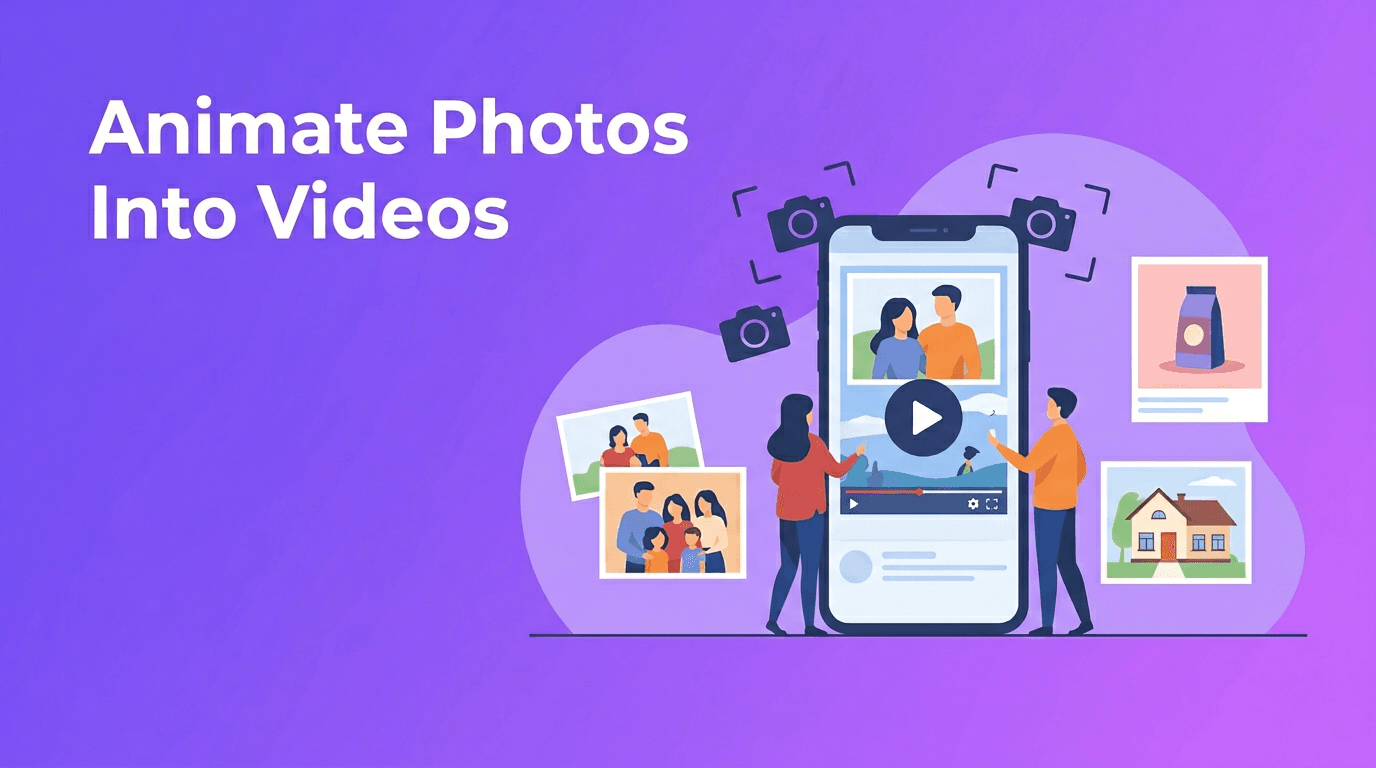
A single photo can do much more than sit still on a screen. With animate photo AI, you can add motion, depth, and storytelling to one image, then turn it into a short video that feels polished and alive. For photographers, sellers, agents, and creators, this is one of the fastest ways to create scroll-stopping content without filming from scratch.
What animate photo AI actually does
In simple terms, animate photo AI analyzes the elements inside a still image, such as people, objects, backgrounds, and perspective. Then it generates movement like a cinematic pan, slow zoom, parallax depth, or subtle character motion. Instead of manually keyframing every detail in a traditional editor, AI helps turn photo into video in minutes.
- Cinematic pan - moves the camera across the image for a film-like feel
- Zoom in or zoom out - adds focus and drama to a subject
- Parallax motion - separates foreground and background to create depth
- Character animation - adds subtle facial, hair, cloth, or body movement when appropriate
- Looped motion - useful for social posts, ads, and story content
"A great photo captures a moment. A great video makes you feel like you are inside it."
How to turn a photo into video with better results
Start with the right source image
The quality of your result depends heavily on the original photo. Choose images that are sharp, well-lit, and clearly framed. If your goal is to convert image to video, avoid photos that are blurry, extremely dark, or cluttered with overlapping objects, because AI has less visual information to work with.
- Use the highest resolution available
- Pick images with a clear subject and visible depth
- Avoid heavy compression or screenshots when possible
- Make sure faces, products, or rooms are not cut off awkwardly
- Use photos with natural lighting for more realistic motion
Choose a motion style that matches the subject
Not every image needs dramatic movement. A family memory may look best with a slow zoom and gentle parallax, while a product photo can benefit from a rotating reveal effect or a controlled camera push. When using ai photo animation, match the motion to the story you want to tell.
Best use cases for photo animation
1. Product photography animation
E-commerce sellers can use image to video ai tools to make static product shots more dynamic. Imagine a skincare bottle with a subtle camera orbit, a sneaker image with layered depth, or a jewelry close-up with a smooth zoom. This helps shoppers notice texture, shape, and premium details.
- Create short product teasers for Instagram Reels and TikTok
- Turn catalog images into ad-ready clips
- Highlight details like packaging, shine, fabric, or finish
- Reuse studio product photography across multiple channels
2. Real estate virtual tours from photos
Real estate agents often have strong listing photos but limited video footage. A smart photo to video app can animate interior and exterior images with elegant pans, zooms, and room-to-room sequencing. This creates a lightweight virtual tour feel without needing a full video shoot.
- Use wide room photos for slow cinematic sweeps
- Sequence kitchen, living room, bedroom, and exterior shots into one listing video
- Add text overlays for price, location, and key features after export
- Keep motion smooth and professional to build buyer trust
3. Bringing old photos to life
One of the most emotional uses of bring photos to life ai tools is restoring and animating personal memories. Old family portraits, travel prints, and childhood snapshots can feel newly vivid when given subtle movement. A gentle push-in, slight head turn, or depth effect can make a memory feel present again.
4. Social media content from still images
Creators do not always have time to film fresh content every day. If you already have strong photos, you can turn photo into video for posts, stories, and ads quickly. This is especially useful for fashion shoots, event recaps, mood boards, before-and-after posts, and creator portfolios.
Animation styles to try
If you want your videos to feel more intentional, experiment with different styles instead of applying the same effect to every image.
- Cinematic pan for landscapes, interiors, and editorial shots
- Slow zoom for portraits, old photos, and emotional moments
- Parallax depth for product shots and travel images
- Character animation for portraits or scenes with a visible person
- Multi-image sequence when you want several photos to feel like one connected story
Why Movi AI is useful for photo-based video creation
*Movi AI* makes it easy to create videos from images, prompts, and existing clips, so you can move from a static photo to engaging motion content without a complex editing workflow. Whether you want photo to video content for marketing, memory projects, listings, or social media, Movi AI helps you test creative directions faster.
Ready to animate your photos?
Use *Movi AI* to create eye-catching videos from still images, prompts, and more. It is a simple way to make photo-based content feel cinematic and modern.
Download Movi AIBest practices for cleaner, more realistic motion
- Keep movements subtle unless the concept is intentionally bold
- Do not over-animate faces, especially in sentimental photos
- Use consistent motion across multiple photos in one video
- Check edges, hands, and background details for visual artifacts
- Export in formats and aspect ratios that match your platform
The best convert image to video results usually come from restraint. Small, believable motion often looks more premium than aggressive movement. For product pages and property listings especially, realism builds confidence.
Final thoughts on turning still images into motion
If you already have a strong photo library, you already have the raw material for better video content. With animate photo AI, you can transform product images, listing photos, personal memories, and social posts into dynamic visuals that hold attention. Start with one clear image, choose a fitting motion style, and let AI help you create more with less effort.
Frequently Asked Questions
How can I animate a photo with AI?+
You can upload a still image into an AI video tool, choose a motion style such as pan, zoom, or parallax, and generate a short animated clip automatically.
What is the best way to turn a photo into video?+
Start with a sharp, high-resolution image and use subtle motion that matches the subject. Slow zooms and parallax effects usually look the most natural.
Can AI bring old photos to life?+
Yes. AI can add gentle movement and depth to old portraits and family photos, making them feel more vivid while preserving the original memory.
Is a photo to video app useful for real estate listings?+
Yes. It can turn property photos into smooth listing videos with cinematic motion, which helps agents present homes more professionally online.
Create stunning AI videos in seconds!
Turn your ideas into professional videos with the #1 AI video maker.
Download Movi AI