AI Video Creator Guide: 7 Practical Ways to Make Better Videos Faster
An AI video creator helps you turn prompts, images, and ideas into polished content faster. Learn how it works, which tools matter, and how to create better videos with *Movi AI*.
By Movi AI Team
Movi AI Editorial Team
An AI video creator uses machine learning models to turn text prompts, images, voice, or existing clips into new videos with far less manual editing. For creators and marketers, that means faster production, simpler workflows, and more ways to test ideas without a full studio setup.
1. What an AI video creator actually does
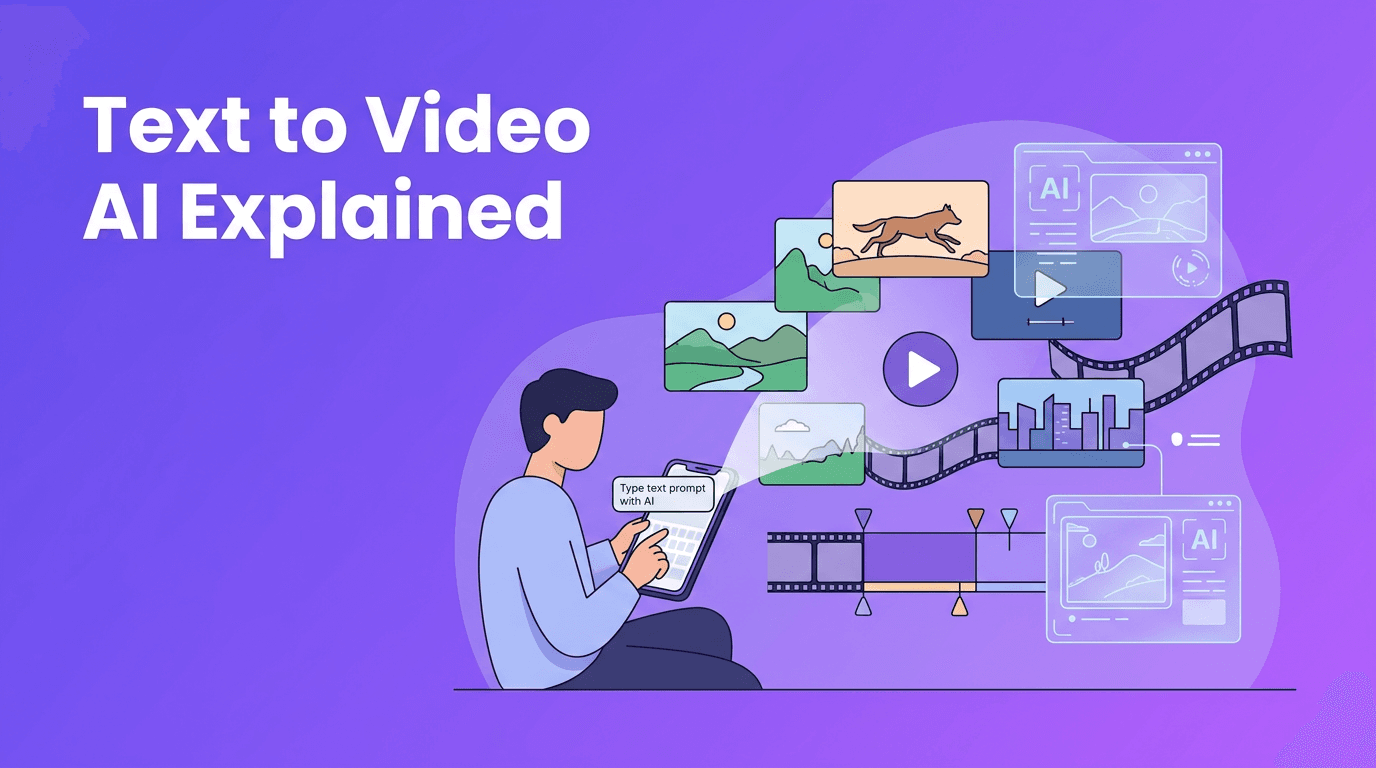
At a basic level, an AI video creator analyzes your input, such as a prompt like "show a product reveal with cinematic motion" or a still image, then predicts how frames, motion, lighting, and transitions should look over time. Some tools focus on text to video AI, while others specialize in image animation, avatar videos, or style transfer from one video to another.
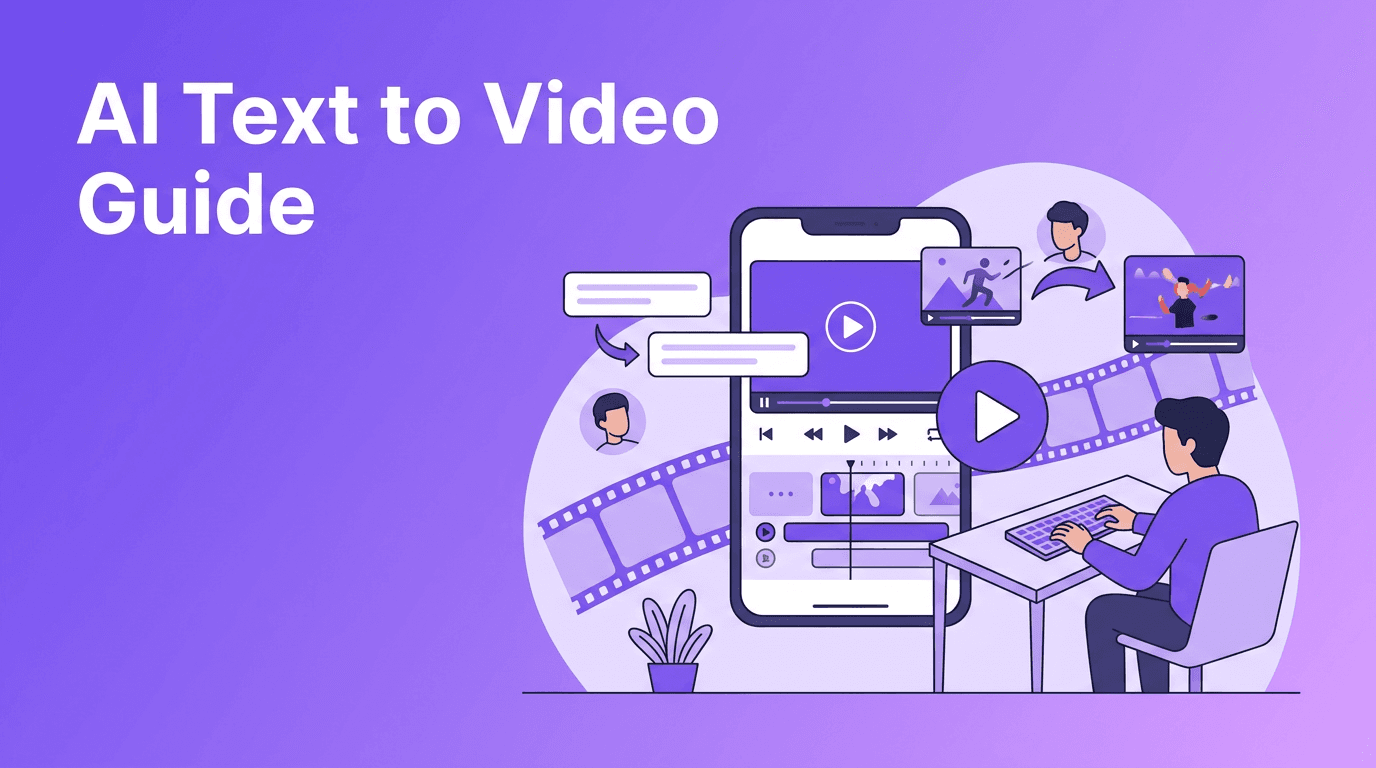
- Text-to-video turns written prompts into short visual scenes.
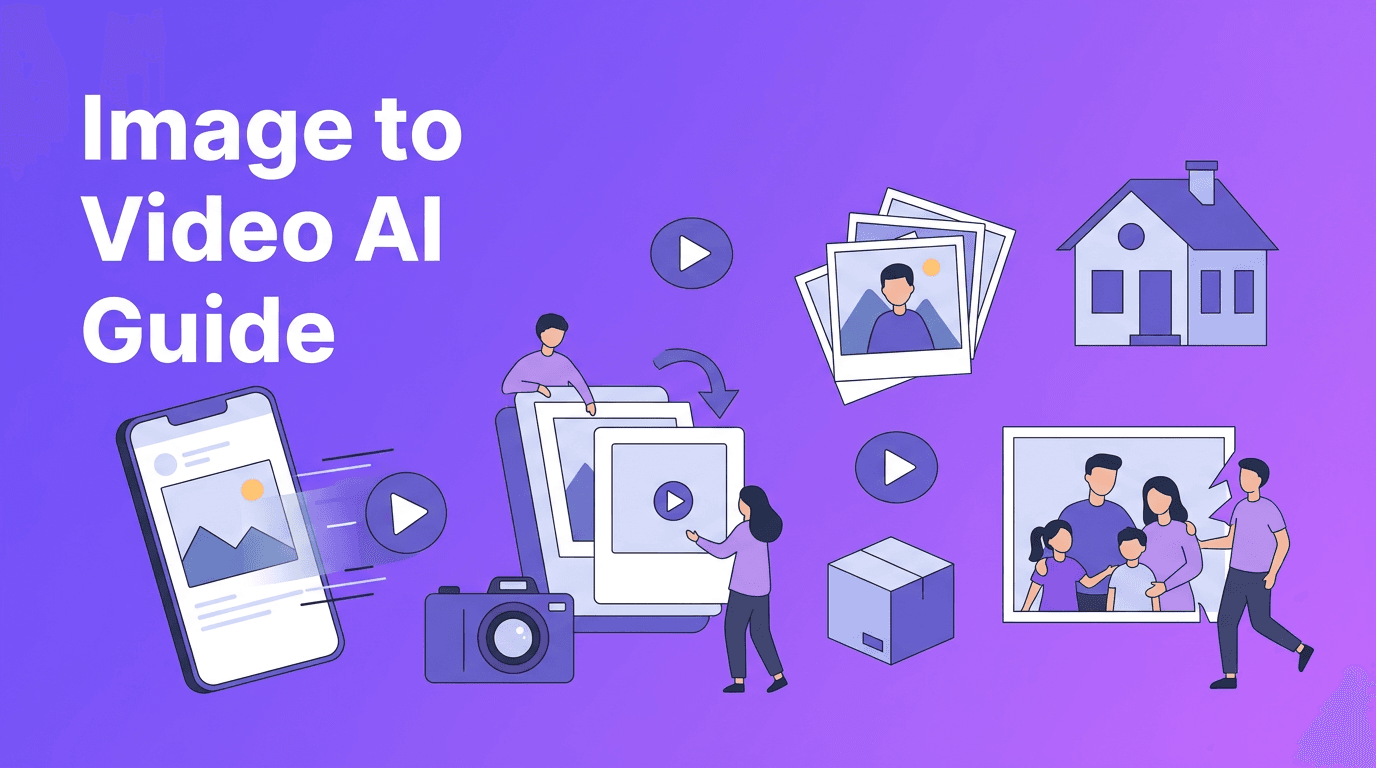
- Image-to-video animates photos, product shots, or illustrations.
- Video-to-video changes the visual style or structure of existing footage.
- Speech-to-video builds scenes or talking content around voice input.
- Template-based AI speeds up ad creation, explainers, and social clips.
2. How AI video generation works in simple steps
Input, interpretation, generation, refinement
Most workflows follow four stages. First, you provide input such as text, images, or video. Second, the model interprets your intent, including subject, motion, camera feel, and scene structure. Third, it generates draft frames and sequences. Finally, you refine the result with prompt edits, aspect ratio changes, pacing adjustments, or another generation pass.
This is why strong prompting matters. If you want better results from an AI video creator app, be specific about subject, action, framing, duration, and mood. Clear inputs usually produce more usable output and reduce the number of retries.
"The fastest video workflow is not about replacing creativity. It is about removing the slowest steps between idea and publish."
3. Best use cases for creators, marketers, and small businesses
- Content creators can draft reels, shorts, explainers, and story-driven posts quickly.
- Marketers can test multiple ad concepts before investing in full production.
- Small businesses can make product promos, seasonal offers, and local campaigns on a budget.
- Agencies can speed up concept development and client previews.
- Educators and coaches can turn scripts and visuals into simple training videos.
A practical example is launching three versions of the same campaign for different audiences. With an AI video creator, you can keep the core message but swap hooks, visuals, or pacing for Instagram, TikTok, YouTube Shorts, and paid ads.
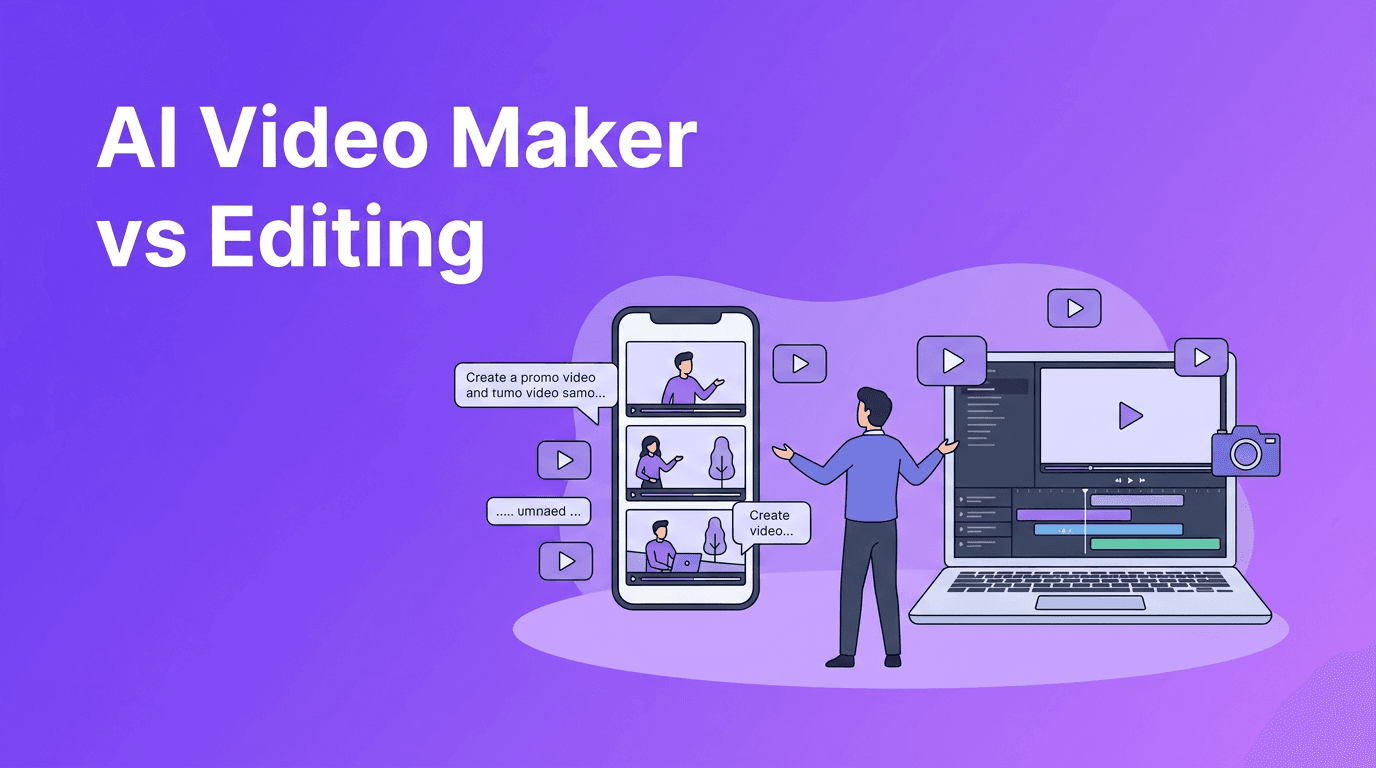
4. AI video creator vs traditional video editing
Where AI wins
- Speed - AI can generate rough cuts or finished short videos much faster than manual editing.
- Idea testing - You can explore more concepts before choosing a final direction.
- Lower production barrier - No camera crew, location, or advanced editing skills required for many tasks.
- Repurposing - One idea can become multiple formats and variations quickly.
Where traditional editing still matters
- Precise control is still stronger in professional editing suites.
- Brand consistency can require manual review and custom polish.
- Complex storytelling often benefits from human editing judgment.
- Long-form production may still need standard editing workflows for best results.
The smartest approach is often hybrid. Use AI for ideation, first drafts, quick social content, and visual experimentation, then use conventional editing for final polish when needed.
5. 6 tips to make professional AI videos
- Start with a clear goal. Know whether the video is for clicks, sales, education, or engagement.
- Write prompts with subject + action + camera angle + setting + style for stronger outputs.
- Use short scenes instead of trying to create a full complex story in one generation.
- Match the aspect ratio to the platform before rendering.
- Create multiple variations and compare hooks, pacing, and visuals.
- Add a final pass for captions, branding, and CTA clarity before publishing.
A simple prompt formula
Try this structure: subject + action + environment + camera movement + outcome. Example: "A small bakery owner packaging fresh pastries in a bright shop, slow camera push-in, ending on a branded box ready for delivery." This gives the model more direction than a vague prompt.
6. How Movi AI fits into a modern workflow
*Movi AI* is a practical option for anyone who wants an AI video creator app on iOS or Android. It supports text-to-video, image-to-video, video-to-video, and speech-to-video, which makes it useful for creators who need flexibility without jumping across multiple tools.
Try Movi AI for faster creation
Turn prompts, images, and clips into polished videos with *Movi AI*. It is a simple way to test ideas, build content faster, and create professional-looking results from your phone.
Download Movi AIIf your workflow starts on mobile, *Movi AI* can help reduce friction. You can move from concept to draft quickly, test more ideas, and create videos for social channels without waiting on a full desktop edit every time.
7. What to compare before choosing an AI video tool
- Generation quality - Are faces, motion, and transitions convincing enough for your use case?
- Rendering speed - Faster output helps when testing many versions.
- Input types - Check whether the tool supports text, images, speech, and existing footage.
- Editing flexibility - Look for easy revisions, resizing, and regeneration options.
- Platform fit - A mobile-first AI video creator app may be ideal for fast social production.
- Cost and access - Consider trial options, export limits, and whether a free plan is actually usable.
When people search for the best tool, they often focus only on visuals. But speed, revisions, and format support matter just as much, especially for real publishing schedules.
Final thoughts
An AI video creator is most valuable when it helps you make more content, test more ideas, and publish faster without sacrificing clarity. For short-form content, product promos, and quick campaign experiments, AI can be a major advantage. If you want a flexible mobile tool to start creating with text, images, voice, or clips, *Movi AI* is worth trying.
Frequently Asked Questions
What is an AI video creator?+
An AI video creator is a tool that generates videos from text prompts, images, voice, or existing footage using machine learning models.
How do I make AI videos that look professional?+
Use clear prompts, keep scenes short, match the aspect ratio to the platform, create multiple versions, and add branding and captions before publishing.
Is AI video better than traditional video editing?+
AI is faster for ideation, quick content, and testing. Traditional editing is still better for detailed control, complex storytelling, and final polish.
Which AI video creator app is good for mobile users?+
Movi AI is a useful option for mobile creators because it supports text-to-video, image-to-video, video-to-video, and speech-to-video in one app.
Create stunning AI videos in seconds!
Turn your ideas into professional videos with the #1 AI video maker.
Download Movi AI