Promptless Product Videos: How an AI video maker can repurpose catalogs into launch-ready clips
An AI video maker can turn product catalogs, listings, and simple assets into launch-ready clips faster. Learn a practical workflow for creating retail videos with Movi AI.

By Movi AI Team
Movi AI Editorial Team
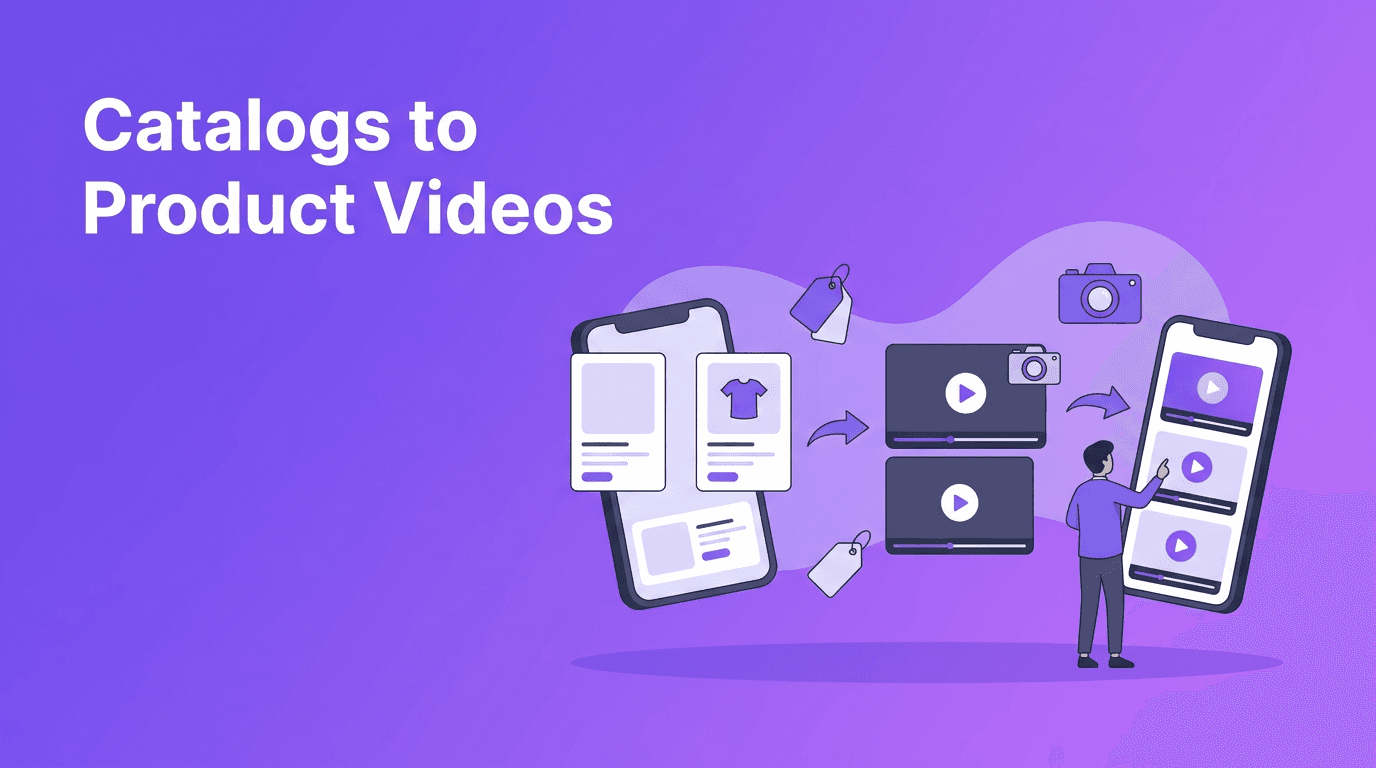
A catalog video maker workflow helps brands turn static product listings into short, useful clips without planning a full shoot. If you manage many SKUs, seasonal offers, or fast product updates, this approach is often quicker than starting every video from scratch.
Why catalog-based video is a smart content angle
Many stores already have the raw ingredients for video: product photos, short descriptions, pricing notes, brand colors, and customer benefits. Instead of waiting for a full production cycle, you can use these existing assets to build videos for launches, retargeting, product pages, and social posts.
- Use product photos as the visual base for quick promos
- Turn bullet-point benefits into concise on-screen messaging
- Reuse brand assets across multiple formats
- Make versioned clips for sales, bundles, and seasonal campaigns
A 5-step catalog video maker workflow
1. Sort products by campaign goal
Group items by launch, clearance, bestseller, or bundle. This makes scripting and visual pacing easier because each video serves one clear purpose.
2. Pick assets with clear visual hierarchy
Choose images that show shape, texture, and real use. If every image is similar, vary crop, angle, and sequence to avoid a flat result.
3. Write benefit-first copy
Lead with the outcome, not the spec sheet. Instead of listing dimensions first, highlight the customer value, then add supporting details.
4. Create short scene groups
Build a simple flow: hook, product highlight, proof point, offer, CTA. This structure works well for social clips and product page loops.
5. Export versions for each placement
Create vertical cuts for Reels and Shorts, plus square or landscape variations for ads, web banners, and storefront features.
Where Movi AI fits into the process
*Movi AI* is useful when you want to turn text, images, or existing videos into fresh motion content quickly. For stores and marketers, it can help speed up concept generation, variant testing, and short-form production without a heavy editing workflow.
"The fastest video workflow often starts with assets you already own, not assets you still need to produce."
Turn product assets into video faster
Use Movi AI to create short promotional clips from text, images, or existing videos and keep your retail content moving.
Download Movi AIProfessional tips for stronger retail clips
- Keep each clip focused on one product story
- Limit on-screen text so the offer stays easy to scan
- Use a clear opening frame that communicates the product in under two seconds
- Create multiple hooks to test what improves click-through rate
- Match each clip to its destination, such as ads, product pages, or social feeds
Catalog workflow vs traditional editing
Traditional editing gives you precise manual control, but it usually requires more shooting, timeline work, and revisions. A catalog video maker approach is better when speed, volume, and quick iteration matter most. For many small businesses, that difference can determine whether they publish weekly or not.
Best use cases for catalog-driven clips
- New arrivals and weekly product drops
- Bundle promotions for ecommerce stores
- Marketplace listings that need richer media
- Retargeting ads built from existing assets
- Seasonal refreshes without a reshoot
Frequently Asked Questions
What is a catalog video maker?
A catalog video maker workflow turns existing product assets like photos, text, and offers into short promotional videos faster than a full traditional production process.
Can I make product videos without filming new footage?
Yes. Many brands use existing images, descriptions, and short clips to create product videos for ads, social media, and ecommerce pages.
Is Movi AI useful for retail video creation?
Yes. Movi AI can help create videos from text, images, or existing footage, which is useful for product launches, promotions, and quick content testing.
Are catalog-based videos good for small businesses?
Yes. They are especially helpful for small teams that need consistent video output without the time and cost of frequent studio shoots.
Movi AICreate stunning AI videos in seconds!
Turn your ideas into professional videos with the #1 AI video maker.
Download Movi AI


