Cinemagraph Marketing: How to Turn One Product Photo Into a Looping Sales Video
Cinemagraph marketing helps brands turn a single product image into a looping, eye-catching sales video. Learn practical motion ideas, quality tips, and ways to create more engaging visual content fast.

By Movi AI Team
Movi AI Editorial Team
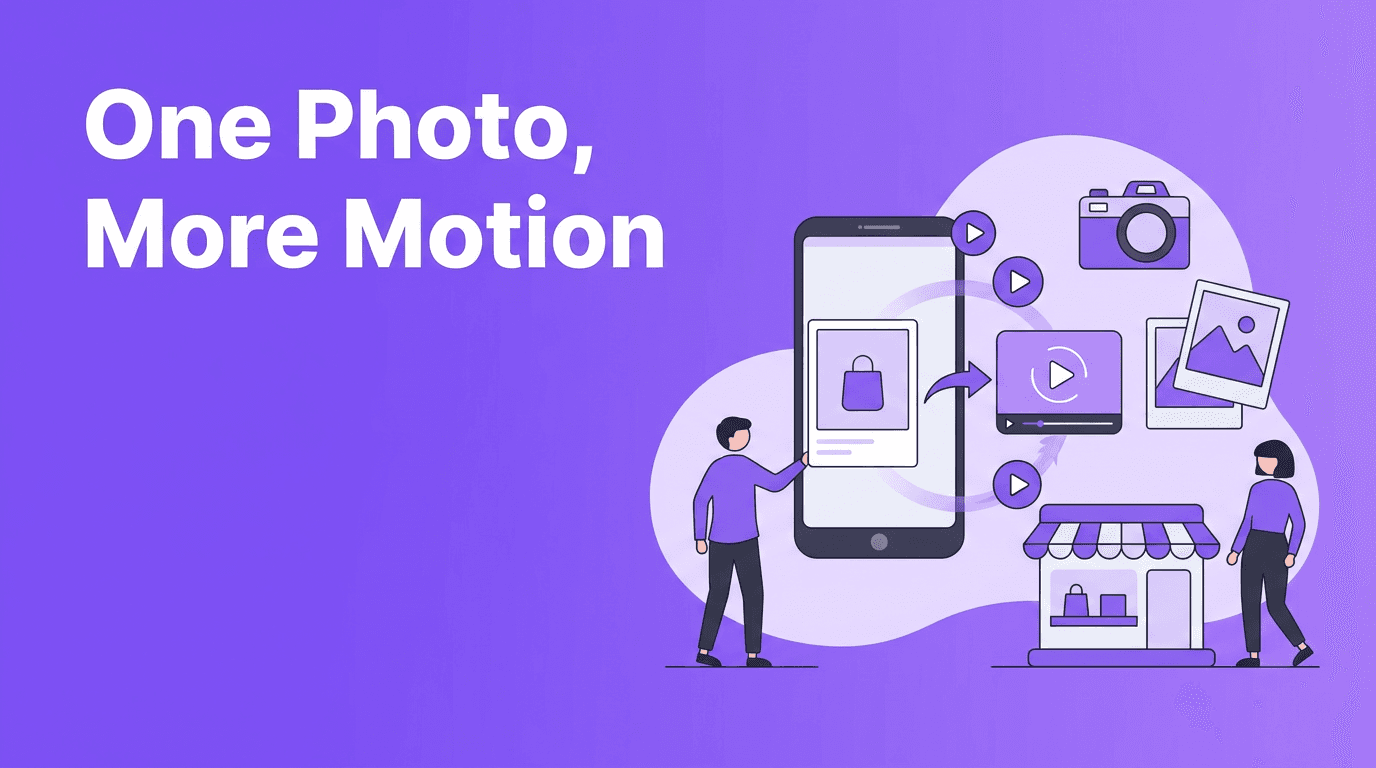
Cinemagraph marketing is a smart way to turn a single product image into a subtle, looping visual that feels more alive than a still photo and easier to produce than a full shoot. For brands, creators, and online sellers, it offers a practical path to eye-catching content without a complex setup.
Why cinemagraph marketing works
A looping visual catches attention because it creates *just enough* motion to stop the scroll. Instead of moving everything, you highlight one detail, like steam rising from a cup, fabric swaying, or light glinting off packaging. That makes cinemagraph marketing especially useful for product launches, paid ads, and homepage visuals.
- Draw focus to one feature such as texture, shine, or movement
- Increase watch time with a seamless loop that feels satisfying
- Reuse existing photos instead of planning a full video shoot
- Create premium-looking assets for stores, ads, and social posts
Best use cases for one-photo motion content
E-commerce product highlights
Online stores can animate details like pouring serum, rotating reflections on a bottle, or soft fabric movement on apparel. This helps shoppers notice material, finish, and mood faster than they would with a standard product image.
Food and drink promotions
For cafes, restaurants, and packaged food brands, loops work well with steam, drips, fizz, or gentle camera movement. Even one hero image can become a more dynamic ad asset.
Social media launches
Creators can use cinemagraph marketing to tease a new drop, highlight a hero product, or refresh an older campaign visual. It is especially effective in Stories, Reels covers, and vertical ad placements.
"Motion does not need to be big to be persuasive. Sometimes one moving detail tells the whole story."
How to choose the right photo
The best source images have a clear subject, strong lighting, and one element that makes sense to animate. Clean backgrounds, visible texture, and depth between foreground and background can improve the final result.
- Use high-resolution photos to avoid softness after motion is added
- Pick an image with clear separation between subject and background
- Look for details that support motion, like hair, fabric, liquid, smoke, or reflections
- Avoid overly busy frames where the viewer cannot tell what should move
Simple motion styles to test
- Micro-loop motion for small repeating details
- Slow zoom to add focus and polish
- Parallax depth to separate foreground and background
- Light movement to make packaging or surfaces feel premium
- Atmospheric effects like steam, glow, mist, or dust for mood
How Movi AI helps
With *Movi AI*, you can start from an image and create motion-rich video content faster using AI-powered generation tools. This is useful when you want to transform product photography into short branded clips without traditional frame-by-frame editing.
Ready to animate your product photos?
Use Movi AI to turn static visuals into polished motion content for ads, social posts, and storefronts in less time.
Download Movi AIBest practices for stronger results
- Keep motion intentional and limited so the loop feels elegant
- Match movement to the product story, for example soft motion for skincare or sharper motion for tech
- Export versions for vertical, square, and landscape placements
- Test the loop with and without text overlays to see what performs better
- Use brand-consistent pacing so assets feel cohesive across campaigns
Common mistakes to avoid
- Animating too many parts of the image at once
- Using low-quality source photos with poor detail
- Choosing motion that feels unnatural for the subject
- Making loops too fast or visually distracting
Frequently Asked Questions
What is cinemagraph marketing?
Cinemagraph marketing uses subtle looping motion in a mostly static image to create more eye-catching visual content for ads, websites, and social media.
Can I turn one product photo into a video?
Yes. AI tools can add zoom, parallax, and selective motion to a single product image, creating a short video clip from one photo.
Is cinemagraph marketing good for e-commerce?
Yes. It helps highlight product details, adds movement to listings and ads, and can improve attention without the cost of a full video shoot.
How do I make a looping product visual with AI?
Start with a clear high-resolution image, choose one area to animate, apply subtle motion, and export the result in the format needed for your platform.
Movi AICreate stunning AI videos in seconds!
Turn your ideas into professional videos with the #1 AI video maker.
Download Movi AI


