Image Sequence Video: How AI Adds Motion to a Single Photo
Image sequence video is a smart way to turn one still image into motion for product shots, listings, memories, and social posts. Learn practical styles, setup tips, and how AI helps you create polished clips fast.

By Movi AI Team
Movi AI Editorial Team
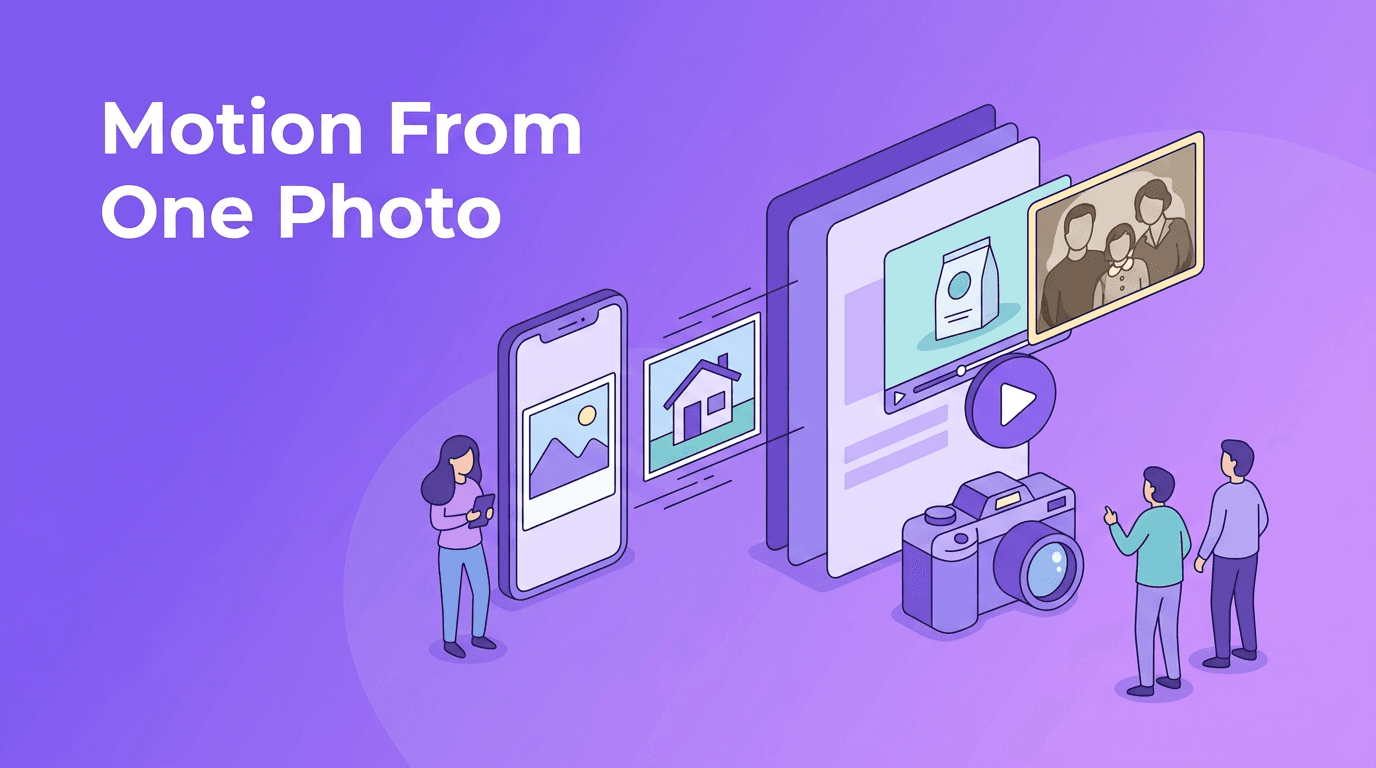
Image sequence video is one of the easiest ways to create motion from a still photo. Instead of shooting fresh footage, you can use AI to add movement, depth, and energy to a single image for marketing, storytelling, or personal projects.
Why one photo can become a compelling video
A strong photo already has composition, subject focus, and emotion. AI builds on that by simulating motion such as cinematic pan, slow zoom, parallax depth, or subtle subject movement. The result feels more alive than a static post and often takes far less effort than filming from scratch.
- For e-commerce sellers: turn a product image into a short clip for product pages, ads, and social posts.
- For real estate agents: create room-by-room motion from listing photos to make a property feel more immersive.
- For families and creators: revive old portraits, travel shots, and event photos with gentle movement.
- For social media teams: repurpose image libraries into Reels, Shorts, and story content quickly.
How image-to-video AI works in simple terms
With image to video AI, the app analyzes the photo, identifies subjects and layers, then predicts realistic movement between frames. Think of it like building tiny transitions inside the image. Instead of changing the whole scene, AI usually moves the camera perspective, foreground, background, or facial details in a natural-looking way.
Common motion styles you can create
- Cinematic pan - the frame glides left, right, up, or down to reveal more of the scene.
- Zoom in or zoom out - useful for dramatic product reveals, interiors, or portraits.
- Parallax motion - foreground and background move at different speeds to create depth.
- Character animation - subtle movement in faces, hair, posture, or clothing when the image contains a person.
- Ambient motion - small movements like drifting clouds, moving light, or soft environmental changes.
"A still photo captures a moment. Motion helps people feel it."
Best photos to use for AI photo animation
The quality of the source image matters a lot. If you want better AI photo animation, start with a photo that is sharp, well lit, and clearly framed. AI can enhance motion, but it cannot fully rescue a blurry or low-detail image.
- Use high-resolution photos whenever possible.
- Pick images with a clear subject and visible separation from the background.
- Choose shots with natural depth, such as a foreground object and distant background.
- Avoid cluttered scenes when testing motion for the first time.
- For old photos, scan them cleanly and crop out damaged edges before you animate them.
When old photos work especially well
If you want to bring photos to life AI style, portraits and documentary images often perform best. A centered face, visible eyes, and simple background make it easier to add subtle expression and camera movement without making the result feel artificial.
Use case 1: Product photography animation
Product teams can convert image to video content from a single hero shot. A slow push-in on a sneaker, skincare bottle, or watch can instantly make a listing look more premium. Add a short caption or music and you have an ad-ready asset without booking a studio shoot.
- Use a zoom-in reveal for luxury or detail-heavy products.
- Try parallax motion for items photographed on styled backgrounds.
- Create before-and-after sequences by combining multiple product images into short edits.
- Export vertical versions for TikTok, Reels, and Shorts from the same base image.
Practical example
Imagine a coffee brand with one polished product photo. Instead of posting the still image alone, they create a 7-second clip with a gentle camera push, drifting steam effect, and animated text. That single asset now works as a social teaser, product page visual, and ad variation.
Use case 2: Real estate virtual tours from listing photos
Real estate professionals can turn photo into video content by adding smooth movement to room photos, exterior shots, and amenity images. This helps listings feel more dynamic when full walkthrough video is unavailable.
- Apply a slow horizontal pan across wide living room shots.
- Use zoom-out motion on kitchen or bathroom photos to reveal space.
- Add depth-based parallax to exterior house images for curb appeal.
- Sequence multiple animated photos to simulate a mini property tour.
This approach is especially useful for agents who need fast turnaround. A polished photo video app workflow can help transform still listing assets into short, shareable clips for social media, email campaigns, and property pages.
Use case 3: Personal memories and old family photos
One of the most emotional uses of image sequence video is restoring a sense of presence to family archives. Wedding portraits, childhood snapshots, graduation photos, and travel memories can feel newly meaningful when animated with care.
- Use gentle zoom for emotional portraits.
- Keep facial movement subtle and natural.
- Pair animated photos with voice narration or music.
- Create short tribute videos from scanned prints and albums.
For memory projects, less is usually more. The goal is not flashy effects. It is to preserve the feeling of the original moment while adding just enough movement to make it feel vivid.
Use case 4: Social media content from a photo library
Creators and brands often have plenty of images but not enough video. That is where image sequence video becomes practical. You can turn campaign photos, behind-the-scenes stills, food shots, or travel images into motion content for daily posting.
- Batch several animated images into a carousel-to-video recap.
- Use one strong portrait to create a talking-point intro clip for a Reel.
- Animate event photos into highlight montages.
- Test different motion directions to see which version gets better retention.
Turn your photos into motion with Movi AI
Use *Movi AI* to animate product shots, listing photos, portraits, and social images with simple AI-powered video tools on mobile.
Download Movi AIBest practices for more realistic results
- Start with short clips, usually 5 to 10 seconds.
- Choose one main motion idea instead of stacking too many effects.
- Match the motion to the image mood, slow for memories, cleaner and sharper for products.
- Check edges, hands, faces, and text areas for visual artifacts before exporting.
- If needed, create multiple versions and pick the most natural-looking result.
How Movi AI fits the workflow
*Movi AI* helps you create motion from images, text, and existing video in one app. If you want to experiment with image to video AI for listings, product visuals, or personal edits, it gives you a practical mobile workflow for generating clips without complex software.
Final takeaway
If you have a strong photo, you already have the foundation for video. With the right framing, motion style, and clean source image, image sequence video can help you create more engaging content for sales, storytelling, and social media, all from a single still.
Frequently Asked Questions
How can I turn a single photo into a video with AI?
Use an app that supports image-based video generation. Upload a clear photo, choose a motion style like pan or zoom, then export the animated clip.
What is the best photo for image to video AI?
The best photos are sharp, well lit, and have a clear subject with visible depth. Clean backgrounds and high resolution usually produce better motion.
Can AI animate old family photos?
Yes. AI can add subtle movement and camera motion to scanned portraits and memory photos, especially when faces are clear and the image is restored first.
Can I use animated photos for product marketing?
Absolutely. Animated product photos work well for ads, product pages, and social posts because they add motion without requiring a full video shoot.
Movi AICreate stunning AI videos in seconds!
Turn your ideas into professional videos with the #1 AI video maker.
Download Movi AI


