Image to Video AI for Still Photos: How to Create Motion That Feels Cinematic
Image to video AI makes it easier to turn a single photo into a moving story. Learn how to animate still images, create cinematic motion, and use AI for products, real estate, memories, and social content.

By Movi AI Team
Movi AI Editorial Team
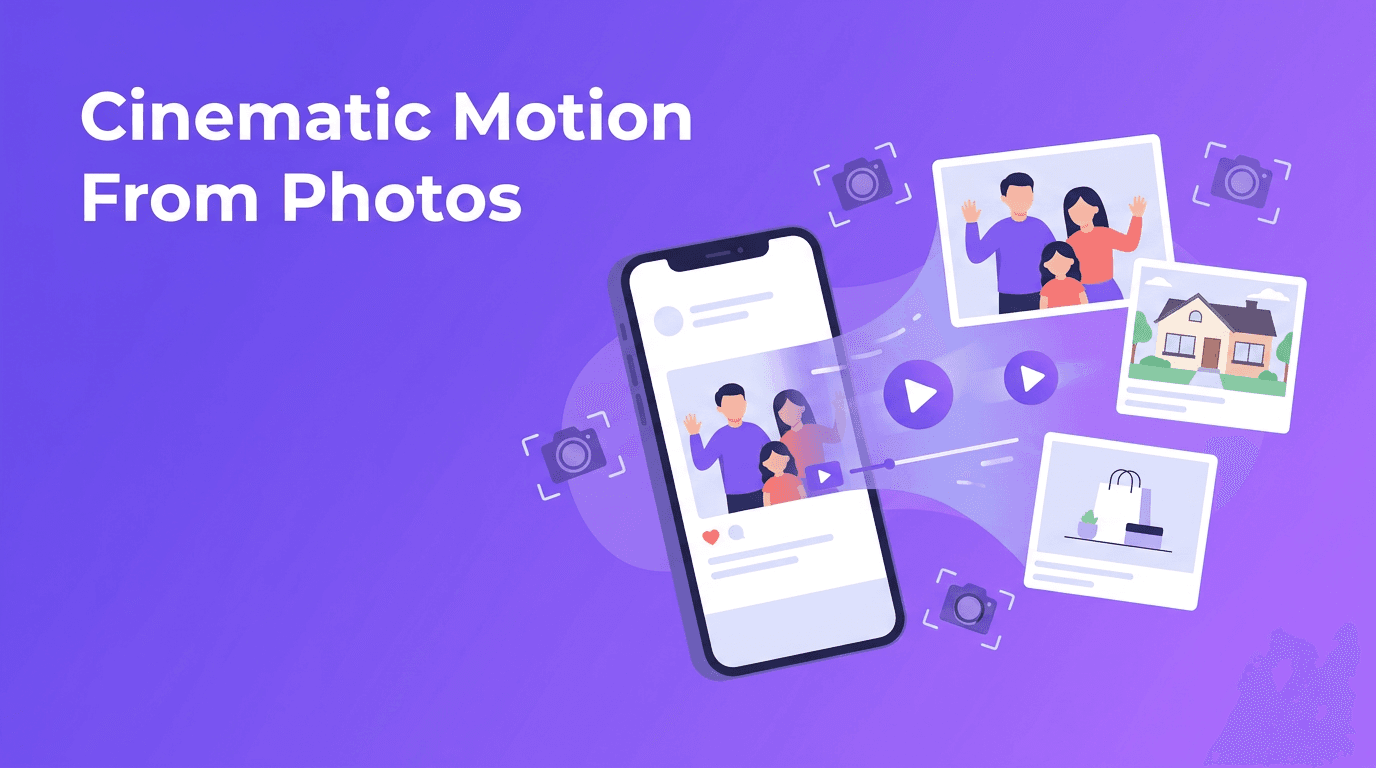
Image to video AI is changing how people use their photo libraries. Instead of letting great images sit still, you can turn a photo into video content with motion, depth, and storytelling. Whether you want to revive family memories, animate product shots, build a real estate walkthrough, or make faster social posts, AI now makes that process much simpler.
Why still photos work so well for video
A strong photo already has composition, lighting, and a focal point. AI adds movement on top of that foundation. With the right tool, ai photo animation can simulate camera motion, layered depth, and even subtle subject movement, so a single image feels more like a scene than a snapshot.
- Use a cinematic pan to move across wide landscapes, interiors, or group photos.
- Add a slow zoom to highlight a product, a face, or an architectural detail.
- Create a parallax effect to separate foreground and background for more depth.
- Use character animation carefully for portraits when you want eyes, hair, or posture to feel more alive.
"A great photo captures a moment. A great video helps people feel like they are inside it."
How image to video AI works in simple terms
At a basic level, image to video AI analyzes the contents of a photo, identifies objects and depth, and predicts how motion could look from a single frame. Some tools create movement by simulating a virtual camera. Others generate new in-between frames so the image appears to move naturally. This is why you can convert image to video without manually editing every detail.
Common animation styles you can create
- Cinematic pan - Best for travel photos, real estate rooms, and wide product scenes.
- Zoom in or zoom out - Great for emotional portraits, hero products, and before-and-after visuals.
- Parallax motion - Useful when you want layered depth from foreground objects, people, or furniture.
- Character animation - Best for portraits and old family photos, but should be subtle for believable results.
The best results usually come from motion that matches the original image. If the photo is calm and intimate, use a gentle move. If it is bold and commercial, a stronger pan or reveal may fit better.
Best source photos for better AI photo animation
Not every image behaves the same way. If you want animate photo AI results that look clean and professional, start with high-quality source photos. Sharp details, clear subjects, and balanced lighting give the model more visual information to work with.
- Use images with good resolution so motion remains crisp.
- Choose photos with a clear subject and a readable background.
- Avoid heavy blur, compression artifacts, or extreme filters.
- Leave some visual space around the subject if you want camera movement.
- For old photos, scan them cleanly before you bring photos to life AI style.
Quality tips for old and personal photos
When you want to bring photos to life AI style, especially vintage portraits or family snapshots, restoration matters. Clean up dust, improve contrast, and crop carefully before animation. Small repairs can make the final motion feel much more natural and respectful to the original memory.
Use cases: from product shots to virtual tours
1. Product photography animation
E-commerce sellers can use photo to video workflows to turn static product images into short ads, product highlights, or listing videos. A simple zoom, rotating camera feel, or layered reveal can make clothing, beauty products, gadgets, and home items look more premium without filming from scratch.
- Animate a hero product image for TikTok, Reels, or Shorts.
- Show product features with a slow pan across packaging details.
- Create multiple versions from one photo for ads, marketplaces, and social posts.
2. Real estate virtual tours from photos
Real estate agents can turn photo into video clips by adding smooth motion to listing images. Wide-angle room photos work especially well with cinematic pans and parallax effects. This creates a lightweight virtual tour feel without needing a full video shoot for every property.
- Pan across living rooms, kitchens, and exterior shots.
- Zoom toward premium features like fireplaces, islands, or balconies.
- Combine several animated photos into one fast listing reel.
3. Personal memories and old photos
Family albums are one of the most emotional uses of image to video AI. A still graduation portrait, wedding photo, or childhood snapshot can become a short tribute clip with gentle movement and music. For many people, this is the easiest way to animate still photos without learning complex editing tools.
4. Social media content from photos
Creators often need content faster than they can film it. A photo to video app can transform a single image into a reel, story, teaser, or post background. This works well for fashion shoots, travel photos, food content, portfolio posts, and brand campaigns.
Practical workflow to convert image to video
- Start with your strongest image, not just any image.
- Choose one motion style, such as pan, zoom, parallax, or character animation.
- Keep the movement short and purposeful, usually a few seconds is enough.
- Match the motion to the content goal, emotional, commercial, informative, or dramatic.
- Export in the format you need for social, ads, listings, or memory videos.
If you are using *Movi AI*, you can create videos from images quickly and test different motion directions without rebuilding the whole project. That makes it easier to compare a subtle memory-style animation with a more energetic commercial version.
Turn your photos into motion with Movi AI
Use *Movi AI* to create polished videos from still images, product photos, portraits, and listing shots. Test cinematic motion styles fast and publish more visual content with less effort.
Download Movi AIMistakes to avoid when you turn photo into video
- Do not over-animate every frame. Too much movement can look artificial.
- Avoid unrealistic facial or body motion on portraits unless the effect is intentional.
- Do not use low-resolution screenshots if you want professional output.
- Keep text overlays and music aligned with the mood of the image.
- Test vertical and horizontal exports separately for better composition.
The goal is not just motion. The goal is believable, useful motion that supports the story you want the viewer to feel.
Why Movi AI is a smart photo to video app
*Movi AI* helps users create video content from photos, prompts, and existing clips in one place. If you want a flexible photo to video app for product content, real estate posts, memory videos, or social media, it gives you a simple way to explore ai photo animation without a steep editing learning curve.
Because the app supports modern AI video creation workflows, it is useful for both beginners and busy creators who want faster output. You can experiment, refine, and publish without needing a traditional production setup.
Frequently Asked Questions
How can I turn a photo into a video with AI?
You can upload a still image to an AI tool, choose a motion style like pan, zoom, or parallax, and export the generated clip as a video.
What is the best image to video AI for social media content?
The best option is one that makes animation simple, supports fast exports, and helps you create vertical videos easily, such as Movi AI.
Can AI animate old family photos?
Yes. AI can add subtle motion to old portraits and memory photos, especially if the original image is scanned clearly and lightly restored first.
What photos work best for AI photo animation?
High-resolution photos with clear subjects, clean lighting, and enough visual separation between foreground and background usually produce the best results.
Is a photo to video app useful for product and real estate marketing?
Yes. It can turn static listing or product images into more engaging video content for ads, social posts, and promotional reels.
Movi AICreate stunning AI videos in seconds!
Turn your ideas into professional videos with the #1 AI video maker.
Download Movi AI


