Image to Video AI: How to Turn One Photo Into a Cinematic Story
Learn how image to video AI helps you animate still photos, create cinematic motion, and turn memories, product shots, and listings into engaging videos.

By Movi AI Team
Movi AI Editorial Team
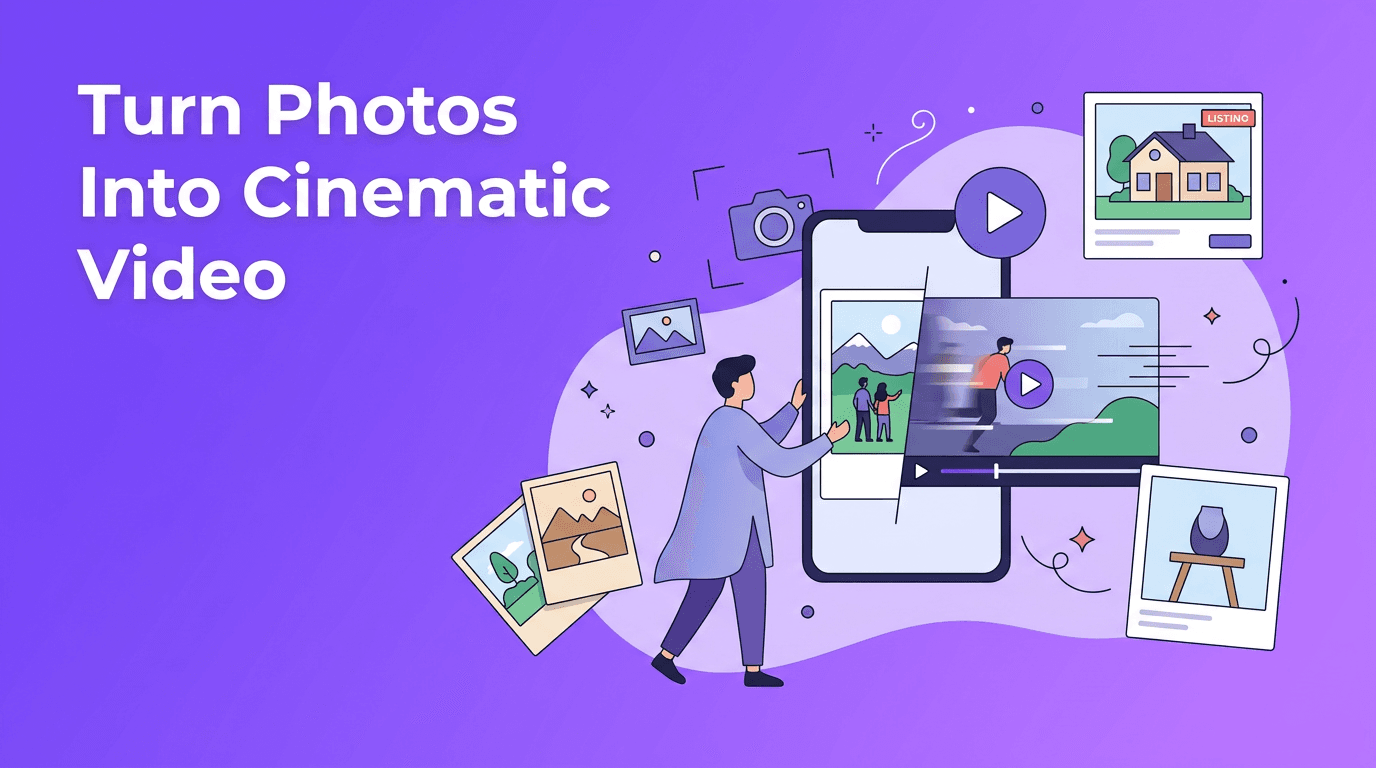
Image to video AI is changing how creators use still images. Instead of letting one great photo sit in a gallery, you can now add motion, depth, and storytelling to turn photo into video content for social media, product marketing, real estate, and personal memories.
Why image to video AI feels so powerful
A single photo already contains composition, emotion, and visual detail. With image to video AI, software analyzes the image and generates motion that makes the scene feel alive. That can mean a slow cinematic pan across a landscape, a gentle zoom into a portrait, layered parallax between foreground and background, or stylized AI photo animation that creates movement where none existed before.
- Cinematic pan adds side-to-side camera movement for a film-like feel.
- Zoom animation draws attention to a face, product, or room detail.
- Parallax motion separates layers to create depth from one flat image.
- Character animation can add subtle facial or body movement in suitable photos.
- Atmospheric motion can simulate light, hair, fabric, smoke, or background movement.
How to animate still photos with AI
In simple terms, AI studies the objects, edges, depth cues, and subjects inside your image, then predicts how motion could look between frames. This is why animate photo AI tools can make a static shot feel like a short camera move rather than a slideshow. The best results come from choosing the right source image and matching the motion style to the subject.
Best photos to use
- Choose high-resolution photos with sharp subjects and clear lighting.
- Use images with obvious foreground and background separation for stronger parallax.
- For portraits, pick photos with clean facial detail and minimal blur.
- For products, use uncluttered backgrounds so the item stays the focus.
- For old family photos, scan them carefully and improve dust, scratches, and contrast first.
Common motion styles to try
If you want to convert image to video in a way that looks polished, start with subtle movement. A slow push-in works well for emotional portraits and memory videos. A pan across a wide interior photo works well for real estate. Parallax is excellent for travel shots and lifestyle photography. More advanced bring photos to life AI effects can animate expressions, posture, or environmental details, but they should still feel natural.
"A great photo captures a moment. A great video lets that moment breathe."
Use case 1: Product photography animation for e-commerce
E-commerce sellers can use image to video AI to transform plain product photos into eye-catching clips for ads, landing pages, and marketplaces. Instead of uploading only static images, you can create short videos that pan around the product, zoom into textures, and reveal key features in a more dynamic format.
- Animate a skincare bottle with a gentle zoom and floating light effects.
- Add layered depth to a sneaker photo so the shoe feels more dimensional.
- Turn jewelry close-ups into elegant short videos for reels and stories.
- Create before-and-after sequences from beauty or home product images.
This approach helps shoppers understand shape, finish, and detail faster. If you already have a strong catalog of product images, a photo to video app like *Movi AI* can help you repurpose those assets without organizing a full video shoot.
Use case 2: Real estate virtual tours from listing photos
Real estate agents often have excellent still photography but limited time for custom video production. That is where turn photo into video workflows become especially useful. AI can animate room photos with smooth motion, helping listings feel more immersive and premium.
- Use wide-angle room photos for slow cinematic pans.
- Create a sequence that moves from exterior shot to entryway to kitchen to bedroom.
- Highlight premium features with zoom-ins on countertops, lighting, or windows.
- Combine animated stills with voiceover for a fast listing presentation.
While it does not fully replace walkthrough footage in every case, it is a fast way to convert image to video for property teasers, social posts, and email campaigns. It is especially useful for agents who want consistent content from every listing.
Use case 3: Bring old photos and personal memories to life
One of the most emotional uses of animate photo AI is restoring and animating family photos. A scanned portrait of a grandparent, a wedding photo, or a childhood snapshot can become a moving tribute when paired with gentle motion and music. This is where bring photos to life AI feels less like a gimmick and more like storytelling.
- Scan the original photo at a high resolution.
- Clean up scratches, tears, and faded contrast before animation.
- Use subtle motion, not exaggerated movement, for a respectful result.
- Add narration, dates, or captions to turn the clip into a memory reel.
For memorial videos, birthday slideshows, and family history projects, AI helps create emotional content from images you already have. Even one restored portrait can become a meaningful short video.
Use case 4: Social media content from a single image
Social creators often need fresh content quickly. With AI photo animation, one strong image can become multiple posts across Reels, TikTok, Shorts, and Stories. Instead of repeating the same still, you can create different edits with zoom, parallax, text overlays, and music.
- Turn a travel photo into a cinematic teaser clip.
- Animate a fashion portrait for an outfit reveal post.
- Create motivational quote videos from editorial-style images.
- Use food photography to make menu items look more vivid and scroll-stopping.
Simple workflow for better short-form results
- Start with a vertical crop if the video is for mobile platforms.
- Keep clips short, usually 5 to 15 seconds.
- Use one clear motion style per clip for a cleaner look.
- Add captions early because many people watch without sound.
- Export multiple versions from the same photo for testing.
Ready to turn photos into videos?
Use *Movi AI* to animate still images, create cinematic motion, and make engaging video content from photos in minutes.
Download Movi AIQuality tips for better AI photo animation
The difference between an average result and a polished one usually comes down to source quality and restraint. The goal is not to force extreme motion into every frame. The goal is to make the image feel naturally alive.
- Use the highest quality source photo available.
- Avoid heavily compressed images with artifacts.
- Do not overcrowd the frame if the subject needs to stand out.
- Match motion to mood, slow for emotional scenes, slightly faster for promos.
- Preview facial features and hands carefully, because those areas reveal errors first.
- If the first result feels too dramatic, reduce the intensity and regenerate.
Why Movi AI is a smart photo to video app
*Movi AI* makes it easy to go from idea to finished clip using modern AI video tools. You can create videos from images, prompts, or existing footage, which makes it useful whether you are building product promos, listing videos, social content, or memory reels. For anyone searching for a flexible photo to video app, it offers a practical way to test styles and create polished motion from still photos fast.
Final thoughts on turning photos into motion
The best part about image to video AI is that it expands the value of photos you already own. A single product shot can become an ad. A listing image can become a property teaser. A family portrait can become a memory film. If you want to turn photo into video content without complex editing, AI gives you a faster and more creative path to start.
Frequently Asked Questions
How can I turn a photo into a video with AI?
You can upload a still image into an AI video tool, choose a motion style like pan, zoom, or parallax, and generate a short animated clip automatically.
What is the best image to video AI for beginners?
A beginner-friendly tool should make it easy to upload photos, apply motion, and export quickly. Movi AI is a simple option for creating animated videos from images.
Can AI bring old photos to life?
Yes. AI can animate scanned vintage photos with subtle movement, especially when the image is cleaned up and restored before processing.
What types of photos work best for AI photo animation?
Sharp, high-resolution images with clear subjects and visible depth usually work best. Good lighting and minimal blur also improve the final result.
Movi AICreate stunning AI videos in seconds!
Turn your ideas into professional videos with the #1 AI video maker.
Download Movi AI


