Photo Animation Tips: How to Turn a Single Image Into Video
Want better photo animation results? Learn how to turn a still image into video with AI, create cinematic motion, and use photos for marketing, memories, and social content.

By Movi AI Team
Movi AI Editorial Team
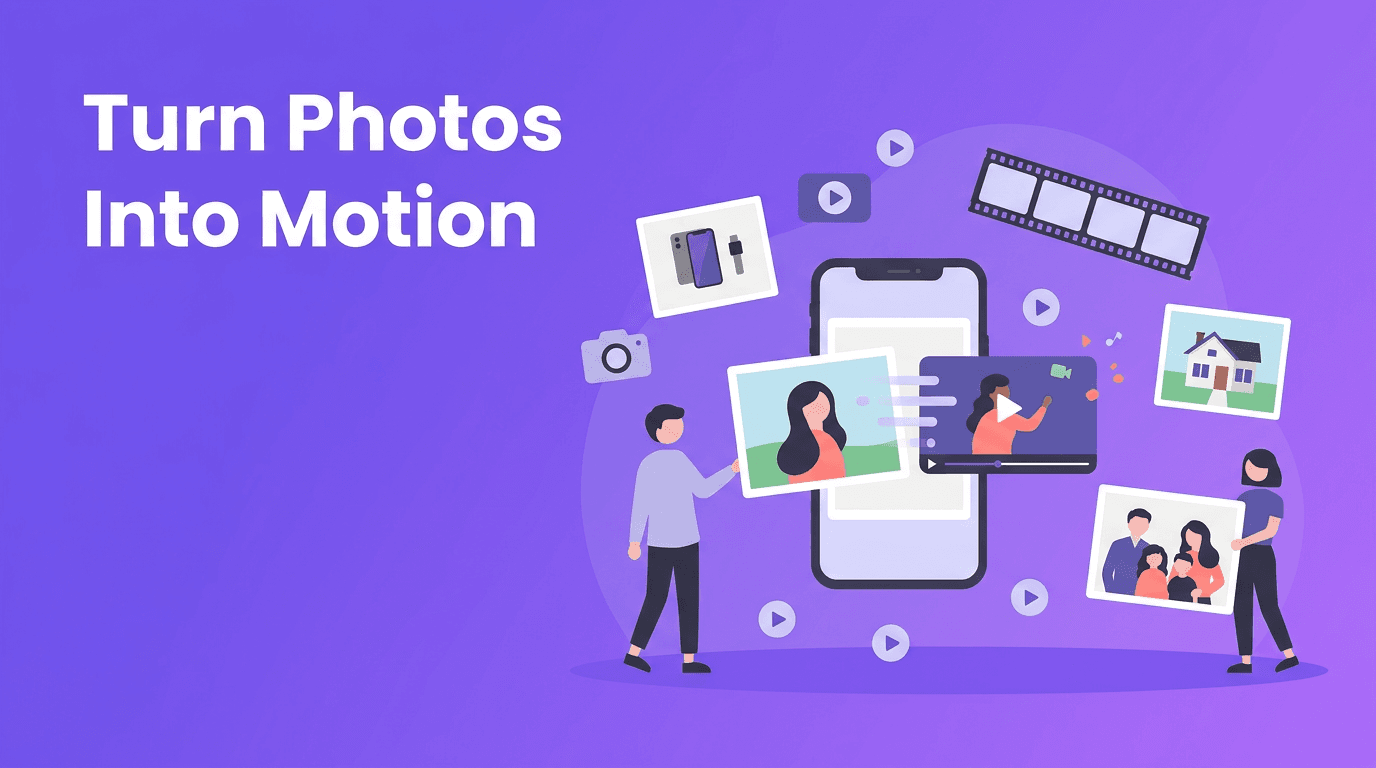
Photo animation is one of the fastest ways to turn a still image into something people actually stop to watch. With modern AI tools, you can add camera movement, depth, and motion effects to a single photo, making it feel more cinematic without learning complex editing software.
Why photo animation matters now
A great photo can grab attention, but motion often holds it longer. That is why creators, online sellers, real estate agents, and social media marketers are using photo animation to transform static visuals into short videos for ads, reels, listings, and memory clips. Instead of starting from scratch, you can turn photo into video content using images you already have.
- For e-commerce: animate product photos with subtle pans, zooms, and highlights.
- For real estate: create mini virtual tours from interior and exterior listing photos.
- For personal use: bring old family pictures to life with gentle motion and storytelling.
- For social media: convert a single image into a reel, story, or promo clip in minutes.
How image-to-video AI works in simple terms
Image to video AI analyzes the objects, faces, background, and composition inside your photo, then predicts how movement could look naturally. It can simulate a camera push-in, a slow pan across the frame, layered parallax depth, or even small subject motion depending on the tool and source image. In simple terms, AI studies your still image and creates believable motion between frames.
Common motion styles you can create
- Cinematic pan: the camera appears to move left, right, up, or down across the image.
- Zoom in or zoom out: useful for portraits, products, and dramatic reveals.
- Parallax effect: foreground and background move at slightly different speeds to create depth.
- Character animation: subtle face, hair, or body movement in portraits or stylized images.
- Scene drift: gentle environmental motion like clouds, light, or background atmosphere.
"A single photo can tell a story, but motion helps people feel like they are inside it."
Best photos to use when you convert image to video
The quality of your source image has a huge impact on the final result. If you want cleaner ai photo animation, start with sharp, well-lit images and a clear subject. AI can enhance motion, but it cannot fully rescue a blurry or poorly composed photo.
- Use high-resolution photos whenever possible.
- Choose images with a clear subject and visible separation from the background.
- Avoid heavy blur, extreme noise, or over-compressed screenshots.
- For portraits, use photos where the face and eyes are clearly visible.
- For product shots, leave some negative space so motion effects have room to breathe.
- For room and property images, keep vertical lines straight for a more professional result.
When old photos work especially well
If you want to bring photos to life AI style, old family images can be especially powerful. Black-and-white portraits, wedding photos, childhood snapshots, and travel memories often gain emotional impact when animated with a slow zoom or soft parallax effect. The key is to keep the motion subtle so the original feeling of the image stays intact.
Practical use cases for photo to video content
1. Product photography animation for online sellers
A static product shot can become a stronger ad when you add controlled motion. For example, a skincare brand can animate a bottle image with a slow push-in and light background movement, then overlay benefits and a call to action. This makes photo to video content feel premium while using assets the brand already has.
2. Real estate virtual tours from listing photos
Agents can convert image to video clips from wide-angle room photos, exterior shots, and neighborhood images. A sequence of animated stills can feel like a mini walkthrough, especially when you combine zooms, pans, and text labels for each room. This is a smart option when full video production is too expensive or time-consuming.
3. Personal photo memories and old photo revival
Want to animate photo AI style for birthdays, anniversaries, or memorial videos? Use a series of portraits, vacation shots, or scanned prints and add gentle movement to each one. Even a simple timeline of animated photos can become an emotional keepsake when paired with music or narration.
4. Social media content from a single image
Creators often need more posts than they have time to film. That is where a photo to video app helps. You can take one strong image, animate it, add text, and publish it as a reel, short, story, or promotional post. This is useful for fashion creators, coaches, restaurants, artists, and local businesses.
How to create better motion from one photo
If you want your photo animation to look polished instead of gimmicky, keep the movement intentional. The goal is not to make every part of the image move wildly. The goal is to support the story of the image.
- Start with one main motion idea, such as a slow zoom or cinematic pan.
- Match the motion to the subject. Portraits often work best with gentle movement, while product ads can handle bolder reveals.
- Keep clips short, usually 3 to 8 seconds, for stronger retention on social platforms.
- Use text overlays carefully so they do not cover the main subject.
- Test vertical and horizontal crops depending on where the video will be posted.
- If the result looks unnatural, reduce the amount of movement and simplify the effect.
Ready to turn your photos into videos?
Use *Movi AI* to create engaging videos from images, prompts, or existing footage. It is a simple way to animate photos for social posts, listings, ads, and personal stories.
Download Movi AIWhy Movi AI is useful for photo-based video creation
*Movi AI* helps you turn photo into video content without the usual editing bottlenecks. You can start with a still image, explore creative motion styles, and build short videos for business or personal use. For creators who want speed, flexibility, and better-looking results, Movi AI makes image to video AI more accessible.
- Create videos from images, text prompts, speech, or existing video.
- Experiment with cinematic movement, visual storytelling, and short-form content creation.
- Use the app for marketing clips, memory videos, product showcases, and listing content.
- Produce content faster when you do not have time for a full video shoot.
Final thoughts on turning still images into video
The best photo animation feels natural, focused, and useful. Whether you want to market a product, showcase a property, revive an old portrait, or post more engaging social content, AI gives you a practical way to make more from the images you already own. Start with strong photos, choose subtle motion, and build around the story you want the viewer to feel.
Frequently Asked Questions
How do I turn a photo into a video with AI?
Upload a clear image to an AI video tool, choose a motion style such as zoom, pan, or parallax, then generate the clip. Many apps also let you add text, music, or voiceover.
What is the best photo to video app for beginners?
Beginners usually do best with apps that offer simple image upload, one-tap motion effects, and fast export. *Movi AI* is a good option for creating photo-based videos quickly.
Can AI animate old photos?
Yes, AI can animate old photos by adding subtle camera movement, depth, or portrait motion. High-quality scans usually produce the best results.
What kind of photos work best for AI photo animation?
Sharp, well-lit photos with a clear subject and minimal blur work best. Images with visible foreground and background separation are especially good for parallax-style motion.
Movi AICreate stunning AI videos in seconds!
Turn your ideas into professional videos with the #1 AI video maker.
Download Movi AI


