Photo Revival Videos: How to Bring Old Pictures to Life With AI Motion
Learn how photo revival videos help you bring still images to life with AI motion, from family memories to product shots, listings, and social posts that feel more immersive.

By Movi AI Team
Movi AI Editorial Team
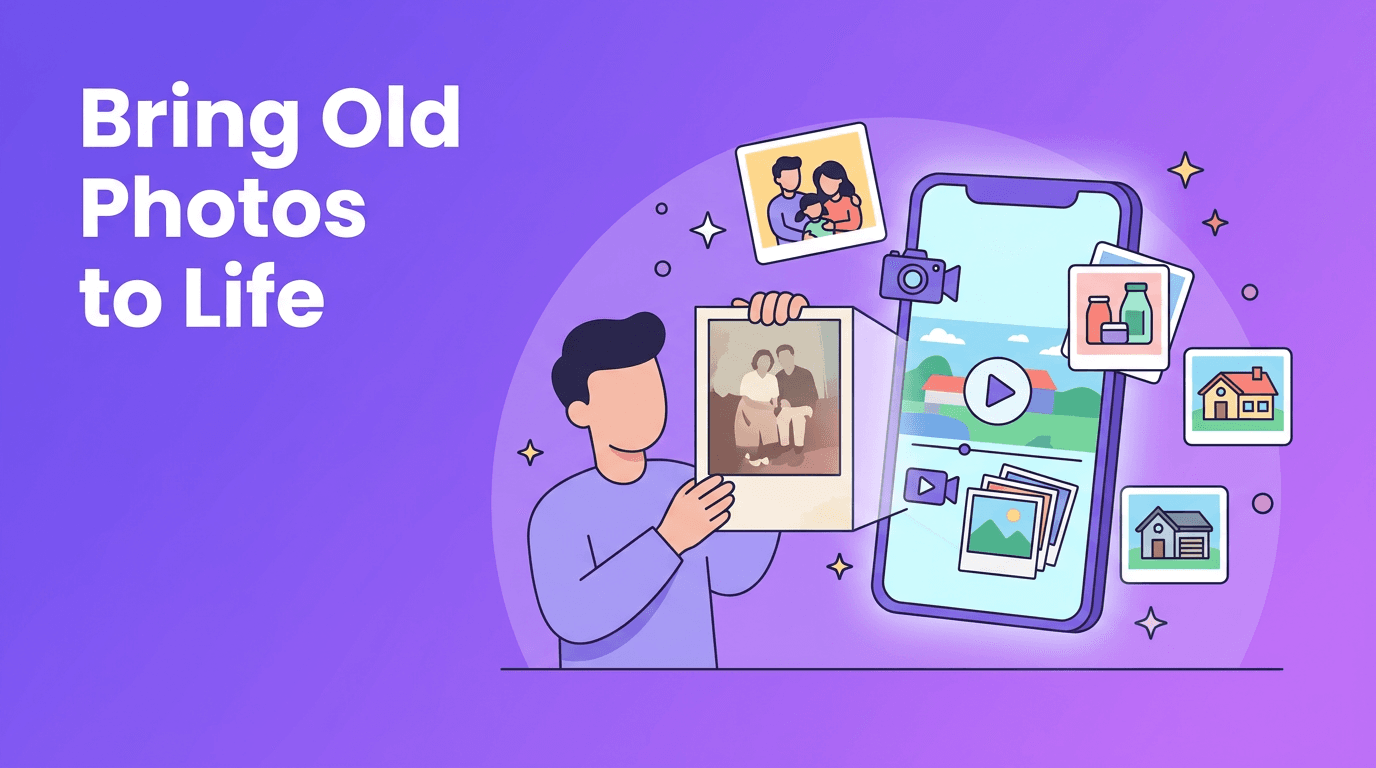
Photo revival videos are a creative way to turn still images into short moving scenes that feel more emotional, immersive, and modern. Instead of leaving a great photo frozen in time, you can add subtle camera motion, layered depth, or animated elements to make memories, products, interiors, and social posts more engaging.
Why photo revival videos feel so powerful
A single image already contains story, mood, and detail. When AI adds movement carefully, that image can feel alive without losing its original charm. This works especially well for old family photos, product photography, real estate listing images, and social content where you want motion but do not have raw video footage.
- Use a gentle cinematic pan to guide the viewer's eye
- Add a slow zoom to create intimacy or highlight detail
- Create parallax depth so foreground and background feel separated
- Apply character animation carefully for portraits and memory pieces
"The best motion effect does not overpower the photo, it reveals the story already inside it."
How AI creates motion from one still image
In simple terms, AI studies the objects in a photo, such as faces, rooms, furniture, clothing, or products, then predicts believable movement and camera paths. Some tools animate the scene itself, while others simulate a moving camera across the image. Photo revival videos often combine both approaches for a more cinematic result.
Common animation styles to try
- Cinematic pan for landscapes, rooms, and storefronts
- Zoom-in reveals for portraits, hero products, and detail shots
- Parallax motion for layered scenes with clear foreground and background
- Character animation for people, pets, or expressive historical photos
- Light environment motion like drifting curtains, glowing signs, or moving reflections
Use case 1 - Bringing old family photos to life
Old prints and scanned portraits become much more emotional when transformed into short memory clips. A small smile shift, soft head turn, or slow camera push can make a family archive feel immediate again. This is one of the most meaningful ways to use photo revival videos, especially for birthdays, anniversaries, memorials, and family history projects.
Best practices for old photos
- Start with the highest-resolution scan available
- Clean dust, scratches, and folds before animation
- Choose motion that feels subtle and respectful
- Avoid extreme facial movement on damaged or low-detail images
- Use short clips so the effect feels natural rather than uncanny
Use case 2 - Turning product photos into motion assets
E-commerce teams can use one clean product image to build motion content for ads, landing pages, and social posts. A bottle can appear to rotate slightly, a sneaker can get a dramatic push-in, or jewelry can shimmer with moving highlights. This helps sellers stretch one photo shoot into multiple assets without filming everything from scratch.
What works best for product images
- Use a simple background so the product remains the focal point
- Choose photos with clear edges and good lighting
- Highlight one visual benefit, such as texture, packaging, or scale
- Keep clips short for Reels, Shorts, product pages, and ads
Use case 3 - Real estate photos as mini virtual tours
Real estate agents can transform listing photos into room-to-room motion sequences that feel more dynamic than a standard slideshow. A wide living room photo can gain a smooth pan, a kitchen can get a forward push, and an exterior can feel more welcoming with environmental movement. This approach helps buyers imagine space and flow before they book a showing.
Real estate quality tips
- Use wide, balanced shots with straight vertical lines
- Avoid clutter that confuses motion generation
- Create a sequence from exterior to entry to key rooms
- Keep movement slow so the property feels premium and stable
Use case 4 - Social media content from a single image
Creators often have one standout image but no matching footage. That is where photo revival videos shine. You can turn a cover shot, travel photo, fashion portrait, food image, or brand visual into a scroll-stopping clip for Instagram, TikTok, YouTube Shorts, or Stories. Add text, music, or voiceover to make the post feel complete.
How Movi AI helps you create better motion clips
With *Movi AI*, you can turn images, prompts, or existing footage into polished AI video content from your phone. This makes it easy to experiment with different motion ideas for memory pieces, property marketing, product visuals, and creator content without needing advanced editing skills.
Turn still photos into moving stories
Try *Movi AI* to create AI-powered motion clips from your images for memories, marketing, listings, and social content.
Download Movi AIWhat makes a source photo good for animation
- Sharp focus on the main subject
- Enough lighting and contrast to define shapes
- A clear subject-background separation for better depth
- Minimal motion blur or heavy compression
- Composition that supports a natural camera path
A simple workflow you can use today
- Pick one strong photo with a clear subject
- Decide on the goal, such as memory, sale, listing, or post
- Choose a motion style like pan, zoom, parallax, or character animation
- Generate a short version first and review for realism
- Add text, music, narration, or branding if needed
- Export different sizes for social, ads, or presentations
Frequently Asked Questions
How can I bring old pictures to life with AI?
Start with a clean, high-resolution scan, then use an AI tool to add subtle facial or camera motion. Keep the effect short and natural for the best result.
Can I make a real estate video from listing photos?
Yes. AI can turn listing images into motion clips with slow pans, zooms, and scene transitions that feel like a mini virtual tour.
Are photo revival videos useful for online stores?
Yes. They help sellers turn static product photos into short motion assets for ads, product pages, and social media.
What type of photo works best for AI motion?
Use sharp, well-lit images with a clear subject and clean composition. Photos with strong depth usually produce more convincing results.
Movi AICreate stunning AI videos in seconds!
Turn your ideas into professional videos with the #1 AI video maker.
Download Movi AI


