Photo to Video Tips: How to Animate Still Images for Stories, Sales, and Memories
Want better results with photo to video tools? Learn how to animate still images, create cinematic motion, and turn everyday photos into engaging videos with AI.

By Movi AI Team
Movi AI Editorial Team
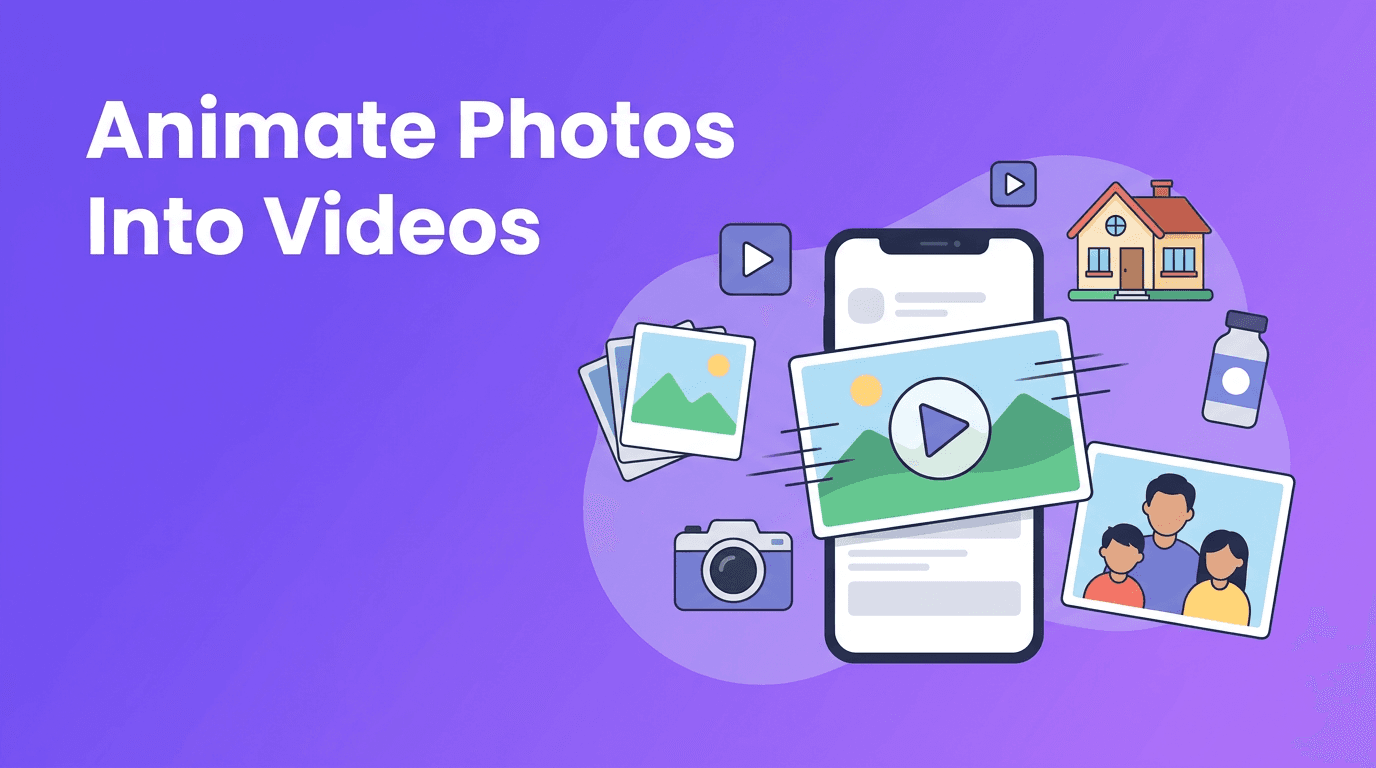
A great photo to video workflow can turn a static image into something that feels alive, emotional, and scroll-stopping. Whether you want to showcase a product, create a virtual property tour, revive an old family photo, or make social posts faster, AI now makes it much easier to add motion without filming from scratch.
Why photo to video works so well
Still photos already contain composition, lighting, and subject detail. AI builds on that foundation by predicting motion between visual elements and generating short animated clips. In simple terms, it studies the image, separates layers like foreground and background, then creates movement such as cinematic pans, slow zooms, parallax depth, or more stylized character animation when faces or people are present.
- Use slow push-ins to make portraits feel intimate and emotional.
- Add side-to-side pans to landscapes, rooms, or wide product scenes.
- Create parallax motion when you want depth from a single image.
- Try subtle character animation for old portraits, selfies, or memory clips.
"A single photo can hold a full story. Motion simply helps people feel it faster."
How to turn photo into video with AI
If you want to turn photo into video content that looks polished, start with the right source image. The best results usually come from photos that are sharp, well-lit, and have a clear subject. AI can only animate what it can recognize, so cluttered, blurry, or low-resolution images tend to produce weaker motion.
Choose the best source photo
- Use the highest resolution version you have.
- Pick photos with a clear subject separation from the background.
- Avoid heavy compression, motion blur, or screenshots when possible.
- For faces, choose images with visible eyes and natural expressions.
- For products and rooms, use straight lines and clean framing for smoother movement.
Pick the right animation style
Different images need different movement. A product shot may look best with a slow zoom and slight camera orbit feel. A real estate image often benefits from a gentle pan across the room. Family photos usually work best with subtle motion, while social content can handle bolder effects. This is where image to video AI becomes useful, because it lets you match motion to the purpose of the clip instead of applying the same effect every time.
Best use cases for AI photo animation
Product photography animation for e-commerce
E-commerce sellers can use AI photo animation to make catalog images feel more premium. Instead of posting a flat product photo, you can create a short video with a slow zoom, glint of motion, or layered depth effect. This helps highlight packaging, texture, and shape, especially for beauty, fashion, home decor, and tech accessories.
- Animate a skincare bottle with a soft zoom-in for ad creatives.
- Add parallax to a sneaker photo to emphasize shape and detail.
- Turn a flat jewelry image into a short promo clip for reels and stories.
- Convert multiple product photos into a quick photo to video app slideshow for marketplaces.
Real estate virtual tours from listing photos
Real estate agents can convert image to video clips from listing photos to create lightweight virtual tours. A wide living room image can become a slow pan. A kitchen shot can use a gradual push-in. Exterior images can feel more dynamic with depth-based movement. This approach is especially useful when you need engaging content fast but do not have time for a full video shoot.
Personal memories and old family photos
One of the most meaningful uses of bring photos to life AI is restoring emotional impact to old pictures. You can animate a wedding portrait, childhood snapshot, or scanned family photo with subtle facial movement or camera motion. Keep the motion restrained so the final result feels respectful and believable rather than exaggerated.
Social media content from still images
Creators and small brands often need more posts than they have time to film. With animate photo AI, one strong image can become a reel, story, short ad, or teaser. Add a caption, music, voiceover, or text prompt, and suddenly a single photo becomes an asset you can reuse across platforms.
Quality tips for more realistic motion
- Start with one hero subject per frame when possible.
- Use subtle motion first, then increase intensity only if it still looks natural.
- Match movement to the image perspective, so vertical spaces use gentle upward motion and wide scenes use horizontal pans.
- Check edges carefully. Hair, hands, glass, and fine textures can reveal artifacts.
- Keep clips short. Many photo to video outputs work best at 3 to 8 seconds.
- If a result looks unnatural, try a simpler prompt or a different crop.
For portraits, less is usually more. For architecture and product imagery, controlled camera movement often looks more professional than dramatic animation. The goal is not just movement, it is believable movement.
Try Movi AI for photo animation
Use *Movi AI* to create videos from photos, prompts, and existing clips. It is a simple way to test cinematic pans, zooms, parallax, and more from a single image.
Download Movi AIWhy Movi AI is useful for photo-based video creation
*Movi AI* helps users create video content from images without a complex editing workflow. If you want a practical photo to video app, you can start from a still image, experiment with AI-generated movement, and build content for products, homes, memories, or social posts. Because the app also supports text-to-video, video-to-video, and speech-driven workflows, it fits creators who want one flexible tool instead of multiple apps.
- Create short clips from single photos for reels and ads.
- Test different motion styles like zoom, pan, and parallax.
- Use image-based video creation for marketing, memories, or listings.
- Combine photo animation with other AI workflows inside one app.
Final thoughts on bringing still images to life
The best photo to video results come from pairing a strong source image with motion that fits the story. A product photo can become an ad. A room photo can become a tour. A family portrait can become a memory clip. With the right approach, AI does not replace your original image, it extends it into something more immersive and watchable.
Frequently Asked Questions
How do I turn a photo into a video with AI?
Upload a clear image, choose a motion style like pan or zoom, and let the AI generate movement between image layers. Then export the clip and add music or text if needed.
What is the best photo to video app for social media content?
The best app depends on your workflow, but a strong option should support easy image upload, realistic animation, and fast export for reels, stories, and ads.
Can AI bring old photos to life?
Yes, AI can animate old portraits and scanned images with subtle motion such as zoom, parallax, or light facial movement. Clean scans and high-resolution files usually improve results.
What photos work best for image to video AI?
Sharp, well-lit images with a clear subject and minimal blur usually perform best. Portraits, product shots, interiors, and landscapes are all strong candidates.
Movi AICreate stunning AI videos in seconds!
Turn your ideas into professional videos with the #1 AI video maker.
Download Movi AI


