Speech to Video Workflow: 7 Ways to Turn Voice Notes Into Polished Content
A speech to video workflow helps creators turn voice notes into polished visual content faster. Learn practical steps, quality tips, and smart production shortcuts.

By Movi AI Team
Movi AI Editorial Team
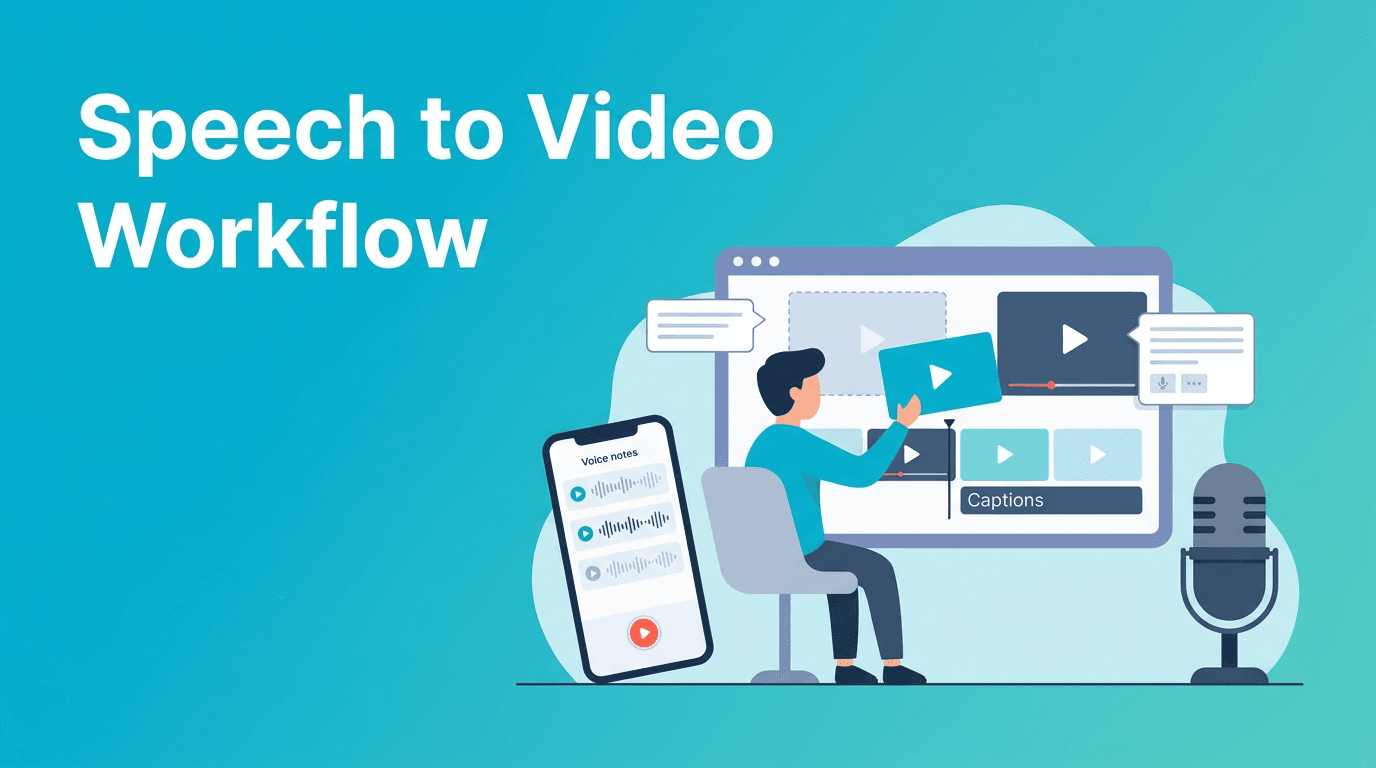
Speech to video is a practical way to turn spoken ideas into visual content without starting from a blank timeline. For creators, marketers, and small teams, this workflow helps capture ideas fast, shape them into short videos, and publish more consistently with tools like *Movi AI*.
Why speech to video is a smart niche workflow
Many people think video production starts with a script or a camera. In reality, plenty of strong content begins as a rough thought recorded on a phone. A speech to video process is useful when you think faster than you type, want to save planning time, or need a repeatable way to turn spoken expertise into social content.
- Capture ideas instantly without waiting for a full script
- Reduce production friction for educational, marketing, and founder content
- Repurpose expertise from voice memos, meetings, and quick outlines
- Create more often by using speech as the first draft of the video
7 steps to build a speech to video process
1. Record one clear voice note
Start with one idea and one objective. Keep your voice note focused on a single tip, product message, customer question, or story. Shorter source audio usually leads to clearer videos.
2. Extract the core message
Listen for the strongest sentence in your recording. That line often becomes the hook, headline, or opening caption. When your main idea is obvious, the rest of the visual structure becomes easier to build.
3. Break the audio into visual beats
Split your spoken content into 3 to 6 moments. Each beat should map to a visual, such as a text screen, product shot, animated scene, supporting image, or repurposed clip. This keeps pacing clean and helps viewers follow along.
4. Choose the right input type in Movi AI
*Movi AI* is helpful here because you can build from more than one starting point. Use text-based scene prompts for new visuals, images for branded references, or existing clips for transformations. If your voice note becomes narration, you can match visuals to spoken timing more efficiently.
5. Add captions and screen text early
Captions are not just an accessibility feature. They also improve watch time on silent autoplay platforms. Add bold on-screen phrases for your hook, key takeaway, and call to action so the message lands even without sound.
6. Keep visual style consistent
Professional results depend on consistency more than complexity. Reuse the same framing logic, typography style, topic structure, and pacing from video to video. A repeatable speech to video template saves time and strengthens brand recognition.
7. Export for the platform, then test
Create versions for Reels, TikTok, Shorts, or product explainers. Test different openings, caption density, and video lengths. Small changes in the first two seconds can make a big difference in completion rate.
"The easiest content workflow is the one you can repeat when your schedule gets busy."
Best use cases for speech to video content
- Founder insights turned into short social clips
- Product tips created from quick team recordings
- Educational explainers based on spoken outlines
- Customer FAQ videos generated from support answers
- Small business updates transformed from simple voice memos
How to make speech to video output look professional
- Use one idea per video to avoid overloaded messaging
- Match each sentence to a specific visual beat
- Keep clips short and purposeful
- Use captions with clear hierarchy and readable phrasing
- Choose visuals that reinforce the spoken message, not distract from it
- End with one direct call to action
Try Movi AI for faster video creation
Turn spoken ideas into polished visual content with text, image, video, and speech-based workflows in *Movi AI*.
Download Movi AISpeech to video vs traditional editing
Traditional editing gives full manual control, but it often requires more planning, cutting, and asset gathering. A speech to video workflow speeds up early production by using spoken ideas as the content backbone. This is especially useful for creators who value speed, consistency, and idea capture over frame-by-frame editing from scratch.
- Traditional editing is best for complex productions with detailed manual control
- Speech to video is best for fast publishing, idea-first content, and repeatable short-form workflows
- Many teams get the best results by combining both, using AI for first drafts and editing for final polish
Frequently Asked Questions
What is speech to video?
Speech to video is the process of turning spoken audio, such as a voice note or narration, into a structured video with matching visuals, captions, and pacing.
How do I turn a voice note into a video?
Start with a clear recording, pull out the main message, divide it into short beats, then generate or assemble matching visuals and captions using a tool like Movi AI.
Is speech to video useful for social media?
Yes. It is especially useful for short-form educational posts, founder content, product tips, and FAQ videos because it speeds up content production.
Can I use speech to video for business marketing?
Yes. Small businesses can use it for quick updates, product explanations, customer education, and simple promotional videos without a full studio workflow.
Movi AICreate stunning AI videos in seconds!
Turn your ideas into professional videos with the #1 AI video maker.
Download Movi AI


