Still Photo Animation for Brands, Memories, and Listings
Still photo animation helps you turn a single image into engaging motion for product showcases, real estate listings, family memories, and social posts with AI-powered tools.

By Movi AI Team
Movi AI Editorial Team
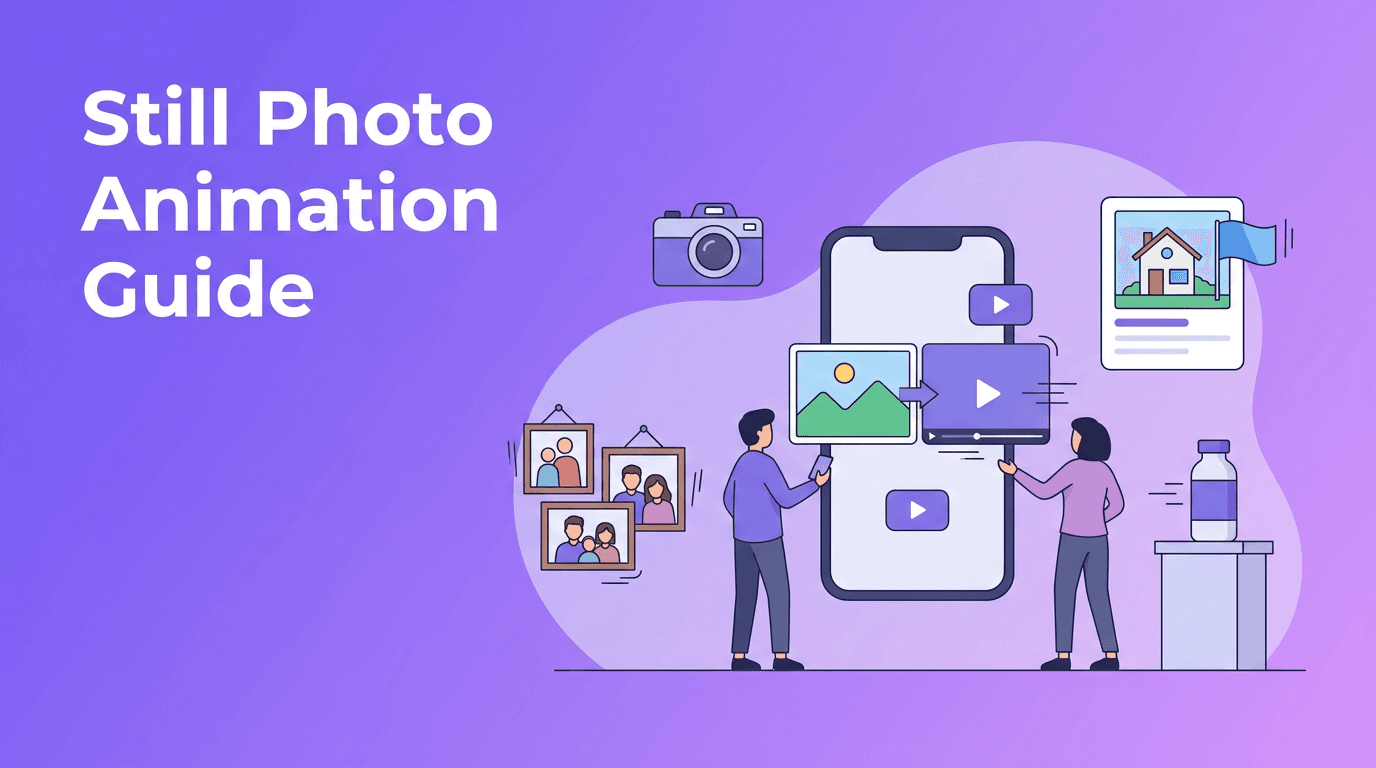
Still photo animation is one of the easiest ways to make static images feel fresh, emotional, and more clickable. With modern AI tools, you can turn a single photo into a short video, adding motion, depth, and atmosphere without filming new footage.
Why still photo animation works so well
A photo captures attention for a moment. Motion holds it longer. That is why still photo animation works across so many formats, from product pages to listing videos to Instagram Reels. Even subtle movement, like a gentle zoom or layered parallax, can make content feel more polished and professional.
- For e-commerce sellers: showcase product details with movement that feels premium
- For real estate agents: create listing videos from property photos when video footage is limited
- For families and creators: make memory clips from old albums or phone galleries
- For social media managers: turn static assets into short-form content faster
How AI turns one image into motion
At a simple level, AI analyzes the contents of your image, such as the subject, background, edges, lighting, and likely depth. It then predicts how different parts of the photo can move naturally. Some tools simulate a camera move, while others generate motion inside the scene itself, like hair shifting, water moving, or clouds drifting.
Common animation styles to try
- Cinematic pan: the camera appears to slide across the photo for a dramatic reveal
- Slow zoom: ideal for portraits, products, and emotional memory videos
- Parallax motion: foreground and background move at different speeds to create depth
- Character animation: facial expression, blinking, or small body movement for portraits and old photos
"A great image already tells a story. Motion simply gives that story a new heartbeat."
Best source photos for stronger results
The quality of your input image matters a lot. AI can enhance motion, but it cannot fully fix a blurry, dark, or poorly cropped photo. If you want cleaner results, start with images that are sharp, well-lit, and clearly framed.
- Use high-resolution photos whenever possible
- Choose images with a clear subject and visible separation from the background
- Avoid heavy compression, screenshots, or overly filtered files
- Leave some space around the subject if you want smoother pans and zooms
- For old photos, scan them cleanly before animation
Use cases: from products to personal memories
Product photography animation
If you sell online, you can use still photo animation to make catalog images feel more dynamic. A bottle, shoe, watch, or gadget can become a short looping video with a slow push-in, light parallax, or dramatic reveal. This works especially well for ads, landing pages, and social teasers.
Real estate virtual tours from photos
When you only have listing photos, AI motion can help you build a simple property walkthrough feel. Animate kitchen, bedroom, exterior, and backyard shots with gentle pans and zooms, then combine them into a vertical listing video for social platforms or client follow-up.
Bringing old photos to life
One of the most emotional uses of still photo animation is restoring movement to old family portraits. A subtle blink, slight smile, or slow camera move can make a historical image feel present again. This is perfect for memorial videos, family gifts, and special event tributes.
Social media content from photo libraries
Creators often have dozens of strong photos but not enough video footage. Instead of letting those assets sit unused, you can transform them into short videos for Reels, Shorts, TikTok, or story posts. Add text, music, and transitions, and one photo session can fuel multiple pieces of content.
A simple workflow with Movi AI
With *Movi AI*, you can create motion from images quickly using AI-powered creation tools built for creators and businesses. Start with a single photo, choose the kind of motion you want, and generate a short video clip that can be refined for different platforms.
- Upload a portrait, product image, room photo, or memory shot
- Choose a motion direction or describe the effect you want
- Try styles like zoom, pan, parallax, or expressive character movement
- Review the result and regenerate if you want a different feel
- Export for social posts, ads, presentations, or keepsake videos
Try photo motion with Movi AI
Turn your static images into engaging AI-powered videos for listings, products, memories, and social content in just a few taps.
Download Movi AITips for more cinematic results
- Match the motion style to the subject. Products often look best with clean, controlled moves
- Keep motion subtle. Too much movement can feel artificial
- Use vertical framing if the final video is for Reels or TikTok
- Add music and captions to make simple photo videos more engaging
- Test multiple versions of the same image to find the most natural animation
Final thoughts
Still photo animation gives photographers, sellers, agents, and creators a practical way to make more from the images they already have. Whether you want to promote a product, market a property, preserve a memory, or post more often on social media, AI can help you create motion without a full video shoot.
Frequently Asked Questions
How do I animate a still photo with AI?
Upload a clear image to an AI app, choose or describe a motion style, and generate a short clip. Most tools let you try zoom, pan, parallax, or portrait motion.
What is the best photo animation app for social media content?
The best app depends on your workflow, but look for fast generation, vertical export, and easy motion controls. Movi AI is useful for turning images into short videos for social platforms.
Can AI bring old photos to life?
Yes. AI can add subtle movement to old portraits, such as blinking, facial motion, or camera movement, making historical or family images feel more alive.
Can I create a real estate video from listing photos?
Yes. You can animate property images with slow pans and zooms, then combine them into a short listing video for social media, email, or client presentations.
Movi AICreate stunning AI videos in seconds!
Turn your ideas into professional videos with the #1 AI video maker.
Download Movi AI


