Text to Video for Beginners: How AI Turns Prompts Into Videos
Learn how text to video works, how to write better prompts, and how an ai text to video generator turns ideas into clips you can create faster with Movi AI.

By Movi AI Team
Movi AI Editorial Team
Text to video is changing how beginners and creators make content. Instead of filming every scene from scratch, you can describe an idea in words and let AI generate visual clips. If you want to understand text to video, improve your prompts, and choose an ai text to video generator that feels approachable, this guide will walk you through the essentials.
What text to video actually does
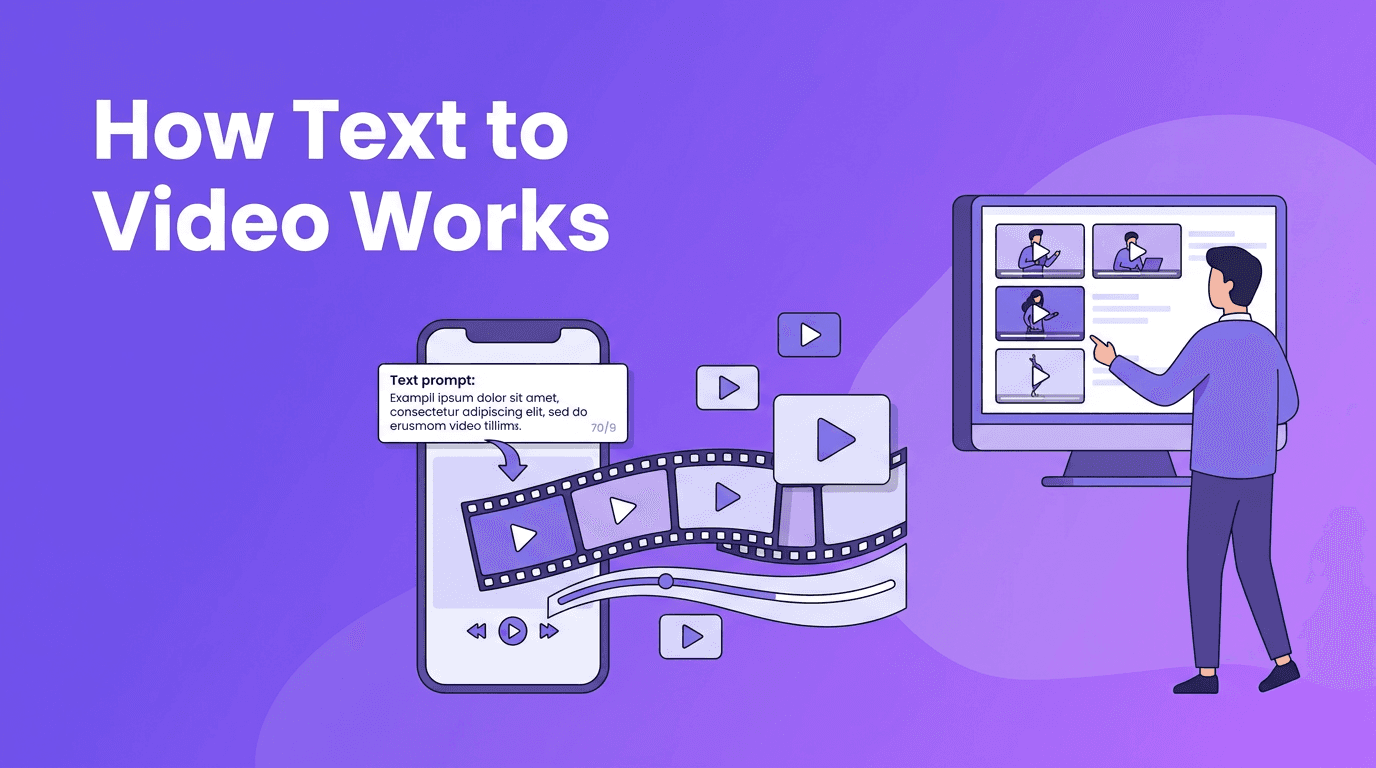
At a basic level, text to video AI converts written instructions into moving visuals. You enter a prompt that describes a subject, action, setting, camera feel, and style, and the model predicts a sequence of frames that match your words. The result is not magic, it is pattern learning based on large training data and powerful video generation models.
- You write a prompt such as 'a woman walking through a rainy city street, cinematic lighting, slow camera push'
- The model interprets subjects, motion, composition, and style keywords
- It generates frames that stay as consistent as possible across time
- You review the output, refine the prompt, and generate again for better results
"The quality of AI video often starts with the quality of the instruction."
The science behind text to video models
To convert text to video, most systems combine text understanding with visual generation. A language encoder reads your prompt and turns it into numerical representations. Then a video model uses those representations to build scenes, objects, and motion over multiple frames. The hard part is not just making one beautiful image, but keeping characters, objects, and movement coherent from start to finish.
Diffusion models
Diffusion models start with noise and gradually transform it into meaningful frames. In video generation, they often create or refine many frames while trying to preserve temporal consistency. This approach is popular because it can produce detailed visuals, but it may require more compute and careful tuning for motion stability.
Transformer-based approaches
Transformer-based systems are strong at understanding sequences, which makes them useful for modeling time, motion, and long-range relationships across frames. Some modern video generators use transformers alone, while others combine transformers with diffusion. In practice, different models interpret the same prompt differently, so one tool may excel at realism while another is better at stylized scenes or dynamic motion.
- Diffusion-focused models often shine in texture, lighting, and visual detail
- Transformer-based models can be strong at sequence understanding and motion planning
- Hybrid systems try to balance prompt understanding, quality, and frame consistency
Prompt engineering tips for better video results
If you want stronger ai video from text prompt results, be specific without becoming chaotic. Good prompts usually describe five things: the subject, the action, the setting, the camera view, and the visual style. This gives the model enough structure to generate something watchable.
Good prompt vs bad prompt examples
- Bad: 'make a cool video'
- Better: 'a golden retriever running through a park at sunrise, medium shot, gentle slow motion, natural lighting, realistic style, 16:9'
- Bad: 'city at night'
- Better: 'busy neon city street at night, light rain, people carrying umbrellas, camera tracking forward, cinematic mood, high detail, 9:16 for short-form video'
Use a simple prompt formula
Try this structure when using a text to video app: subject + action + setting + camera + style + aspect ratio + length. For example: 'young chef plating pasta in a modern kitchen, close-up shot, soft natural light, realistic food ad style, 1:1, 5 seconds'.
How aspect ratio, length, and quality settings affect results
- Aspect ratio changes composition. Use 9:16 for Reels and TikTok, 16:9 for YouTube, and 1:1 for feed posts
- Video length affects complexity. Shorter clips are often easier for AI to keep consistent
- Quality settings can improve detail, but may increase generation time
- Style keywords like cinematic, anime, photorealistic, or product ad help guide the visual direction
Why two AI tools can produce different videos from the same prompt
Not every ai text to video generator uses the same architecture, training data, or safety rules. One model may interpret 'cinematic' as dramatic lighting, while another may emphasize camera motion. Some tools are stronger at realistic people, others at animated scenes, product shots, or abstract visuals. That is why prompt testing matters. Small wording changes can produce major differences.
Ready to try text-to-video yourself?
*Movi AI* makes it easy to create videos from prompts, images, or existing clips with beginner-friendly tools and fast workflows.
Download Movi AIPractical ways to create video from text
You do not need a film crew to get value from text to video tools. For many creators and small teams, AI speeds up ideation, drafting, and content production.
- Social media clips for product launches, tips, and trends
- Storyboards and concept videos before a full production begins
- Explainer visuals for education, onboarding, or internal communication
- Ad creatives to test multiple hooks and styles quickly
- Background footage for voiceovers, presentations, or promo edits
A beginner workflow with Movi AI
- Start with one clear goal, such as a 6-second promo or a vertical social clip
- Write a focused prompt using subject, action, setting, camera, and style
- Generate a first version and review motion, framing, and visual clarity
- Revise one variable at a time, such as camera angle or style keyword
- Export the best result and combine it with music, captions, or voiceover if needed
Can you find text to video free tools?
Many users search for text to video free options, and some tools do offer limited trials, watermark-based exports, or credit systems. Free access can be useful for learning, but paid plans often unlock better quality, longer clips, faster generation, and commercial-friendly workflows. If you are serious about content creation, look at ease of use and output quality, not just price.
Final thoughts on learning text to video
The fastest way to learn how to create video from text is to experiment. Start with short clips, use specific prompts, and compare outputs across styles and settings. A user-friendly platform like *Movi AI* can help beginners move from idea to video faster while still giving enough control to improve results over time.
Frequently Asked Questions
How does text to video AI work?
Text to video AI reads a written prompt, converts it into machine-understandable representations, and generates a sequence of frames that match the described scene and motion.
What is the best prompt format for an ai text to video generator?
A strong format is subject + action + setting + camera + style + aspect ratio + length. This gives the model clear instructions without making the prompt too vague.
Can I convert text to video for free?
Some platforms offer free trials or limited credits. Free options are useful for testing, but paid plans often provide better quality, longer videos, and faster rendering.
Why do different text to video tools give different results?
Different tools use different AI models, training data, and generation settings. That changes how they interpret prompts, motion, style, and visual consistency.
What is a good text to video app for beginners?
A beginner-friendly app should make prompt-based creation simple and offer easy editing workflows. *Movi AI* is designed to help users create AI videos from text, images, and more.
Movi AICreate stunning AI videos in seconds!
Turn your ideas into professional videos with the #1 AI video maker.
Download Movi AI


