Vertical Video AI for Local Shops: A Practical Guide to Daily Promo Clips
Vertical video AI helps local shops create daily promo clips fast. Learn a practical workflow, content ideas, and how Movi AI simplifies mobile-first video creation.

By Movi AI Team
Movi AI Editorial Team
Vertical video AI is a practical way for local shops to make short daily promo clips without planning a full production day. Instead of filming and editing every post from scratch, you can turn ideas, photos, and existing footage into fast social content that fits how customers browse on their phones.
Why vertical video AI fits local retail
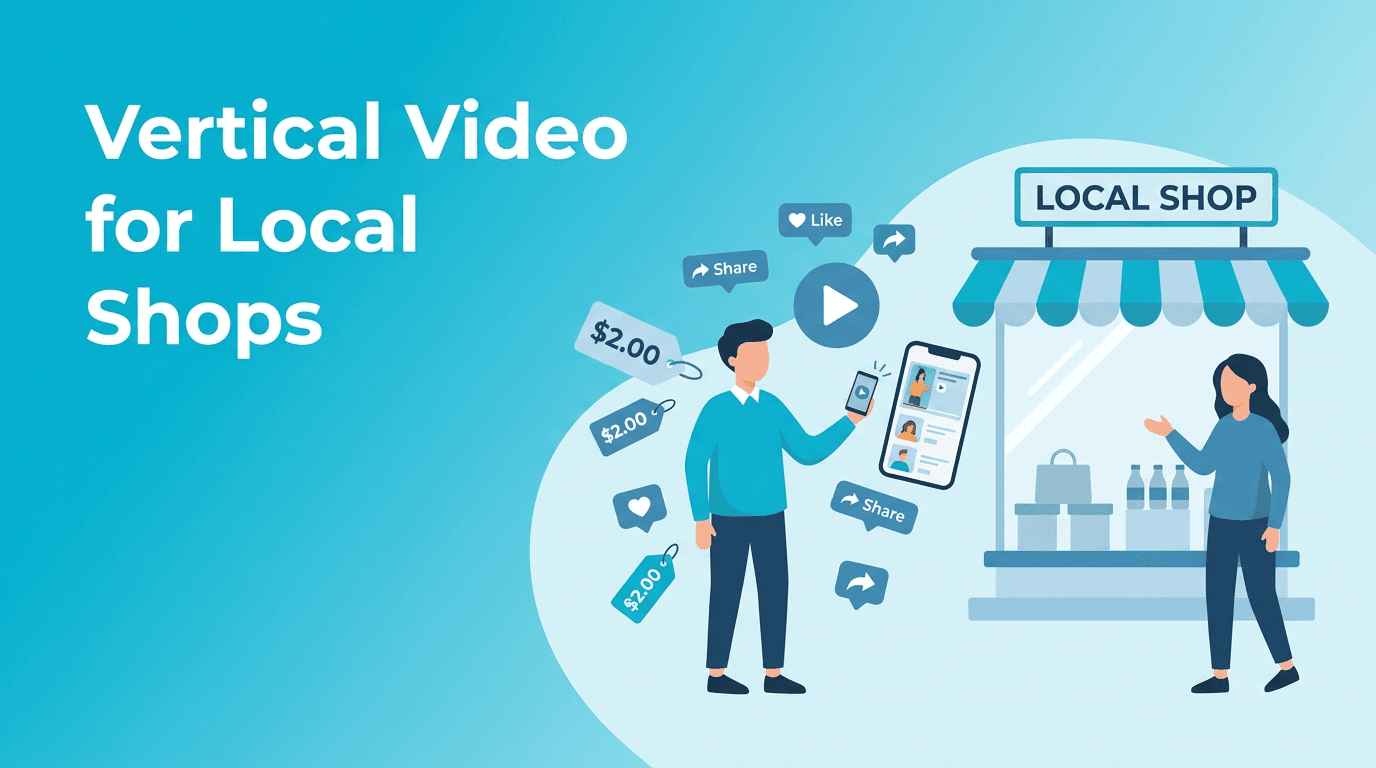
For bakeries, boutiques, salons, cafes, and neighborhood stores, speed matters more than elaborate production. Vertical video AI supports a lightweight workflow for announcing restocks, flash deals, new arrivals, weekend offers, and behind-the-counter moments. It helps small teams publish more consistently while keeping content focused on products and promotions.
- Create clips sized for mobile-first platforms like Reels, TikTok, and Shorts
- Turn product photos into moving posts for daily offers
- Reuse older store footage instead of reshooting everything
- Test multiple promo angles for the same item or sale
- Keep your posting calendar active even on busy days
A 5-step workflow for daily promo clips
1. Start with one clear message
Choose a single offer or update, such as 'new pastries at 8 AM' or '2-day sale on summer bags.' The narrower the message, the easier it is to create a video that feels useful and direct.
2. Gather simple source material
Use a product photo, a short shelf clip, a quick storefront shot, or a note with your promo idea. With *Movi AI*, you can begin from text prompts, images, or existing videos, which is helpful when your team has mixed assets.
3. Build for silent viewing first
Most shoppers watch with sound off at first. Put the offer in the opening seconds, keep the wording short, and make sure the visual still explains the promotion clearly.
4. Keep the clip short
Aim for 6 to 15 seconds for daily promo content. This forces the message to stay focused and gives you a better chance of holding attention in a crowded feed.
5. Publish and repeat
A repeatable process matters more than one perfect video. Vertical video AI works best when you use it as an ongoing content habit, not a one-time experiment.
"The businesses that win with short-form video are usually not the ones with the biggest budgets, but the ones that publish clearly and consistently."
Content ideas local shops can make this week
- Today's best seller
- Staff pick of the week
- Before opening store prep
- New arrival showcase
- Limited-time discount reminder
- Bundle offer explainer
- Back in stock announcement
- Customer favorite spotlight
Create retail clips faster with Movi AI
Use *Movi AI* to turn text, images, or existing footage into short promotional videos for your shop's daily marketing.
Download Movi AIPractical tips for better results
- Lead with the offer in the first 2 seconds
- Use one product or one promotion per clip
- Show price, timing, or quantity when relevant
- Keep text overlays large and easy to scan
- Make several versions for different days of the week
- Reuse your best-performing format with new products
Why Movi AI is useful for small retail teams
*Movi AI* is especially helpful for shops that need mobile-friendly video creation without a complicated production stack. Because it supports text-to-video, image-to-video, video-to-video, and speech-led creation, it can fit different store workflows and content needs.
Frequently Asked Questions
How can a local shop make daily promo videos quickly?
Start with one offer, use a product photo or short clip, keep the video under 15 seconds, and use a simple repeatable format.
What is vertical video AI?
Vertical video AI refers to AI-assisted video creation for portrait-format content designed for mobile platforms like Reels, TikTok, and Shorts.
Can I create store promo videos from photos?
Yes. You can turn product photos and storefront images into short motion-based promotional clips with AI-assisted tools like Movi AI.
What should a small business include in a promo video?
Include one clear message, a visible product or service, a simple offer, and a direct call to action such as visit today or limited stock.
Movi AICreate stunning AI videos in seconds!
Turn your ideas into professional videos with the #1 AI video maker.
Download Movi AI