AI Text to Video Generator: How Prompts Become Videos
Learn how an AI text to video generator turns prompts into clips, how models work, and how to write better prompts to create stronger videos faster.

By Movi AI Team
Movi AI Editorial Team
An ai text to video generator can turn a simple written idea into moving visuals in minutes. If you want to convert text to video, understand text to video AI, and get better results from every prompt, this guide will show you the key concepts, settings, and practical steps that matter most.
What is an AI text to video generator?
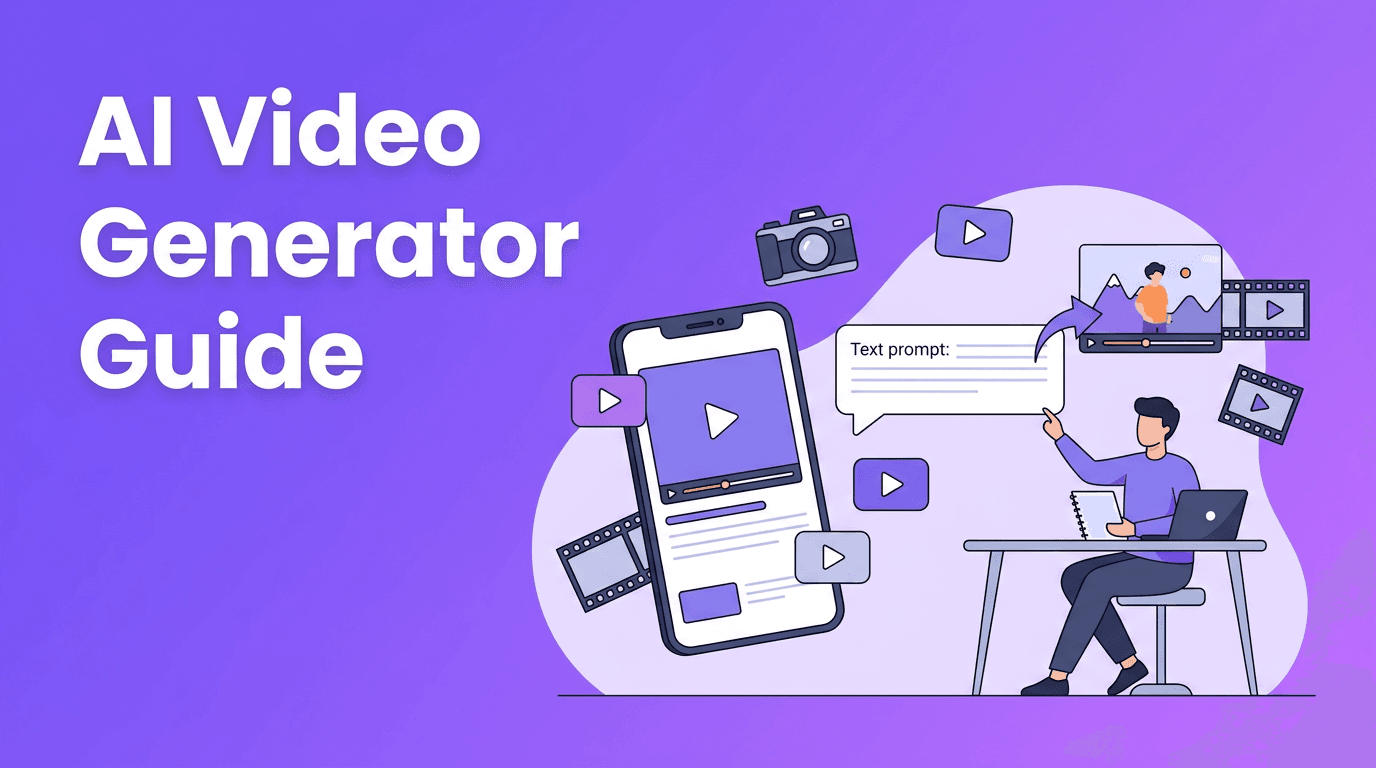
An ai text to video generator is software that reads a prompt, interprets the scene, and creates short video clips using machine learning models. Instead of filming everything manually, you describe the subject, action, camera angle, mood, and style in words. The model then predicts how frames should look and move over time. For beginners, this makes how to create video from text far more accessible than traditional production.
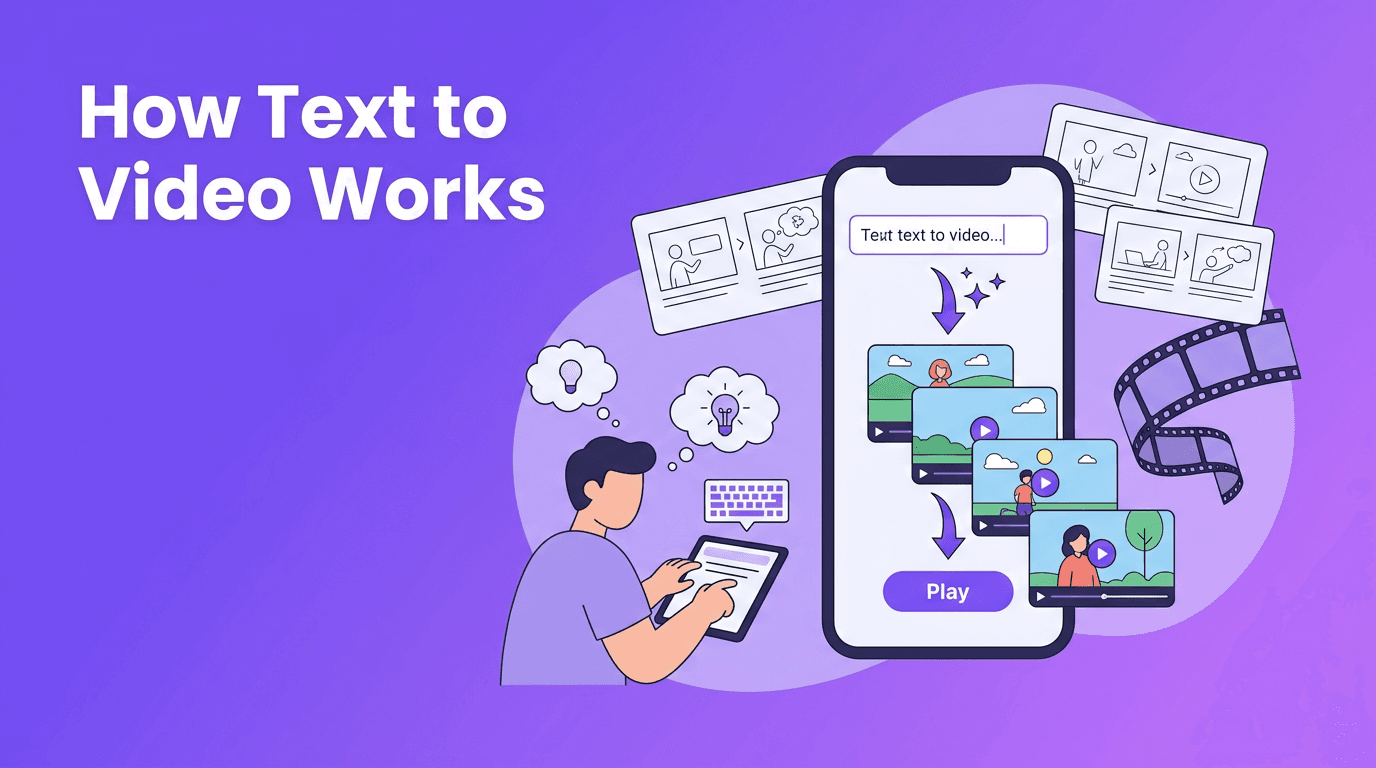
- Text prompt in: You describe the scene in natural language.
- Model processing: The AI maps your words to visual concepts, motion, lighting, and composition.
- Video output: The system generates a sequence of frames that become a playable clip.
- Refinement: You improve the result by changing prompt details, aspect ratio, duration, and style settings.
How text to video AI turns words into motion
At a high level, text to video AI connects language understanding with visual generation. First, a text encoder converts your prompt into numerical representations. Then a video model uses that representation to generate frames that match the meaning of the prompt. The challenge is not just making a single good image, but keeping characters, objects, and motion consistent from one frame to the next.
The science behind the process
Most systems are trained on huge datasets of videos and captions. During training, the model learns relationships such as what a 'dog running on a beach' looks like, how water moves, and how camera motion changes perspective. This is why an ai video from text prompt can feel surprisingly realistic when the prompt is specific and grounded in visual details.
Better prompts do not just add words. They add clear visual instructions the model can actually render.
Why motion is harder than image generation
Single images only need one coherent frame. Video needs temporal consistency, which means the subject should stay recognizable across many frames while movement remains smooth. Hands, faces, text on signs, and fast action are often harder because the model must maintain structure over time.
Diffusion models vs transformer-based video models
Different text to video systems use different architectures, and that affects speed, consistency, and style control.
Diffusion models
Diffusion models start from noise and gradually denoise it into frames that match your prompt. They are widely used because they can produce visually rich results and strong style interpretation. Many tools that help users convert text to video rely on diffusion-like generation steps.
- Strengths: Strong image quality, flexible style output, detailed scenes.
- Weaknesses: Can be slower, may struggle with long coherent motion, sometimes changes details between frames.
- Best for: Short cinematic clips, stylized content, product visuals, mood pieces.
Transformer-based models
Transformer-based approaches are built around attention mechanisms that track relationships across tokens, frames, and sequences. In video generation, this can improve long-range consistency and scene understanding. Some newer systems use transformers heavily to better model motion over time and improve prompt alignment.
- Strengths: Better sequence modeling, stronger context handling, potentially better consistency across time.
- Weaknesses: Computationally heavy, quality depends on training design and scale.
- Best for: Multi-step actions, story-driven clips, and scenes where continuity matters.
Why different models interpret prompts differently
Every model is trained on different data, tuned with different safety filters, and optimized for different goals. One model may respond strongly to style keywords like 'cinematic close-up', while another may prioritize action words or realism. That is why the same prompt can produce very different outputs across a text to video app or platform.
Prompt engineering tips for better text to video results
If you want a stronger ai text to video generator result, think like a director. Tell the model what to show, how it should move, and what the final shot should feel like.
Use a simple prompt formula
- Subject: Who or what is in the scene?
- Action: What is happening?
- Setting: Where does it take place?
- Camera: Wide shot, close-up, tracking shot, overhead view?
- Style: Realistic, animated, cinematic, claymation, anime?
- Lighting and mood: Soft morning light, dramatic shadows, energetic mood?
- Length and format: Vertical for Reels, landscape for YouTube, short loop for ads.
Good prompt vs bad prompt
Bad prompt: 'Make a cool video of a city.' Why it fails: It is too vague. The model has to guess the subject, time of day, motion, camera angle, and visual style. Good prompt: 'A cinematic drone shot flying between tall buildings in a modern city at sunrise, light fog between streets, cars moving below, realistic style, smooth motion, 16:9.' This second version gives the model clear visual targets, which improves composition and motion.
Add style and motion keywords carefully
Useful prompt terms include 'cinematic', 'slow motion', 'tracking shot', 'realistic', '3D animated', 'soft lighting', or 'high detail'. But too many style tags can conflict. Start with one main style, then add only the most important modifiers.
Match aspect ratio to your goal
- 9:16 for TikTok, Reels, and Shorts.
- 16:9 for YouTube, websites, and presentations.
- 1:1 for square social posts and some ads.
Choosing the right frame shape early helps the model compose subjects correctly. A vertical text to video app workflow is often better for creators who publish mostly on mobile-first platforms.
Use shorter clips first
When testing prompts, start with shorter durations. Short clips render faster and make it easier to identify what needs fixing. Once the scene looks right, extend or regenerate variations. This approach is especially useful if you are looking for text to video free options with limited credits.
How to create video from text step by step
- 1. Pick the goal: Decide whether the video is for ads, social content, explainers, or storytelling.
- 2. Write a focused prompt: Describe subject, action, setting, camera, and style.
- 3. Choose aspect ratio: Match the destination platform.
- 4. Set clip length: Start short, then extend if needed.
- 5. Generate multiple versions: Compare motion, framing, and prompt accuracy.
- 6. Refine the prompt: Add missing details or remove conflicting instructions.
- 7. Edit and publish: Add music, captions, voiceover, or transitions if needed.
Try a simpler way to make AI videos
*Movi AI* is a user-friendly **text to video app** that helps you create videos from prompts, images, speech, and existing clips without a steep learning curve.
Download Movi AIPractical uses for text to video
- Social media content: Turn quick ideas into short-form videos faster.
- Marketing: Create product teasers, ad concepts, and brand visuals.
- Education: Visualize lessons, explain concepts, and build learning clips.
- Storyboarding: Test scenes before full production.
- Small business content: Make promos without cameras or a studio.
- Creative experiments: Explore styles, moods, and visual directions from text alone.
For many creators, the biggest benefit is speed. An ai text to video generator can reduce the time between idea and publishable draft, which matters when you need to test multiple concepts quickly.
Where Movi AI fits in
If you are new to text to video, *Movi AI* offers a beginner-friendly path. You can generate videos from text prompts, images, speech, or existing footage, which makes it easier to move from rough idea to polished content. For creators who want a practical text to video app instead of a technical workflow, that flexibility is a major advantage.
Final thoughts on getting better results
The best way to improve with text to video AI is to treat prompting like iteration, not magic. Start with a clear scene, test short outputs, compare versions, and refine based on what the model actually understood. As models improve, the gap between idea and finished clip will keep shrinking, and creators who learn prompt structure now will have a real advantage.
Frequently Asked Questions
What is the best prompt structure for text to video?+
A strong prompt usually includes the subject, action, setting, camera angle, style, lighting, and aspect ratio. Clear visual details help the model generate more accurate clips.
How can I convert text to video for free?+
Some tools offer limited free generations or trial credits. Start with short clips and simple prompts to make the most of any text to video free plan.
Why do different AI text to video generator tools give different results?+
Models differ in training data, architecture, motion handling, and style interpretation. The same prompt can look very different across platforms.
What aspect ratio should I use for a text to video app?+
Use 9:16 for vertical social content, 16:9 for YouTube or websites, and 1:1 for square posts. The right aspect ratio helps frame the subject correctly.
How do I make an AI video from text prompt look more realistic?+
Use specific subjects, grounded actions, clear camera directions, and realistic style keywords. Avoid vague prompts and test shorter clips before generating longer scenes.
Create stunning AI videos in seconds!
Turn your ideas into professional videos with the #1 AI video maker.
Download Movi AI