AI Video Maker vs Traditional Editing: How an AI Video Generator Changes Production
An AI video maker can turn prompts, images, and clips into polished content in minutes. Learn how an AI video generator works, which tools matter, and how to create better videos faster.
By Movi AI Team
Movi AI Editorial Team
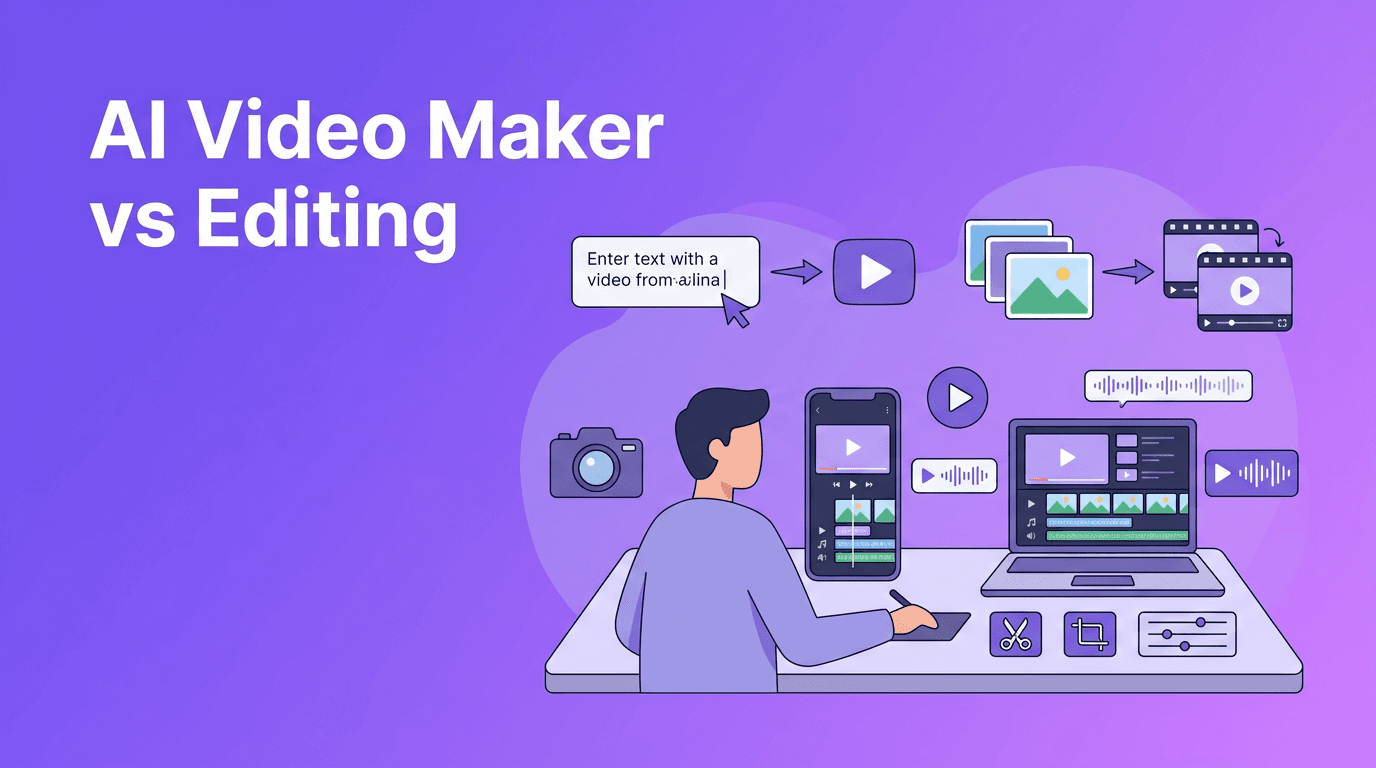
An AI video maker creates videos from prompts, images, voice, or existing footage by using machine learning models to generate scenes, motion, and edits automatically. If you are comparing an AI video generator with traditional editing software, the short answer is this: AI is faster for ideation and production, while manual editing gives deeper frame-by-frame control.
1. What an AI Video Maker Actually Does
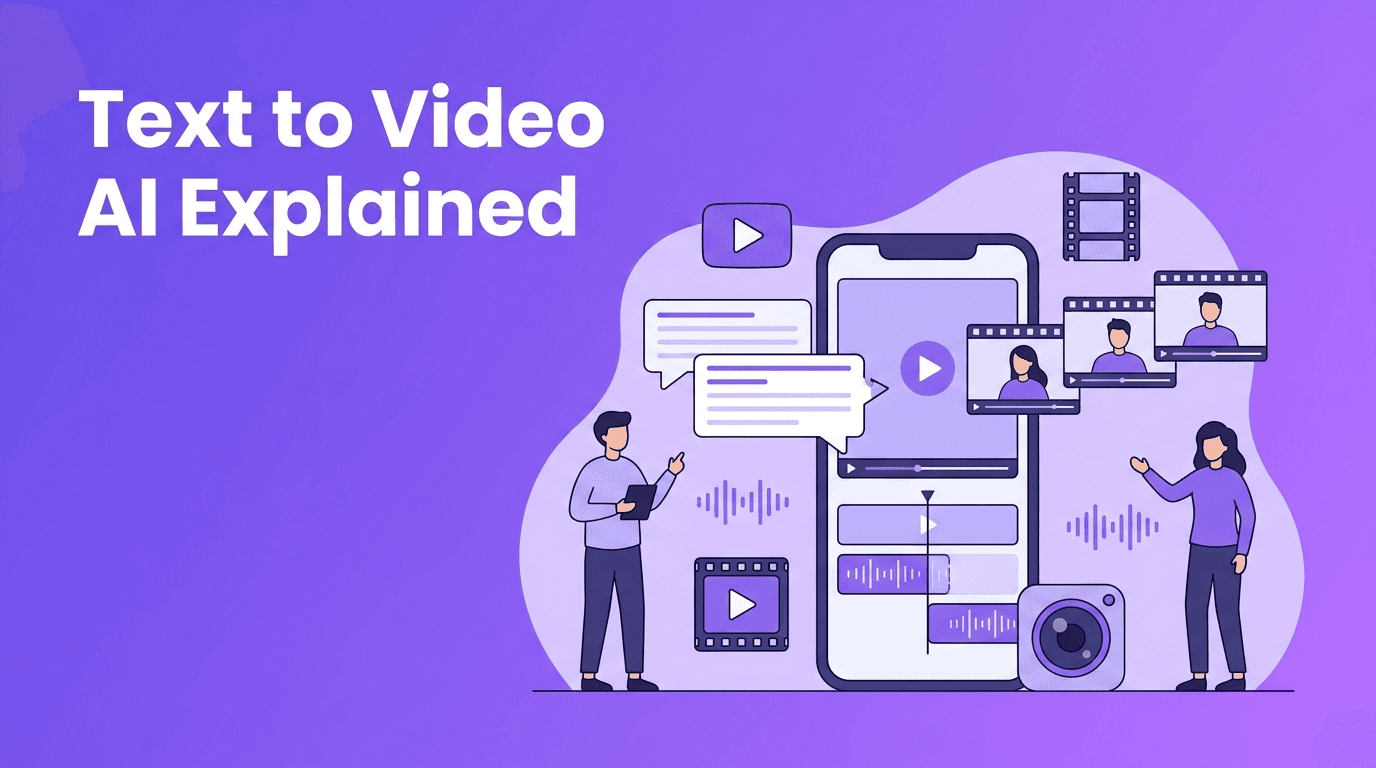
An AI video maker helps you go from idea to video without building every scene by hand. Instead of arranging each cut on a timeline, you can describe a concept, upload a photo, add narration, or transform an existing clip. Tools like *Movi AI* support text-to-video, image-to-video, video-to-video, and speech-to-video, which makes them useful for creators, marketers, and small teams that need content quickly.
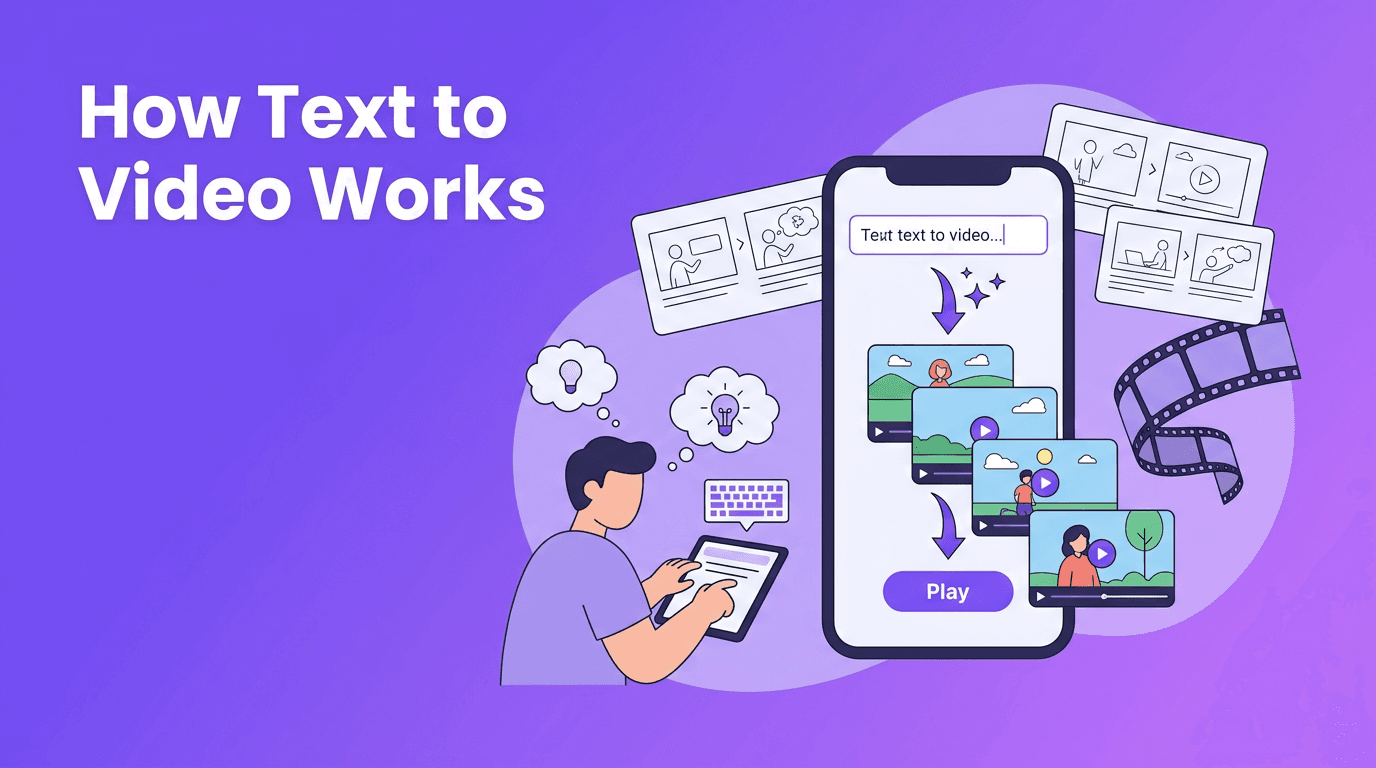
- Text-to-video turns written prompts into animated scenes or short video concepts.
- Image-to-video adds motion, camera movement, and transitions to still visuals.
- Video-to-video restyles or transforms existing footage into a new look.
- Speech-to-video builds visuals around narration, voiceover, or spoken ideas.
2. How AI Video Generation Works in Simple Steps
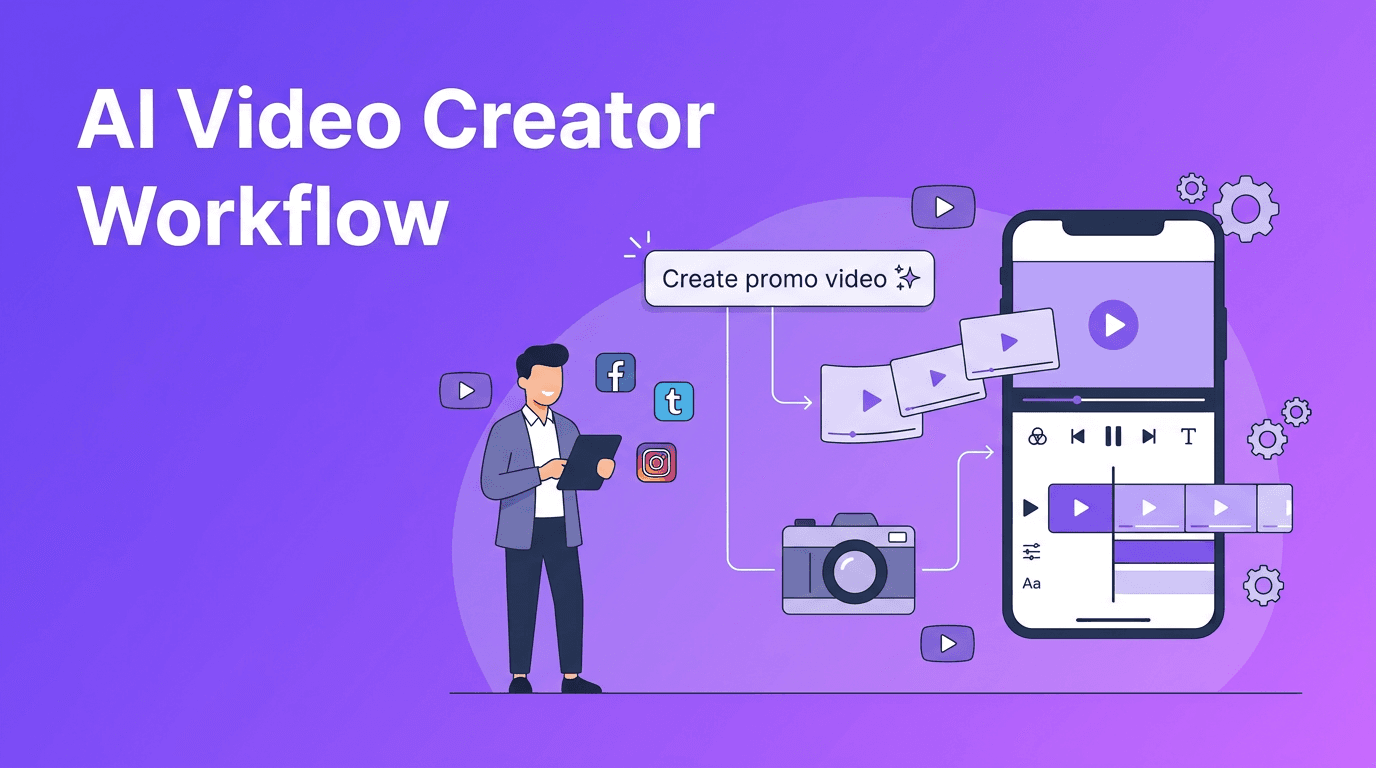
Most AI systems follow a similar process. First, the model reads your prompt or source media. Next, it predicts visuals that match your description, style, and motion cues. Then it renders frames, blends movement between frames, and outputs a final clip. A strong AI video generator also adds tools for aspect ratio, pacing, and export settings so you can make content for Reels, TikTok, YouTube, or ads.
Step-by-step workflow
- Write a clear prompt with subject, action, setting, and mood.
- Upload an image, video, or voice track if you want more control.
- Choose format, length, and platform ratio.
- Generate a draft and review motion, consistency, and timing.
- Refine the prompt or source files, then render the final version.
"The best AI videos start with clear intent. AI speeds up creation, but direction still comes from the creator."
3. AI Video Generator vs Traditional Video Editing
Traditional editing software is powerful, but it often demands more time, footage, and technical skill. An AI video maker reduces that effort by automating scene creation, transitions, and visual generation. This is especially helpful when you do not have a camera crew, stock assets, or editing experience.
Where AI wins
- Speed - Generate concepts and first drafts in minutes instead of hours.
- Lower production cost - Create visuals without hiring a full production team.
- Easy experimentation - Test multiple hooks, styles, and versions quickly.
- Accessibility - Beginners can make usable videos without mastering complex timelines.
Where traditional editing still wins
- Precision - Better for frame-level edits, advanced color work, and detailed compositing.
- Consistency across long projects - Useful for documentaries, courses, or complex brand campaigns.
- Audio control - Professional sound mixing is usually stronger in dedicated editing suites.
- Manual polish - High-end productions still benefit from hands-on finishing.
For many businesses, the smartest approach is hybrid. Use an AI video generator for ideation, rough cuts, social clips, and rapid testing, then move top-performing concepts into traditional editing if you need advanced polish.
4. Best Use Cases for Content Creators and Small Brands
The best AI video generator is the one that matches your workflow, content volume, and platform goals. For practical day-to-day production, AI video tools are most valuable when speed matters more than cinematic perfection.
- Social media posts - Turn product photos or ideas into short promo videos.
- Ad testing - Create multiple versions of hooks and visuals for paid campaigns.
- Explainer content - Build simple educational clips from scripts or bullet points.
- Product showcases - Animate still images into eye-catching demos.
- Local business marketing - Make quick offers, announcements, and service promos.
- Creator storytelling - Convert ideas into visual drafts before full production.
Want to create videos without a studio?
*Movi AI* is an **AI video generator app** for iOS that helps you turn text, images, and footage into polished videos faster.
Download Movi AI5. 7 Tips to Make Professional AI Videos
1) Start with a structured prompt
If you are learning how to make AI videos, use a prompt formula: subject + action + setting + camera angle + style + duration. Specific prompts usually produce more coherent results than vague ones.
2) Use reference images when possible
Reference images improve consistency, especially for products, characters, or branded visuals. This is one reason image-to-video workflows are growing fast.
3) Keep clips short and purposeful
Short clips often look better because motion is easier to control over a few seconds. You can stitch several strong clips into a better final video.
4) Prioritize strong audio
Even the best visuals feel weak with poor sound. Add clean voiceover, music, or captions to make your video feel more professional.
5) Match aspect ratio to the platform
Vertical for TikTok and Reels, square for some social placements, horizontal for YouTube or websites. Platform fit matters as much as visual quality.
6) Render multiple versions
A free AI video generator can be useful for testing ideas, but even premium tools need iteration. Generate a few variations, compare them, and keep the strongest one.
7) Edit the final output lightly
Add captions, trim slow moments, and tighten the opening seconds. A few small edits can make an AI-generated draft look far more intentional.
6. What to Look for in the Best AI Video Generator
- Generation modes - Look for text-to-video, image-to-video, and video-to-video options.
- Video quality - Check motion smoothness, visual consistency, and prompt accuracy.
- Rendering speed - Fast drafts help you test more ideas in less time.
- Ease of use - A clean interface matters if you create content often.
- Export options - Make sure the tool supports the formats and ratios you need.
- Mobile workflow - An AI video generator app like *Movi AI* is ideal for creators who work on the go.
If you are comparing a desktop editor with an AI video creator, think about your real goal. Do you need full manual control, or do you need more content published faster? That answer usually tells you which tool fits best.
7. Final Take
An AI video maker is not just a shortcut. It is a new production workflow for fast-moving creators and businesses. Use AI when you need speed, flexible testing, and easy content generation. Use traditional editing when you need exact control and advanced finishing. For most people, starting with *Movi AI* is a practical way to create better videos from prompts, images, or existing footage without getting stuck in a complicated editing process.
Frequently Asked Questions
What is an AI video maker?+
An AI video maker is a tool that creates or edits videos using prompts, images, voice, or source clips. It automates parts of scripting, scene generation, motion, and rendering.
What is the best AI video generator for beginners?+
The best option for beginners is usually one with a simple interface, fast rendering, and multiple creation modes. *Movi AI* is a strong choice for users who want to create videos from text, images, or footage quickly.
Can a free AI video generator make professional videos?+
Yes, a free AI video generator can help you test ideas and create useful drafts. For more control, better exports, and consistent quality, paid tools often perform better.
How do I make AI videos look more professional?+
Use specific prompts, add reference images, keep clips short, improve audio, and do light post-editing. Small refinements can significantly improve the final result.
Is AI video better than traditional editing?+
AI video is better for speed and fast content production, while traditional editing is better for precision and advanced polish. Many creators use both together.
Create stunning AI videos in seconds!
Turn your ideas into professional videos with the #1 AI video maker.
Download Movi AI