AI Text to Video Generator: How Prompts Become Videos
An AI text to video generator turns written prompts into short videos. Learn how it works, compare model types, and use practical prompt tips to get better results fast.
By Movi AI Team
Movi AI Editorial Team
An ai text to video generator can turn a simple sentence into a moving scene, making video creation faster for beginners, marketers, and creators. If you want to understand text to video ai, improve prompts, and learn how models interpret language, this guide breaks the process into practical steps you can use right away.
What an AI text to video generator actually does
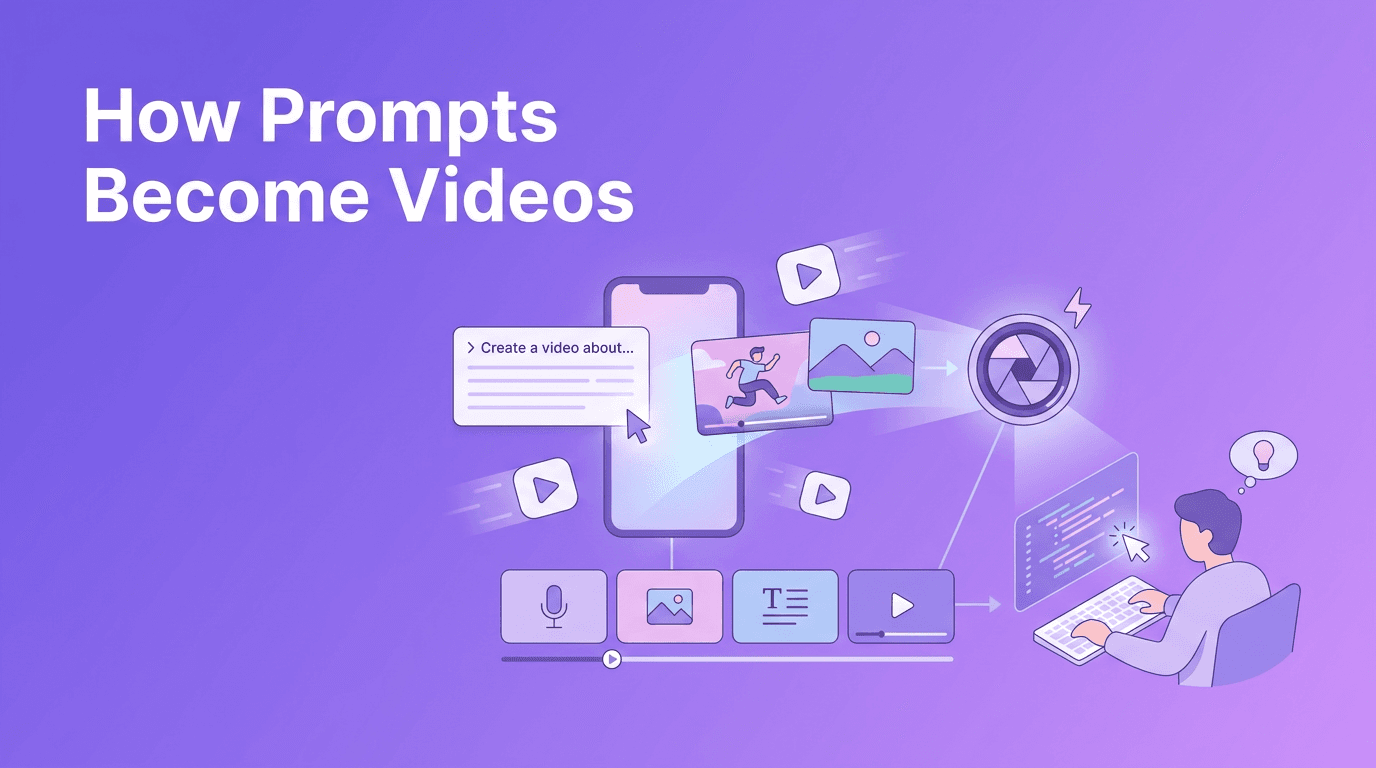
At a basic level, a video model reads your prompt, predicts what the scene should look like, and generates a sequence of frames that match your description. The best tools also infer motion, camera angle, lighting, subject consistency, and style from your words. That is why the quality of your prompt matters so much when you convert text to video.
- Input: a text prompt such as 'a golden retriever running through shallow ocean water at sunset'
- Interpretation: the model identifies subject, action, setting, mood, and cinematic cues
- Generation: the system creates frames and motion over time
- Refinement: quality settings, aspect ratio, style choices, and reruns improve the output
The science behind text to video AI
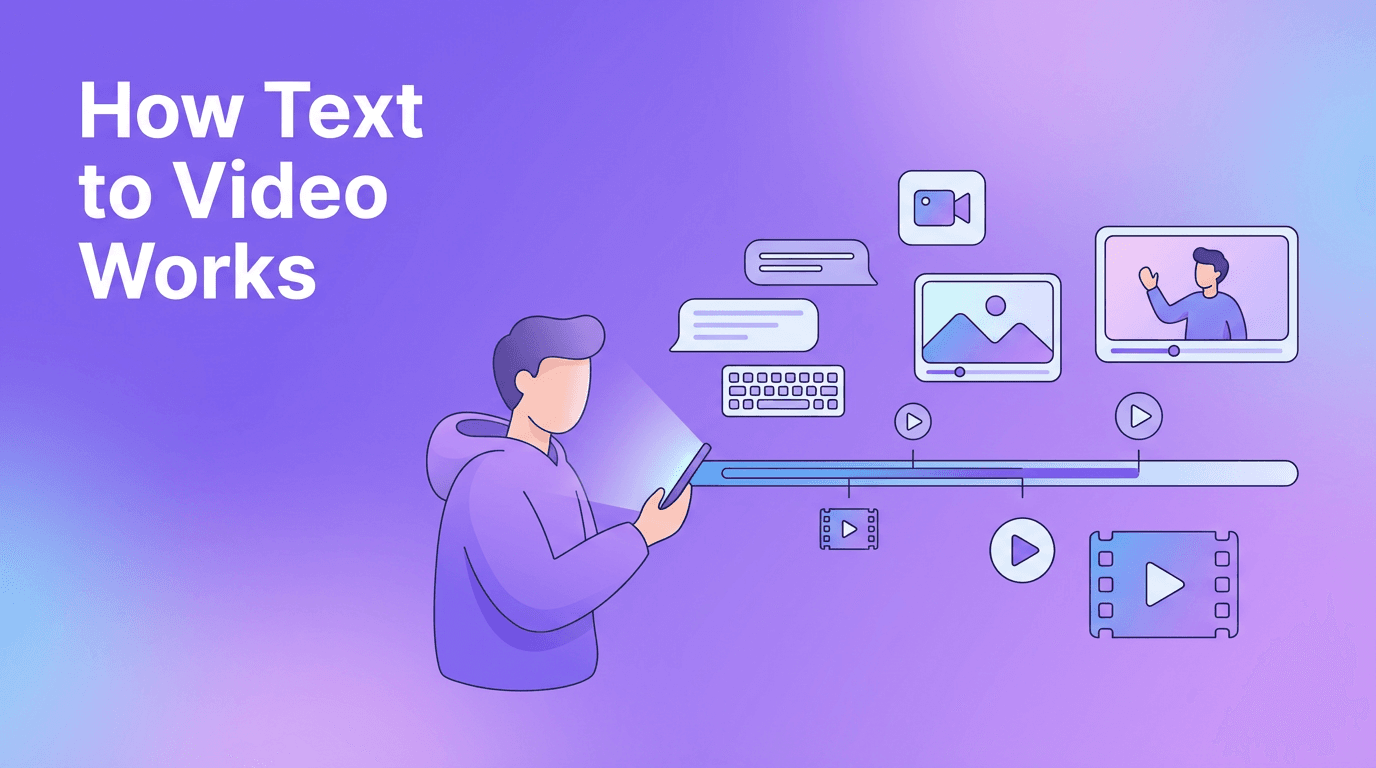
Most text to video ai systems combine language understanding with image and motion generation. First, a text encoder converts your prompt into numerical representations. Then the generation model uses those representations to create visuals that align with the prompt. Finally, temporal layers or motion modules help keep movement coherent across frames so the video feels continuous instead of flickering from one image to the next.
Diffusion models
Diffusion-based systems start with noise and gradually transform it into meaningful frames. This approach is popular because it can produce strong detail and flexible style control. In video generation, diffusion models often add modules for temporal consistency so subjects and backgrounds stay more stable across multiple frames.
Transformer-based models
Transformer-based systems are designed to understand sequences very well, which makes them useful for handling long context and motion relationships over time. In simple terms, they can be better at understanding how one moment in a video should connect to the next. However, different architectures make different tradeoffs between realism, speed, and compute cost.
Why models interpret prompts differently
Not every model has been trained on the same data or optimized for the same outcomes. One model may respond strongly to cinematic terms like 'wide shot' or 'shallow depth of field', while another focuses more on literal objects and actions. This is why the same ai video from text prompt can look very different across tools.
Better prompts do not just describe what you want. They reduce ambiguity so the model has fewer chances to guess wrong.
How to create video from text with better prompts
If you are learning how to create video from text, think like a director, not just a describer. Strong prompts usually include five elements: subject, action, setting, camera view, and style. Add only the details that matter most. Too little detail creates generic clips, but too much can confuse the model.
A simple prompt formula
- Subject: who or what is in the scene
- Action: what is happening
- Setting: where it happens
- Camera: close-up, wide shot, tracking shot, overhead view
- Style: realistic, cinematic, animated, ad-style, documentary
Bad prompt vs good prompt examples
- Bad: 'make a cool video'
- Better: 'A close-up of a barista pouring latte art in a bright cafe, slow camera push-in, realistic lighting, cinematic food commercial style, 6 seconds'
- Bad: 'dog in park'
- Better: 'A playful corgi chasing a red ball across a sunny city park, wide shot, natural motion, soft afternoon light, realistic style, 16:9, 5 seconds'
Notice how the better prompts remove guesswork. They tell the model what to show, how it should move, and what kind of visual language to use. That is essential when using an ai text to video generator for marketing, storytelling, or social media clips.
Prompt tips that improve results
- Use clear nouns and verbs instead of vague adjectives
- Specify aspect ratio like 9:16 for Shorts, Reels, and TikTok, or 16:9 for YouTube and presentations
- Define video length so the scene matches your intended pacing
- Add style keywords such as realistic, cinematic, anime, product ad, documentary, or watercolor animation
- Mention camera movement like pan, tilt, dolly-in, tracking shot, or static shot
- Test quality settings when available, especially for detail, motion strength, and prompt adherence
- Generate several versions and keep the best one instead of expecting a perfect first result
Different approaches to convert text to video
There is no single best architecture for every use case. Diffusion systems often shine when you want rich visuals and flexible aesthetics. Transformer-based systems can be strong when sequence understanding and temporal coherence matter more. Hybrid systems combine strengths from both to balance realism, motion, and efficiency.
- Diffusion approach: often strong image quality, good style control, can be slower
- Transformer approach: often strong sequence modeling, better long-range context, may vary in visual detail depending on the system
- Hybrid approach: aims to balance image fidelity, motion consistency, and speed
Practical uses for text to video app workflows
A modern text to video app can help creators move from idea to publishable content much faster. Instead of storyboarding everything manually, you can generate concept clips, ads, explainer scenes, social content, and product visuals from plain language.
- Social media: create hooks, B-roll, and short promo clips
- Marketing: turn campaign ideas into ad concepts quickly
- Education: visualize lessons, processes, or historical scenes
- Small business: make product teasers without a full production team
- Creative development: prototype story ideas before filming
Ready to try a user-friendly AI video workflow?
*Movi AI* helps you create videos from text prompts, images, or existing clips with a simple mobile workflow. It is a practical choice for beginners who want fast, polished results.
Download Movi AIIf you are looking for text to video free options, keep expectations realistic. Free plans are useful for testing prompts and workflows, but paid tiers often unlock better quality, longer clips, faster generation, and fewer watermark or export limits. For many beginners, starting with a simple app and learning prompt structure matters more than chasing the most advanced model on day one.
Final thoughts
The fastest way to improve with ai text to video generator tools is to treat prompting like direction. Be specific about subject, motion, framing, style, and duration. As models improve, the creators who get the best results will not just type more words, they will give clearer instructions. With tools like *Movi AI*, it is easier than ever to experiment, learn, and turn ideas into video.
Frequently Asked Questions
How does an AI text to video generator work?+
It turns written prompts into visual sequences by combining language understanding with image and motion generation. The model predicts frames and movement that match your text.
What is the best prompt format for text to video AI?+
A strong format includes subject, action, setting, camera angle, style, aspect ratio, and duration. Clear prompts usually outperform short, vague requests.
Can I convert text to video for free?+
Yes, some tools offer free trials or limited plans. Free access is good for testing, but paid plans often provide better quality, longer clips, and faster exports.
What is the difference between diffusion and transformer video models?+
Diffusion models often excel at detailed visuals, while transformer-based models are strong at understanding sequences and motion over time. Many platforms now use hybrid approaches.
Create stunning AI videos in seconds!
Turn your ideas into professional videos with the #1 AI video maker.
Download Movi AI