AI Video Generator for Beginners: How It Works and What to Use
An AI video generator helps you turn prompts, images, and clips into polished videos faster. Learn how it works, compare tools, and discover practical tips to create better results.
By Movi AI Team
Movi AI Editorial Team
An AI video generator uses machine learning to turn text prompts, images, audio, or existing footage into new video content. If you are wondering how to make faster, more scalable videos for social media, marketing, or small business campaigns, an AI video generator can dramatically reduce production time while expanding creative options.
What Is an AI Video Generator?
An AI video generator is software that creates or transforms video with artificial intelligence. Instead of manually editing every scene, users can describe a concept, upload a photo, add voice, or provide a source clip, and the system generates motion, transitions, visuals, or stylized outputs. Many people also search for an AI video maker or AI video creator, but the goal is similar: create video faster with less manual work.
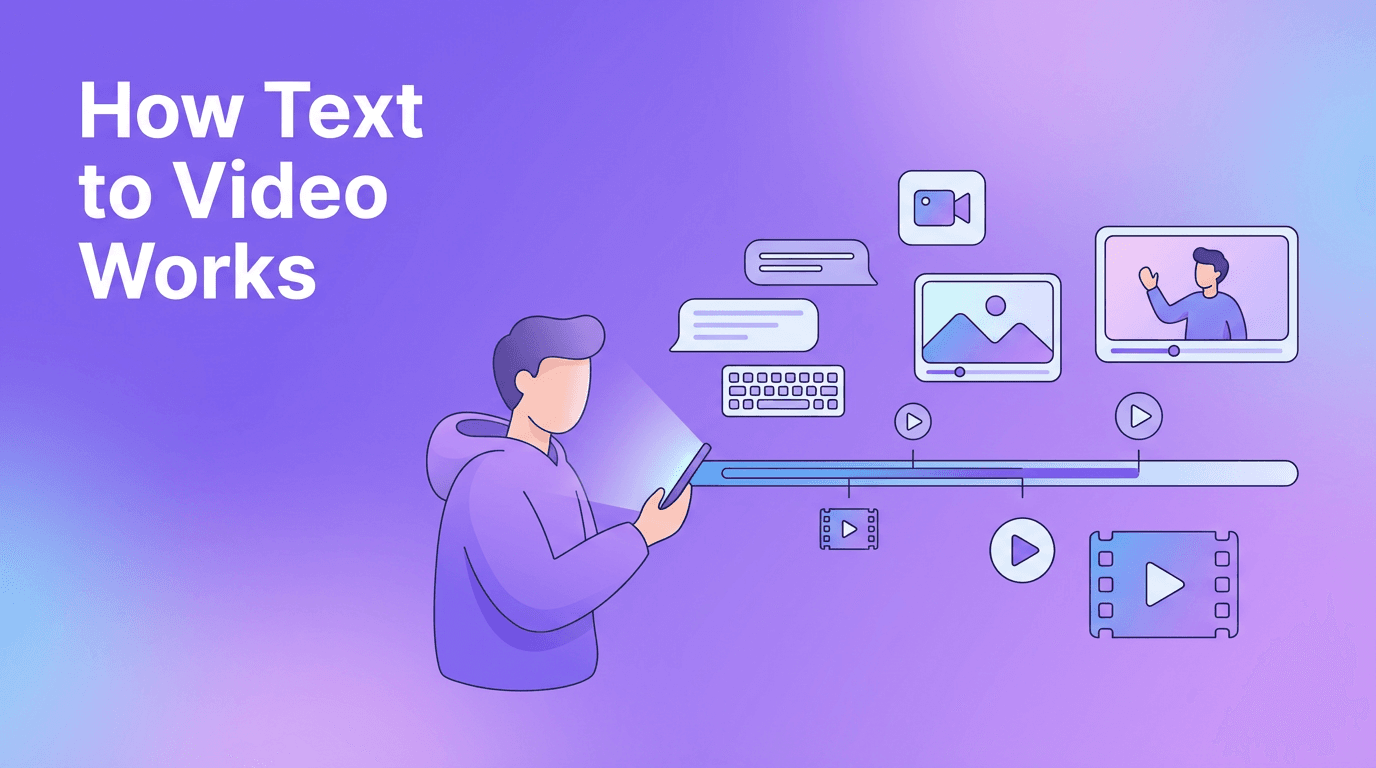
- Text-to-video AI turns written prompts into visual scenes.
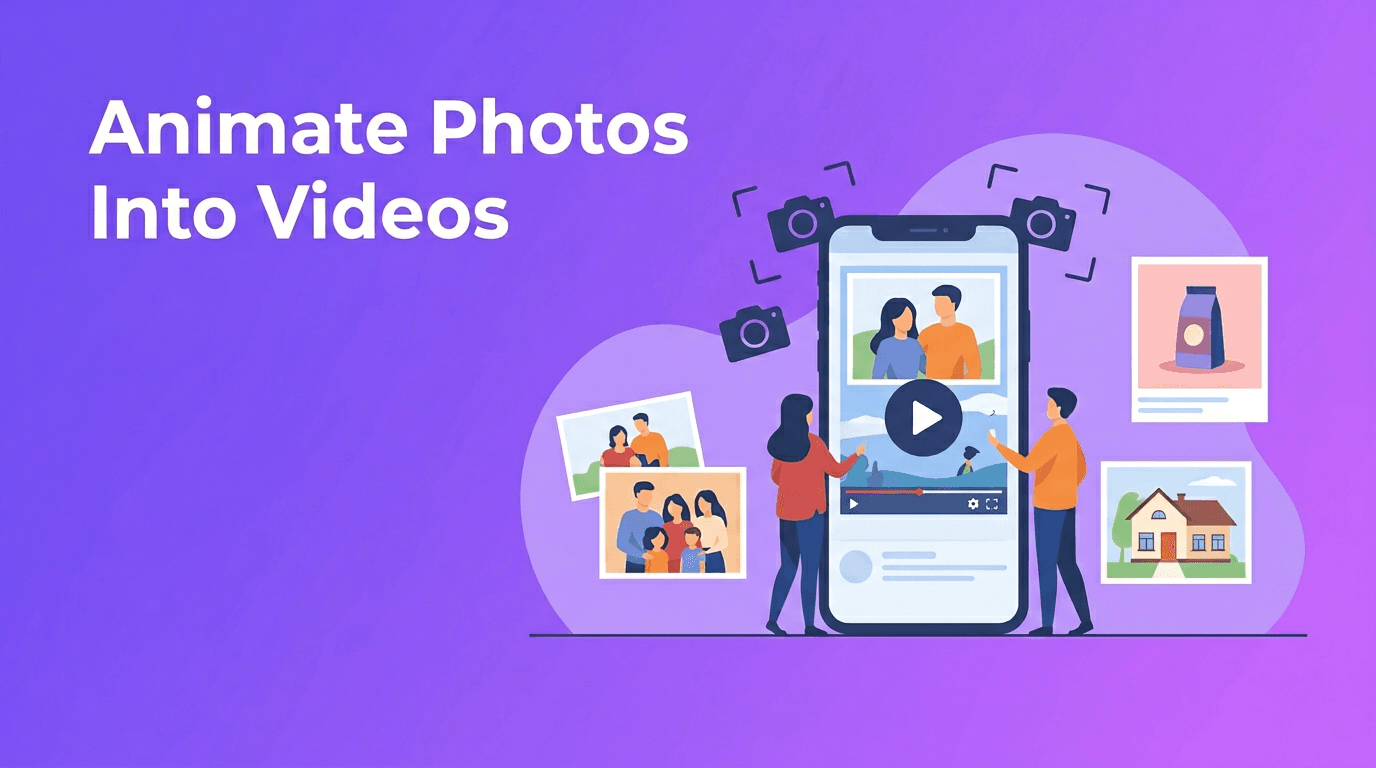
- Image-to-video animates still images into moving clips.
- Video-to-video restyles or transforms existing footage.
- Speech-to-video can build scenes around narration or voice input.
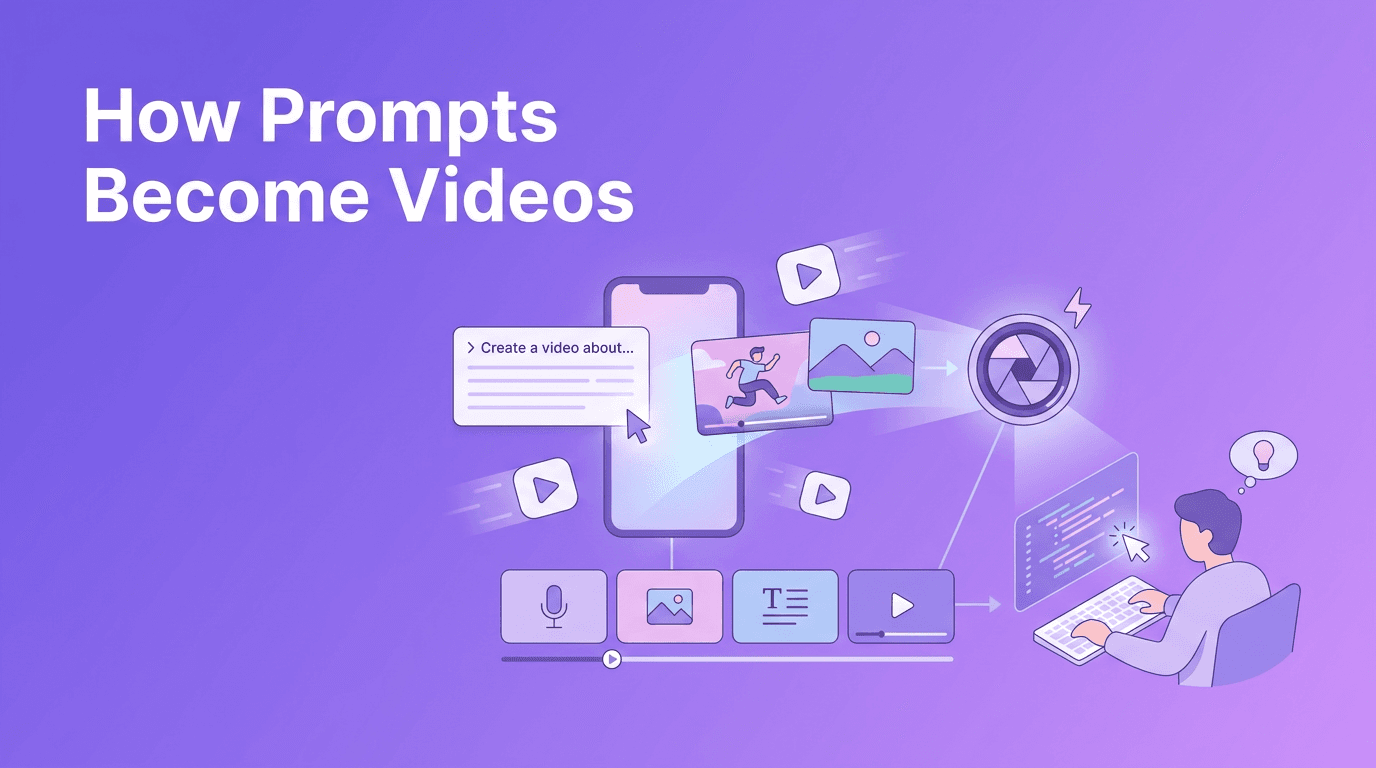
How AI Video Generation Works in 4 Steps
1. Input goes in
You start with a prompt, image, voice track, or video clip. The better the input, the better the result. Clear descriptions, strong source images, and a defined purpose usually improve output quality.
2. The model predicts visual motion
AI models analyze patterns from large training datasets and predict how scenes, objects, and motion should appear frame by frame. This is why prompt wording, camera cues, and style references can strongly affect results.
3. The system renders the clip
Rendering speed depends on clip length, resolution, model complexity, and server load. A free AI video generator may offer slower processing or lower resolution, while premium tools often provide faster rendering and more control.
4. You refine and export
Most creators still review, trim, re-prompt, add captions, and adjust pacing before publishing. Even with automation, professional results usually come from a short editing and review pass.
"AI does not replace creativity. It removes friction so creators can spend more time shaping ideas that matter."
5 Best Features to Look for in the Best AI Video Generator
- Prompt control so you can guide scenes, motion, and tone more accurately.
- Multiple input modes like text, image, audio, and video for flexible workflows.
- Fast rendering speed to support frequent social content production.
- Consistent video quality with stable motion, fewer visual glitches, and better subject continuity.
- Mobile access if you want an AI video generator app for creating on the go.
For many creators and marketers, the best AI video generator is not just the one with the most features. It is the one that fits your workflow, budget, and publishing needs. If you want an easy mobile-first option, *Movi AI* is a strong choice because it supports text-to-video, image-to-video, video-to-video, and speech-to-video in a simple app experience.
AI Video Generator vs Traditional Video Editing
- Speed: AI is much faster for first drafts and concept generation.
- Control: Traditional editing offers deeper frame-level precision.
- Cost: AI can reduce production costs for short-form content and rapid testing.
- Learning curve: An AI video maker is often easier for beginners than complex desktop editors.
- Best use case: AI works well for ideation, social clips, ads, explainers, and variations. Traditional editing remains strong for high-end brand films and detailed manual storytelling.
The smartest workflow is often hybrid. Use AI to generate scenes, concepts, or draft clips, then polish the final result with editing choices like pacing, text overlays, brand assets, and sound design.
6 Practical Tips to Create Professional AI Videos
- Write specific prompts. Include subject, setting, camera angle, motion, mood, and purpose.
- Use short scenes. Generate clips in smaller sections instead of trying to create a full long video at once.
- Start with one clear goal. Decide whether the video is for engagement, education, or conversion.
- Keep branding consistent. Use the same fonts, colors, voice, and structure across videos.
- Test multiple versions. AI makes it easier to create variations for different audiences and platforms.
- Always review outputs. Check for visual errors, awkward movement, and off-brand details before posting.
Prompt example for better results
Try a prompt like: "Create a 10-second product promo showing a small coffee shop owner serving a customer, close-up espresso shots, warm in-store atmosphere, smooth camera movement, social media ad style." This gives the model more direction than a vague request.
Use Cases for Creators, Marketers, and Small Businesses
- Content creators can turn ideas into short-form videos for TikTok, Reels, and YouTube Shorts.
- Marketers can test multiple ad concepts quickly without full production costs.
- Small businesses can create promos, product demos, seasonal announcements, and local social content.
- Agencies can build concept drafts and client previews faster.
- Educators and coaches can transform scripts into visual explainers.
Create faster with Movi AI
Want a simple way to generate videos from text, images, voice, or existing clips? *Movi AI* helps you create polished AI videos directly from your phone.
Download Movi AIHow to Make AI Videos With Movi AI
- Open *Movi AI* and choose your creation mode, such as text-to-video AI or image-to-video.
- Enter a focused prompt or upload your source image, audio, or video.
- Select the style or output direction that matches your goal.
- Generate the first version and review the motion, framing, and pacing.
- Refine the prompt or regenerate short sections for better control.
- Export and publish your final video to your preferred platform.
Final Thoughts on Choosing an AI Video Generator
If your goal is speed, experimentation, and easier content production, an AI video generator can be a powerful addition to your toolkit. Traditional editing still matters, but AI gives creators and brands a faster way to produce concepts, social content, and marketing videos. For a flexible mobile workflow, *Movi AI* is a practical AI video generator app worth trying.
Frequently Asked Questions
What is the best AI video generator for beginners?+
The best option for beginners is usually one with simple controls, multiple input types, and fast output. *Movi AI* is a strong choice for users who want to create videos from text, images, audio, or clips on mobile.
Is there a free AI video generator available?+
Yes, some tools offer free plans or limited free generations. These may come with slower rendering, watermarks, or fewer export options compared with paid plans.
How do I make AI videos look professional?+
Use detailed prompts, generate shorter scenes, keep branding consistent, and always review outputs before publishing. A final polish with captions, music, and pacing adjustments also helps.
Can an AI video maker replace traditional video editing?+
Not completely. AI is excellent for speed and ideation, while traditional editing still offers more precise control for advanced storytelling and final polish.
Create stunning AI videos in seconds!
Turn your ideas into professional videos with the #1 AI video maker.
Download Movi AI