Text to Video AI Explained: Prompts, Models, and Better Results
Learn how text to video AI turns prompts into clips, how prompt engineering improves output, and which model types power faster, better video creation with Movi AI.
By Movi AI Team
Movi AI Editorial Team
Text to video AI is changing how beginners and creators make content. Instead of filming every scene manually, you can describe an idea in words and let an AI system generate motion, camera movement, style, and atmosphere. If you want to convert text to video, the key is understanding how prompts, models, and settings work together.
What text to video AI actually does
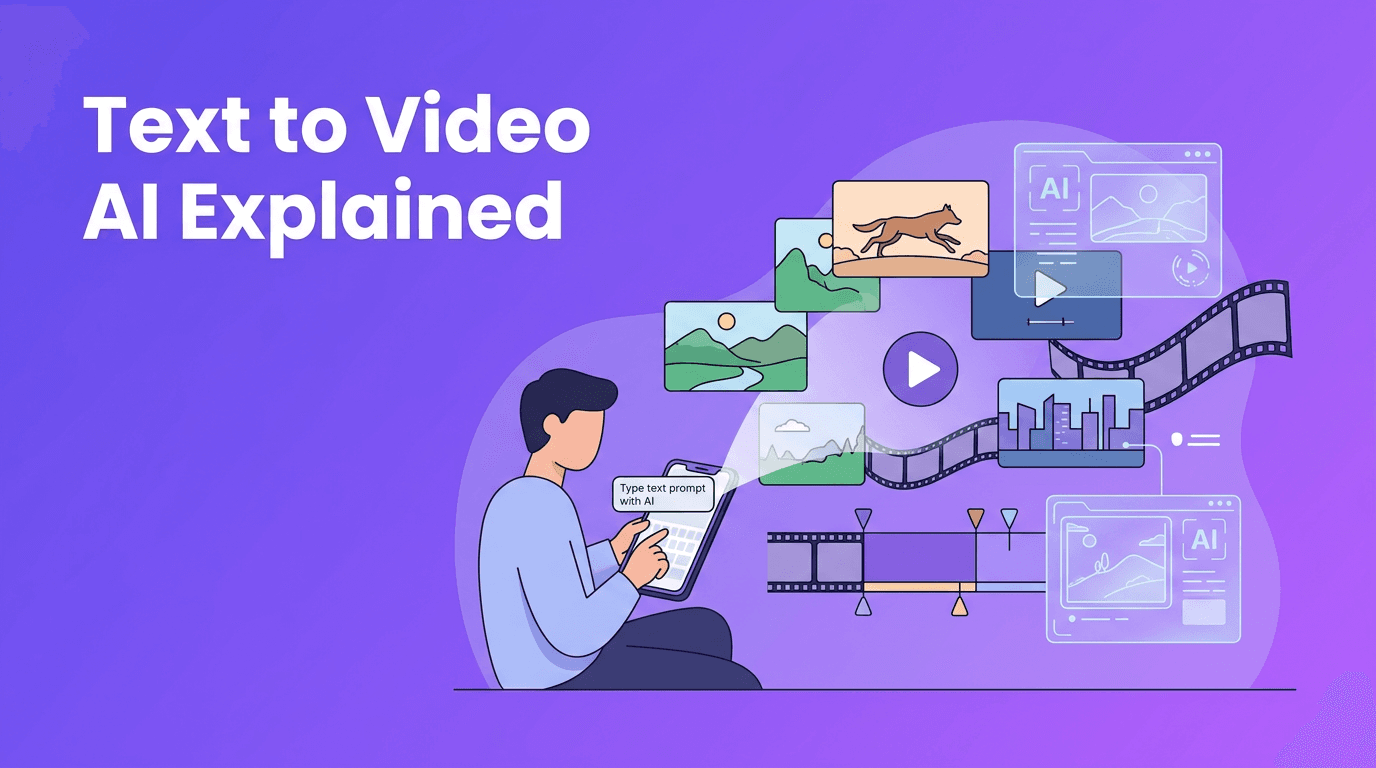
At a basic level, a text to video AI system reads your prompt, interprets the objects, actions, mood, and visual style you describe, then predicts a sequence of frames that match that instruction. Many tools now act like an AI text to video generator, helping users go from concept to short video draft in minutes instead of hours.
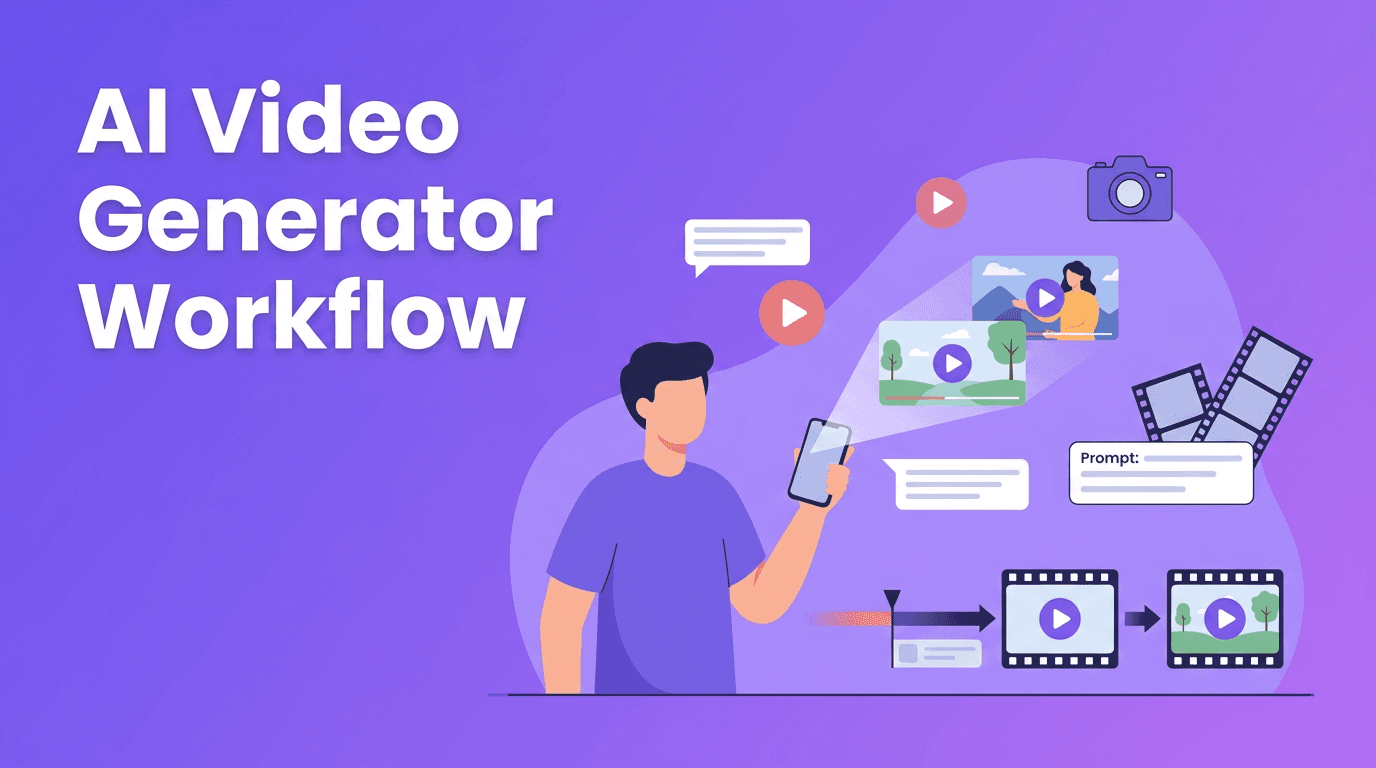
- You write a prompt describing the scene
- The model maps words to visual concepts
- It generates frames and motion over time
- The app applies settings like aspect ratio, duration, and quality
- You review the result and refine the prompt for the next version
"The better you describe the scene, the less the model has to guess."
How to create video from text: the simple workflow
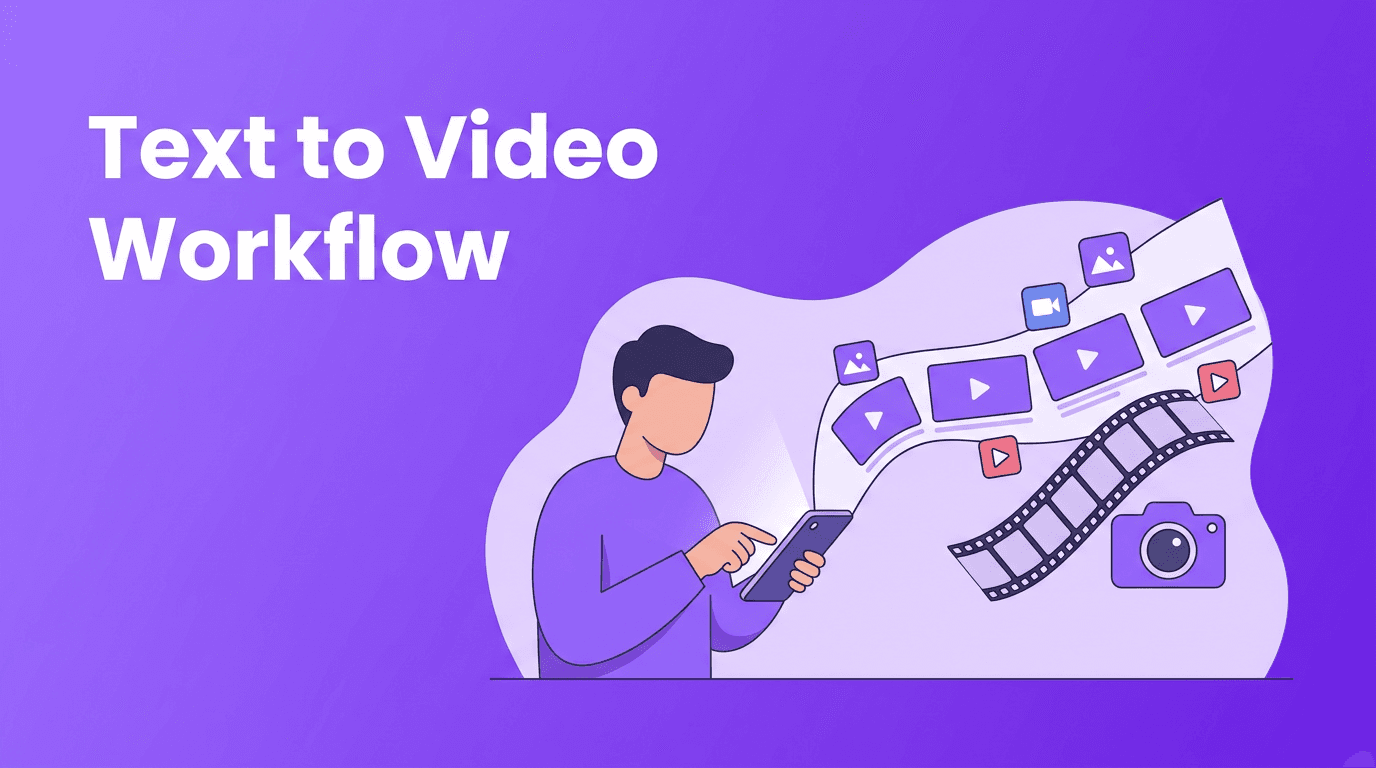
If you are wondering how to create video from text, think in layers. Start with the subject, then add action, setting, camera angle, lighting, and style. This gives the model enough information to build a clearer result without becoming confusing or overloaded.
A beginner-friendly prompt formula
Use this structure: subject + action + setting + camera + style + duration. For example: "A golden retriever runs through a snowy park, low-angle tracking shot, soft morning light, cinematic realism, 5 seconds." This is much stronger than a vague prompt like "dog in park."
Bad prompt vs good prompt examples
- Bad: "make a cool city video"
- Why it struggles: Too vague, no subject, no movement, no visual direction
- Good: "A cyclist rides through a rainy neon-lit city street at night, side tracking shot, reflections on the pavement, cinematic, realistic, 6 seconds, vertical 9:16"
- Bad: "product ad"
- Good: "A glass bottle of sparkling water rotates on a clean studio table, close-up shot, splashing droplets, bright commercial lighting, premium ad style, 4 seconds"
This is where prompt engineering matters. To get a better AI video from text prompt, be specific about what should happen on screen, but avoid stuffing too many unrelated ideas into one sentence.
The science behind text to video models
Most modern systems that convert text to video rely on large-scale training data, text understanding modules, and frame generation models. They learn correlations between language and visual patterns, then use those patterns to synthesize scenes that match your prompt.
Diffusion models
Diffusion models usually start with visual noise and gradually turn it into coherent frames. In video generation, they must also keep motion consistent across time. Their strengths often include strong image quality and detailed textures, but they can require more computation and careful handling of temporal consistency.
Transformer-based approaches
Transformer-based models process relationships between words, visual tokens, frames, and time steps. This makes them powerful for understanding sequences and longer-range context. In some systems, transformers help improve story logic, object persistence, and scene transitions across multiple frames.
Hybrid systems
Many leading tools combine methods. A model may use transformers for text understanding and planning, then diffusion-style generation for visual detail. That is one reason different platforms can produce noticeably different results from the exact same prompt.
- Diffusion-heavy systems: Often strong at texture, atmosphere, and visual richness
- Transformer-heavy systems: Often strong at sequence understanding and prompt interpretation
- Hybrid systems: Try to balance detail, coherence, and motion quality
Why the same prompt looks different across apps
Not every text to video app interprets language the same way. One model may prioritize realism, another may favor stylization, and another may simplify motion to avoid visual glitches. Training data, safety filters, motion modules, and rendering pipelines all affect the final output.
This is why creators should test prompts iteratively. If one app turns "cinematic" into dramatic contrast, another may interpret it as slower camera movement or widescreen composition. A user-friendly platform like *Movi AI* helps you experiment faster with text to video AI workflows across different creative goals.
Settings that shape your output
- Aspect ratio: Use 9:16 for TikTok, Reels, and Shorts, 16:9 for YouTube, 1:1 for square social posts
- Video length: Shorter clips are easier for models to keep consistent, especially 3-8 seconds
- Style keywords: Try terms like "cinematic," "anime," "product ad," "documentary," or "3D animation"
- Quality settings: Higher quality may improve detail, but can increase render time
- Motion intensity: Lower motion can improve stability, while higher motion can feel more dynamic but risk distortions
Prompt engineering tips for better text to video results
- Start with one clear scene before attempting complex multi-scene storytelling
- Use visual nouns and verbs like "runner sprints," "waves crash," or "camera pans slowly"
- Add camera language such as close-up, aerial shot, tracking shot, or wide shot
- Specify lighting and mood like golden hour, moody shadows, studio lighting, or foggy morning
- Choose a style reference carefully, such as realistic, animated, cinematic, or ad-style
- Keep prompts focused - too many subjects and actions can confuse the model
- Generate multiple versions and refine one variable at a time
If you want text to video free options, expect some trade-offs such as watermarks, limited duration, or fewer quality settings. Free tools can still be useful for learning prompt structure before moving to a more polished workflow.
Ready to try text to video on your phone?
Use *Movi AI* to turn prompts, images, or existing footage into polished AI videos with a simple mobile workflow.
Download Movi AIPractical applications for creators and businesses
A modern ai text to video generator can help with much more than experiments. It can speed up production for social content, ads, explainers, product teasers, and concept visualization.
- Content creators: Make quick story concepts, B-roll, animated scenes, and social clips
- Marketers: Build ad mockups, product videos, and campaign variations faster
- Small businesses: Create promos without a full filming setup
- Educators: Visualize lessons, processes, and abstract ideas
- Agencies: Prototype creative directions before full production
Final takeaway
Learning text to video AI is really about learning better visual communication. When you describe the subject, action, setting, style, and format clearly, results improve fast. Start simple, test often, and treat each generation like a draft. With tools like *Movi AI*, beginners can explore a practical, mobile-first way to create videos from text prompts without a traditional production setup.
Frequently Asked Questions
How does text to video AI work?+
Text to video AI analyzes your prompt, maps it to visual concepts, and generates a sequence of frames that match the described scene, motion, and style.
What is the best prompt format for an AI text to video generator?+
A strong format is subject + action + setting + camera + style + duration. This gives the model clear visual instructions without being too vague.
Can I convert text to video for free?+
Yes, some tools offer free plans or trials, but they may limit quality, clip length, exports, or include watermarks.
Why do different text to video apps give different results?+
Each app uses different models, training data, motion systems, and safety rules, so the same prompt can produce different styles and levels of consistency.
What is the best aspect ratio for text to video content?+
Use 9:16 for vertical social platforms, 16:9 for widescreen videos, and 1:1 for square posts. The best choice depends on where you plan to publish.
Create stunning AI videos in seconds!
Turn your ideas into professional videos with the #1 AI video maker.
Download Movi AI