AI Video Maker vs Traditional Editing: What Creators Should Know
An AI video maker can speed up production, simplify text-to-video workflows, and help creators publish faster. Learn how it works, how it compares with editing software, and how to get better results.
By Movi AI Team
Movi AI Editorial Team
An AI video maker helps you create videos from prompts, images, voice, or existing clips, often much faster than traditional editing software. If you want to understand how AI video generation works, which tools to consider, and when to use AI instead of manual editing, this guide breaks it down clearly for creators, marketers, and small businesses.
1. What an AI video maker actually does
At its core, an AI video maker turns inputs into motion content. Those inputs can include text prompts, still images, reference videos, or spoken audio. The system uses trained video generation models to predict frames, movement, camera changes, and visual style, then renders a finished clip you can refine for publishing.
- Text-to-video creates scenes from written prompts such as product shots, explainer visuals, or short ad concepts.
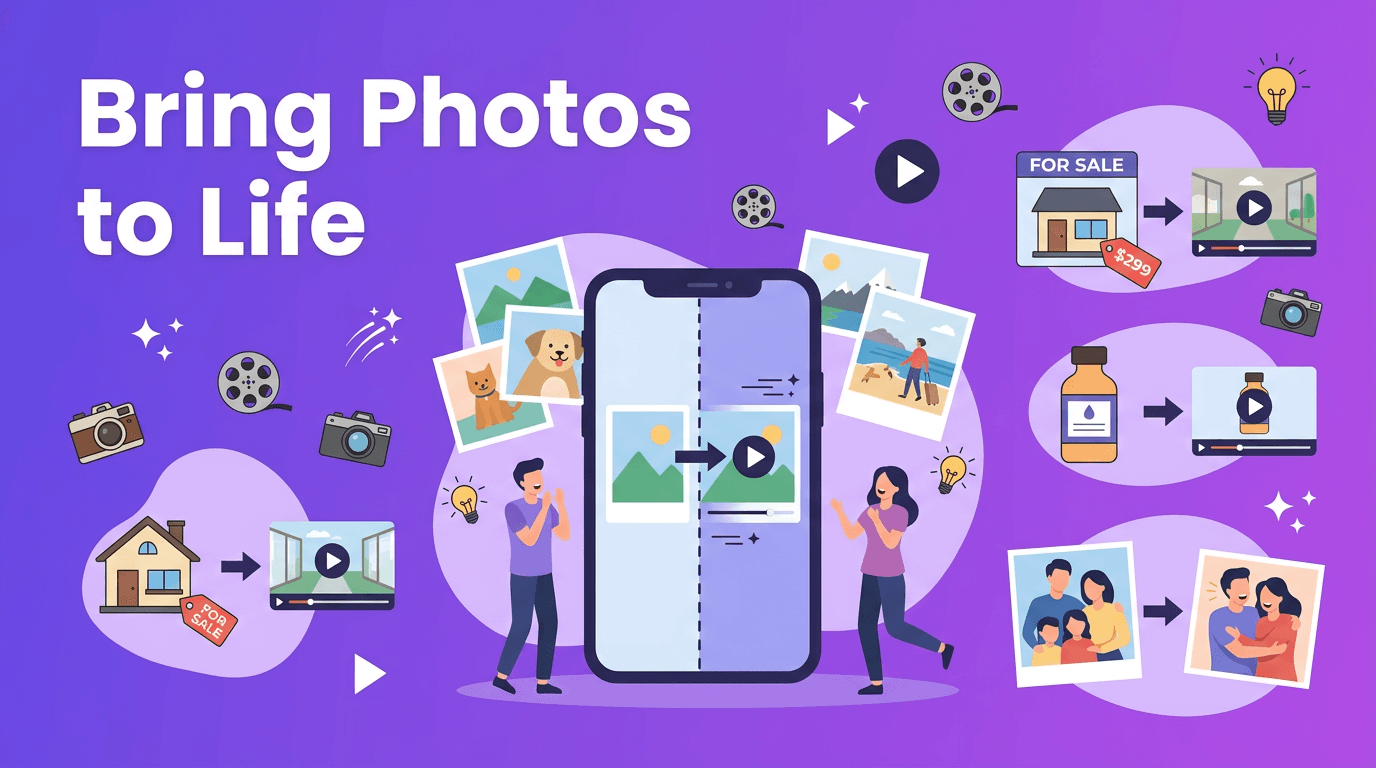
- Image-to-video animates still images, adding motion, camera movement, and cinematic effects.
- Video-to-video transforms existing footage into a new style, format, or visual treatment.
- Speech-to-video builds scenes around narration or dialogue, useful for explainers and social content.
Why this matters for modern creators
Traditional editing starts after footage is captured. AI generation can start *before* filming, or replace parts of filming entirely. That changes the workflow for social media managers, solo creators, and businesses that need to publish often without large production budgets.
2. AI video maker vs traditional video editing
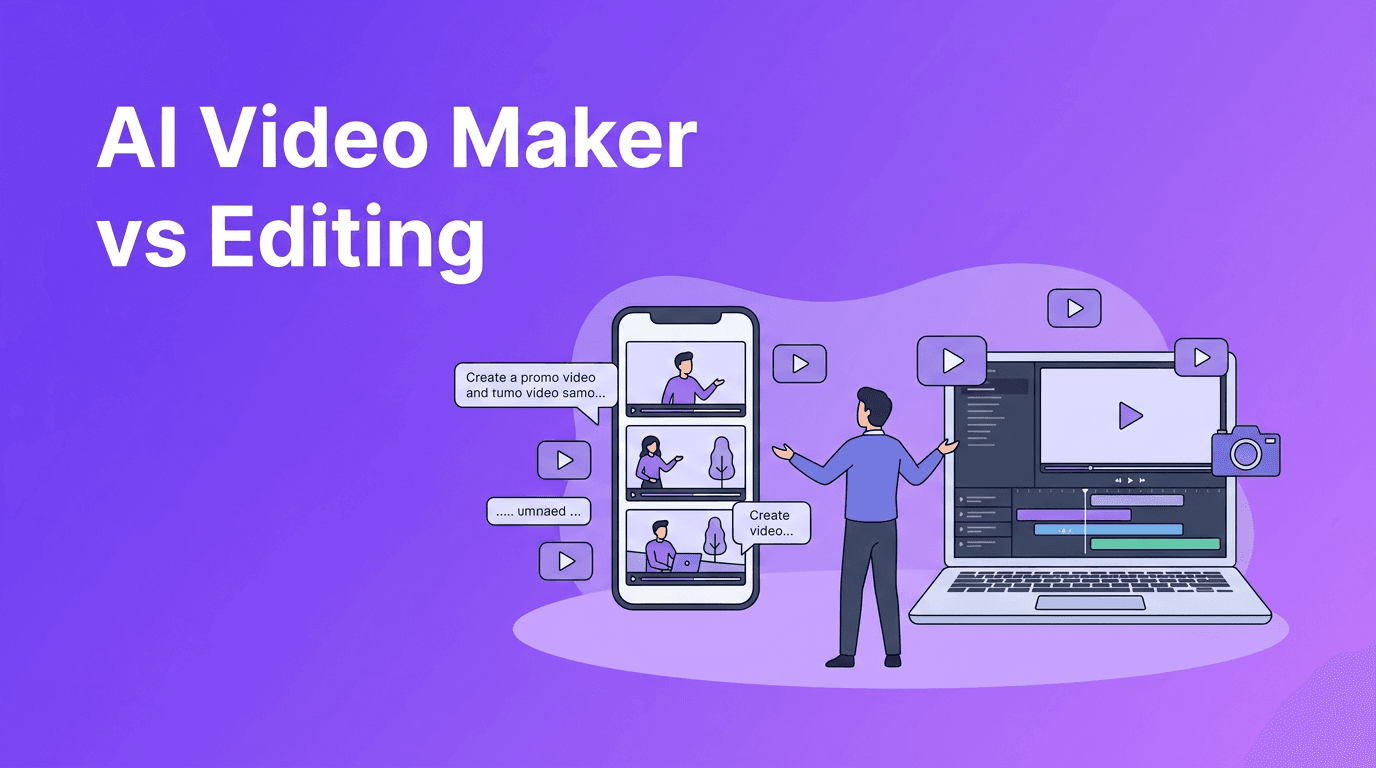
The biggest difference is simple: traditional editing arranges existing footage, while AI generation can create new footage from scratch. Editing tools still matter for precision, but AI tools reduce the time needed to storyboard, source clips, and produce variations.
- Speed: AI can produce first drafts in minutes, while traditional editing may take hours or days.
- Cost: AI can reduce filming, stock footage, and design costs for simple campaigns.
- Flexibility: You can test multiple concepts quickly by changing prompts instead of reshooting.
- Control: Traditional editors still offer deeper frame-by-frame control for complex productions.
- Learning curve: Many AI tools are easier for beginners than advanced editing suites.
"The fastest video workflow is not always the one with the most features. It is the one that gets your idea on screen with the least friction."
When traditional editing still wins
For brand films, interviews, long-form YouTube videos, or projects requiring exact timing and continuity, traditional editing remains essential. AI is strongest when you need speed, volume, ideation, and rapid experimentation.
3. How AI video generation works step by step
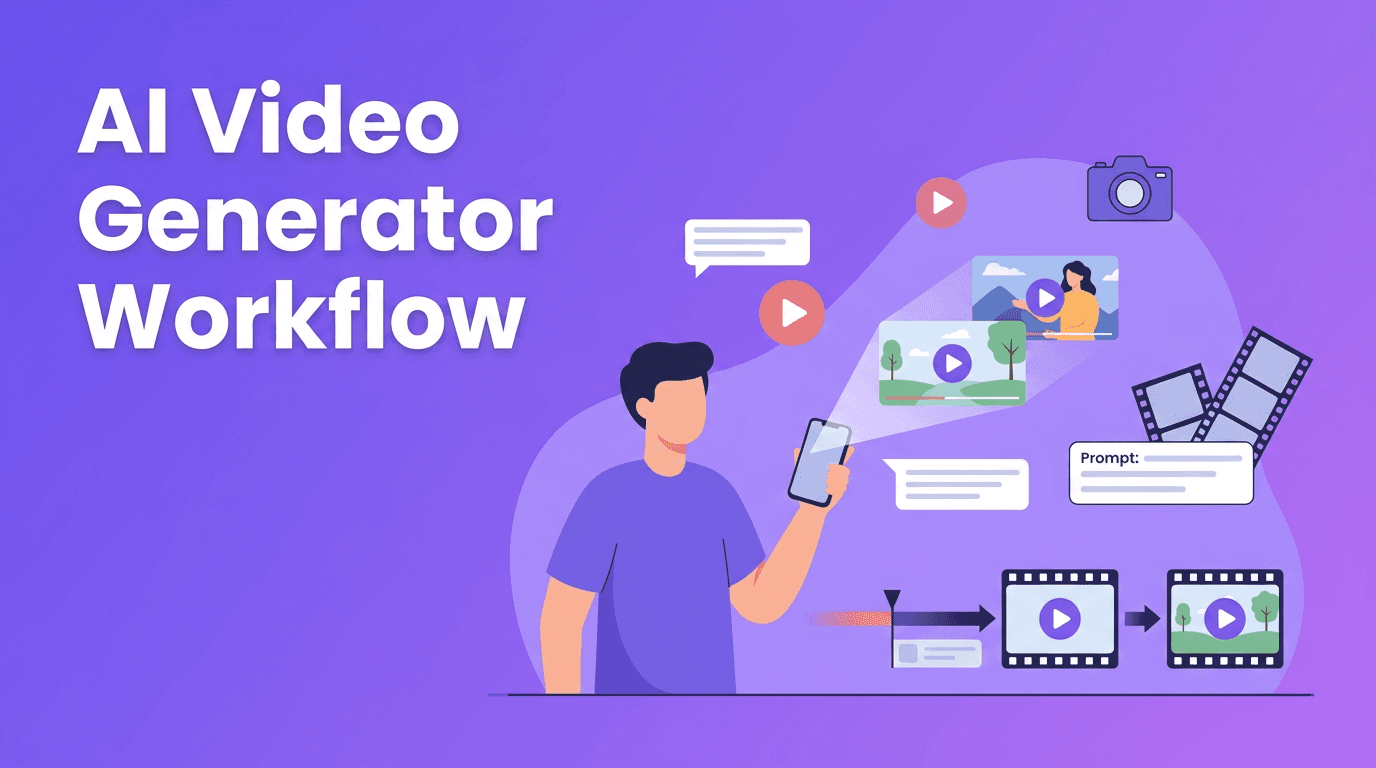
If you have searched for how to make AI videos, the process usually follows a simple pattern. Most modern platforms, including *Movi AI*, are designed to keep it beginner-friendly.
- Step 1: Choose your input. Start with text, an image, audio, or an existing video.
- Step 2: Define the goal. Pick a format such as product promo, social ad, explainer, or visual concept.
- Step 3: Add prompt details. Mention subject, motion, camera angle, mood, setting, and duration.
- Step 4: Generate drafts. Create a few variations instead of relying on one output.
- Step 5: Review video quality. Check facial consistency, text accuracy, scene motion, and pacing.
- Step 6: Edit for platform fit. Trim length, add captions, logo, music, or CTA.
- Step 7: Export and test. Publish different versions for Reels, TikTok, Shorts, or ads.
Want a faster way to create videos?
Use *Movi AI* to turn prompts, images, or clips into polished videos with **text-to-video**, **image-to-video**, **video-to-video**, and more.
Download Movi AI4. Best tools to consider for AI video creation
The best AI video generator depends on your workflow. Some tools are built for cinematic experiments, while others focus on speed, mobile use, or marketing content. For everyday creators and business users, usability matters as much as output quality.
- Movi AI - A practical AI video generator app for creating videos from text, images, speech, or existing footage on mobile.
- High-end desktop and web tools - Better for advanced experiments, but often slower and more complex.
- Template-first marketing tools - Useful for ads and explainers, though they may feel less flexible for original visuals.
- Free AI video generator options - Good for testing ideas, but often limited by watermarks, shorter exports, or slower rendering.
What to compare before choosing a tool
- Output quality - Are motion, faces, and transitions believable?
- Rendering speed - Can you create drafts fast enough for real content deadlines?
- Input types - Does it support text-to-video, image-to-video, and video-to-video?
- Ease of use - Can a beginner create something usable on the first day?
- Export options - Are aspect ratios and resolutions suitable for social platforms?
- Revision workflow - Is it easy to regenerate or refine specific scenes?
5. Tips for creating professional AI videos
Even the best AI video generator needs good direction. Better prompts and smarter review habits lead to better results.
- Be specific with prompts. Instead of saying 'make an ad,' describe the product, setting, camera motion, and audience.
- Keep scenes short. Generate short clips and combine them, rather than forcing one long scene.
- Use reference images when consistency matters for products or branding.
- Write for motion. Prompts should describe movement, not just appearance.
- Generate multiple takes. Treat AI like a creative partner, not a one-click final editor.
- Add human polish. Captions, music, logos, cuts, and CTA text still improve performance.
- Match the platform. Vertical framing, fast hooks, and subtitle-safe composition matter for mobile viewers.
A simple prompt formula
Try this structure: subject + action + setting + camera movement + lighting or mood + output format. For example: 'A small bakery owner arranging pastries in a bright shop, slow camera push-in, warm morning atmosphere, vertical social ad.'
6. Video quality and rendering speed: what to expect
Two of the biggest questions around any AI video maker are quality and speed. In practice, both depend on your prompt, model, scene complexity, and export length.
- Simple scenes usually render faster and look cleaner than crowded, high-action scenes.
- Shorter clips often have better consistency than longer generations.
- Clear prompts reduce strange motion and visual errors.
- Higher quality outputs may take longer, especially on advanced models.
- Mobile-first tools like *Movi AI* can simplify the process for fast content production.
If speed matters more than perfection, generate concept drafts first, then refine only the strongest ideas. That approach is often better for marketing teams and creators working on deadlines.
7. Practical use cases for creators, marketers, and small businesses
- Content creators can produce hooks, background visuals, story intros, and short branded clips.
- Marketers can test multiple ad concepts without filming every version.
- Small businesses can create product promos, event teasers, menu spotlights, and local awareness videos.
- Agencies can mock up creative directions before a full production starts.
- Educators and coaches can turn scripts into simple explainer videos faster.
This is where an AI video creator becomes especially valuable. Instead of waiting on a full production cycle, you can move from idea to publishable draft quickly and keep your content calendar active.
8. Final takeaway: use AI where speed creates value
An AI video maker is not a total replacement for traditional editing, but it is a powerful shortcut for ideation, first drafts, short-form content, and creative testing. If your goal is to create more videos with less production friction, tools like *Movi AI* can help you go from prompt to publish much faster.
Frequently Asked Questions
What is an AI video maker?+
An AI video maker is a tool that creates videos from text prompts, images, audio, or existing footage using generative AI models.
What is the best AI video generator for beginners?+
The best option for beginners is usually a tool with simple workflows, fast rendering, and support for text-to-video and image-to-video. Movi AI is a strong choice for easy mobile creation.
Is there a free AI video generator?+
Yes, some tools offer free plans or trials, but they often include watermarks, lower limits, or slower generation speeds.
How do I make AI videos look professional?+
Use specific prompts, generate short scenes, review outputs carefully, and add final polish like captions, music, branding, and platform-specific formatting.
Can AI video tools replace traditional video editing?+
Not completely. AI tools are best for fast creation and idea testing, while traditional editing is still better for detailed control and complex long-form projects.
Create stunning AI videos in seconds!
Turn your ideas into professional videos with the #1 AI video maker.
Download Movi AI