AI Video Maker vs Traditional Editing: How to Create Faster, Smarter Videos
An AI video maker helps you turn prompts, images, and clips into polished content faster than traditional editing. Learn how it works, compare top tools, and discover practical tips for better results.
By Movi AI Team
Movi AI Editorial Team
An AI video maker helps you create videos from text prompts, images, voice, or existing clips without building every scene by hand. For creators, marketers, and small businesses, it can cut production time dramatically while making AI video generator workflows more accessible than traditional editing.
What an AI video maker actually does
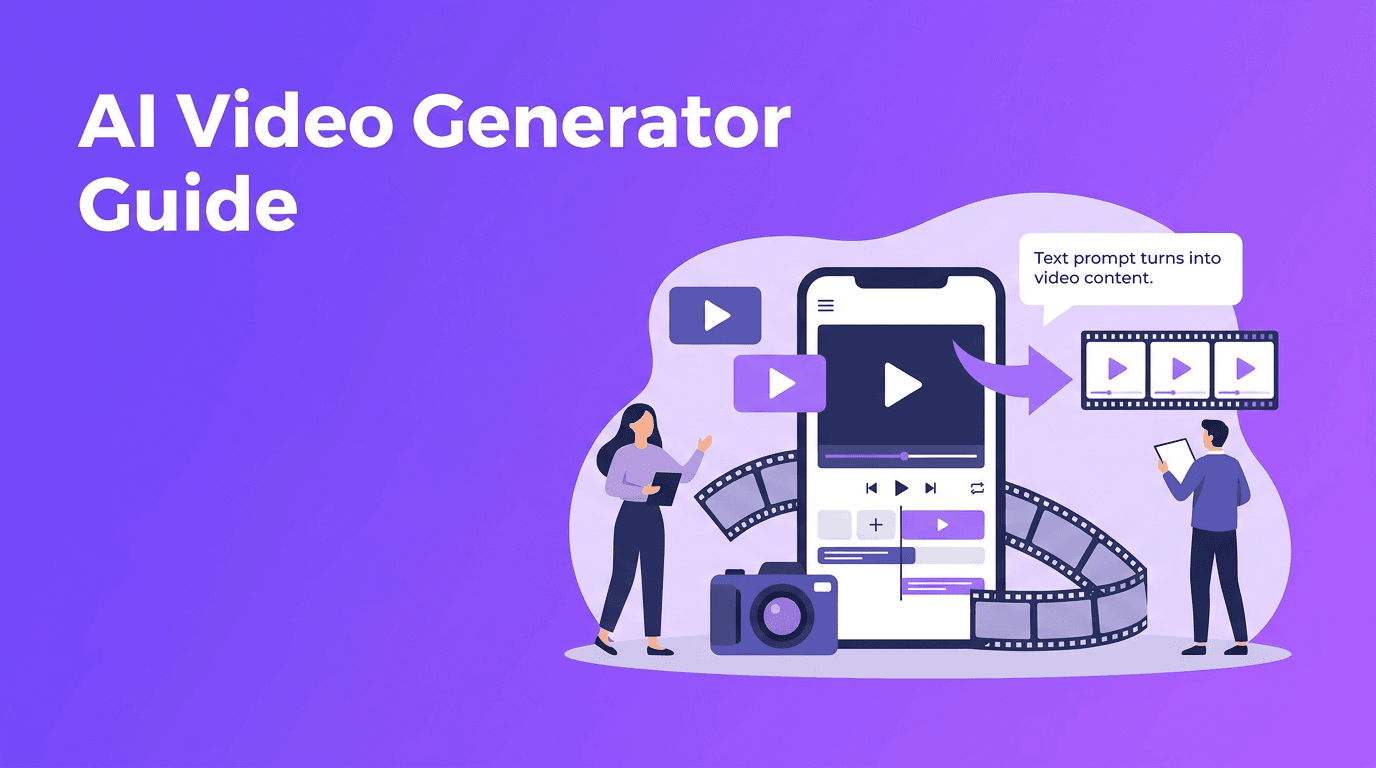
At a basic level, an AI video maker uses machine learning models to interpret your input and generate motion, scenes, transitions, and visual style. Depending on the tool, you can use text to video AI, image-to-video, video-to-video, or speech-driven generation to produce short-form content, ads, explainers, and social posts.
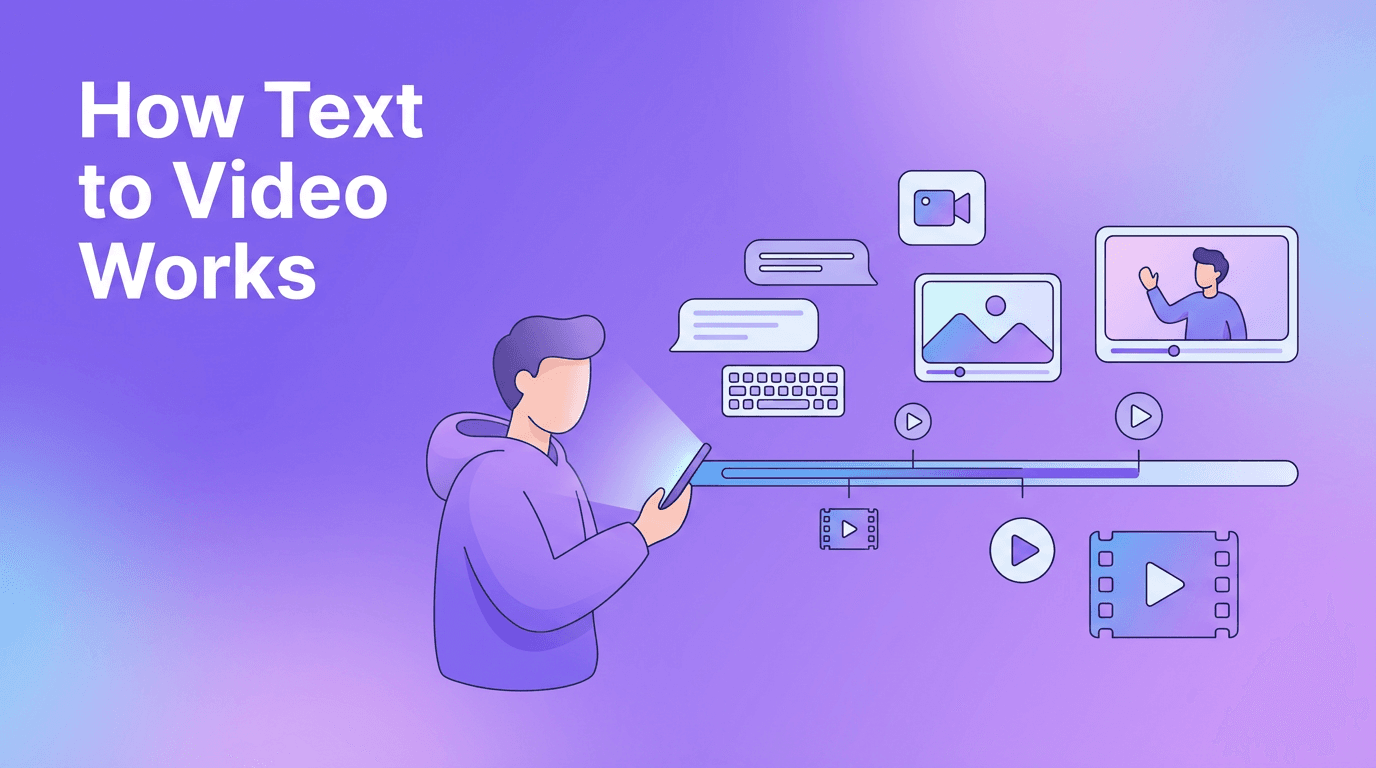
- Text-to-video turns written prompts into scenes, camera motion, and visual sequences.
- Image-to-video animates still photos, product images, or illustrations into dynamic clips.
- Video-to-video restyles or transforms existing footage while preserving movement.
- Speech-to-video uses narration or spoken input to guide pacing and visual structure.
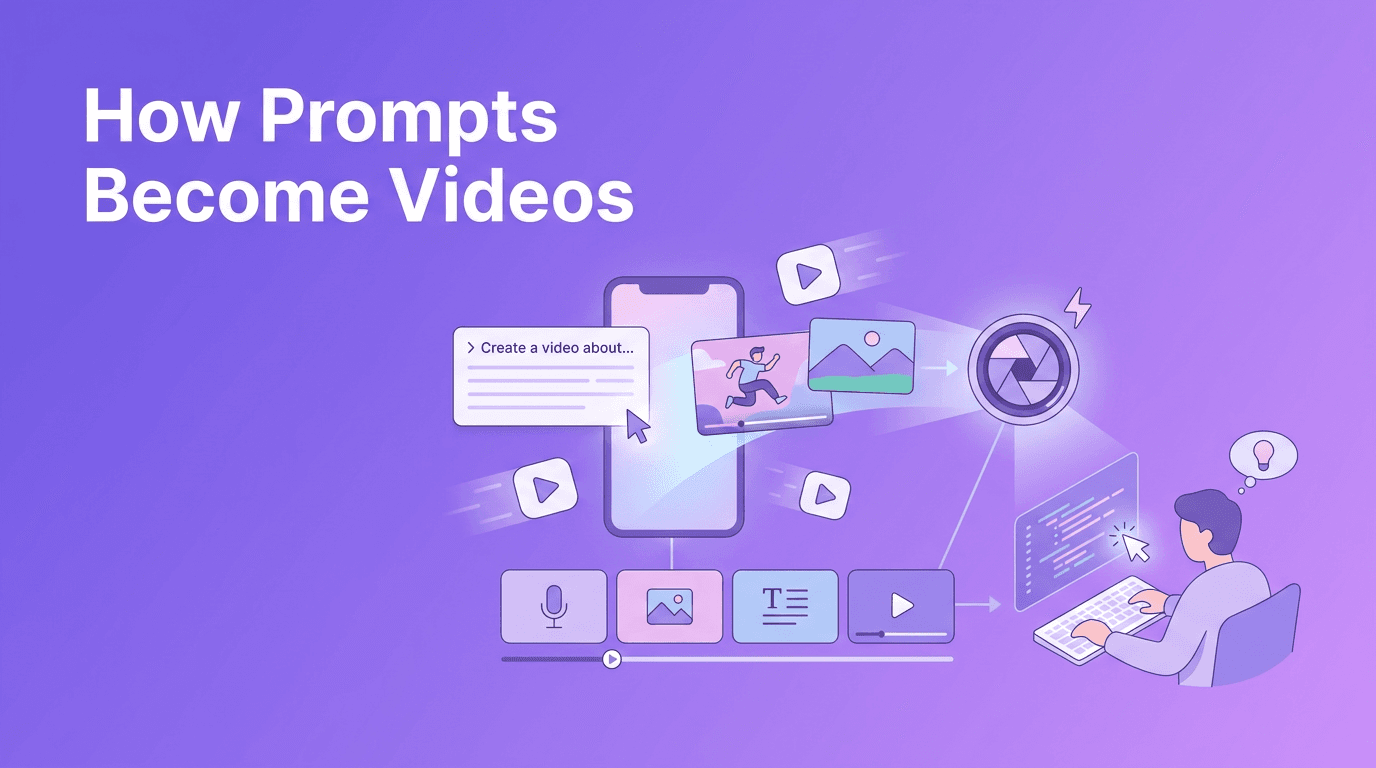
How AI video generation works in 4 simple steps
1. Input and prompt understanding
You start with a prompt, image, or video. The system identifies subjects, actions, settings, tone, and style. Strong prompts usually include subject, movement, camera angle, and purpose.
2. Scene planning and generation
The model predicts what each frame should look like and how motion should evolve over time. This is where video quality, consistency, and realism depend heavily on the model and your instructions.
3. Rendering and refinement
After generation, the app renders the clip. Some platforms prioritize speed, while others focus on detail and cinematic motion. If you are comparing the best AI video generator options, this balance between quality and rendering speed matters a lot.
4. Export and repurposing
Once the clip is ready, you can resize it for TikTok, Reels, YouTube Shorts, ads, or presentations. This is one reason an AI video generator app is useful for teams that need to publish quickly across multiple channels.
"The best video workflow is not the one with the most features. It is the one that helps you publish great content consistently."
AI video maker vs traditional video editing
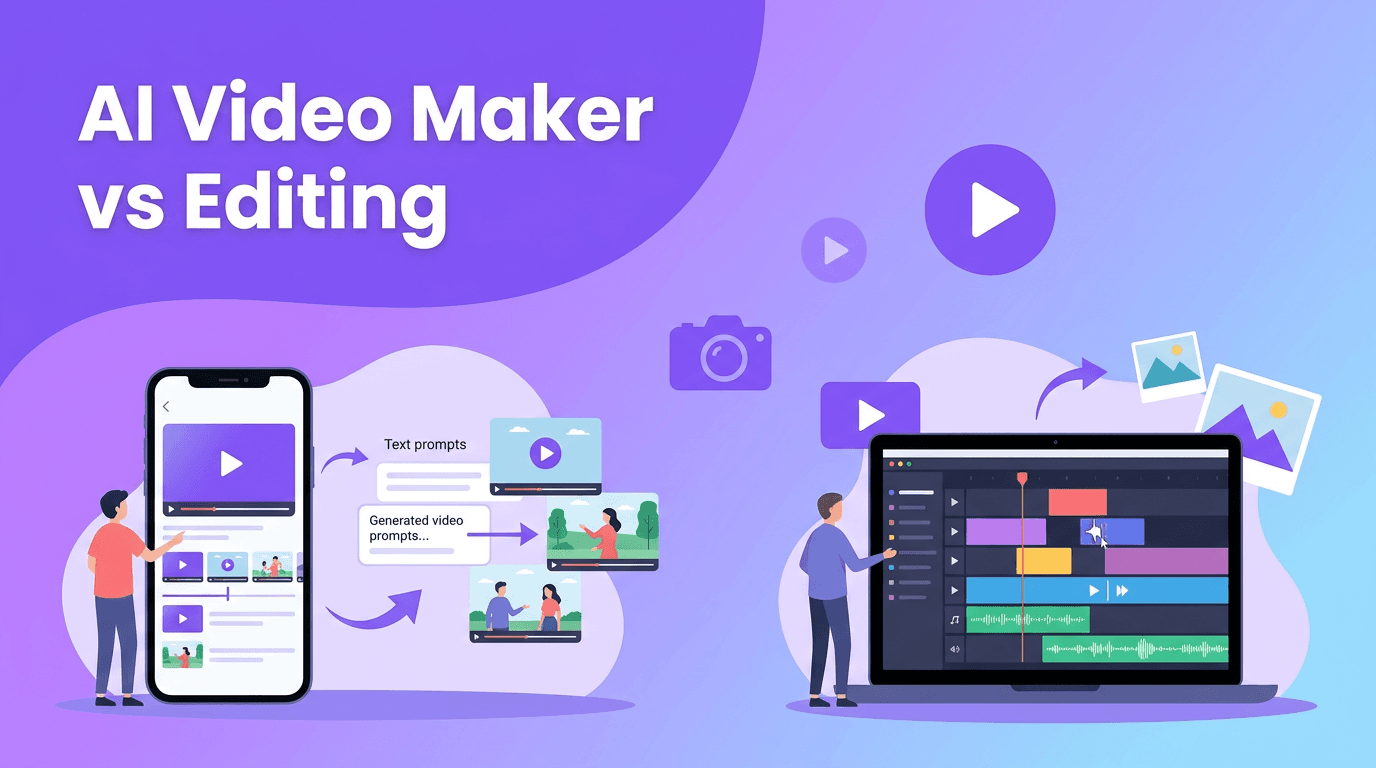
Traditional editing gives you precise manual control over every cut, layer, effect, and audio cue. An AI video maker automates much of that work, making it better for speed, ideation, and rapid content production. The right choice depends on your goal.
- Choose AI video tools when you need speed, fast concept testing, social media content, or multiple video variations.
- Choose traditional editing when you need frame-perfect timing, advanced compositing, detailed sound design, or broadcast-level polish.
- Use both together for the most practical workflow: generate concepts with AI, then fine-tune winning clips in an editor if needed.
Best tools to consider for AI video creation
If you are researching the best AI video generator, look at the input types supported, output quality, speed, mobile usability, and ease of editing. *Movi AI* is a strong option for users who want an accessible AI video generator app on iOS and Android with text-to-video, image-to-video, video-to-video, and speech-to-video features in one place.
What to compare before choosing a tool
- Input flexibility - Can it generate from text, images, voice, and existing videos?
- Rendering speed - How long does it take to produce usable clips?
- Motion quality - Do scenes feel smooth, stable, and coherent?
- Editing options - Can you refine outputs without leaving the app?
- Platform access - Is it available as a mobile app for quick creation?
- Pricing - Does it offer a trial or a free AI video generator tier for testing?
Want a simpler way to create AI videos?
Try *Movi AI* to turn prompts, photos, and clips into polished videos faster. It is built for creators, marketers, and businesses that need content without a complex editing workflow.
Download Movi AI6 tips to make AI videos look more professional
- Write specific prompts - Mention the subject, action, setting, lighting, and camera movement.
- Keep clips short and focused - Shorter generations often produce cleaner motion and fewer visual errors.
- Start with strong source images - High-quality images improve image-to-video results.
- Generate variations - Create multiple versions, then keep the most convincing one.
- Match aspect ratio to platform - Vertical for Shorts and Reels, horizontal for YouTube and websites.
- Add branding after generation - Logos, captions, and CTA text can make AI outputs feel campaign-ready.
A simple prompt formula
Use this structure when learning how to make AI videos: subject + action + setting + camera movement + style + output goal. Example: "A small bakery owner packaging fresh pastries in a cozy shop, slow camera push-in, polished commercial look, vertical video for Instagram Reels."
Practical use cases for creators, marketers, and small businesses
- Content creators can turn ideas into short-form videos faster for testing hooks and formats.
- Marketers can produce ad concepts, product teasers, and campaign variations without a full production crew.
- Small businesses can create promos, seasonal announcements, and explainers with lower time and budget demands.
- Agencies and freelancers can speed up concept development before moving into full editing and approval workflows.
When AI video generation makes the most sense
Use an AI video generator when you need fast output, creative experimentation, and scalable content production. For highly controlled cinematic work, traditional editing still has advantages. But for everyday content, product marketing, and rapid testing, an AI video creator can be the smarter starting point.
Frequently Asked Questions
What is an AI video maker?+
An AI video maker is a tool that creates videos from prompts, images, voice, or existing footage using generative AI models.
What is the best AI video generator for beginners?+
The best tool for beginners is one that supports simple prompt-based creation, fast rendering, and easy mobile editing. Movi AI is a practical option for users who want an all-in-one app.
Is there a free AI video generator?+
Some platforms offer free trials or limited free plans. Check current pricing and trial options to test quality, speed, and features before committing.
How do I make AI videos look professional?+
Use specific prompts, strong source visuals, short scenes, multiple variations, and platform-ready formatting. Adding branding and captions also improves the final result.
Create stunning AI videos in seconds!
Turn your ideas into professional videos with the #1 AI video maker.
Download Movi AI