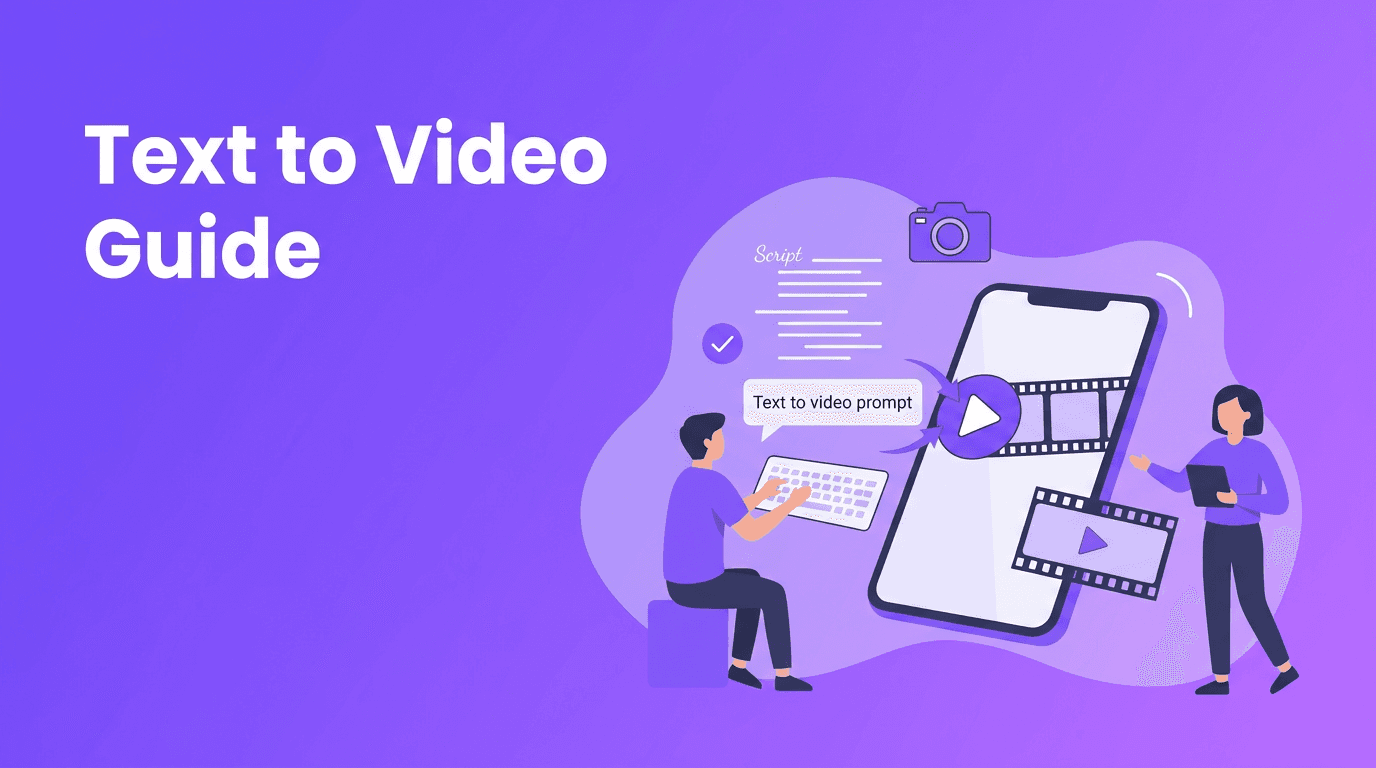
Text to Video Workflow: How Prompts Become Better AI Videos
Learn the text to video workflow, from writing prompts to choosing models and settings. See how to convert ideas into stronger clips with practical tips and Movi AI.
By Movi AI Team
Movi AI Editorial Team
Text to video is no longer just a futuristic demo. It is becoming a practical way for beginners, creators, and marketers to turn an idea into a short visual story in minutes. If you want to convert text to video, the key is understanding how prompts, models, and settings work together.
Why text to video feels magical, but follows clear rules
A modern text to video AI system reads your prompt, breaks it into concepts like subject, action, scene, camera movement, and style, then predicts a sequence of frames that match those instructions. The process feels creative, but it is powered by pattern learning from huge datasets of images, videos, and text descriptions.
That means better inputs usually create better outputs. When people try an ai text to video generator for the first time, they often type vague prompts and expect polished results. In reality, quality improves when your prompt gives the model enough structure to understand what should happen on screen.
"AI video quality often improves not when you say more, but when you say the right things more clearly."
How AI turns a text prompt into a video
1. The model interprets your words
Your prompt is converted into numerical representations that capture meaning. Words like cinematic, close-up, sunset, or slow motion act as signals that shape composition, motion, and mood. This is why two prompts with similar ideas can produce very different videos.
2. The model plans frames and motion
To create video from text, the system must do more than draw a single image. It has to decide what appears in frame one, what changes in frame two, and how motion stays consistent over time. This is one of the biggest technical challenges in ai video from text prompt generation.
3. The model refines details
Many systems generate a rough version first, then improve sharpness, consistency, lighting, and movement. This is where quality settings, resolution, and length start to matter. A short 5-second clip is easier to control than a longer sequence with multiple actions.
Diffusion models vs transformer-based video models
Not every model creates video the same way. Understanding the difference helps you set realistic expectations and choose better prompts.
Diffusion models
- Diffusion models start with noise and gradually transform it into frames that match your prompt.
- They often produce strong visual detail and artistic style control.
- They can struggle with long, complex motion if the prompt asks for too many changes at once.
- A good approach is to use concise prompts with one clear subject, one action, and one environment.
Transformer-based models
- Transformer-based systems are designed to model sequences, which makes them useful for handling time and motion relationships across frames.
- They can be better at planning events over time, especially when prompts include multiple steps or camera changes.
- They may still vary in consistency depending on training data and generation length.
- These models often respond well to prompts written like scene directions or short story beats.
In practice, many tools combine ideas from both approaches. For beginners, the most useful lesson is simple: different models interpret the same prompt differently. If one tool gives flat motion or odd composition, rewrite the prompt or test another model instead of assuming your idea is bad.
Prompt engineering tips for stronger video results
If you want text to video results that look more intentional, structure your prompt like a mini production brief.
- Start with the main subject: "a barista", "a golden retriever", "a futuristic train".
- Add a clear action: "pouring latte art", "running through shallow water", "arriving at a station".
- Describe the setting: "inside a cozy cafe", "on a beach at sunrise", "in a neon city street".
- Specify camera language: "close-up", "wide shot", "tracking shot", "slow zoom in".
- Include style keywords: "cinematic", "photorealistic", "anime", "documentary", "3D animation".
- Set video length and pacing when possible: "5-second clip", "slow motion", "fast energetic movement".
- Choose the right aspect ratio for the platform: vertical for Reels and TikTok, landscape for YouTube, square for some ads.
Bad prompt vs good prompt
- Bad prompt: "make a cool city video"
- Why it fails: Too vague. No subject, no action, no camera direction, no visual priority.
- Good prompt: "A cinematic aerial shot of a futuristic city at dusk, flying between tall glass towers with glowing signs, light traffic below, smooth forward camera movement, realistic detail, 16:9, 6 seconds."
Another prompt example
- Bad prompt: "dog in park"
- Good prompt: "A happy golden retriever running through a green park, tongue out, soft afternoon light, low-angle tracking shot, natural motion, shallow depth of field, photorealistic, vertical 9:16, 5 seconds."
These details help a text to video app understand what matters most. The goal is not to write the longest prompt. The goal is to remove ambiguity.
Settings that change your results more than you expect
- Aspect ratio shapes composition. Vertical 9:16 works well for social content. Landscape 16:9 is better for YouTube and presentations.
- Video length affects stability. Shorter clips usually have cleaner motion and fewer strange transitions.
- Style keywords can guide the model strongly. Words like "cinematic", "clay animation", or "ink sketch" can dramatically change the output.
- Quality settings often trade speed for detail. Higher quality may improve textures and coherence, but it can take longer to generate.
- Seed or variation controls help you explore alternate versions without changing the whole idea.
If you are testing text to video free tools or trial credits, start with short clips and one clear action. That gives you more iterations and faster learning.
Practical uses for text to video AI
- Social media creators can turn content ideas into quick concept videos before filming.
- Marketers can prototype ad scenes, product explainers, or moodboards faster.
- Small businesses can create simple promotional clips without a full production team.
- Educators can visualize concepts, historical scenes, or science topics from a script.
- Writers and agencies can storyboard campaigns and pitch ideas with motion instead of static slides.
For many people, the best use of a text to video workflow is not replacing every part of production. It is speeding up ideation, testing, and first drafts.
Try a beginner-friendly text to video app
*Movi AI* makes it easier to go from prompt to polished clip with user-friendly tools for text-to-video, image-to-video, video-to-video, and more.
Download Movi AIA simple workflow in Movi AI
- Open *Movi AI* and choose a text-to-video style or generation mode.
- Write a prompt with subject, action, setting, camera, and style.
- Select the best aspect ratio for your platform.
- Start with a short duration and generate a first draft.
- Review the result, then refine one variable at a time, such as motion, style, or shot type.
- Export the best clip and reuse the prompt structure for future videos.
Final takeaway
The best way to convert text to video is to think like a director, not just a user. Give the model a clear subject, visible action, specific setting, and simple camera plan. Once you understand how different models interpret prompts, you can get far better results from any ai text to video generator, especially with a user-friendly tool like *Movi AI*.
Frequently Asked Questions
How do I create video from text with AI?+
Start with a clear prompt that includes subject, action, setting, camera angle, style, and clip length. Then generate a short draft and refine the prompt based on the result.
What is the best prompt structure for text to video AI?+
A strong structure is subject + action + setting + camera + style + aspect ratio + duration. This gives the model enough detail without making the prompt confusing.
Why do different AI video models give different results from the same prompt?+
Different models are trained differently and use different architectures, such as diffusion or transformer-based approaches. That changes how they interpret motion, detail, and scene consistency.
Can I use a text to video app on my phone?+
Yes. Apps like *Movi AI* let you generate AI videos from text prompts directly on mobile, which is useful for quick content creation and testing ideas.
Create stunning AI videos in seconds!
Turn your ideas into professional videos with the #1 AI video maker.
Download Movi AI