AI Video Generator for Small Business: 7 Ways to Create Better Marketing Videos
An AI video generator helps small businesses create faster, lower-cost marketing content. Learn how it works, which tools matter, and how to make professional AI videos with practical workflows.
By Movi AI Team
Movi AI Editorial Team
An AI video generator uses machine learning to turn prompts, images, voice, or source clips into new video content. For small businesses, that means faster production, lower costs, and more ways to publish product demos, social ads, explainers, and short-form content without a full editing team.
Why small businesses are choosing an AI video generator
Many teams need more content than their time or budget allows. An AI video maker can speed up ideation, draft creation, and variation testing, especially for social posts, promotions, and product storytelling. Instead of building every scene manually, you can describe the result you want and let AI produce a first version in minutes.
- Lower production costs for regular marketing videos
- Faster turnaround for campaigns and product launches
- More variations for A/B testing headlines, hooks, and visuals
- Simpler workflows for non-editors and lean teams
- Better repurposing of photos, existing clips, and voice recordings
How AI video generation works in simple terms
Most AI video tools analyze your input, such as text, an image, or a video, then predict motion, scenes, style, and timing based on trained models. In practice, an AI video generator may support text-to-video AI, image-to-video, video-to-video, and speech-to-video workflows. You provide direction, the model creates draft visuals, and you refine the output with new prompts, aspect ratios, or source materials.
1. Text-to-video AI
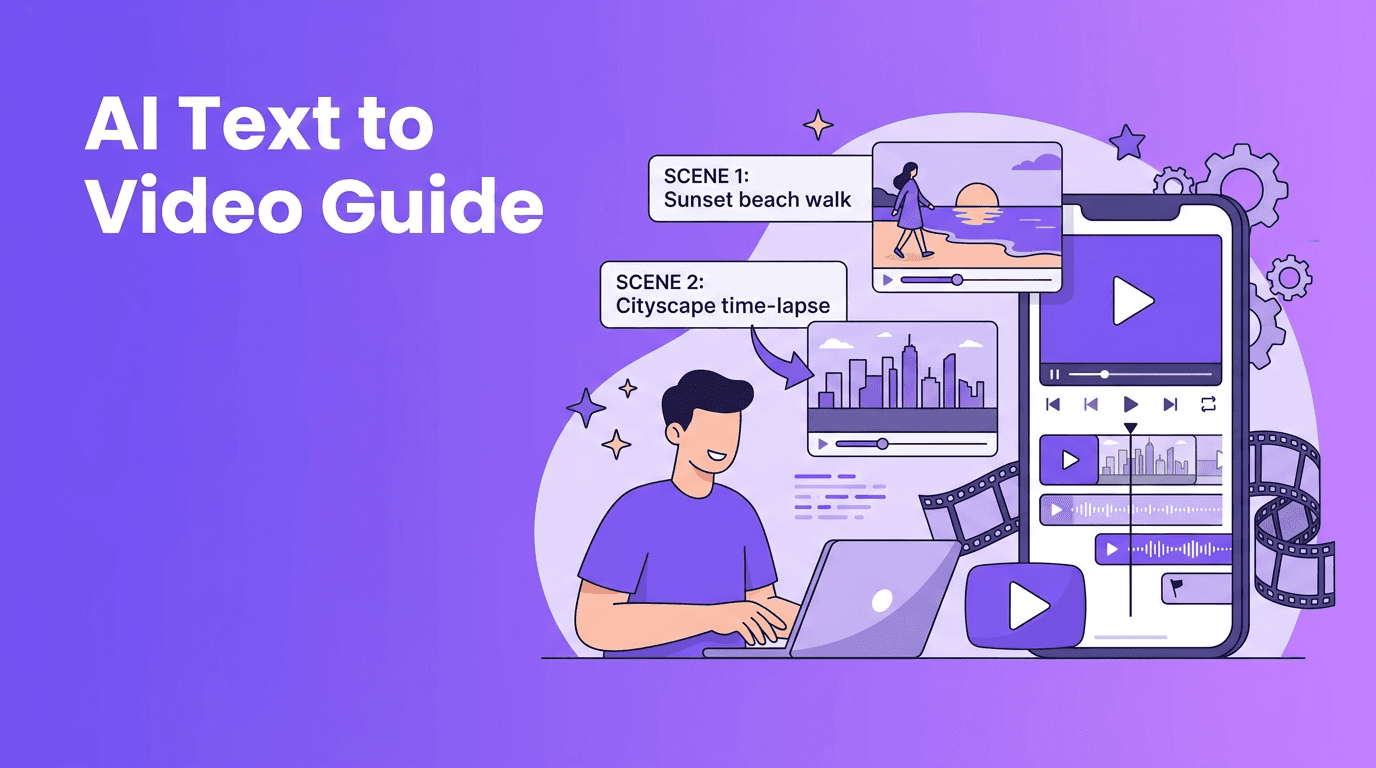
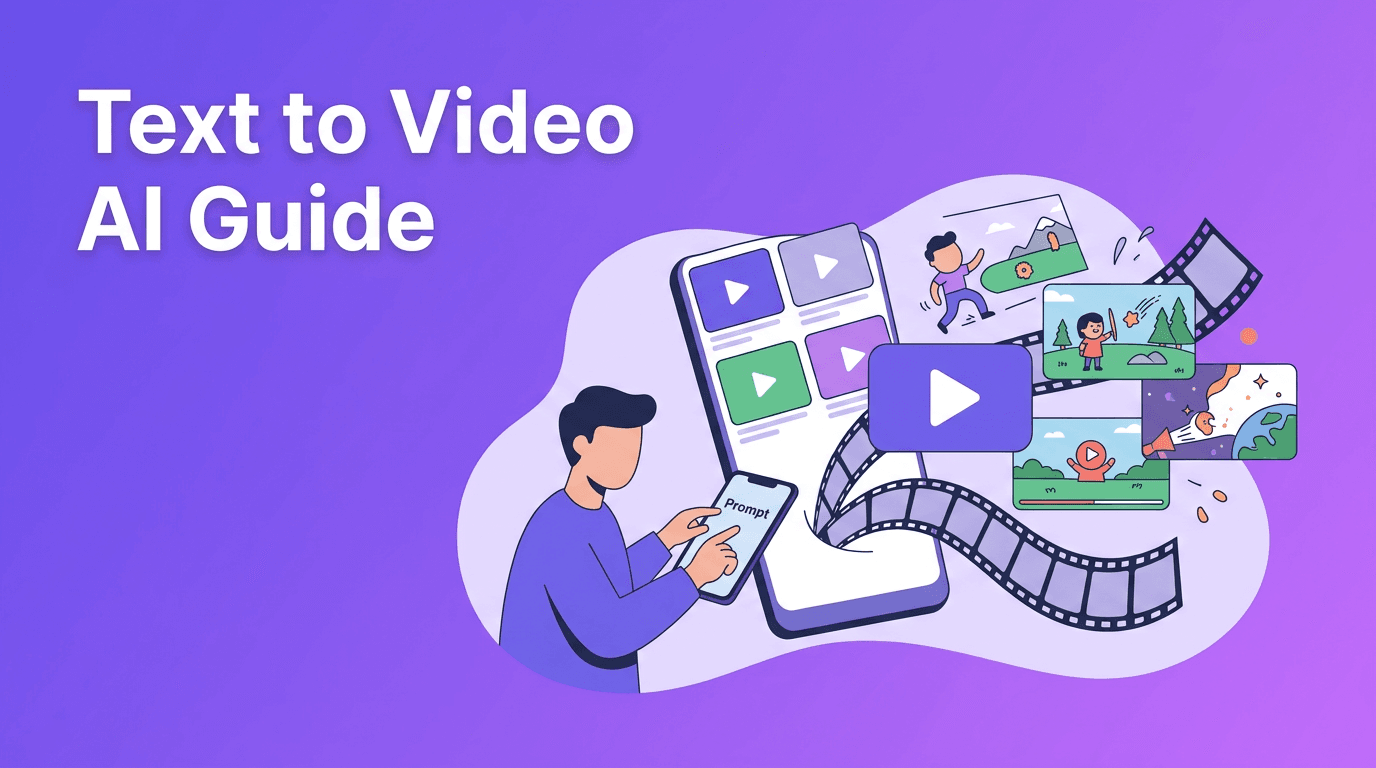
You type a prompt describing the scene, subject, mood, camera movement, and format. The model converts that into a short video clip. This is useful for ad concepts, storyboards, intros, and social content when you do not have footage yet.
2. Image-to-video
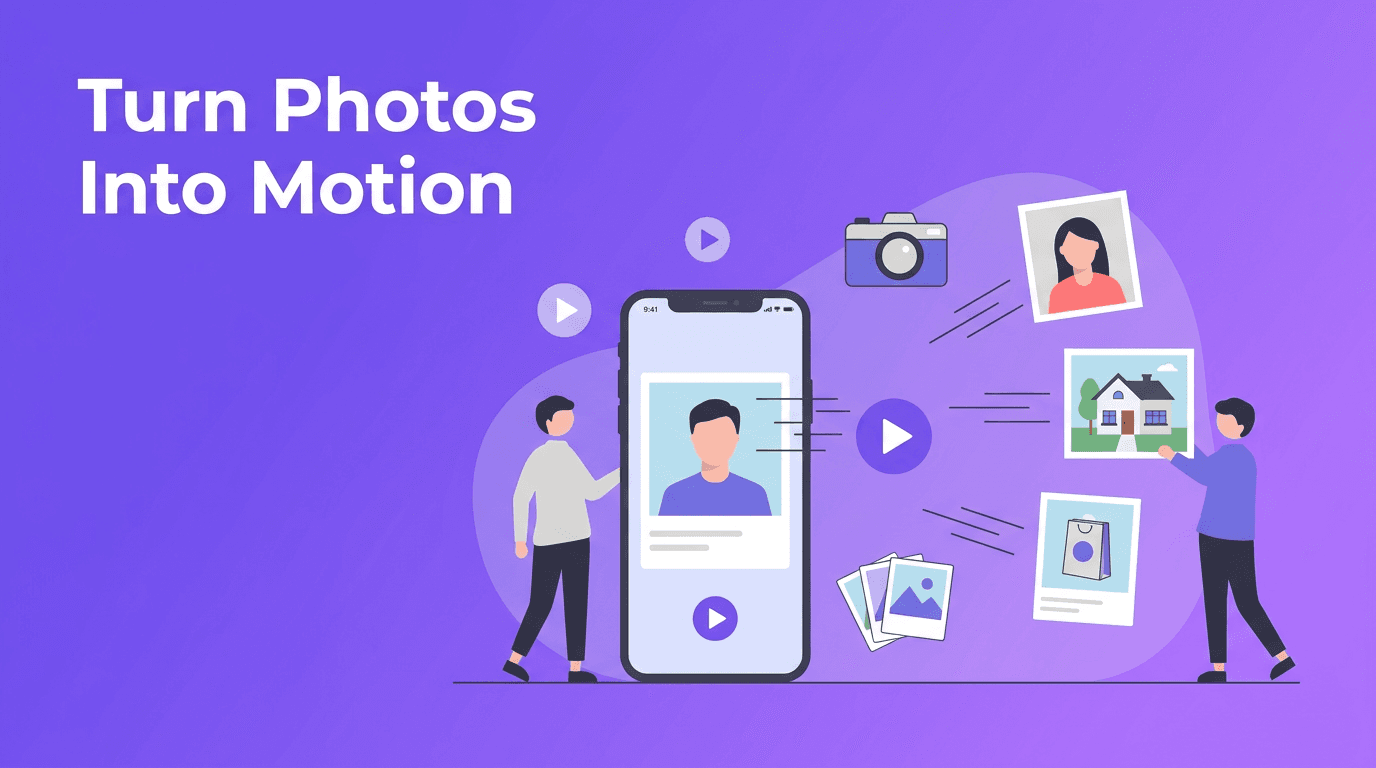
You upload a still photo, product shot, or illustration and add motion. This is ideal for ecommerce items, menu highlights, before-and-after visuals, and brand graphics that need movement.
3. Video-to-video
You start with an existing clip and use AI to restyle, enhance, or transform it. This is useful when you already have footage but want a new look, faster experimentation, or stronger visual consistency.
What to look for in the best AI video generator
- Video quality - Look for coherent motion, clean faces and hands, and fewer visual artifacts.
- Rendering speed - Faster generation helps with campaign testing and rapid iteration.
- Prompt control - Good tools let you guide shot type, movement, pacing, and style.
- Editing flexibility - You should be able to regenerate clips, trim outputs, and adapt formats.
- Input options - The best platforms support text, images, voice, and existing video.
- Mobile access - An AI video generator app is useful when you create on the go.
Great AI videos start with clear direction. The tool saves time, but the creator still shapes the story.
AI video generator vs traditional video editing
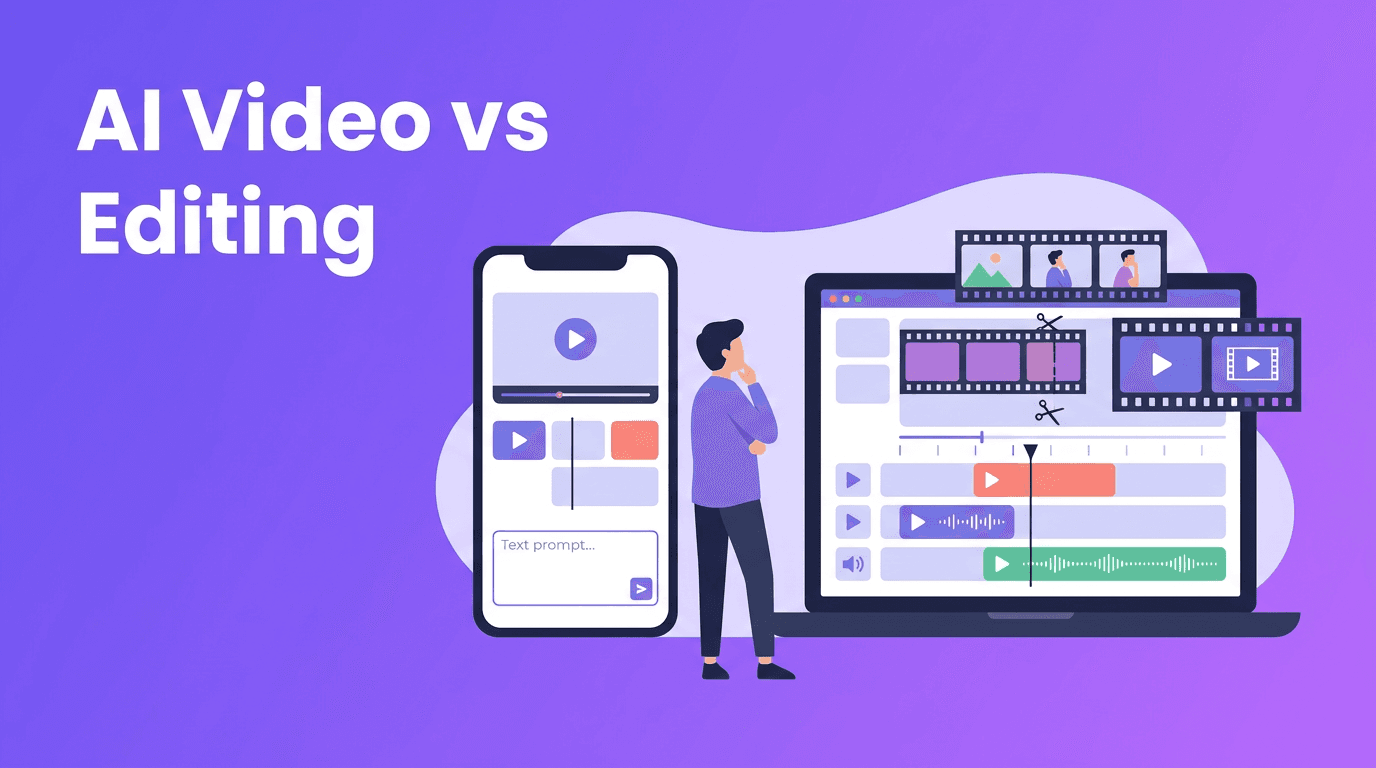
Traditional editing gives you precise frame-level control, but it usually requires more time, footage, software knowledge, and manual assembly. An AI video maker is better for speed, concept testing, and creating from minimal inputs. The smartest approach is often a hybrid one: use AI to generate drafts and variations, then polish your final cut with editing decisions that support your brand.
- Choose AI first when you need quick drafts, ad variations, or content from text and images.
- Choose traditional editing when brand precision, continuity, and detailed storytelling matter most.
- Use both together when you want AI speed plus manual polish for final delivery.
7 practical tips to make professional AI videos
1. Write prompts like creative briefs
Include subject, setting, action, camera angle, lighting, pacing, and final format. Instead of saying 'make a product video,' try 'close-up product demo on a table, slow camera push, clean background, 9:16 format, suitable for Instagram Reels.'
2. Start with one strong use case
If you are learning how to make AI videos, begin with a simple outcome such as a 15-second promo, a product teaser, or a testimonial-style clip. Narrow goals improve results.
3. Use your real brand assets
Upload product photos, logos, packaging shots, and existing clips whenever possible. AI-generated motion looks stronger when grounded in real brand material.
4. Keep clips short and purposeful
Short scenes are easier to control and often look more polished. Create several short clips, then combine the best ideas into one cohesive piece.
5. Prioritize the first three seconds
For social content, your opening matters most. Ask for an immediate visual hook, bold movement, or a clear product reveal at the start.
6. Test multiple prompt versions
The best AI video generator is only as strong as the prompt strategy behind it. Change one variable at a time, such as camera movement or scene detail, and compare outputs.
7. Review quality before publishing
Check for unnatural motion, text errors, distorted objects, and aspect ratio issues. Even a strong AI video creator needs a final human review.
Want a faster way to create AI videos?
*Movi AI* helps you create videos from text, images, and existing footage, making it a practical choice for creators, marketers, and small businesses.
Download Movi AIBest use cases for creators, marketers, and small businesses
- Product promos for ecommerce launches and seasonal offers
- Social media clips for Reels, TikTok, Shorts, and Stories
- Explainer videos for services, apps, or local businesses
- Ad variations for testing hooks, visuals, and calls to action
- Before-and-after videos for beauty, fitness, home, or design brands
- Event promos for workshops, sales, openings, and limited-time campaigns
A simple workflow with Movi AI
With *Movi AI*, you can start from a text prompt, an image, or an existing video depending on your goal. Define the format, generate a draft, review the result, refine the prompt, and export the strongest version for your channel. This makes *Movi AI* a useful free AI video generator option to explore when you want mobile-friendly creation and quick experimentation.
Final takeaway
An AI video generator is not just a shortcut. It is a practical production system for businesses that need more content without adding more complexity. If you focus on clear prompts, short formats, strong brand inputs, and quick testing, you can create videos that look more professional and publish more consistently.
Frequently Asked Questions
What is an AI video generator?+
An AI video generator is a tool that creates video content from prompts, images, voice, or source footage using machine learning models.
How do I make AI videos that look professional?+
Use clear prompts, short scenes, strong brand assets, and review each output for motion issues, artifacts, and formatting before publishing.
What is the best AI video generator for small businesses?+
The best option depends on your workflow, but tools like Movi AI are useful because they support text-to-video, image-to-video, and mobile-friendly creation.
Is there a free AI video generator I can try?+
Some AI video tools offer free access, trials, or limited generations. Check the latest pricing and app details before choosing one.
Create stunning AI videos in seconds!
Turn your ideas into professional videos with the #1 AI video maker.
Download Movi AI