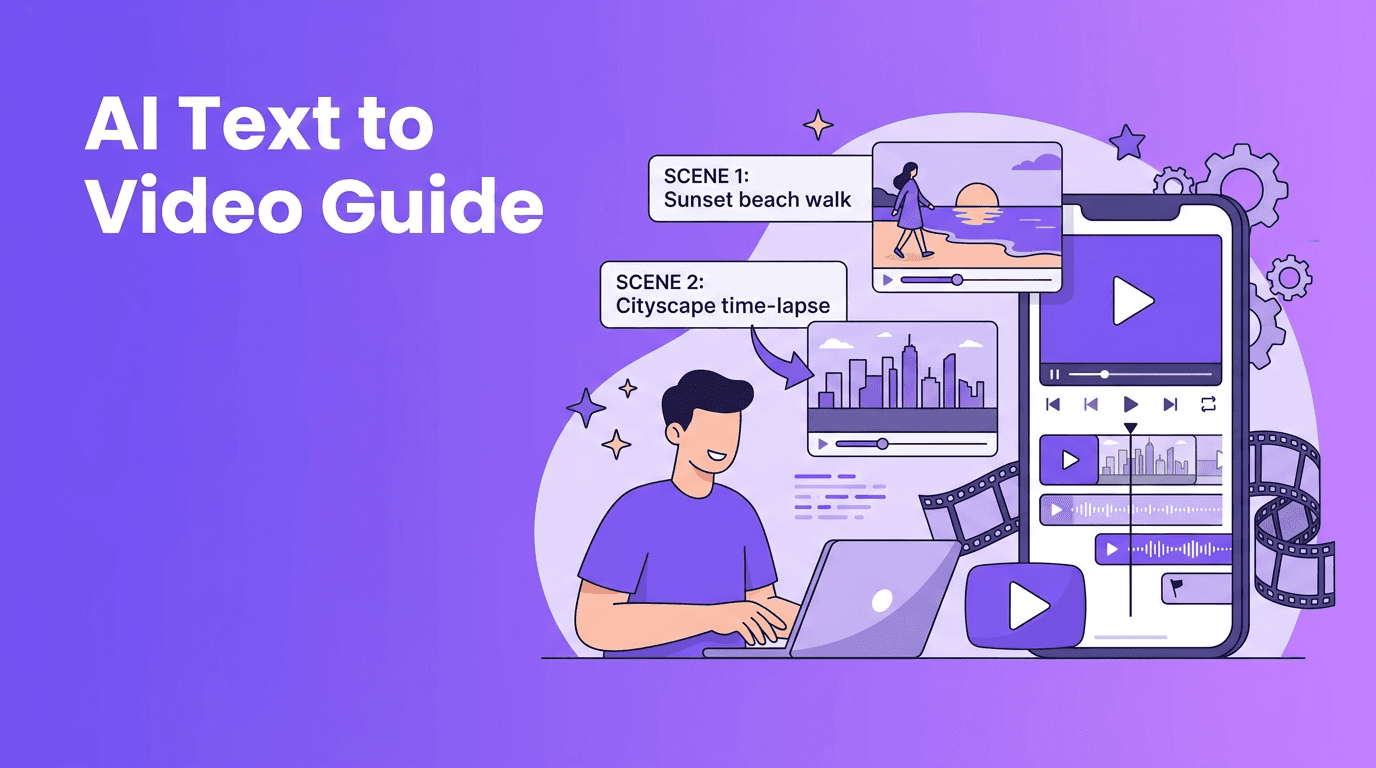
Text to Video Guide: Prompts, Models, and Better Results
Learn how text to video tools turn prompts into clips, how models work, and how to write better prompts for faster, higher-quality AI video results.
By Movi AI Team
Movi AI Editorial Team
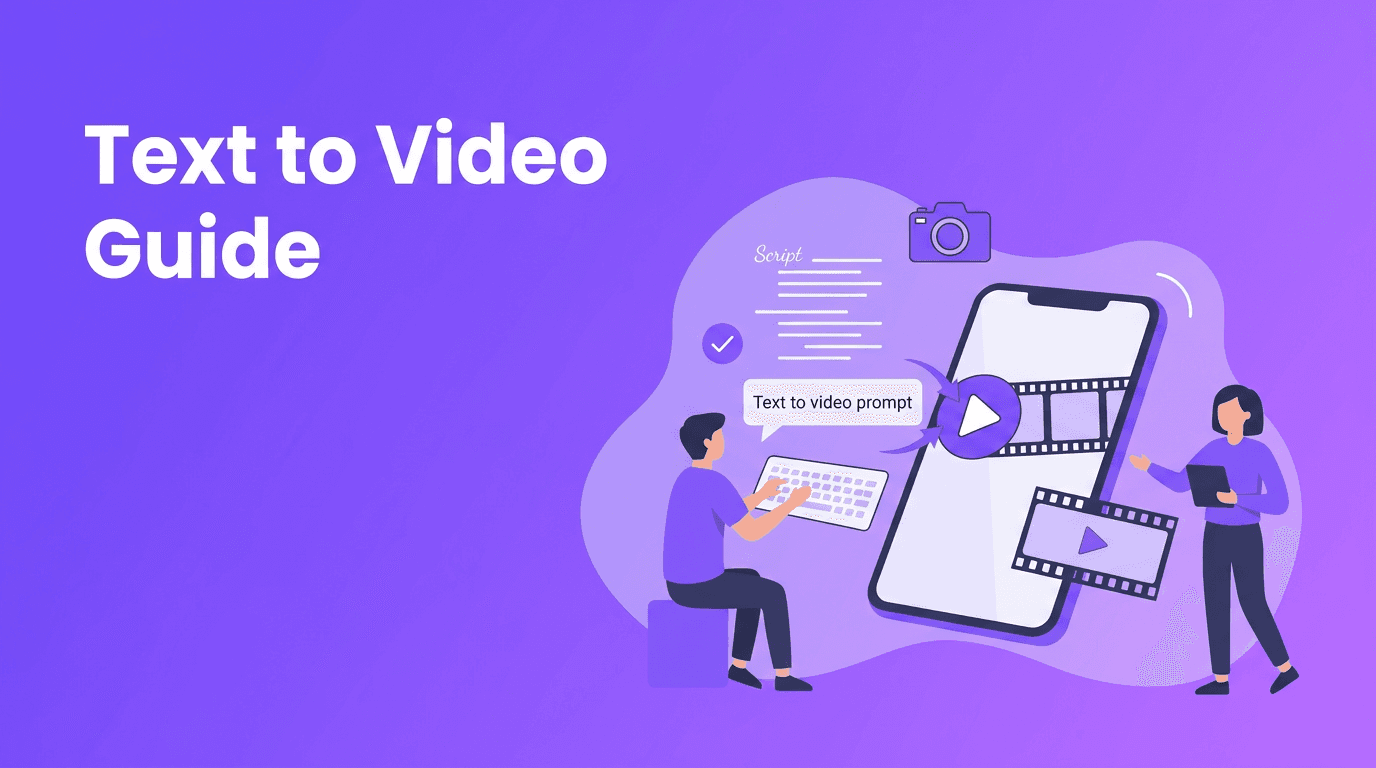
Text to video is changing how beginners, creators, and marketers make content. Instead of filming everything from scratch, you can describe a scene in words and let AI generate motion, style, and camera behavior from your prompt.
In this guide, you will learn how text to video systems work, why prompt wording matters, how different model types interpret language, and what to do if your results look generic, unstable, or off-topic. If you want to convert text to video faster, this article will give you a practical workflow you can use right away.
What text to video actually does
A text to video AI model translates written instructions into visual sequences. It tries to map your prompt into subjects, actions, environments, lighting, camera movement, and style. For example, instead of editing footage manually, you can ask for 'a slow aerial shot of waves hitting black rocks at sunrise' and the system generates a new video clip based on that description.
- Subject - who or what appears in the scene
- Action - what is happening
- Setting - where the scene takes place
- Style - realistic, animated, cinematic, documentary, and more
- Camera - close-up, wide shot, pan, dolly, handheld
- Output details - aspect ratio, length, quality, and variation level
Why creators use text to video
- It reduces filming and editing time
- It helps test ideas before full production
- It makes storyboard concepts easier to visualize
- It supports social content, ads, explainers, and concept videos
- It lowers the barrier for people who are new to video creation
The science behind text to video models
Most ai text to video generator systems are built to predict what a video should look like from language. They learn from massive datasets of videos, images, and text descriptions. During training, the model connects words with visual patterns such as motion, texture, objects, and scene composition.
Diffusion models in simple terms
Diffusion-based systems often start from noise and gradually turn that noise into coherent frames. You can think of it as refining static into a scene, step by step. This approach is strong at visual detail and style control, but motion consistency can be harder, especially in longer clips.
Transformer-based approaches
Transformer-based video models focus heavily on sequence understanding. They are good at handling relationships across frames, prompt context, and longer-range coherence. In plain language, they can be better at remembering what should still be happening a few seconds later, though performance depends on the model and generation settings.
Why results vary between models
Different models are trained on different data, use different motion strategies, and prioritize different goals. One model may create beautiful lighting but weaker action. Another may understand camera language better. That is why the same prompt can produce very different outputs across tools.
Great AI video results usually come from clear thinking, not just clever wording. The better you define the scene, the better the model can build it.
How to create video from text with a stronger prompt
If you want to create video from text, avoid vague prompts. A short prompt like 'make a cool city video' gives the model very little structure. A stronger prompt includes subject, motion, setting, style, and shot direction.
Bad prompt vs good prompt
- Bad: 'A dog in a park'
- Good: 'A golden retriever runs through a rainy city park, splashing through puddles, cinematic slow motion, low-angle tracking shot, natural lighting, realistic detail, 16:9'
- Bad: 'Show a coffee shop ad'
- Good: 'A cozy coffee shop at morning rush, barista pouring latte art, close-up of steam rising, warm documentary style, quick cuts for social ad, vertical 9:16, 8 seconds'
A simple prompt formula
Try this structure: subject + action + setting + style + camera + output settings. This formula works well for anyone using a text to video app because it reduces ambiguity and gives the model more usable instructions.
- Subject: a young chef
- Action: slicing fresh vegetables quickly
- Setting: bright modern kitchen
- Style: clean commercial look
- Camera: close-up, then overhead shot
- Output: 9:16 vertical, 6 seconds, high quality
Prompt tips that improve quality
- Use specific nouns and verbs instead of broad descriptions
- Add camera language like close-up, wide shot, dolly-in, or panning shot
- Include style keywords such as cinematic, realistic, anime, product ad, or documentary
- Set the aspect ratio based on platform, 9:16 for Shorts and Reels, 16:9 for YouTube, 1:1 for square posts
- Choose a sensible video length. Shorter clips often look more stable than long ones
- If available, increase quality settings for final exports and use lower settings for testing
- Mention what you want most, because some models prioritize early prompt words
- Avoid stacking too many conflicting instructions in one prompt
How Movi AI helps you convert text to video
*Movi AI* is a user-friendly text to video app that helps beginners and creators turn prompts into polished clips without a complicated editing workflow. You can generate content from text, images, speech, or existing videos, which makes it useful for brainstorming, social media production, and fast campaign testing.
Try Movi AI for faster video creation
Turn a simple idea into a polished AI video with text prompts, image animation, and easy mobile editing in one app.
Download Movi AIPractical uses for text to video AI
- Social media posts - generate short clips for TikTok, Reels, and Shorts
- Product marketing - visualize features, concepts, or launch teasers quickly
- Storyboarding - test scenes before investing in full production
- Education - explain ideas with visual examples from a prompt
- Small business content - create promos without a camera crew
- Creative experiments - turn scripts, poems, and concepts into visual sequences
Can you find text to video free tools?
Yes, many platforms offer limited text to video free trials or credits, but free tiers often come with lower resolution, watermarks, slower generation, or shorter clips. For creators who need consistent output and better controls, a dedicated mobile tool like *Movi AI* can be a more practical long-term option.
Common mistakes when using an AI video from text prompt
- Writing prompts that are too short or too abstract
- Ignoring aspect ratio for the target platform
- Trying to show too many actions in one short clip
- Using conflicting style instructions like 'photorealistic cartoon documentary ad'
- Expecting every model to interpret motion the same way
- Skipping test generations before final export
When an ai video from text prompt looks wrong, revise one variable at a time. Change the subject wording, simplify the action, shorten the shot, or make the style clearer. Small changes often improve results more than rewriting everything.
Final thoughts on getting better text to video results
The best text to video workflow combines clear prompting, realistic expectations, and fast iteration. Start with a short, focused scene. Use precise language. Test multiple versions. Then raise quality settings once the concept works. As models improve, creators who understand prompt structure and model behavior will get better results faster.
Frequently Asked Questions
How does text to video AI work?+
Text to video AI maps words in your prompt to visual elements like subjects, motion, style, and camera behavior, then generates frames that form a short video clip.
What is the best prompt format for text to video?+
A strong format is subject, action, setting, style, camera, and output settings. This gives the model clear instructions and usually improves consistency.
Can I convert text to video for free?+
Some tools offer free trials or credits, but they often limit resolution, clip length, or exports. Paid options usually provide better control and quality.
Why do different AI video models give different results?+
Models differ in training data, architecture, and motion handling. That means the same prompt can produce different styles, detail levels, and scene consistency.
What is a good text to video app for beginners?+
A beginner-friendly option is Movi AI, which helps users create videos from text prompts, images, speech, and existing videos with a simpler workflow.
Create stunning AI videos in seconds!
Turn your ideas into professional videos with the #1 AI video maker.
Download Movi AI