AI Beauty Filter Trends: Viral Video Effects Creators Can Try
AI beauty filter trends are reshaping TikTok and Instagram. Learn how these effects work, which styles are trending, and how creators can use them for scroll-stopping videos.
By Movi AI Team
Movi AI Editorial Team
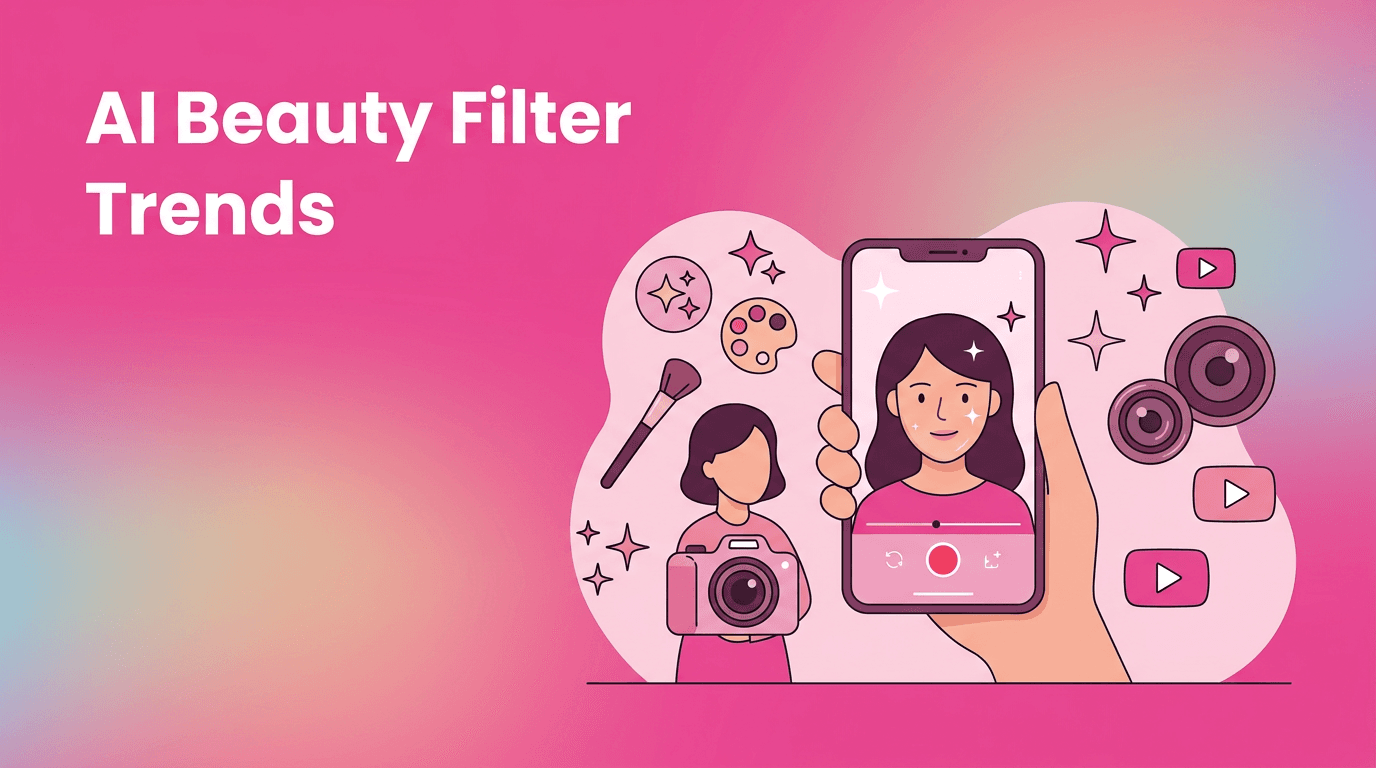
If your For You Page suddenly looks smoother, glowier, and more cinematic, you are probably watching the rise of the ai beauty filter. On TikTok and Instagram, creators are using these tools to sharpen features, add virtual makeup, improve lighting, and create polished looks in seconds.
Why the ai beauty filter is trending now
The latest wave of beauty effects feels different from older filters. Instead of dropping one obvious overlay on a face, modern AI tracks facial landmarks, skin texture, lighting, and motion frame by frame. That makes the result feel more natural on video, which is exactly why short-form creators love it.
- Fast transformation for selfies, talking-head clips, and GRWM content
- Consistent results across movement, blinking, and changing angles
- More realistic skin and makeup effects than basic social filters
- Higher watch time potential because polished visuals stop the scroll
How ai beauty filter effects work
At a simple level, these effects use computer vision to detect a face and map key points like eyes, lips, nose, jawline, and brows. Then AI models apply targeted edits such as smoothing skin, adjusting tone, brightening eyes, reshaping contours, or adding cosmetic effects. In video, the model repeats that process across frames so the filter stays attached to the face while moving.
The main technical layers behind the effect
- Face detection identifies where the face appears in each frame
- Landmark tracking maps important facial points for stable placement
- Segmentation separates skin, lips, hair, and background regions
- Generative enhancement adds realistic makeup, glow, or texture changes
- Temporal consistency reduces flicker so the effect looks smooth in motion
The best AI effects do not just change how a video looks, they change how long people keep watching.
What beauty enhancement styles are blowing up on TikTok and Reels
Soft glam video polish
This look adds subtle skin smoothing, brighter under-eyes, defined lashes, and a light contour effect. It works well for tutorials, reaction videos, and daily vlogs because it enhances without looking too synthetic.
No-makeup makeup filter looks
Creators love this trend because it gives a clean, camera-ready face while still feeling casual. It is especially effective for UGC, product demos, and storytime clips where authenticity matters.
Editorial glow and high-fashion skin
Some trending effects push beyond realism and create a glossy, almost magazine-like finish. These filters pair well with dramatic lighting, transitions, and outfit reveals.
How creators can use ai beauty filter effects effectively
- Start with good lighting so the AI has cleaner facial data to work with
- Keep the effect at medium strength to avoid an uncanny result
- Use beauty enhancement for specific content formats like makeup reviews, tutorials, and close-up hooks
- Combine with text overlays and quick cuts to keep the video dynamic
- Always compare filtered and unfiltered versions before posting
Try smarter beauty effects with Movi AI
Create polished short-form videos with AI-powered effects, filters, and video generation tools built for creators.
Download Movi AIWhere Movi AI fits into your workflow
With *Movi AI*, creators can go beyond a single beauty effect. The app helps you generate and transform videos from text, images, or existing clips, making it easier to test multiple looks and creative directions quickly. That means you can pair ai beauty filter styling with broader ai video editing effects for more original content.
Ethics and creator trust matter
Beauty enhancement can be fun and useful, but creators should use it responsibly. Avoid misleading transformations in sensitive content, disclose heavy edits when needed, and think carefully about how filters may affect audience expectations. Transparency builds trust, especially when your content includes skincare, makeup, or self-image topics.
Frequently Asked Questions
What is an ai beauty filter?+
An ai beauty filter uses facial detection and enhancement models to improve features like skin, lighting, and makeup in photos or videos.
Are ai beauty filters popular on TikTok?+
Yes. They are widely used in TikTok tutorials, GRWM videos, selfies, and short-form lifestyle content because they create polished results fast.
How do creators make ai beauty filter videos look natural?+
Use strong lighting, keep the filter intensity moderate, and review the clip for flicker or over-smoothing before posting.
Can I create beauty-enhanced videos with Movi AI?+
Yes. Movi AI helps creators generate and edit AI-powered videos with effects and transformations designed for modern short-form content.
Create stunning AI videos in seconds!
Turn your ideas into professional videos with the #1 AI video maker.
Download Movi AI