AI Video Creator Guide: 7 Practical Ways to Make Better Videos Faster
An AI video creator helps you turn ideas, images, and scripts into polished content faster. Learn how AI video creation works, what tools matter, and how to make professional videos with less editing time.
By Movi AI Team
Movi AI Editorial Team
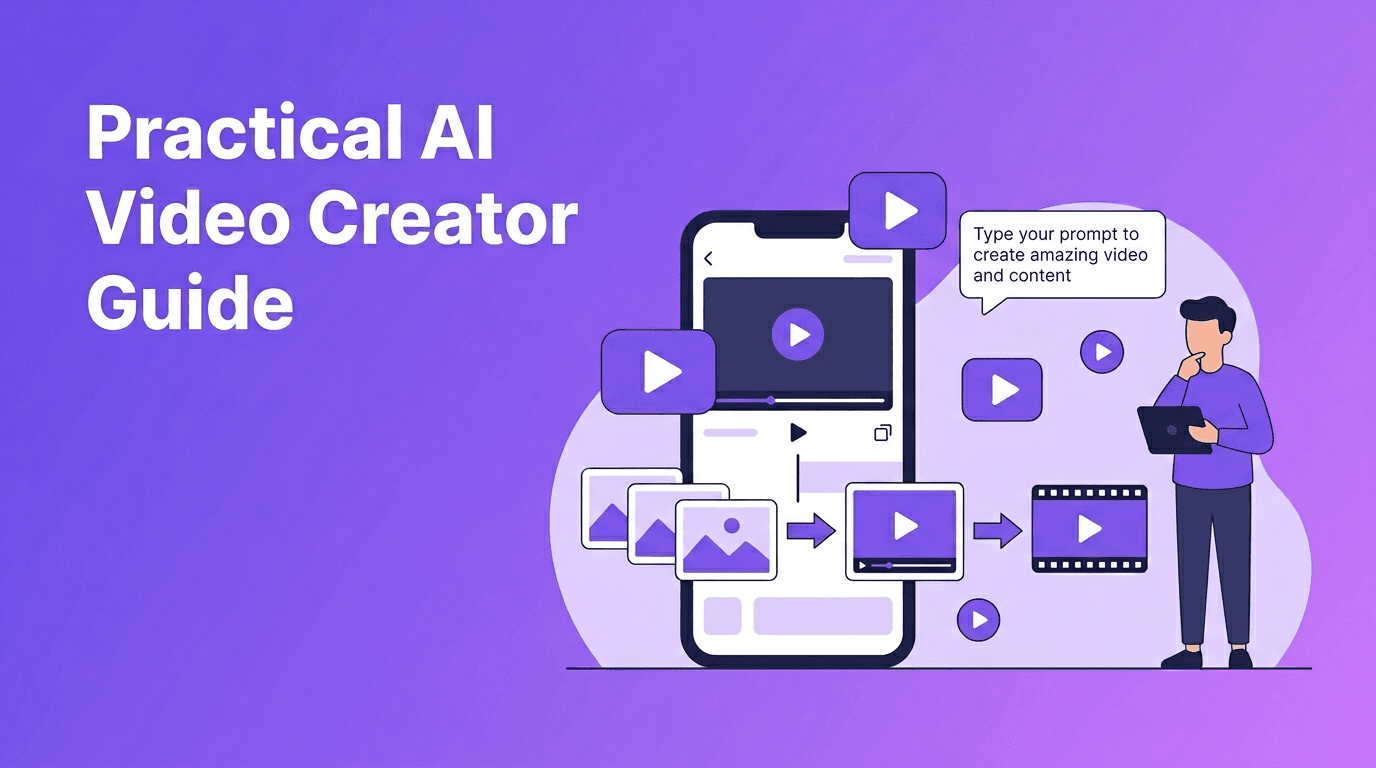
An AI video creator helps you turn prompts, photos, voice, and existing clips into finished videos quickly. Instead of building every scene by hand, AI can generate visuals, motion, and structure for you, which makes it useful for creators, marketers, and small businesses that need content fast.
What an AI video creator actually does
At a basic level, an AI video creator analyzes your input, such as a text prompt, image, narration, or source video, then uses machine learning models to generate scenes, motion, transitions, and sometimes audio alignment. The result is a faster path from idea to publishable content.
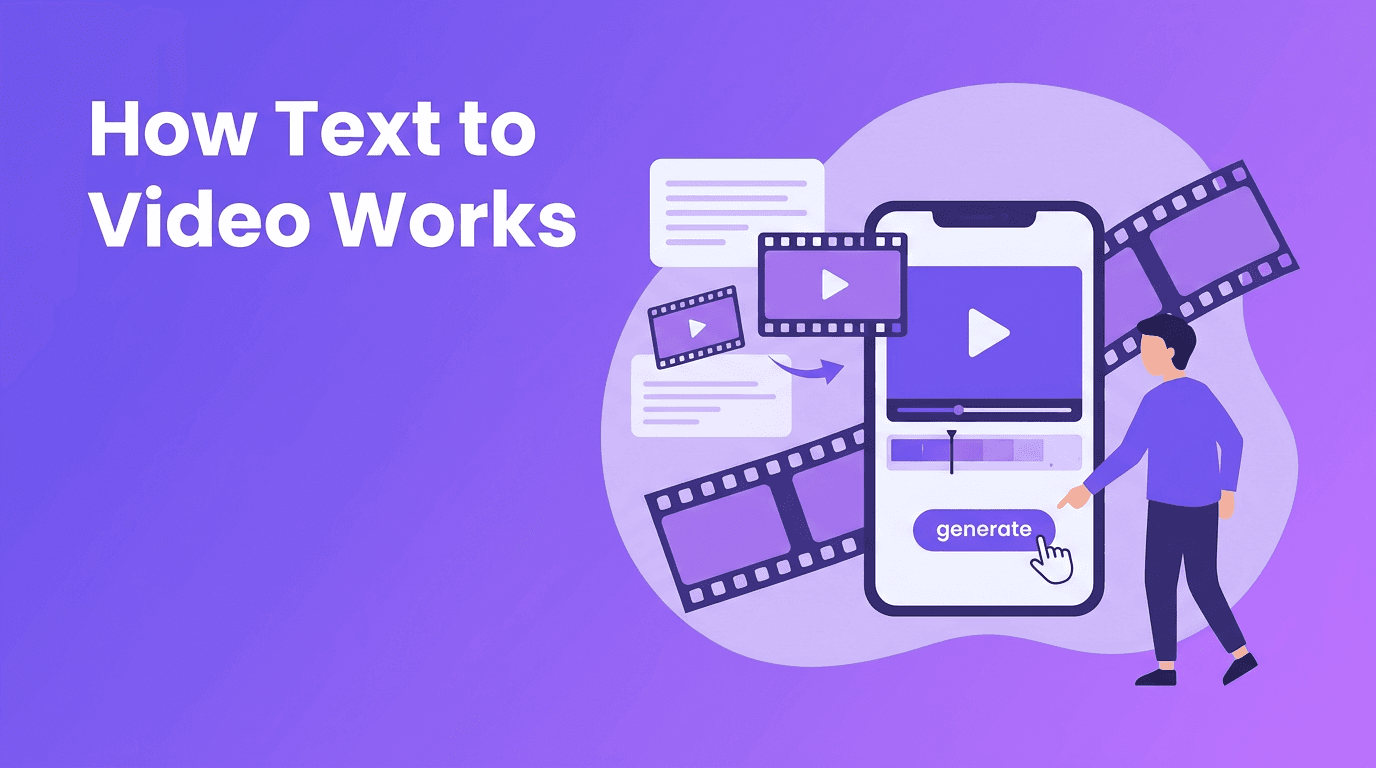
- Text-to-video turns written prompts into short visual scenes.
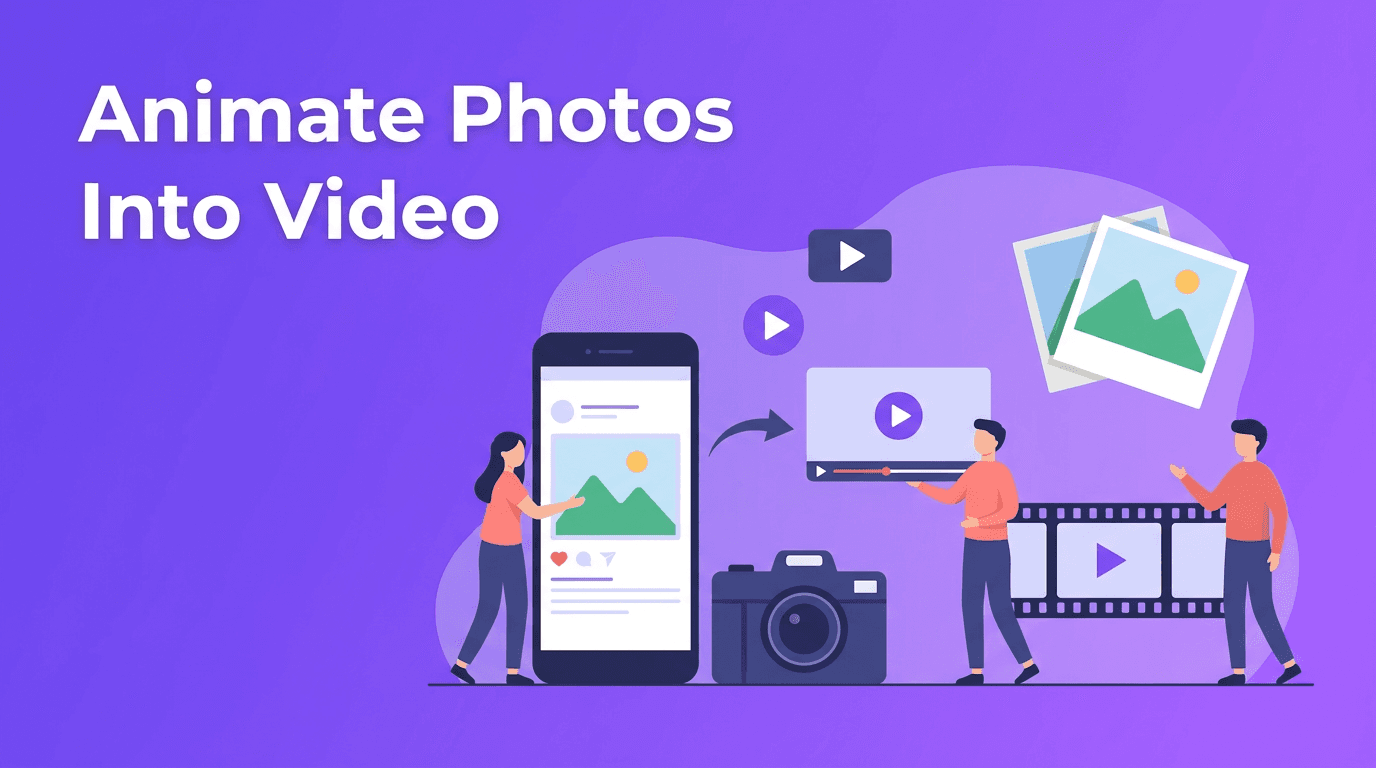
- Image-to-video animates still images with camera movement or subject motion.
- Video-to-video restyles or transforms existing footage.
- Speech-to-video matches visuals to spoken narration or voiceover.
7 practical ways to make better AI videos
1. Start with a clear outcome
Before generating anything, define the goal. Are you making a product demo, social ad, tutorial, testimonial-style clip, or short-form post? A clear purpose improves prompts and helps you judge whether the output is good enough to publish.
2. Write prompts like mini creative briefs
When learning how to make AI videos, better prompts usually mean better footage. Include the subject, action, setting, shot type, mood, and intended platform. For example: 'A cafe owner presenting a new seasonal drink, medium shot, natural movement, vertical video for Instagram Reels.'
3. Use images to control consistency
If brand consistency matters, start with reference images, product photos, or campaign assets. This gives the model stronger visual guidance than text alone and often improves character, object, and style stability.
4. Keep clips short, then sequence them
Many creators get better results by generating multiple short scenes instead of one long output. Build your video in sections, then combine the strongest clips into a final edit. This improves pacing and reduces wasted render time.
5. Fix quality with simple post-production
Even strong AI outputs benefit from light editing. Add captions, logos, music, cutaways, and clear hooks in the first seconds. AI speeds up creation, but simple finishing touches make the result feel more professional.
6. Match the format to the platform
Use vertical framing for TikTok, Reels, and Shorts. Use square or landscape when the channel calls for it. A good AI video creator workflow always considers aspect ratio, duration, and viewer attention span before generation starts.
7. Test versions instead of chasing perfection
Create two or three prompt variations, compare hooks, and publish the best performer. AI makes rapid iteration affordable, which is one of its biggest advantages over slower traditional workflows.
"The fastest video workflow is not the one with the most features, it is the one that turns ideas into publishable content with the fewest revisions."
How Movi AI fits into a modern workflow
*Movi AI* is a practical option for creators who want to generate videos from text, images, speech, or existing footage in one mobile workflow. It supports text-to-video, image-to-video, video-to-video, and speech-to-video, which makes it useful for social content, product storytelling, and fast campaign production.
Try Movi AI for faster video creation
Create content from prompts, images, or videos without a complex editing workflow. If you want a mobile-first AI video creator, Movi AI is a smart place to start.
Download Movi AIAI video creator vs traditional video editing
Where AI is faster
- Ideation - Turn rough concepts into visual drafts in minutes.
- Variations - Test multiple hooks or scenes without filming again.
- Asset creation - Generate supporting clips when you do not have footage.
- Small teams - Reduce the need for complex production setups.
Where traditional editing still wins
- Precision control for frame-by-frame storytelling.
- Brand-critical campaigns that require exact art direction.
- Live action nuance such as natural performances and documentary realism.
- Complex timelines with detailed sound design and layered post-production.
For most businesses, the best answer is not AI or traditional editing alone. It is a hybrid workflow. Use AI to generate concepts, scenes, and rough cuts, then refine the final piece with editing choices that protect quality and brand standards.
Best use cases for creators, marketers, and small businesses
- Content creators can make short-form hooks, explainers, and series intros faster.
- Marketers can produce ad variations, product highlights, and campaign teasers.
- Small businesses can create promos, menu videos, service explainers, and local ads.
- Educators and coaches can turn scripts and voiceovers into visual lessons.
- Agencies can prototype ideas for clients before full production begins.
A simple 5-step workflow to create professional AI videos
- Step 1: Define the goal, audience, and platform.
- Step 2: Choose the input type, text, image, speech, or source video.
- Step 3: Generate several short clips with different prompts.
- Step 4: Select the best outputs and add branding, captions, and music.
- Step 5: Export in the right format and test performance after publishing.
Common mistakes to avoid
- Using vague prompts with no subject, action, or setting.
- Trying to generate a full polished video in one pass.
- Ignoring platform format and safe text areas.
- Publishing without captions, branding, or a strong opening hook.
- Judging AI clips before testing multiple prompt variations.
Frequently Asked Questions
What is an AI video creator?+
An AI video creator is a tool that generates or transforms video from text prompts, images, voice, or existing footage using machine learning models.
How do I make AI videos that look professional?+
Use clear prompts, generate short scenes, keep branding consistent, and finish with captions, music, and light editing.
Can AI video tools replace traditional video editing?+
Not completely. AI is excellent for speed and ideation, while traditional editing is still better for precise control and complex productions.
What can I use an AI video creator for?+
You can create social media clips, product promos, tutorials, ads, explainers, and fast content variations for testing.
Create stunning AI videos in seconds!
Turn your ideas into professional videos with the #1 AI video maker.
Download Movi AI