Text to Video for Beginners: How Prompts Turn Into AI Videos
Learn how text to video works, how AI models turn prompts into clips, and how to write better prompts for faster, more polished results with Movi AI.
By Movi AI Team
Movi AI Editorial Team
Text to video is one of the fastest ways to turn an idea into visual content. Instead of filming from scratch, you describe a scene in words and an AI system generates motion, style, and composition for you. For beginners, this means faster video creation. For creators and marketers, it means a practical shortcut from concept to publishable clip.
What text to video actually means
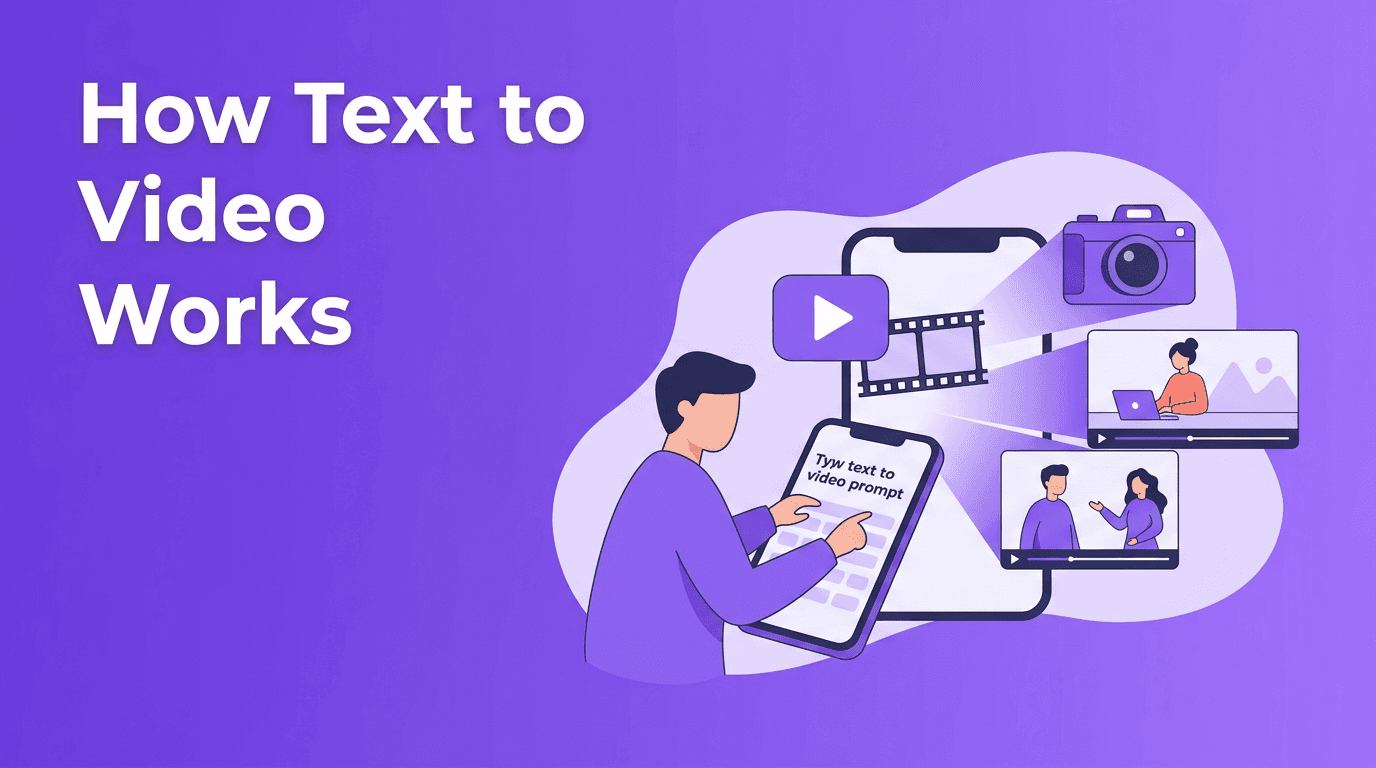
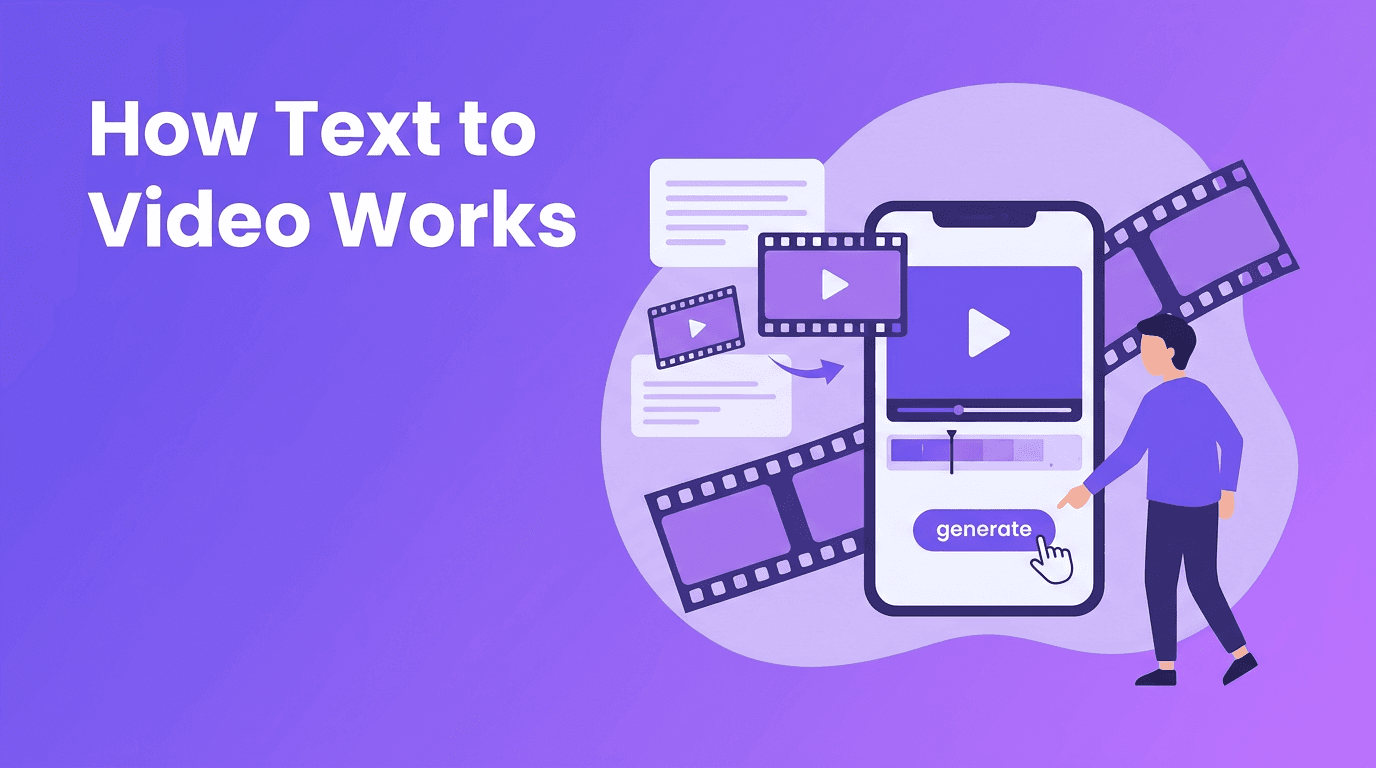
At a basic level, text to video AI takes your written prompt and predicts what a matching video should look like over time. The model does not "understand" scenes like a human director. Instead, it learns patterns from massive datasets of images, video, captions, motion, and visual relationships. When you type a prompt, the system maps your words to likely subjects, camera movement, lighting, style, and action.
- You provide a prompt such as "a woman walking through a rainy city street at night, cinematic lighting, slow camera pan"
- The model interprets key concepts like subject, setting, motion, mood, and style
- It generates a sequence of frames that stay as consistent as possible from start to finish
- The result can then be refined with aspect ratio, length, style, and quality settings
"Great AI videos usually start with clear direction, not longer prompts."
The science behind text to video models
If you want to convert text to video, it helps to know what happens behind the scenes. Most systems begin by turning your prompt into numerical representations called embeddings. These embeddings help the model connect words like "ocean," "running," or "dramatic close-up" to learned visual and motion patterns. From there, the model generates frames and tries to keep objects, movement, and style coherent across time.
Diffusion models
Diffusion models are common in AI generation. They start with visual noise and gradually shape it into meaningful frames. In video generation, this process often includes temporal guidance so motion stays more stable across multiple frames. Diffusion approaches can produce beautiful results, but they may require strong prompting and careful settings to avoid flicker or inconsistent details.
Transformer-based models
Transformer-based models process relationships across tokens, frames, and time more directly. This makes them useful for capturing longer dependencies, scene continuity, and prompt structure. Some newer systems combine transformer architectures with diffusion pipelines, aiming to improve both realism and consistency. In practice, different models interpret the same prompt differently, which is why testing matters.
Why model outputs vary
An ai text to video generator is only as predictable as its model design, training data, and controls. One model may favor cinematic realism, another may lean toward stylized animation, and another may handle motion better than facial detail. That is why the exact same prompt can create very different videos across tools.
Prompt engineering tips for better text to video results
Prompt writing is where most quality gains happen. If you are learning how to create video from text, focus on clarity, order, and specificity. Good prompts usually describe the subject first, then action, then setting, then style, then camera behavior.
A simple prompt formula
- Subject: who or what is in the scene
- Action: what is happening
- Setting: where it happens
- Style: realistic, animated, cinematic, product ad, watercolor, and so on
- Camera: close-up, tracking shot, aerial view, slow zoom
- Quality hints: detailed textures, smooth motion, natural lighting
Good prompt vs bad prompt
Bad prompt: "make a cool video of a dog" Why it struggles: too vague, no action, no setting, no style, no camera guidance. Better prompt: "A golden retriever running through a sunny park, tongue out, slow-motion shot, shallow depth of field, cinematic realism, natural lighting." The improved version gives the model more useful structure and usually produces a stronger ai video from text prompt.
Prompt examples you can adapt
- Product video: "A luxury skincare bottle on a marble counter, soft window light, rotating close-up shot, water droplets, premium commercial style"
- Social media clip: "A young creator unboxing wireless earbuds at a desk, fast hand movement, energetic framing, trendy lifestyle video style"
- Animated scene: "A small robot planting flowers on a rooftop garden, whimsical animation, gentle camera push-in, warm storytelling mood"
- Travel concept: "A drone view of waves hitting a rocky coastline, golden hour, cinematic landscape, smooth forward motion"
Use settings to guide the result
Prompt quality matters, but settings matter too. Choose the right aspect ratio for your platform, such as vertical for Reels and TikTok, square for some social posts, or horizontal for YouTube and presentations. Keep video length short when testing prompts, then extend once the concept works. If your tool offers style keywords or quality settings, use them carefully rather than stuffing too many descriptors into one line.
How beginners can create better videos faster
A practical workflow for text to video is to start small. Generate a short clip, review what worked, revise the prompt, and rerun. Short testing cycles usually beat one giant prompt. A user-friendly text to video app like *Movi AI* makes this easier by helping you create AI videos from text, images, or existing footage in one place.
- Start with a 5-8 second clip
- Use one clear subject and one main action
- Add only one or two style cues at first
- Choose the platform ratio before generating
- Iterate after each result instead of rewriting everything
Try text to video with Movi AI
Want a simple way to turn prompts into polished clips? *Movi AI* helps you create videos from text, images, speech, and existing footage with beginner-friendly controls.
Download Movi AIPractical applications for text to video AI
Today, text to video ai is useful far beyond experimentation. Creators use it for storyboards, mood clips, concept trailers, short ads, animated explainers, and social content. Small businesses can quickly test visual ideas before paying for full production. Educators can visualize concepts, and marketers can make more versions of content for different channels.
- Marketing: ad concepts, product teasers, landing page visuals
- Social media: short-form hooks, trend-friendly clips, background loops
- Education: visual explainers, concept scenes, lesson intros
- Creative work: storyboarding, world-building, pitch visuals
- E-commerce: product showcase scenes without full studio shoots
Choosing the right approach and tool
If you are searching for text to video free options, remember that free tools are useful for testing, but paid tools often provide better quality, faster generation, and more control. The best choice depends on your goal. If you want simple creation on mobile, a polished text to video app may be ideal. If you need flexible workflows, look for tools that support text-to-video, image-to-video, and video-to-video in one experience, like *Movi AI*.
Final thoughts on converting ideas into videos
Learning to convert text to video is part creativity and part experimentation. The key is understanding that AI models respond best to structured prompts, smart settings, and quick iteration. As these models improve, creating high-quality video from a sentence will become even more accessible. For beginners, the best next step is simple: start with one idea, write a clear prompt, and test it in a tool designed to make the process easy.
Frequently Asked Questions
How does text to video AI work?+
Text to video AI turns written prompts into visual scenes by mapping words to learned image and motion patterns, then generating frames over time.
What is the best prompt for an AI text to video generator?+
The best prompts are clear and structured, usually including subject, action, setting, style, and camera direction in one concise description.
Can I create video from text for free?+
Yes, some tools offer free trials or limited free generations. Free options are useful for testing, but premium tools often provide better quality and controls.
Why do different text to video models give different results?+
Models vary in architecture, training data, motion handling, and style preferences, so the same prompt can produce different outputs across platforms.
What is the best text to video app for beginners?+
Beginners should look for a simple app with clear controls, fast generation, and multiple creation modes. Movi AI is a user-friendly option for creating AI videos from text and more.
Create stunning AI videos in seconds!
Turn your ideas into professional videos with the #1 AI video maker.
Download Movi AI