Text to Video for Beginners: How AI Text to Video Generator Tools Really Work
Curious about text to video? Learn how an AI text to video generator turns prompts into clips, how models work, and how to get better results with practical prompt tips.
By Movi AI Team
Movi AI Editorial Team
Text to video is changing how beginners and creators make content. Instead of filming everything yourself, you can describe a scene in words and let an AI text to video generator turn that idea into motion. In this guide, you will learn how the technology works, how to write better prompts, and how to use tools like *Movi AI* to create videos faster.
What text to video actually means
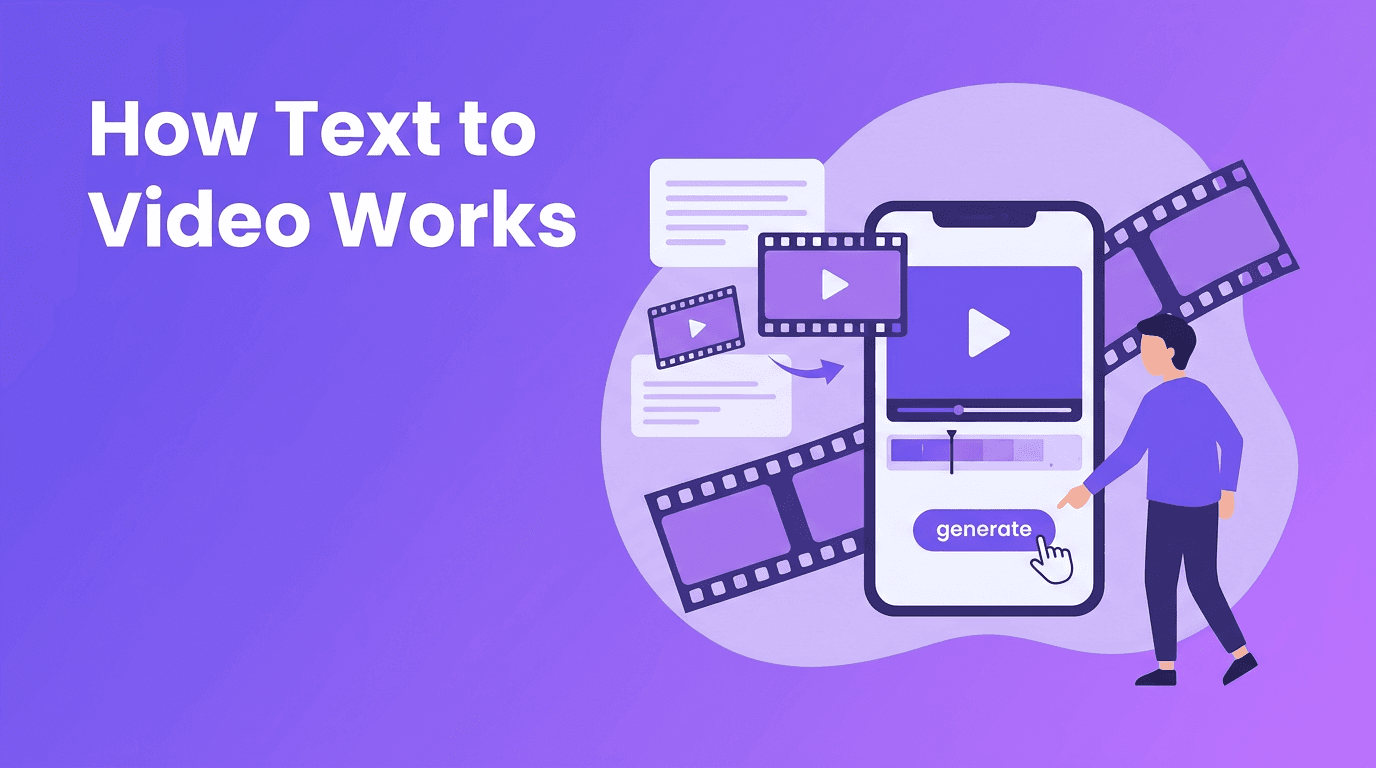
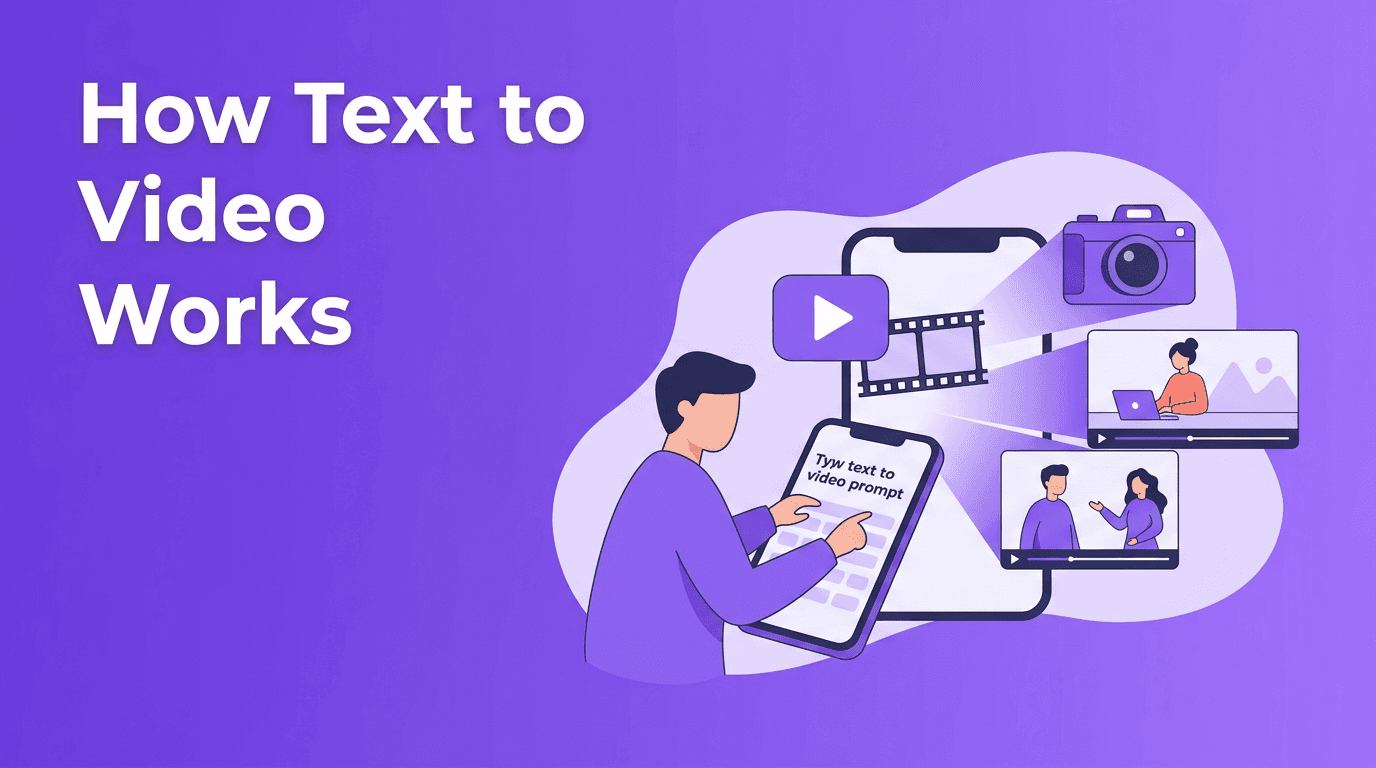
At its core, text to video means generating a video from a written prompt. You type what you want to see, such as a subject, action, camera angle, lighting, style, and mood. The AI then predicts frames that match your description and stitches them into a short clip.
- Input: a text prompt like 'a golden retriever running through a park at sunrise, cinematic camera movement'
- Processing: the model interprets objects, motion, style, and scene relationships
- Output: a generated video clip that matches the prompt as closely as possible
How an AI text to video generator turns words into motion
Most ai text to video generator systems follow a similar pipeline. First, the model converts your prompt into numerical representations called embeddings. Then it uses those embeddings to guide video generation frame by frame, while trying to keep motion and subject consistency across time.
Why prompts matter so much
A vague prompt gives the model too much room to guess. A specific prompt gives it clearer instructions. If you want to convert text to video successfully, think like a director. Describe the subject, action, setting, camera movement, and visual style.
- Bad prompt: 'make a cool video'
- Better prompt: 'A young woman walking through a rainy city street at night, neon reflections on the pavement, slow tracking shot, cinematic lighting'
- Best prompt: 'A young woman in a red coat walking through a rainy Tokyo street at night, neon shop signs reflecting on wet pavement, slow tracking shot from waist height, cinematic lighting, realistic motion, 16:9'
How different models interpret text differently
Not every model reads prompts the same way. Some respond strongly to style words like cinematic, anime, or realistic. Others are better at motion accuracy, while some are stronger at scene composition. This is why the same prompt can look different across platforms and why testing variations is part of good prompt engineering.
The science behind text to video AI
Text to video ai combines language understanding with visual generation. The language side reads your prompt and extracts meaning. The video side creates frames that match that meaning, while also maintaining coherence over time so the clip does not flicker or drift too much.
Diffusion models
Diffusion models start with noise and gradually transform it into meaningful imagery. In video generation, this process happens across multiple frames while the model tries to preserve consistency in objects, lighting, and motion. Diffusion-based systems are popular because they can produce impressive visual quality, but they may require more computation.
Transformer-based approaches
Transformer-based models focus on relationships between tokens across sequences. In video, that means the model can learn how scenes evolve over time, which can help with motion planning and temporal coherence. These approaches are powerful for understanding structure, though different implementations balance speed, realism, and control in different ways.
Which approach is better
There is no single winner. Diffusion models often shine in visual richness, while transformer-based systems can be strong in sequence understanding. Many modern tools combine ideas from both. For users, the real question is practical: does the tool give you the style, motion, speed, and ease of use you need?
"The quality of an AI video often starts long before generation, it starts with the clarity of the prompt."
Prompt engineering tips for better text to video results
If you are learning how to create video from text, prompt engineering is the skill that improves output fastest. Small wording changes can lead to very different results.
- Start with subject + action + setting: 'A chef plating pasta in a modern restaurant kitchen'
- Add camera language: 'close-up', 'wide shot', 'aerial view', 'slow pan', 'handheld'
- Include style keywords: 'cinematic', '3D animation', 'documentary', 'photorealistic', 'watercolor'
- Specify lighting and mood: 'golden hour', 'soft studio light', 'moody', 'energetic'
- Set aspect ratio when possible: 16:9 for YouTube, 9:16 for Reels and TikTok, 1:1 for square social posts
- Control video length by matching your idea to the tool's clip duration. Keep prompts focused for short clips
- Use quality settings if available. Higher quality may take longer, but often improves detail and motion consistency
- Test 2-3 prompt variations instead of expecting one perfect result on the first try
Prompt examples you can reuse
- Product demo: 'A sleek wireless earbud case opening on a clean table, soft shadows, rotating product shot, commercial style, 1:1'
- Travel scene: 'A drone view of waves hitting a tropical beach, bright sunlight, smooth aerial motion, realistic, 16:9'
- Social media clip: 'A stylish iced coffee being poured in slow motion, cafe background, close-up, cozy mood, 9:16'
- Explainer visual: 'An animated smartphone interface showing a food delivery app, clean motion graphics style, simple transitions, 16:9'
Practical applications for creators and businesses
An ai video from text prompt can be useful far beyond experimentation. Creators, marketers, and small businesses use these tools to speed up production and test ideas before investing in full shoots.
- Social media content for TikTok, Instagram Reels, and YouTube Shorts
- Ad concepts and quick product promos before filming real footage
- Storyboarding scenes for campaigns, animations, or client pitches
- Educational visuals for tutorials, explainers, and presentations
- Creative prototypes for music videos, intros, and concept art in motion
Try a beginner-friendly text to video app
*Movi AI* makes it simple to create videos from prompts, images, or existing clips. If you want a user-friendly **text to video app**, it is a practical place to start experimenting.
Download Movi AIChoosing the right text to video tool
When comparing a text to video free tool, a premium studio, or a mobile app, look beyond hype. Check output quality, prompt control, aspect ratio options, generation speed, editing flexibility, and how easy it is to iterate. *Movi AI* is especially useful for users who want a simple workflow for text-to-video, image-to-video, video-to-video, and speech-to-video creation in one app.
Final thoughts on learning text to video
The easiest way to improve with text to video is to treat prompting like creative direction. Be specific, test variations, and learn how your chosen model responds to style words, motion cues, aspect ratios, and quality settings. Once you understand those basics, creating videos from text becomes much faster and far more predictable.
Frequently Asked Questions
How does text to video AI work?+
Text to video AI reads a written prompt, turns it into numerical representations, and generates frames that match the described scene, style, and motion.
What is the best prompt for an AI text to video generator?+
The best prompt clearly describes the subject, action, setting, camera angle, style, and aspect ratio. Specific prompts usually produce better results than vague ones.
Can I convert text to video for free?+
Some platforms offer free trials or limited generations. A text to video free option can be useful for testing, but paid plans often provide better quality and more control.
How do I create video from text on my phone?+
You can use a text to video app like Movi AI, enter a prompt, choose your settings, generate the clip, and then refine it with additional edits or variations.
Create stunning AI videos in seconds!
Turn your ideas into professional videos with the #1 AI video maker.
Download Movi AI