AI Video Maker vs Traditional Editing: 7 Smart Ways to Create Faster
An AI video maker helps you turn prompts, images, and clips into polished content faster than manual editing. Learn how it works, compare top options, and discover practical tips for better results.
By Movi AI Team
Movi AI Editorial Team
An AI video maker helps you create videos from prompts, images, voice, or existing clips with far less manual editing. If you are comparing an AI video maker to traditional editing software, the biggest difference is speed: AI handles generation, motion, styling, and first drafts, while traditional editors give you deeper frame-by-frame control.
1. What an AI video maker actually does
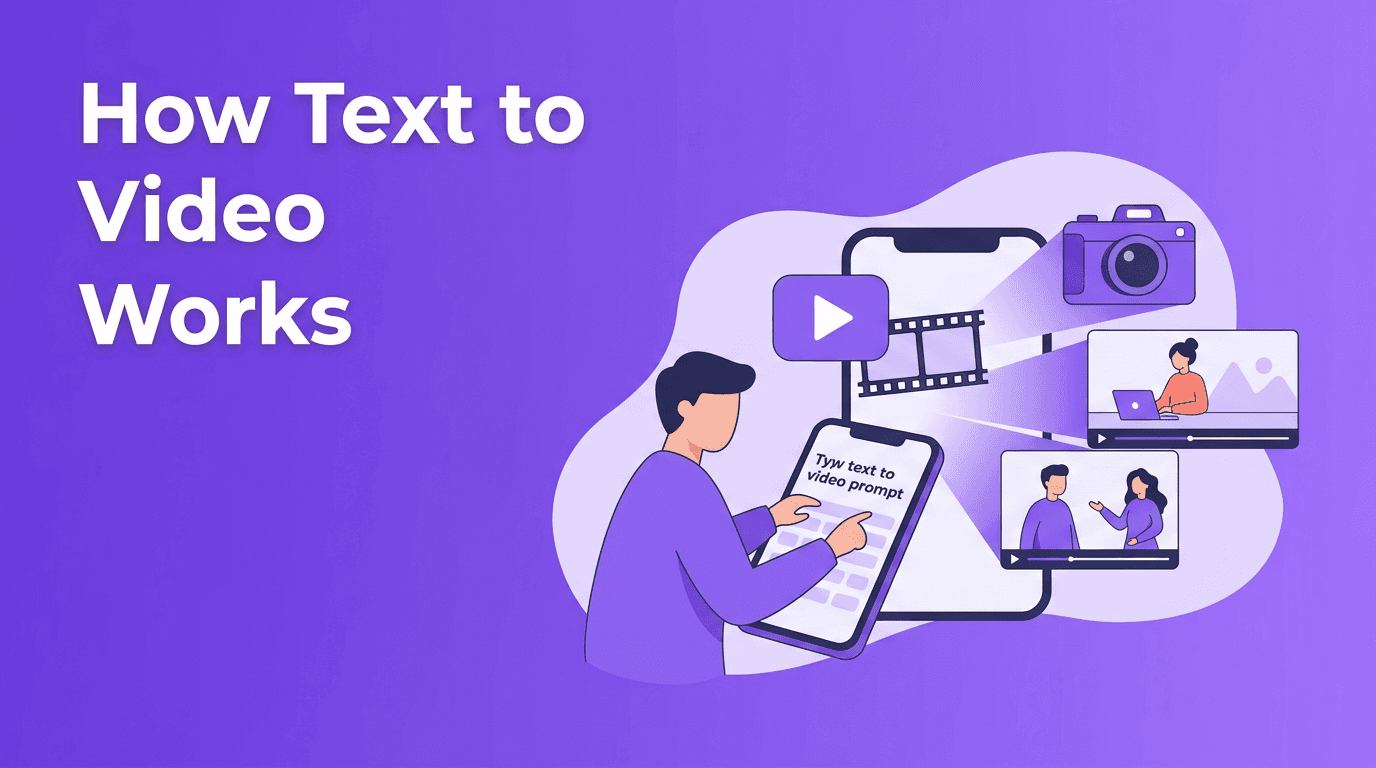
At a practical level, an AI video maker uses machine learning models to turn inputs into video scenes. Those inputs can be a written prompt, a still image, a recorded voice track, or an older video you want to restyle. Instead of building every scene manually on a timeline, you describe the result and let the system generate a draft.
- Text-to-video creates scenes from written prompts.
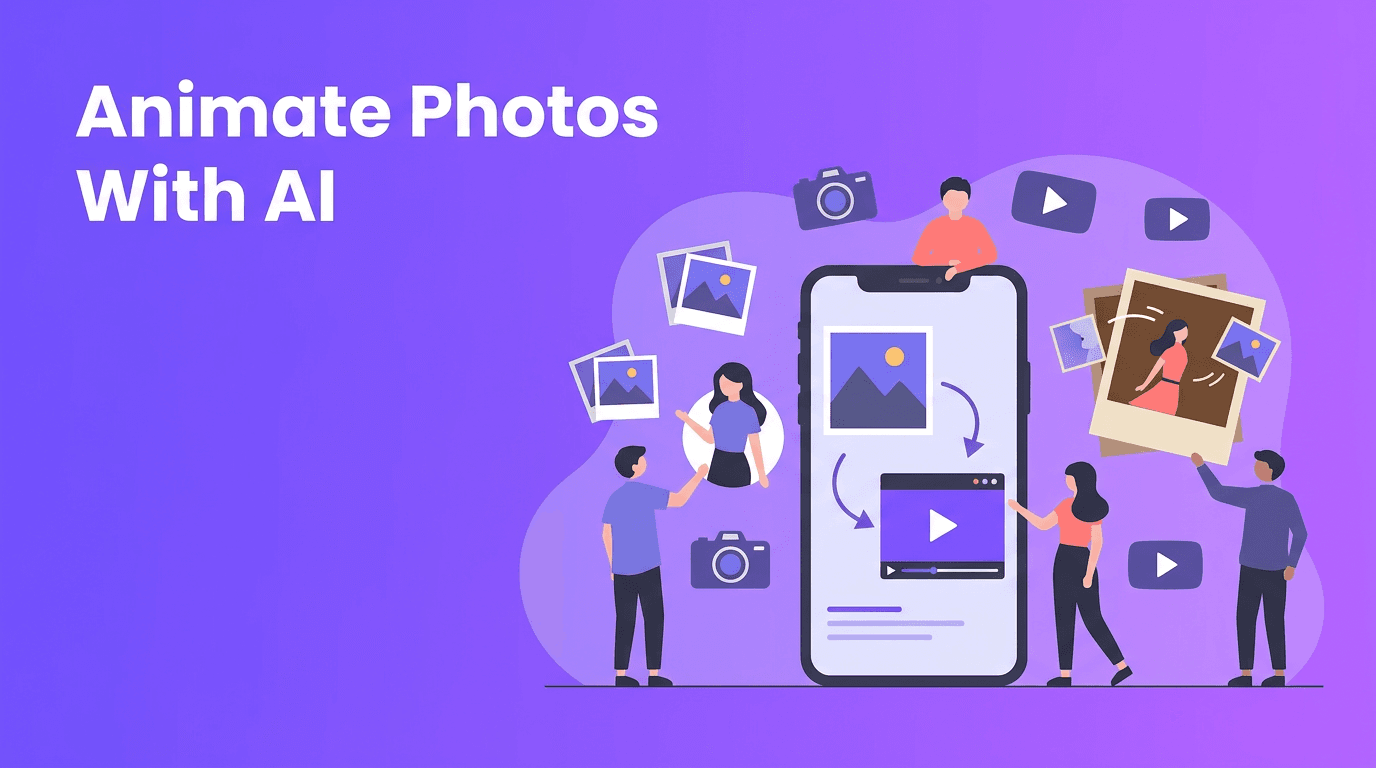
- Image-to-video adds motion, camera movement, and effects to still visuals.
- Video-to-video transforms existing footage into a new style or format.
- Speech-to-video builds scenes around narration or spoken instructions.
Why this matters for busy creators
For content creators, marketers, and small business owners, AI removes a lot of the setup work that usually slows down production. You can move from idea to publishable draft in minutes, which is especially useful for social media campaigns, product teasers, explainer clips, and ad variations.
2. AI video maker vs traditional video editing
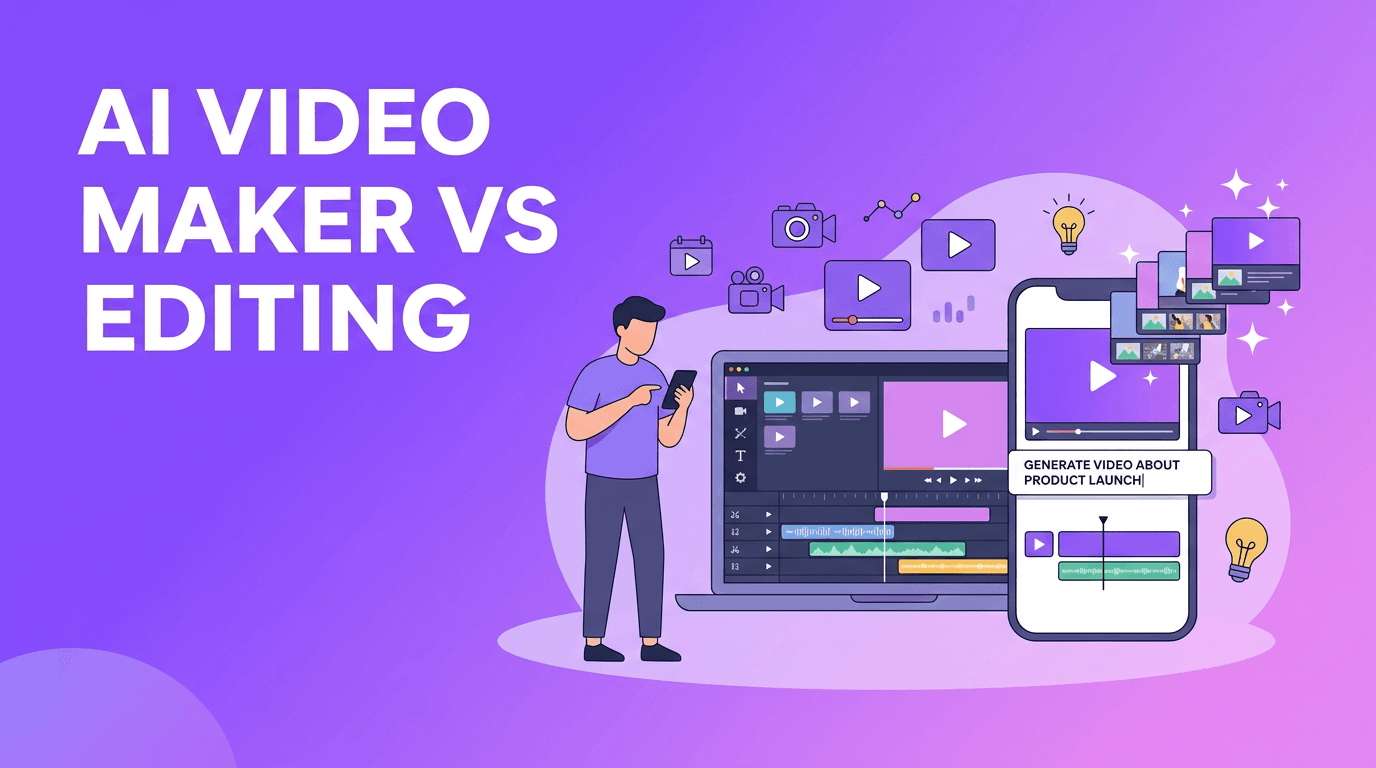
Traditional editing tools are excellent when you need precise cuts, advanced compositing, detailed color work, or custom motion graphics. But they usually require more time, editing knowledge, and hands-on control. AI tools focus on speed, automation, and rapid iteration.
- AI video maker advantages: faster drafts, easier ideation, less editing experience required, more content variations.
- Traditional editing advantages: detailed control, complex timelines, advanced finishing, professional post-production workflows.
- Best use case for AI: short-form content, quick marketing videos, concept testing, repurposing content.
- Best use case for traditional editing: commercials, documentaries, brand films, and projects with exact shot requirements.
The fastest video workflow is often a hybrid one: use AI for ideation and first drafts, then refine the best version with light editing.
3. How AI video generation works in 5 simple steps
- Step 1: Start with a goal. Decide whether the video is for TikTok, Reels, YouTube Shorts, ads, or product education.
- Step 2: Choose your input. Use a prompt, photo, voice track, or existing clip depending on the format you need.
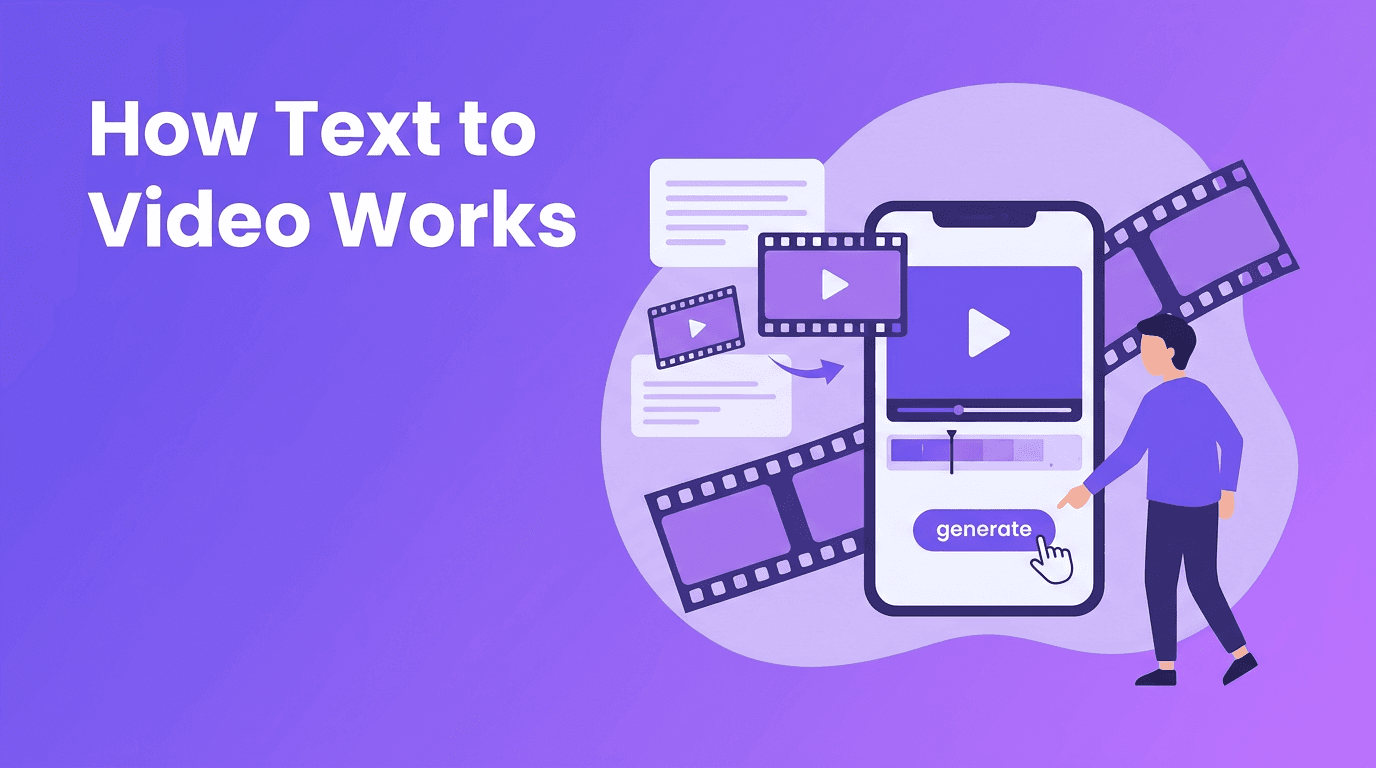
- Step 3: Generate a first draft. The AI creates scenes, motion, pacing, and visual style based on your input.
- Step 4: Refine the result. Adjust prompt wording, scene order, timing, and style to improve quality.
- Step 5: Export for the platform. Pick the correct aspect ratio, length, and resolution before publishing.
What affects video quality and rendering speed
Quality depends on prompt clarity, source material, model capability, and output settings. Rendering speed depends on scene complexity, duration, effects, and server load. In most cases, shorter clips with clear prompts produce better results faster than long, vague requests.
4. Best tools to consider for different workflows
The best AI video generator depends on what you need to create. Some tools are better for cinematic prompt-based clips, while others are better for quick social content, talking videos, or animated product visuals. If you want an easy mobile workflow, *Movi AI* is a strong option because it lets you create videos from text, images, or existing footage directly on iOS and Android.
- Use Movi AI if you want a simple AI video generator app for creating content on your phone.
- Choose tools with text-to-video AI features if you need fast concept generation from written ideas.
- Look for image-to-video support if you want to animate product photos, portraits, or graphics.
- Prioritize export settings and format flexibility if you publish across multiple social platforms.
Try a faster mobile AI workflow
Create polished social videos from prompts, images, or clips with *Movi AI*. It is a practical choice for creators and businesses that want speed without a complicated editing setup.
Download Movi AI5. 6 tips to make professional AI videos
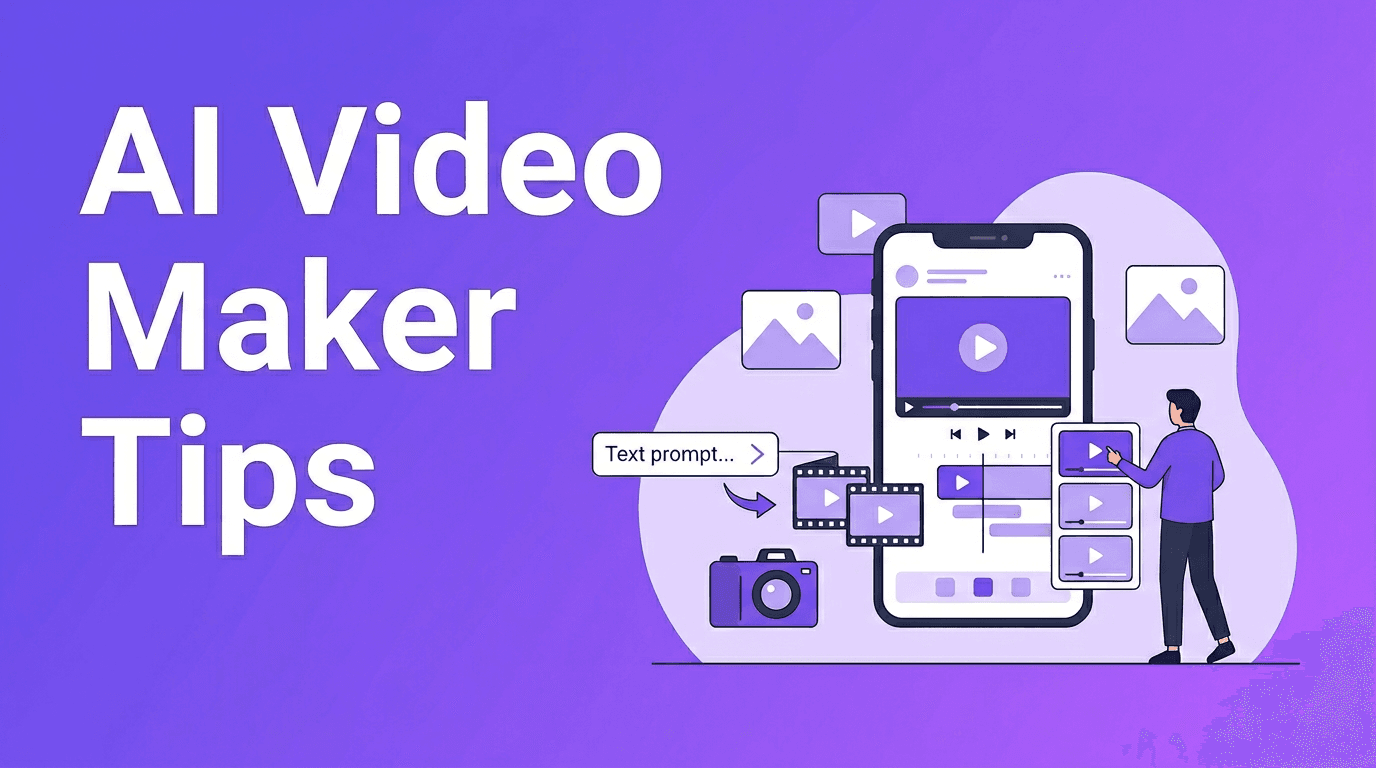
- Write specific prompts. Mention subject, action, camera angle, and mood.
- Keep clips short at first. Test 5 to 15 second ideas before expanding.
- Use strong source images. Clean, high-resolution images usually animate better.
- Match the platform. Create vertical videos for Reels, Shorts, and TikTok.
- Iterate instead of expecting one perfect result. Small prompt changes can improve output fast.
- Add final polish. Captions, branding, and music can make AI videos feel more professional.
A simple prompt formula
Try this structure: subject + action + setting + camera movement + style + duration. Example: "A coffee shop owner packaging orders, close-up shots, small business workspace, gentle camera push, realistic social ad style, 10 seconds." This is one of the easiest ways to learn how to make AI videos that feel intentional instead of random.
6. Practical use cases for creators, marketers, and small businesses
- Content creators can turn ideas into daily short-form posts without filming every concept.
- Marketers can test multiple ad hooks, visuals, and messaging angles quickly.
- Small businesses can create product demos, local promotions, and event announcements on a budget.
- Agencies and freelancers can build draft concepts faster before moving into final production.
A free AI video generator can be useful for testing workflows, but paid tools often provide better output quality, faster rendering, fewer restrictions, and stronger commercial usage options. For businesses, those upgrades usually save time and reduce revision cycles.
7. When to use AI, and when not to
Use AI when you need speed, experimentation, and scalable content production. Use traditional editing when your project requires exact continuity, complex storytelling, advanced compositing, or highly controlled brand visuals. In many real workflows, the smartest approach is to combine both.
If you want a practical starting point, begin with a short campaign idea in *Movi AI*, generate a few versions, compare performance, and keep refining what works. That gives you a fast path from concept to content without getting stuck in a long production cycle.
Frequently Asked Questions
What is an AI video maker?+
An AI video maker is a tool that creates videos from prompts, images, voice, or existing footage using AI models. It speeds up production by automating scene creation, motion, and styling.
What is the best AI video generator for beginners?+
The best option for beginners is usually a tool with a simple interface, fast generation, and support for text, image, and video inputs. Movi AI is a good choice for mobile-first creators and businesses.
Can I use a free AI video generator for business content?+
Yes, but free plans often come with limits on quality, exports, speed, or usage rights. For regular business use, a paid plan is often more practical.
How do I make AI videos look professional?+
Use clear prompts, strong source visuals, platform-specific formats, and short test generations. Add branding, captions, and music for a more polished final result.
Is AI video better than traditional video editing?+
AI video is better for speed and quick content creation, while traditional editing is better for detailed control and advanced post-production. Many teams get the best results by combining both.
Create stunning AI videos in seconds!
Turn your ideas into professional videos with the #1 AI video maker.
Download Movi AI