AI Video Generator Guide: How It Works, Top Features, and Smarter Creation Tips
An AI video generator can turn prompts, images, and clips into polished content fast. Learn how it works, what to look for, and how to create better videos with Movi AI.
By Movi AI Team
Movi AI Editorial Team
An AI video generator uses machine learning models to turn text prompts, images, audio, or existing clips into new video content. For creators and brands, that means faster production, fewer manual editing steps, and more ways to test ideas without a full studio setup. In this guide, you will learn how an AI video generator works, what features matter most, and how to create stronger results with tools like *Movi AI*.
1. What an AI Video Generator Actually Does
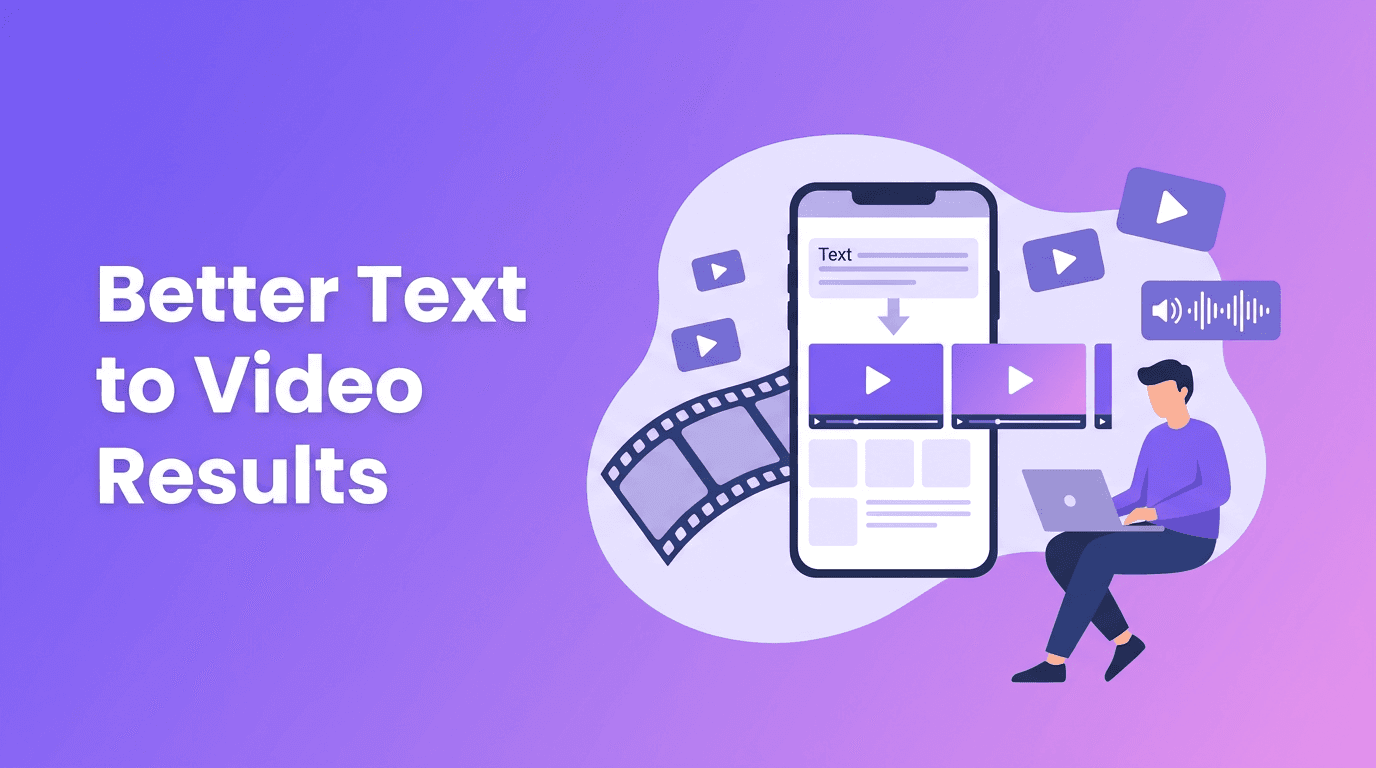
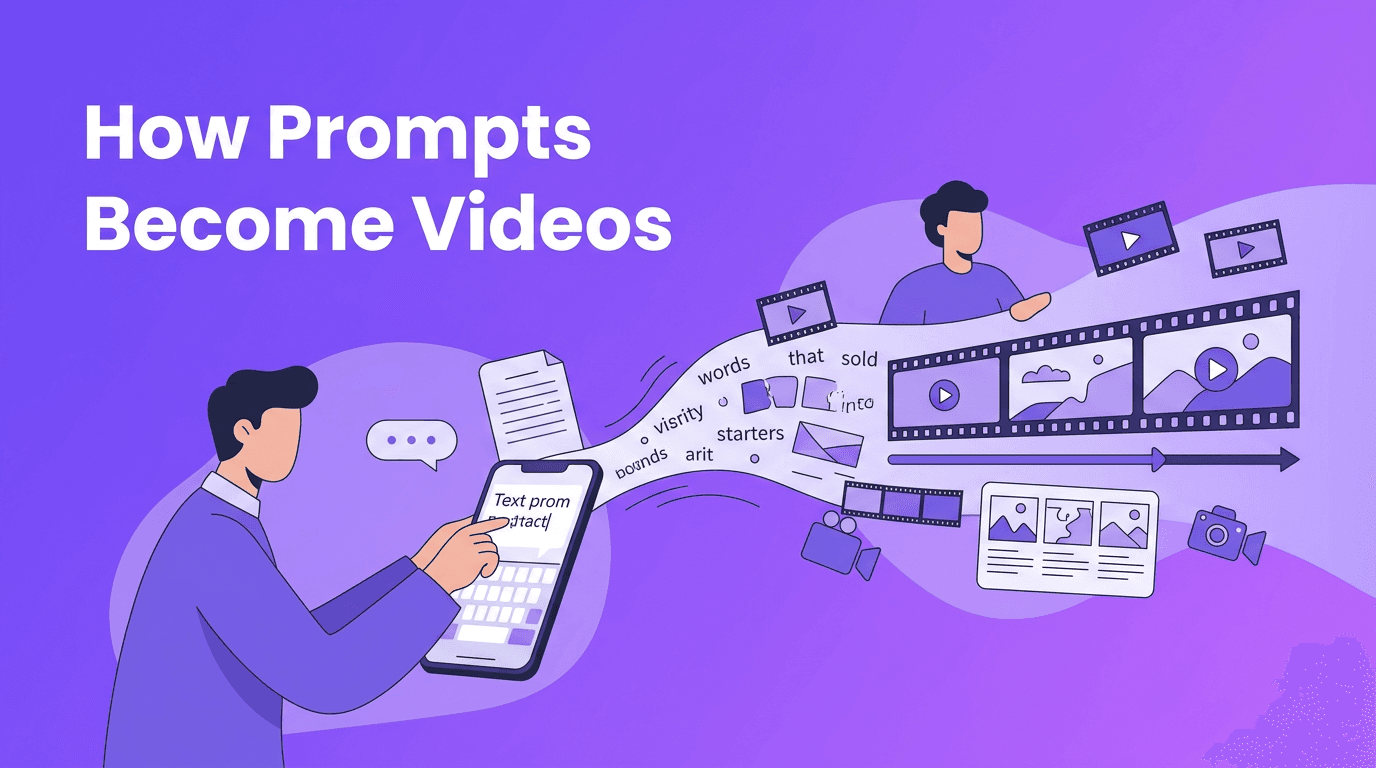
At a basic level, an AI video generator analyzes your input and predicts a sequence of visuals that match your prompt or source media. Some tools specialize in text to video AI, while others focus on animating still images, restyling existing footage, or syncing visuals to speech. Instead of building every scene by hand on a timeline, you guide the model with prompts, references, and creative settings.
- Text-to-video turns written prompts into original scenes or short clips.
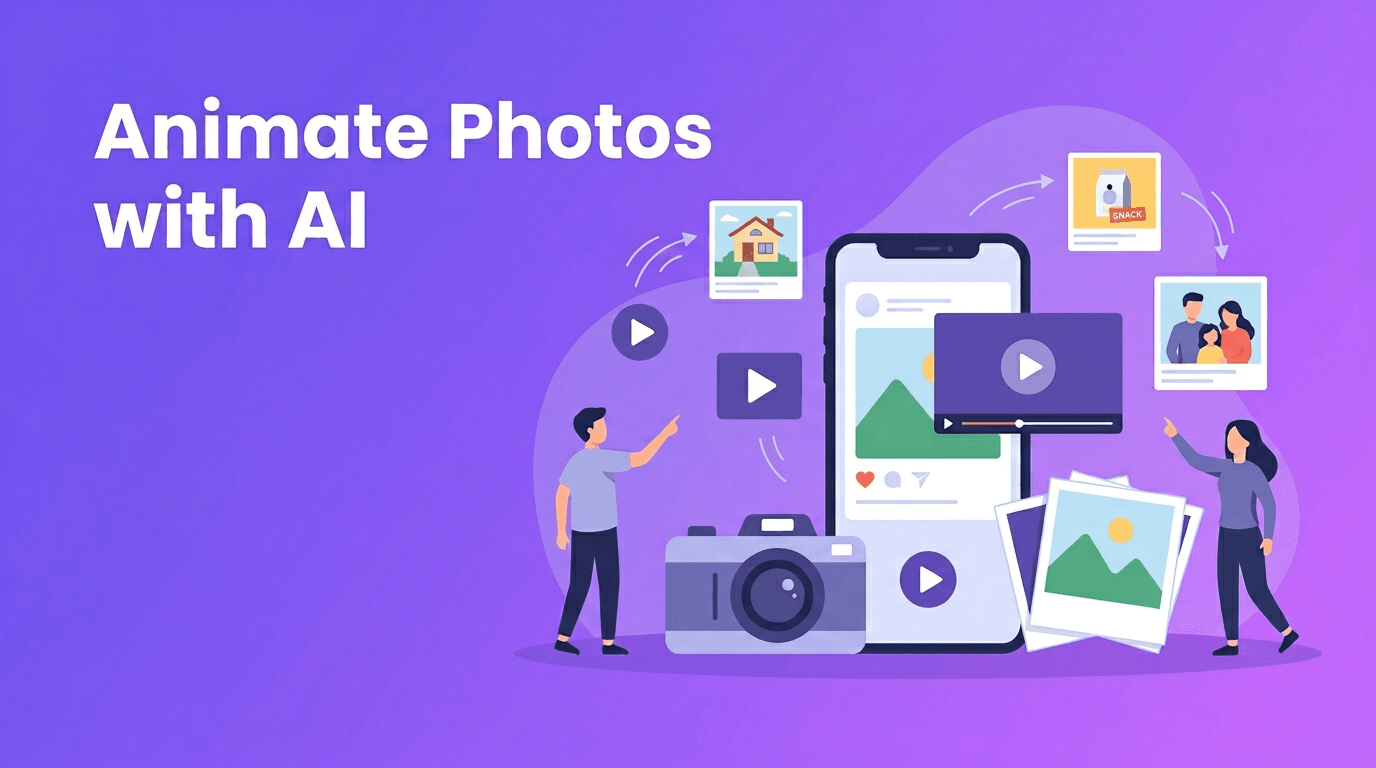
- Image-to-video animates still photos, product shots, or illustrations.
- Video-to-video transforms existing footage into a new style or format.
- Speech-to-video matches spoken audio with relevant visuals and motion.
2. How AI Video Generation Works Behind the Scenes
Most modern tools combine several AI systems. One model interprets the prompt, another generates frames or motion, and others improve consistency, resolution, and timing. This is why output quality depends not only on the idea, but also on prompt clarity, source assets, and the model used by the platform.
Inputs that shape the final video
- Prompt quality: Specific prompts usually produce more usable results than vague ones.
- Reference media: Clear images or source clips help the AI maintain subject consistency.
- Aspect ratio: Choose the format early for TikTok, Reels, YouTube Shorts, or landscape ads.
- Duration: Shorter clips often render faster and stay more visually coherent.
- Motion instructions: Camera moves, pacing, and scene transitions can improve cinematic feel.
"The fastest way to improve AI video output is to give the model clearer creative direction."
3. Best Tools and What to Compare
When people search for the best AI video generator, they are usually comparing speed, realism, ease of use, and flexibility. Some tools are built for cinematic generation, while others are better for social content, ad creatives, or quick mobile workflows. If you want a practical AI video maker for everyday content creation, *Movi AI* is a strong option because it supports multiple generation methods inside a mobile-friendly workflow.
Key features to compare before choosing an AI video maker
- Text-to-video support for generating scenes from prompts.
- Image-to-video tools for animating product photos, portraits, or designs.
- Video-to-video options for transforming existing footage into a fresh style.
- Rendering speed so you can iterate quickly for campaigns and posts.
- Output quality including motion smoothness, detail, and prompt accuracy.
- Ease of editing after generation, especially for captions, trimming, and resizing.
- Mobile access if you want an AI video generator app for creating on the go.
Try a faster way to create AI videos
Use *Movi AI* to turn prompts, images, or clips into scroll-stopping videos for social media, marketing, and creative projects.
Download Movi AI4. AI Video Generator vs Traditional Video Editing
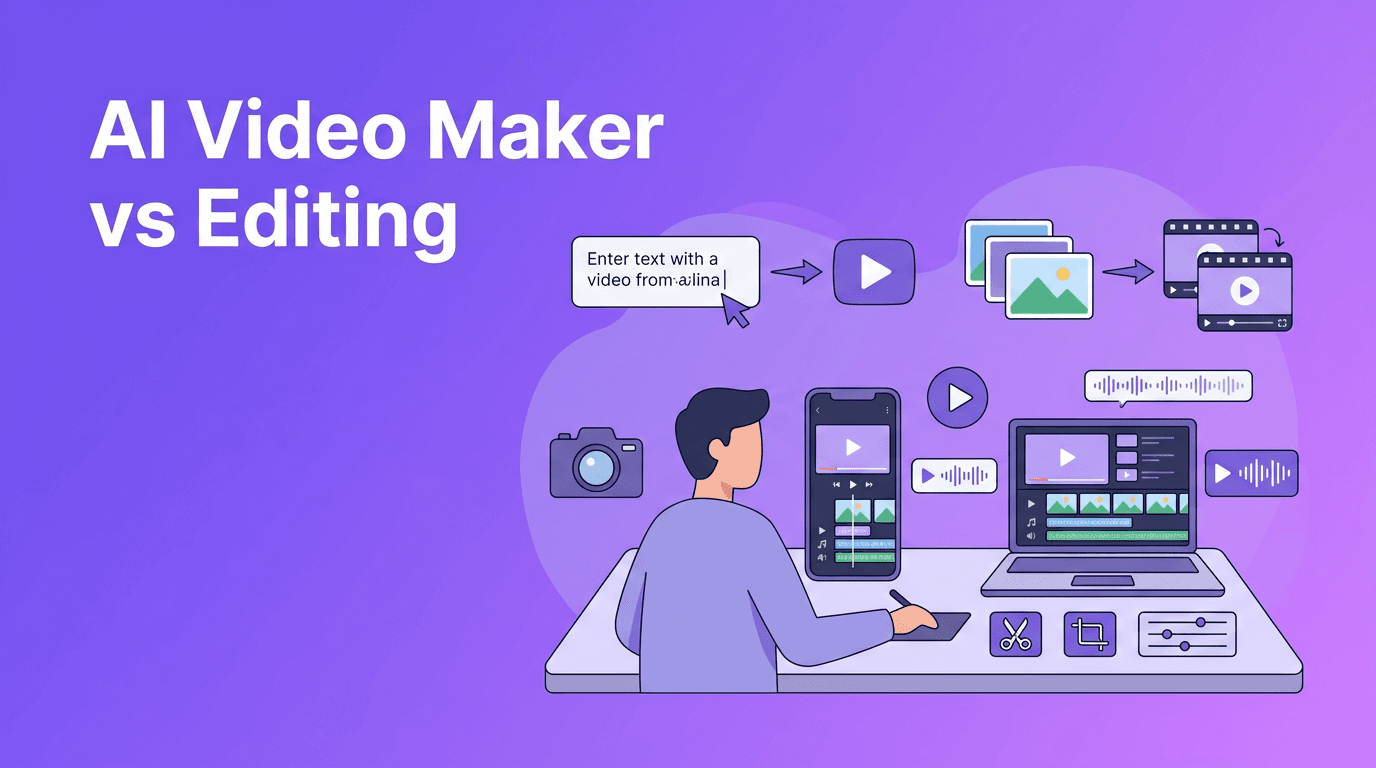
Traditional editing gives you precise control over every cut, effect, keyframe, and audio layer. AI generation trades some of that manual control for speed and idea exploration. The right choice depends on whether you need quick content production, deep post-production control, or a hybrid workflow.
- AI video generator tools are faster for concepting, rapid content batches, and simple ad variations.
- Traditional editors are stronger for frame-accurate storytelling, advanced motion graphics, and detailed revisions.
- An AI video creator can reduce production time for short-form social content and tests.
- Many teams now generate base footage with AI, then polish it with traditional editing tools.
When AI wins
AI is especially useful when you need multiple concepts fast, have limited design resources, or want to repurpose a single idea into many short clips. This makes it attractive for marketers, creators, and small businesses producing content at high volume.
When traditional editing still matters
If your project requires exact brand animation, complex multi-scene storytelling, or legal-grade control over every asset, traditional editing still plays a major role. For many professionals, the smartest workflow is not AI or editing software alone, but both together.
5. How to Make AI Videos That Look Professional
If you are learning how to make AI videos, start with a clear objective. Decide whether the clip is meant to educate, sell, entertain, or demonstrate. Then build prompts and assets around one focused message instead of trying to fit too many ideas into a single generation.
- Start with a one-sentence creative brief that defines audience, goal, and platform.
- Write prompts with subject, setting, action, camera angle, and mood.
- Use high-quality source images for image-to-video projects.
- Generate short test clips first, then expand the best concept.
- Keep branding simple with consistent colors, fonts, and messaging in post-editing.
- Add captions because many social viewers watch with the sound off.
- Review each output for visual errors before publishing.
A simple prompt formula for better results
Try this structure: subject + action + setting + camera movement + lighting cue + output format. Example: "A small coffee brand product shot rotating on a cafe counter, slow push-in camera, natural morning light, vertical short-form ad." Clear prompts often lead to cleaner generations.
6. Video Quality and Rendering Speed: What to Expect
Video quality in AI generation depends on model capability, input quality, scene complexity, and output length. Rendering speed varies by platform and by how demanding your request is. A simple talking visual or product animation will usually process faster than a complex multi-subject cinematic scene.
- For better video quality, avoid overcrowded prompts and conflicting instructions.
- For faster rendering speed, keep early tests short and reduce scene complexity.
- Use source media with clear subjects and clean composition.
- Create several variations, then refine the strongest result instead of aiming for perfection on the first try.
7. Practical Use Cases for Creators, Marketers, and Small Businesses
- Content creators can turn ideas into short-form videos for TikTok, Reels, and YouTube Shorts.
- Marketers can test multiple ad concepts, hooks, and product visuals quickly.
- Small businesses can create promos, explainers, menu showcases, or seasonal announcements without a full production team.
- Agencies and freelancers can build rough concepts for client approval before investing in full editing.
This is where an AI video maker becomes practical, not just impressive. Instead of waiting days to produce one polished asset, teams can create multiple concepts in less time and learn what works faster.
8. Final Take: Choose the Right Workflow, Not Just the Trend
The best results come from matching the tool to the job. Use an AI video generator when speed, experimentation, and content volume matter most. Use traditional editing when precision and full creative control are essential. If you want a flexible AI video generator app that helps you create from text, images, audio, or clips, *Movi AI* is a smart place to start.
Frequently Asked Questions
What is an AI video generator?+
An AI video generator is a tool that creates videos from text prompts, images, audio, or existing footage using machine learning models.
What is the best AI video generator for beginners?+
The best option for beginners is usually one with simple prompts, fast rendering, and easy mobile editing. *Movi AI* is a strong choice for quick, user-friendly creation.
Can I use a free AI video generator?+
Yes, some platforms offer free plans or trial features, but output limits, watermarks, or slower rendering may apply.
How do I make AI videos look more professional?+
Use specific prompts, high-quality source assets, short test generations, and add finishing touches like captions, branding, and trimming.
Is an AI video maker better than traditional video editing?+
It depends on the project. AI is often better for speed and concept generation, while traditional editing is better for precise control and advanced finishing.
Create stunning AI videos in seconds!
Turn your ideas into professional videos with the #1 AI video maker.
Download Movi AI