Image to Video AI: Smart Ways to Animate Photos for Marketing, Memories, and More
Discover how image to video AI helps you animate still photos, create cinematic motion, and turn single images into engaging videos for products, homes, memories, and social posts.
By Movi AI Team
Movi AI Editorial Team
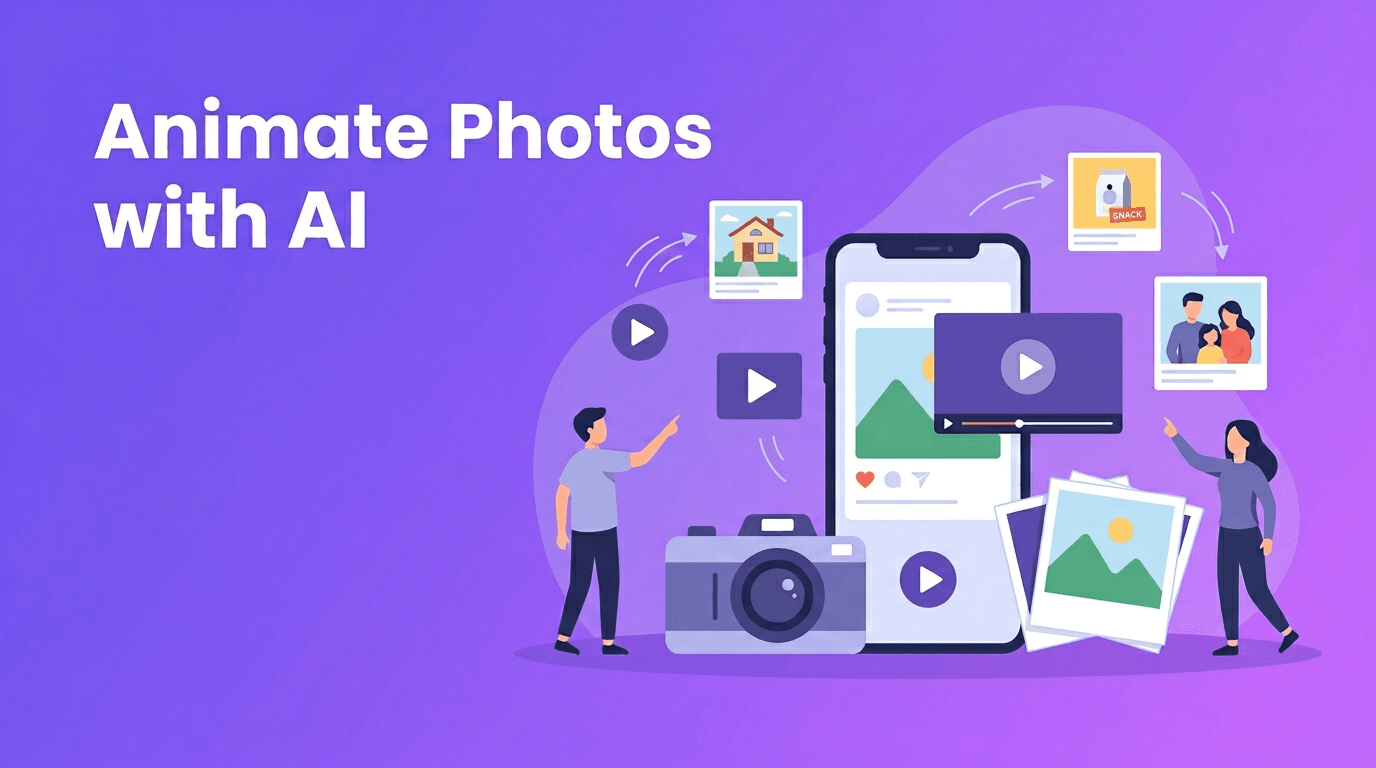
A single photo can do much more than sit still on a screen. With image to video AI, you can add movement, depth, and storytelling to one image and turn it into a clip people actually watch. Whether you want to turn photo into video content for a product launch, a home listing, a family memory, or a social post, today's tools make the process much faster and more creative.
Why photo-based video content is growing fast
People scroll past static images quickly, but motion naturally grabs attention. That is why creators, sellers, and marketers increasingly use AI photo animation to make still images feel more alive. Instead of building a full video shoot from scratch, you can convert image to video content from assets you already have.
- Photographers can add cinematic movement to portraits and landscapes.
- E-commerce sellers can transform product photography into short promo clips.
- Real estate agents can create simple virtual tours from listing photos.
- Families and creators can bring photos to life AI tools to revive old memories and share them in a more emotional format.
- Social media managers can repurpose existing image libraries into reels, ads, and stories.
"A great photo captures a moment. A great video makes people feel like they are inside it."
How image to video AI works in simple terms
At a basic level, image to video AI analyzes the contents of your photo, such as the subject, background, depth, lighting, and composition. Then it predicts how motion could happen in a natural-looking way. Depending on the tool and your prompt, it may add camera movement, simulate depth with parallax, animate hair or clothing, move clouds or water, or create full scene motion around the subject.
Common animation styles you can create
- Cinematic pan - The camera appears to glide left or right across the image.
- Slow zoom - A subtle push-in adds emotion and focus.
- Parallax motion - Foreground and background move at different speeds to create depth.
- Character animation - Faces, posture, or body movement are lightly animated for a lifelike effect.
- Environmental motion - Fog, rain, light, shadows, waves, or city movement can be added around the main subject.
This is what makes animate photo AI tools so useful. You are not just making a slideshow. You are creating motion that feels intentional and cinematic from a single source image.
Best source photos for strong AI photo animation
The quality of the output depends heavily on the quality of the input. If you want better results when using a photo to video app, start with a clear, well-composed image.
- Use high-resolution photos whenever possible.
- Choose images with a clear subject and enough separation from the background.
- Avoid heavily blurred, noisy, or overcompressed files.
- Pick photos with visible depth, such as foreground objects and layered backgrounds.
- For old family pictures, scan them cleanly before animation.
- If using product images, keep lighting consistent and backgrounds uncluttered.
What to avoid
- Extremely dark images with missing detail
- Crowded scenes where the subject is hard to identify
- Low-quality screenshots instead of original files
- Overedited photos with unnatural edges or artifacts
4 practical ways to turn photos into videos
1. Product photography animation for e-commerce
If you sell online, turn photo into video clips can help products feel more premium without expensive filming. A single product shot can become a short ad with zoom, rotation-like camera movement, floating light effects, or motion in the background. This works well for jewelry, beauty products, fashion items, gadgets, and home decor.
Example: Use a clean hero image of a skincare bottle, then apply a gentle push-in, soft environmental motion, and text overlays in your editor. You now have a short product video for ads, reels, or marketplace listings.
2. Real estate virtual tours from listing photos
Agents can use convert image to video workflows to make static room photos feel more immersive. Wide living room shots are especially effective with parallax and slow pans. Exterior images can gain moving clouds, sunlight shifts, or a gradual zoom for a more polished listing experience.
Example: Start with the front exterior, animate a subtle approach, follow with a living room pan, then a kitchen zoom and bedroom sweep. Even without full walkthrough footage, you can create a mini property story.
3. Personal memories and old photo revival
One of the most emotional uses of bring photos to life AI is restoring life to family images. Old portraits, wedding photos, childhood snapshots, and travel pictures can become short memory films with delicate movement. The goal is usually subtlety, not exaggeration.
Example: Take a scanned portrait of grandparents, add a light camera push, gentle facial motion, and soft background animation. Pair it with voiceover or music to create a meaningful keepsake.
4. Social media content from existing photos
Creators often have folders full of strong images but limited video footage. With image to video AI, those photos can become reels, shorts, story posts, or teasers. This is especially useful for travel creators, fashion accounts, fitness coaches, food pages, and personal brands.
Example: Convert three travel photos into separate motion clips, combine them with quick cuts and captions, and you have a short vertical video that feels far more dynamic than a carousel.
Ready to animate your photos?
Use *Movi AI* to create eye-catching videos from still images, prompts, and existing clips. It is a simple way to turn photos into scroll-stopping content.
Download Movi AIHow to get more cinematic results from a single image
If your goal is not just motion, but polished motion, a few creative choices matter a lot. The best AI photo animation usually feels controlled and believable rather than overly dramatic.
- Choose one main motion idea per clip, such as a zoom or pan, instead of stacking too many effects.
- Match the movement to the image mood. Family portraits often need softness, while product promos can handle more energy.
- Use short durations for social content, usually 3 to 6 seconds per animated image.
- Add text, music, or voiceover after animation to complete the story.
- Generate more than one version and compare subtle vs stronger motion.
When to use parallax vs character animation
Use parallax when you want the scene to feel deeper, such as landscapes, interiors, and product setups. Use character animation when the emotional focus is on a person or pet. For many cases, the strongest result is a combination of slight camera motion and very gentle subject movement.
Why Movi AI is a strong choice for photo-based video creation
*Movi AI* helps users create videos from text prompts, images, and existing videos, which makes it especially useful when you want flexible creative control. If you are starting with a still image, you can use its image-to-video workflow to test different motion directions, styles, and storytelling ideas without traditional editing complexity.
- Create videos from photos, prompts, or source clips in one app.
- Experiment with cinematic motion for marketing, memories, and social media.
- Use a fast workflow that fits both beginners and busy creators.
- Build more content from assets you already own instead of reshooting everything.
Final thoughts on turning still images into motion
The real power of image to video AI is not just automation. It is the ability to unlock more value from every photo you already have. From e-commerce visuals and property listings to family archives and creator content, animated photos can tell a richer story with less time, less equipment, and more flexibility. If you have been waiting for a simple way to make still images feel alive, this is a great place to start.
Frequently Asked Questions
How can I turn a photo into a video with AI?+
Upload your image to an AI video tool, choose a motion style or prompt, and generate a short animated clip. Many apps also let you refine camera movement and visual effects.
What is the best image to video AI for beginners?+
A beginner-friendly tool should make it easy to upload photos, apply motion, and export quickly. *Movi AI* is a practical option for creating videos from images, prompts, and existing footage.
Can AI animate old family photos?+
Yes, AI can add subtle motion to scanned portraits and vintage images. Gentle animation usually works best for preserving a natural and emotional look.
What photos work best for AI photo animation?+
Clear, high-resolution photos with a strong subject and visible depth usually perform best. Avoid very blurry, dark, or heavily compressed images.
Create stunning AI videos in seconds!
Turn your ideas into professional videos with the #1 AI video maker.
Download Movi AI