AI Video Generator Guide: 7 Ways to Create Better Videos in Less Time
An AI video generator can turn ideas, images, and scripts into videos faster than traditional editing. Learn how AI video generator tools work, which features matter, and how to create polished videos with Movi AI.
By Movi AI Team
Movi AI Editorial Team
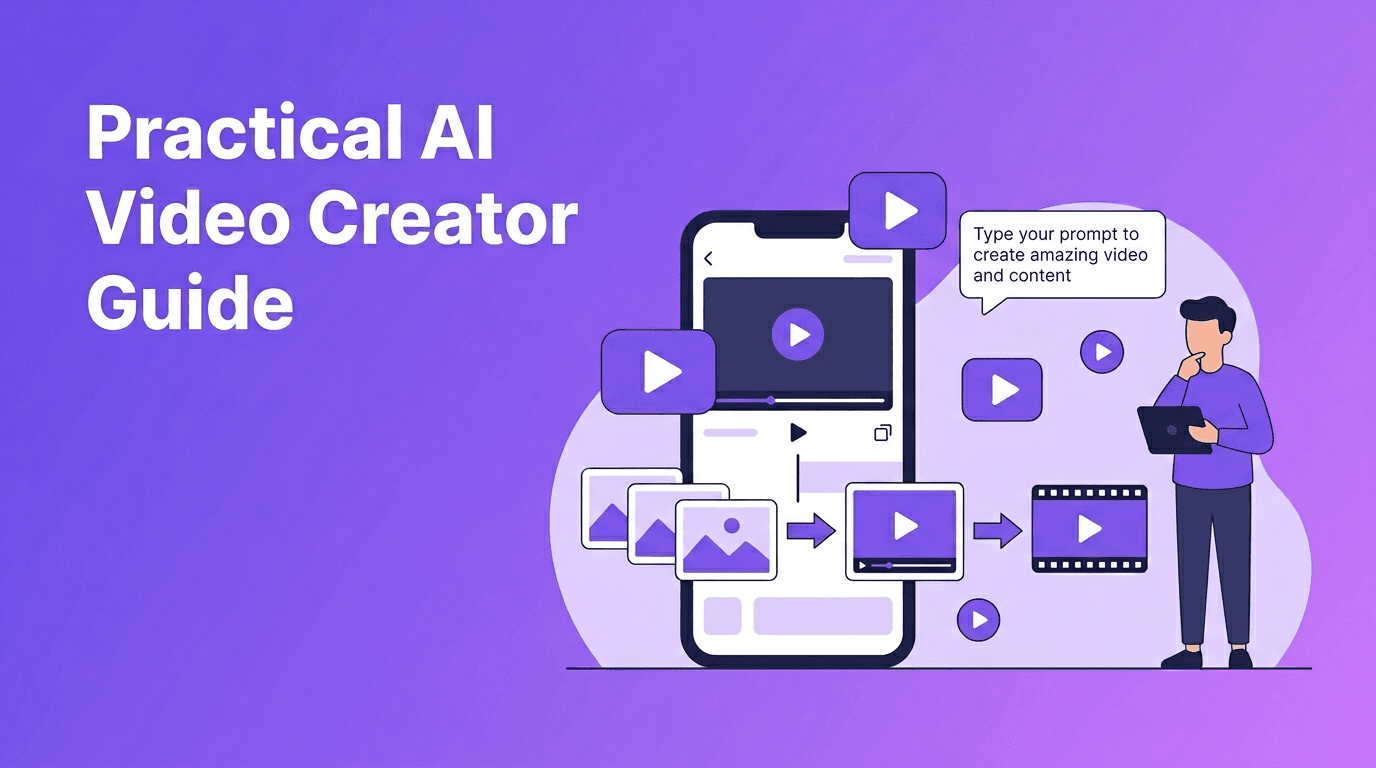
An AI video generator helps you create videos from prompts, images, voice, or existing footage in minutes instead of hours. For creators, marketers, and small businesses, it is one of the fastest ways to produce content at scale while reducing editing time and technical complexity.
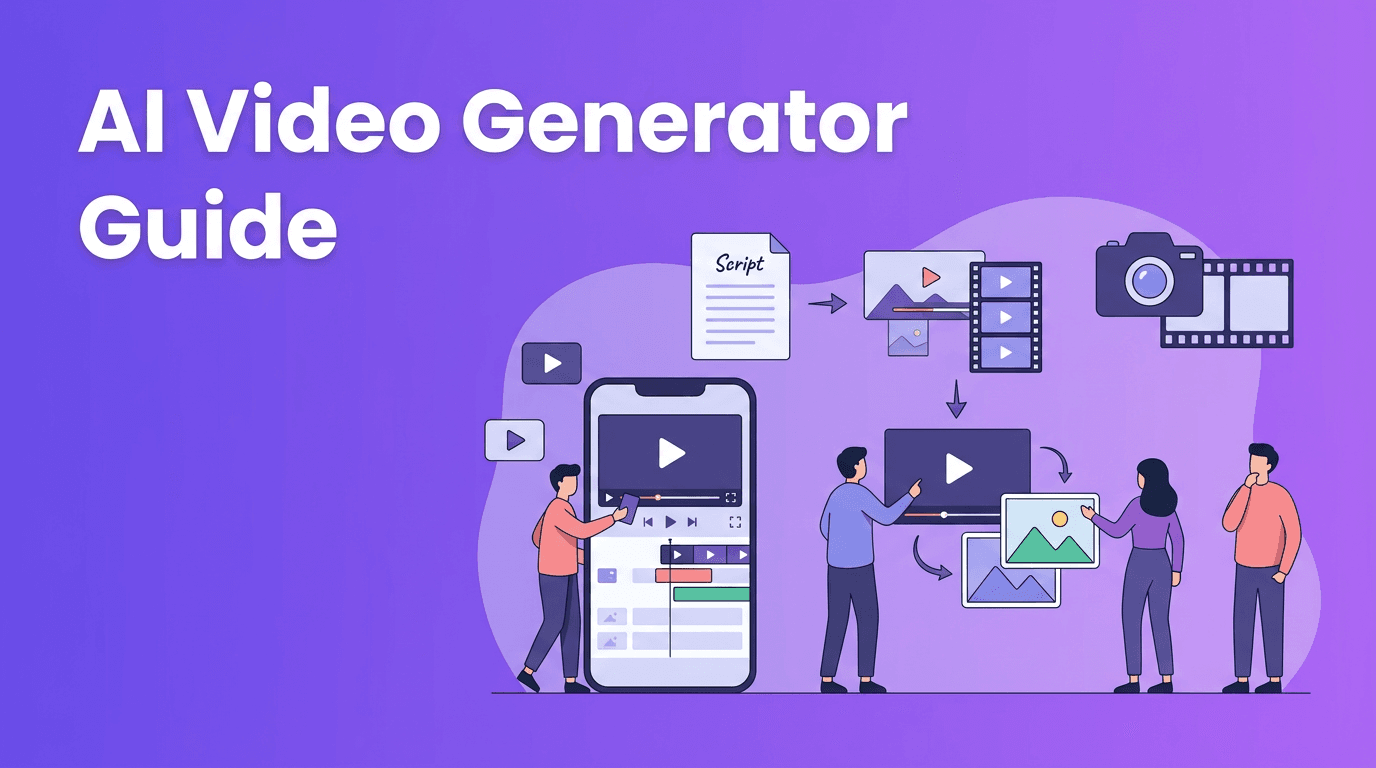
1. What an AI Video Generator Actually Does
At a basic level, an AI video generator uses machine learning models to turn inputs into moving visuals. Those inputs can include a text prompt, a still image, a spoken script, or a source video that you want to transform. The system predicts motion, scenes, style, transitions, and sometimes even voice or captions based on your instructions.
- Text-to-video turns written prompts into short scenes or full clips.
- Image-to-video animates still visuals, product photos, or illustrations.
- Video-to-video restyles or transforms existing footage.
- Speech-to-video can match visuals to narration or voiceover.
Why people use AI video tools
The main appeal is speed. Traditional editing often requires planning, filming, trimming, effects, audio syncing, and exporting. An AI video maker can automate many of those steps, which makes it useful for social posts, product promos, explainers, ad variations, and fast content testing.
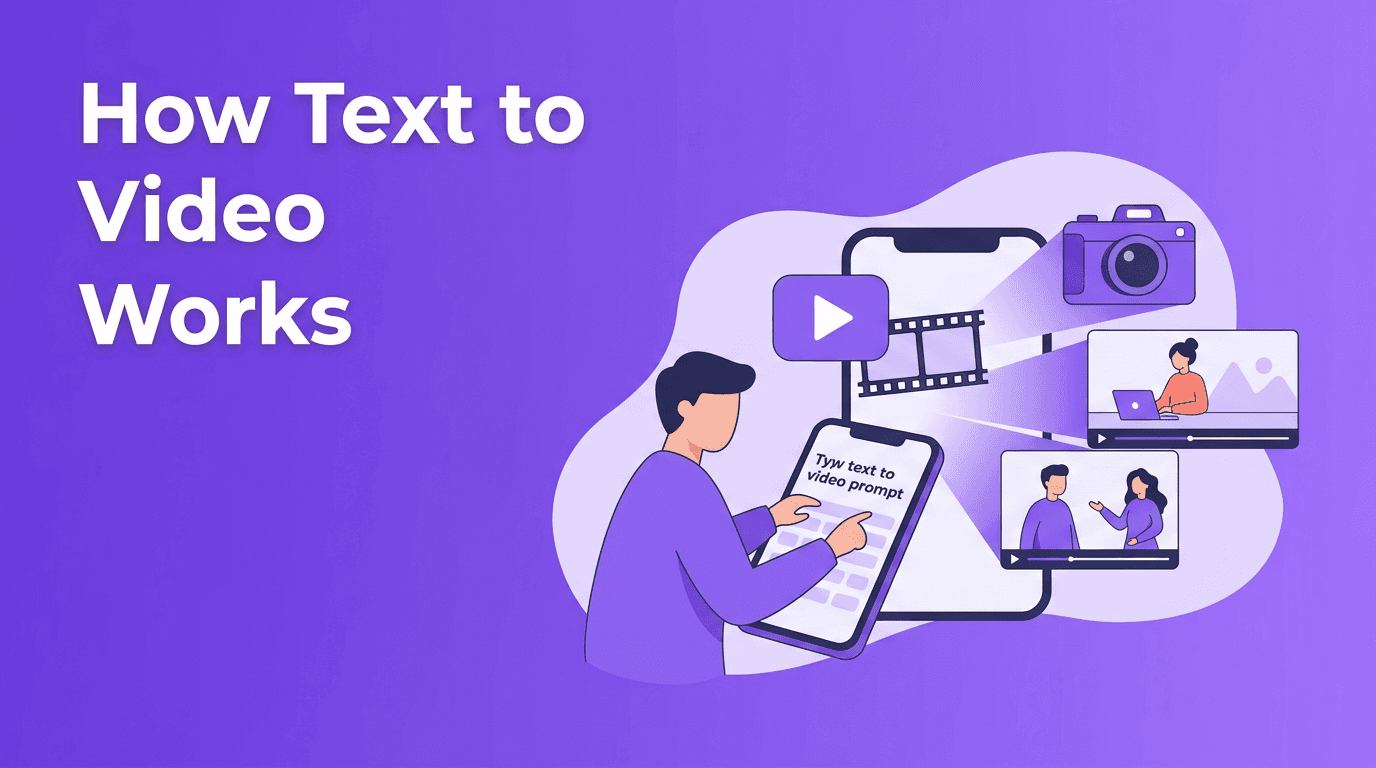
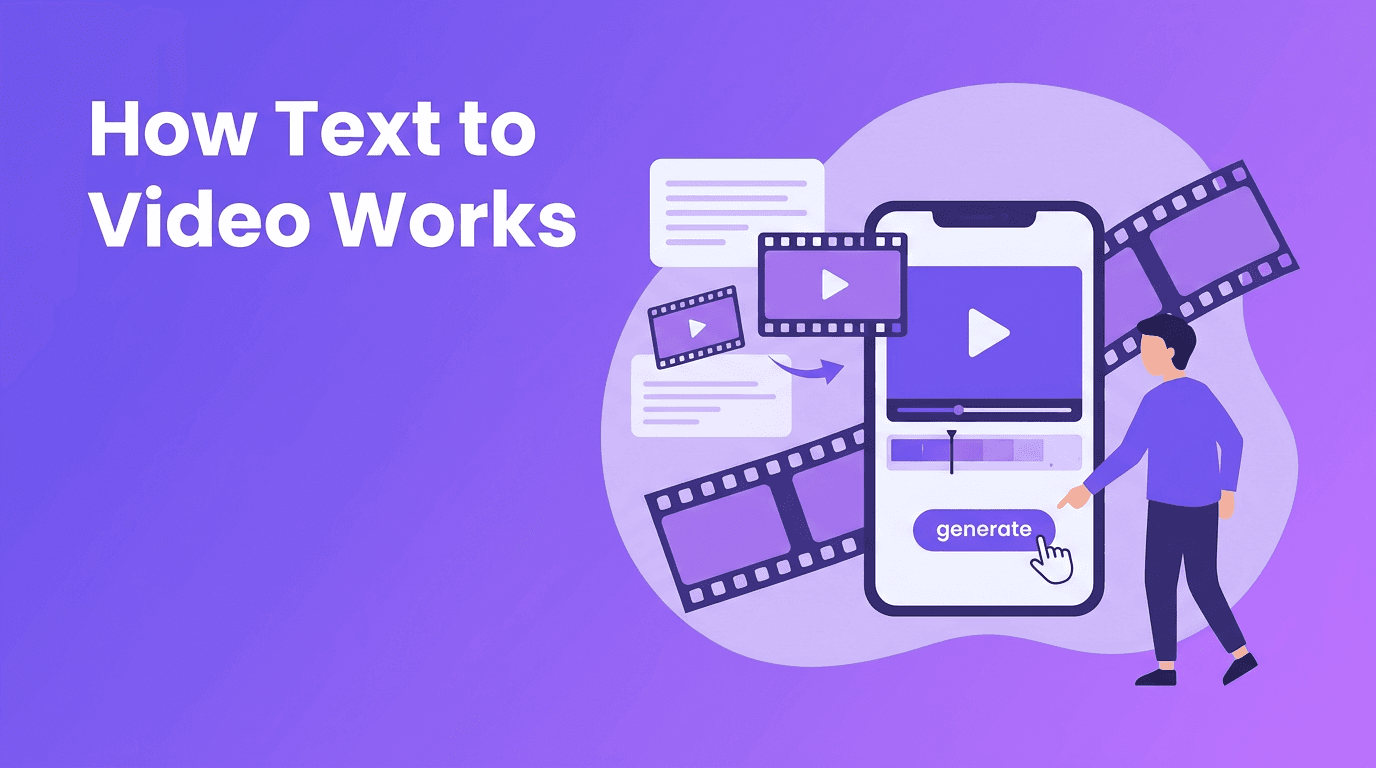
2. How Text-to-Video and Image-to-Video Work
With text to video AI, your prompt acts like a creative brief. The tool analyzes keywords, subject descriptions, motion cues, camera angles, and style hints to generate a sequence of frames. Better prompts usually lead to stronger output, especially when you specify the subject, action, setting, mood, and shot type.
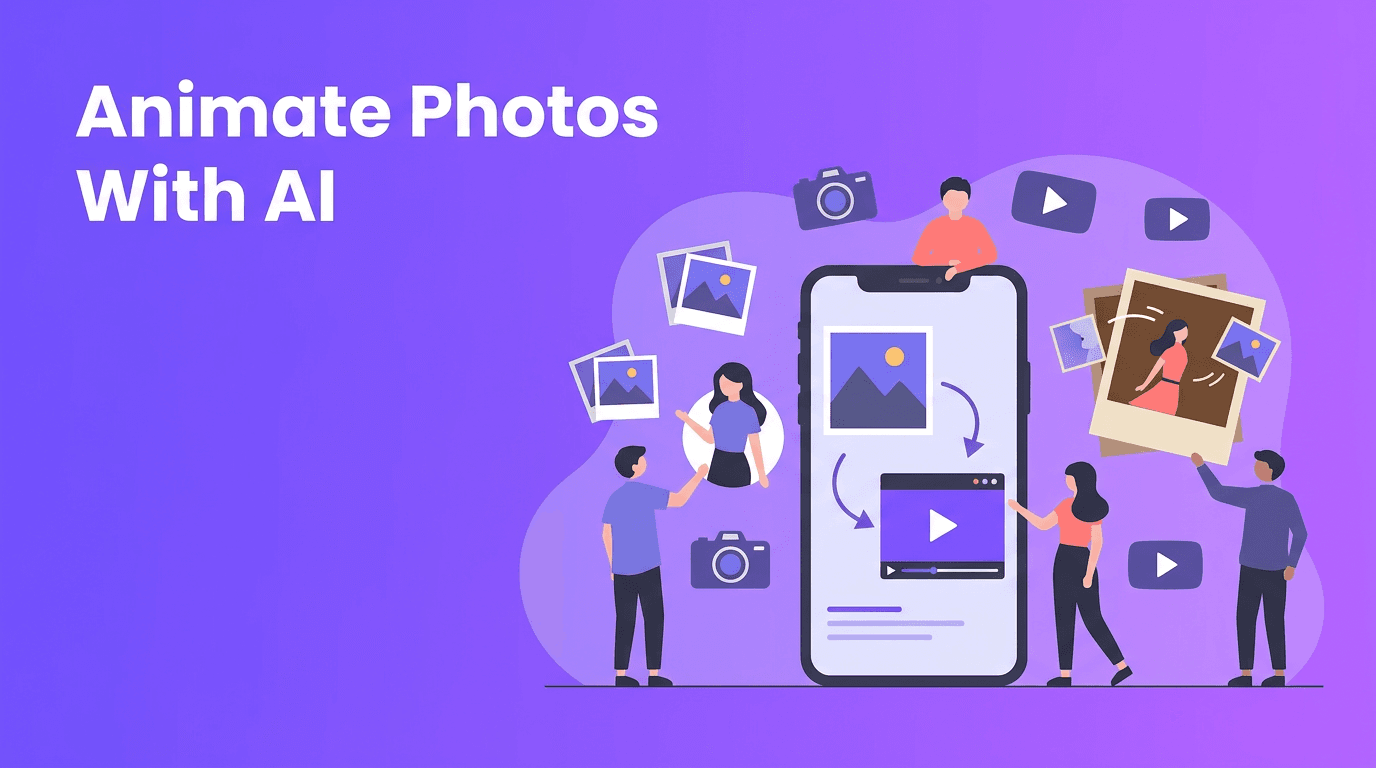
Image-to-video works differently. Instead of inventing everything from scratch, the model uses your uploaded image as a visual anchor. It then adds movement, depth, transitions, or subtle animation. This is especially useful for product images, character art, logo reveals, and before-and-after content.
"Great AI videos start with clear inputs. The better your brief, the better your first draft."
Simple prompt formula for better results
- Start with the subject: who or what is in the scene.
- Add the action: what is happening.
- Describe the setting: where it takes place.
- Include camera direction: close-up, wide shot, pan, zoom.
- Finish with the purpose: promo, tutorial, ad, reel, or explainer.
3. Best Features to Look For in the Best AI Video Generator
If you are comparing the best AI video generator options, focus on workflow, not hype. Many tools can produce eye-catching clips, but the real difference is how easily you can go from idea to publishable video.
- Multiple input types such as text, image, video, and voice.
- Fast rendering speed so you can test more versions quickly.
- Quality controls for motion, style consistency, and aspect ratio.
- Editing flexibility for captions, timing, music, and scene trimming.
- Mobile access if you want an AI video generator app for quick creation on the go.
- Export options suited for TikTok, Instagram, YouTube, and ads.
*Movi AI* stands out because it combines text-to-video, image-to-video, video-to-video, and speech-to-video in a mobile-friendly workflow. That makes it practical for busy creators and small teams who need fast video production without a steep learning curve.
Want a faster way to create AI videos?
Use *Movi AI* to turn prompts, photos, and existing footage into polished videos from your phone. It is a practical choice for creators, marketers, and small businesses.
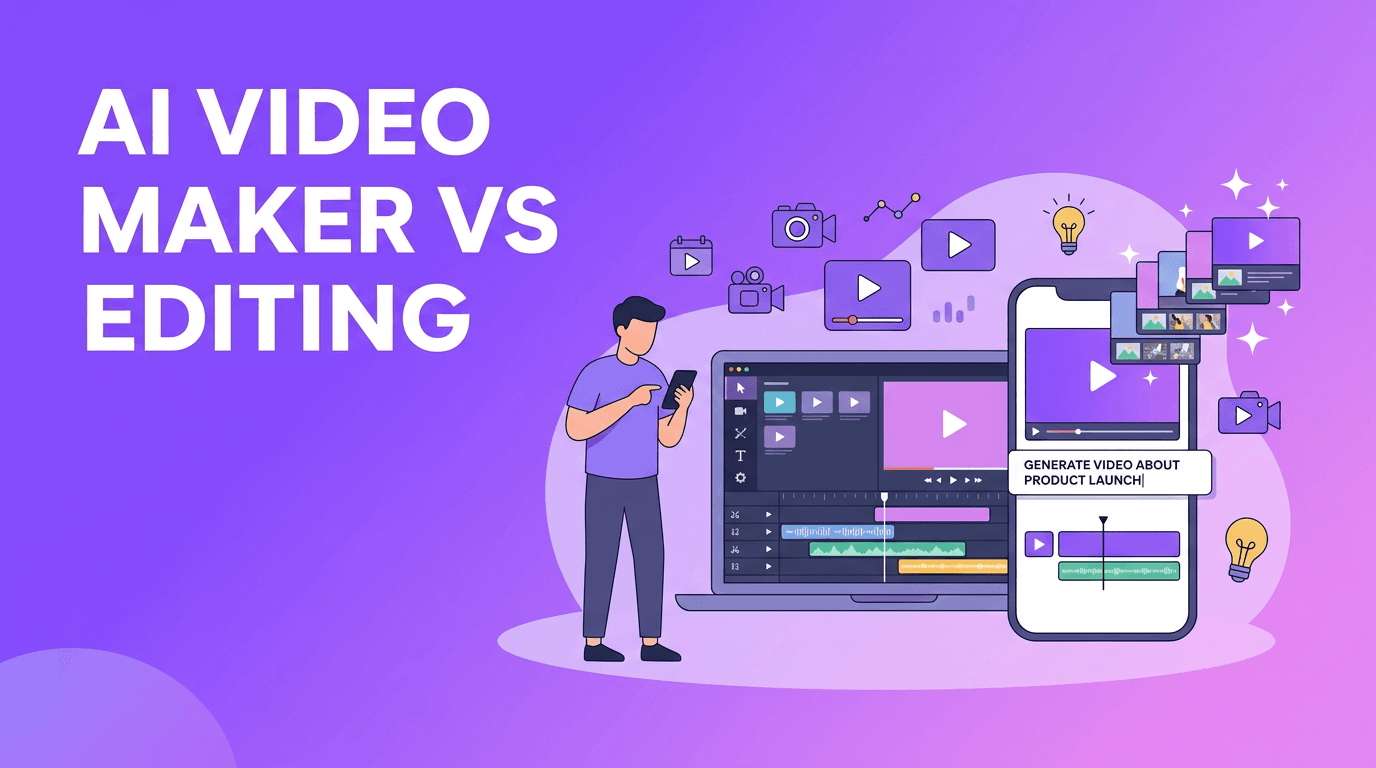
Download Movi AI4. AI Video Generator vs Traditional Video Editing
Traditional editing still offers deeper manual control, especially for complex storytelling, advanced color work, and high-end commercial production. But for speed, experimentation, and content volume, an AI video creator often wins.
- Traditional editing is best for frame-level precision and custom post-production.
- AI video tools are best for rapid ideation, quick social content, and scalable output.
- Traditional workflows usually require more software knowledge and more time.
- AI workflows reduce repetitive work and help non-editors create usable videos faster.
When AI is the smarter choice
Use AI when you need several ad concepts, multiple social formats, fast product videos, or quick campaign testing. If your goal is speed-to-publish, an AI video maker can dramatically cut production time while still delivering strong results.
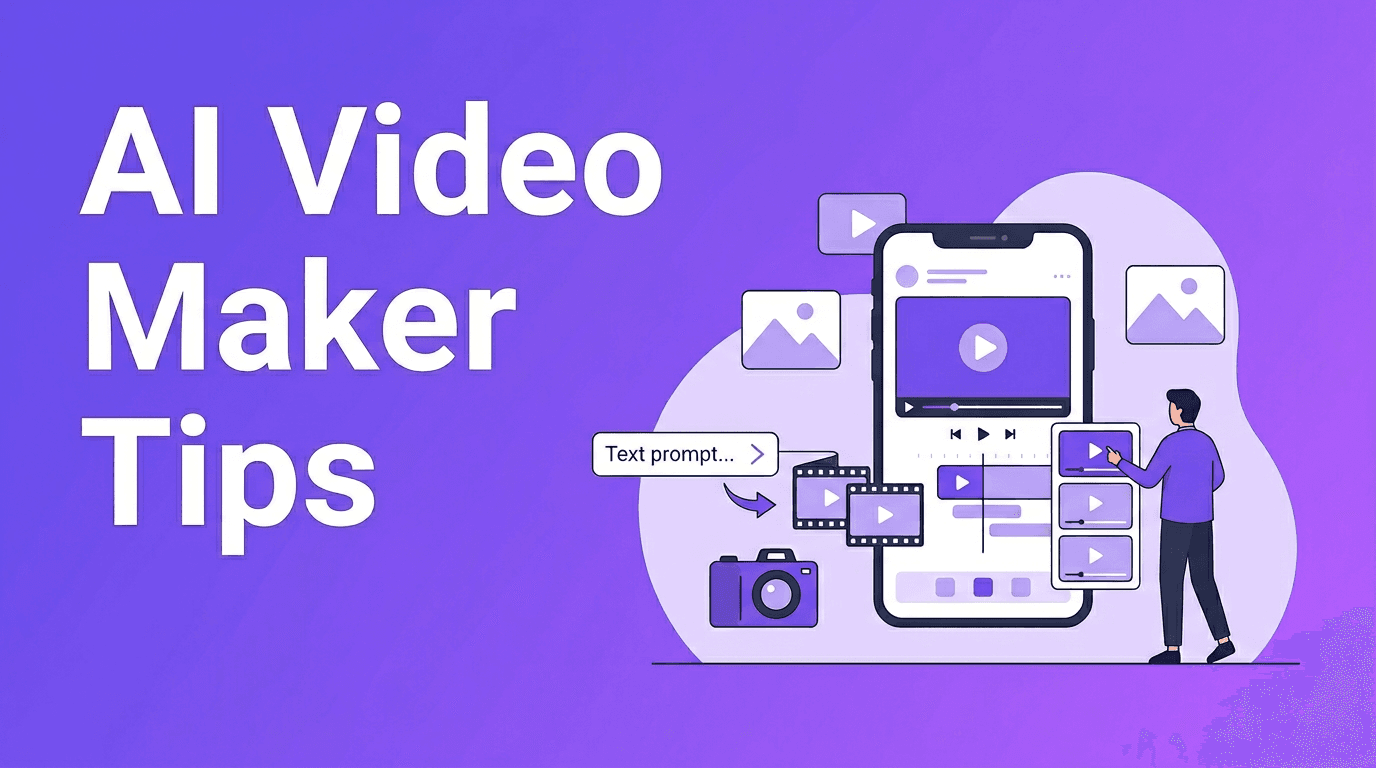
5. 6 Tips to Make Professional AI Videos
- Write prompts with specific visual direction instead of vague ideas.
- Keep scenes short and focused to improve motion quality.
- Use brand colors, logos, and reference images for consistency.
- Add captions and voiceover to make videos clearer and more engaging.
- Generate multiple versions, then keep the strongest scenes.
- Polish the final result with trimming, music, and a strong opening hook.
If you are learning how to make AI videos, think of AI as your first draft engine. The most professional results usually come from generating, reviewing, refining, and then lightly editing instead of expecting a perfect result on the first try.
6. Practical Use Cases for Creators, Marketers, and Small Businesses
- Content creators can make reels, shorts, story videos, and faceless content faster.
- Marketers can test ad creatives, landing page videos, and campaign variations.
- Small businesses can create product demos, offers, event promos, and local ads.
- Agencies and freelancers can speed up concepting and client drafts.
A free AI video generator may be useful for testing ideas, but paid tools often give you better rendering speed, fewer limits, stronger quality, and more control. If video is part of your regular workflow, a reliable app usually saves more time than it costs.
7. A Simple Workflow You Can Use Today
- Choose your goal: awareness, clicks, sales, or engagement.
- Pick your input type: prompt, image, voice, or source video.
- Generate 2 to 4 versions with different prompts or styles.
- Review for motion, clarity, branding, and pacing.
- Edit the best version for captions, music, and platform size.
- Export and publish, then track results and improve the next round.
Frequently Asked Questions
What is the best AI video generator for beginners?+
The best option for beginners is a tool with simple prompts, fast rendering, and multiple creation modes. Movi AI is a strong choice because it supports text, image, and video-based workflows in one app.
Can an AI video maker replace traditional editing software?+
It can replace many basic and mid-level tasks, especially for social content and quick promos. For advanced cinematic editing, traditional software still offers more precision.
How do I make AI videos look more professional?+
Use clear prompts, keep scenes focused, add branding, and refine the output with captions, music, and trimming. Generating several versions and selecting the best one also improves quality.
Is there a free AI video generator worth trying?+
Free tools can help you test ideas, but they often come with limits on quality, exports, or speed. If you create content often, a full-featured app will usually deliver better results.
Create stunning AI videos in seconds!
Turn your ideas into professional videos with the #1 AI video maker.
Download Movi AI