AI Video Generator Guide: How AI Video Maker Tools Work in 2026
An AI video generator can turn prompts, images, and clips into polished videos fast. Learn how AI video maker tools work, compare them with traditional editing, and use practical tips to create better content.
By Movi AI Team
Movi AI Editorial Team
An AI video generator uses machine learning models to turn text prompts, images, audio, or existing clips into new videos. If you are comparing an AI video maker with traditional editing software, the biggest difference is speed: AI can handle ideation, scene creation, motion, and styling in minutes, which makes it useful for creators, marketers, and small businesses that need content fast.
1. What an AI video generator actually does
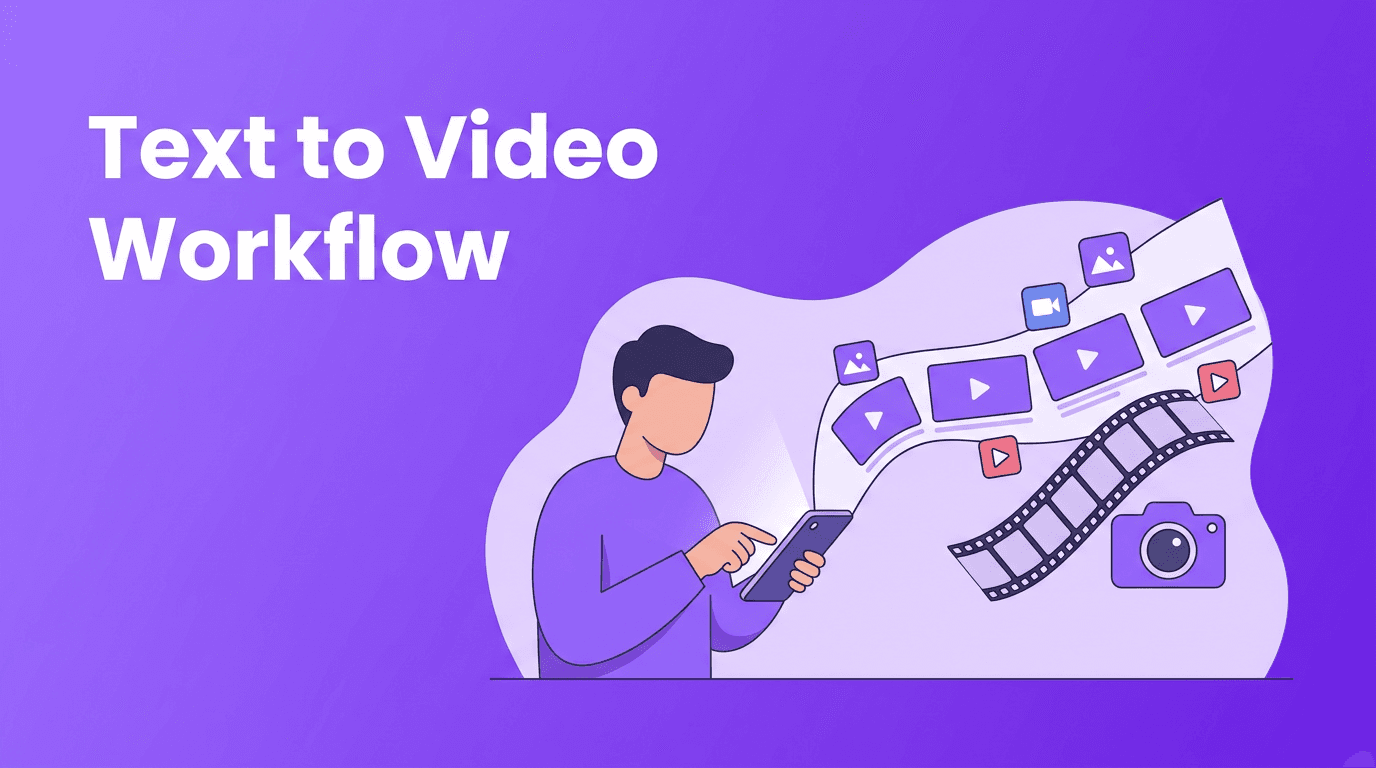
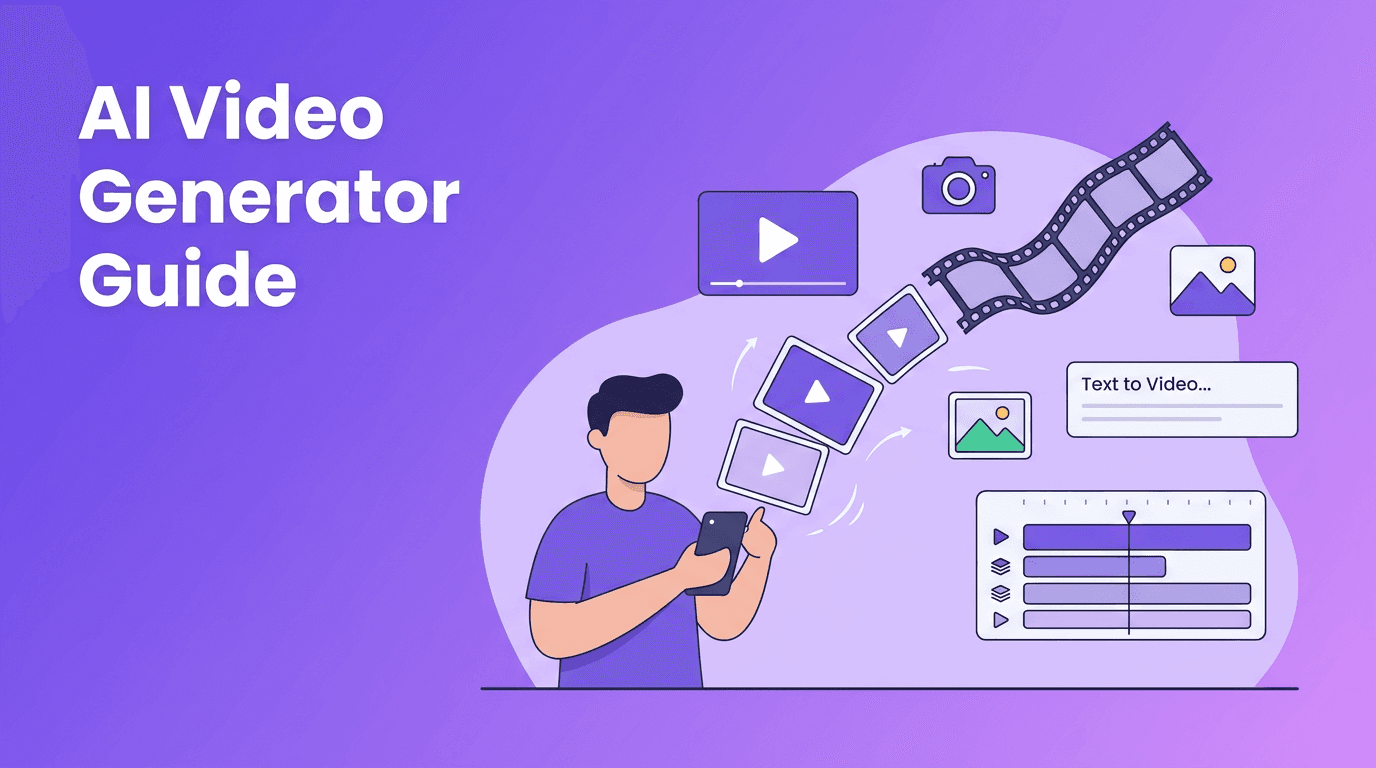
At a basic level, an AI video generator predicts what each frame should look like based on your input. With text to video AI, you describe a scene in words. With image-to-video, you upload a photo and ask the model to animate it. With video-to-video, you transform existing footage into a different style, mood, or format. Apps like *Movi AI* combine these workflows in a mobile-friendly experience, so you can create from text, images, speech, or video.
- Text-to-video creates scenes from written prompts.
- Image-to-video adds motion, camera movement, and transitions to still visuals.
- Video-to-video restyles or enhances an existing clip.
- Speech-to-video can match visuals to spoken narration or audio-driven content.
2. How AI video maker tools work behind the scenes
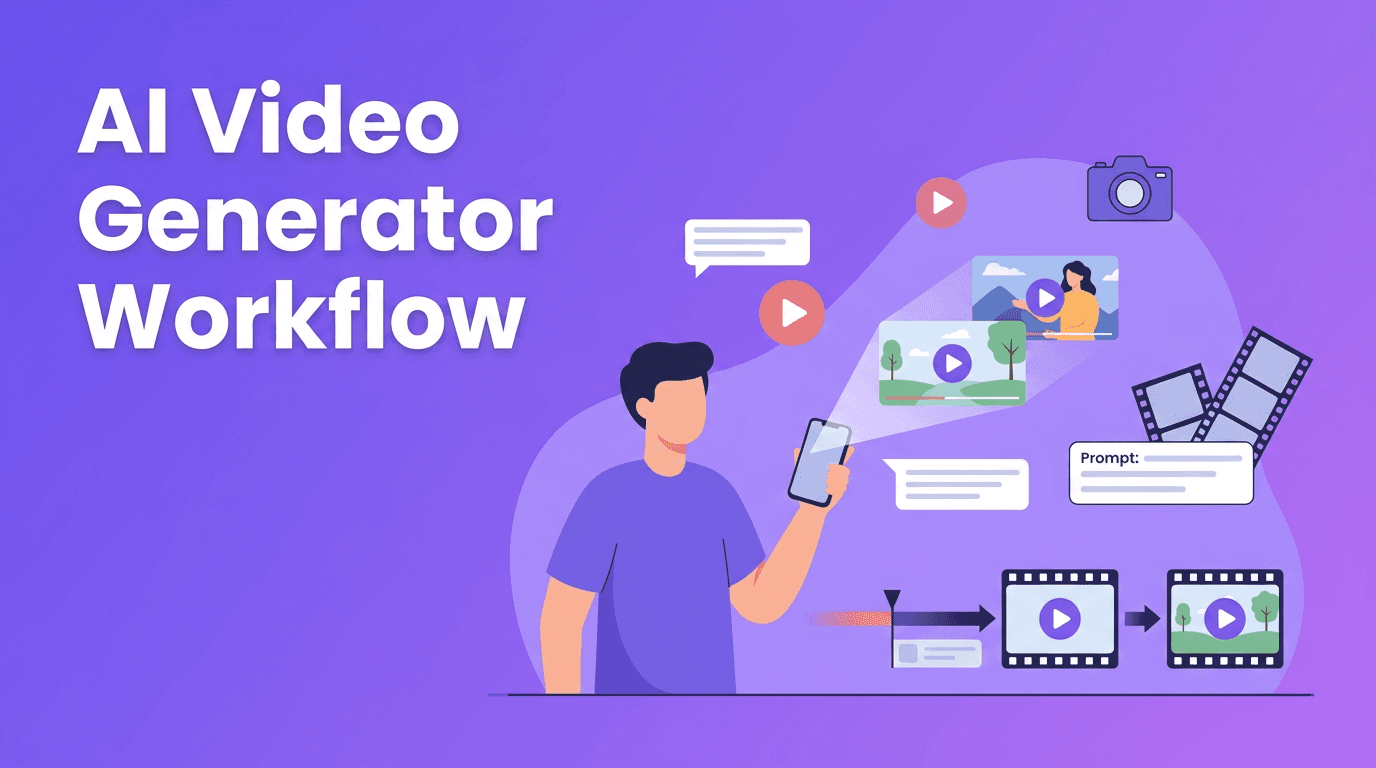
Most AI video maker platforms follow a similar pipeline. First, the model interprets your prompt or media. Next, it generates a sequence of frames based on motion, lighting, composition, and style patterns learned from training data. Then it refines consistency across frames, which helps reduce flicker and strange object changes. Finally, the system renders and exports the video in a shareable format.
Core inputs that shape the result
- Prompt quality - Clear subjects, actions, camera angles, and mood usually produce stronger outputs.
- Reference images - Uploaded visuals help the model preserve identity, layout, or brand style.
- Aspect ratio - Vertical for Reels and TikTok, horizontal for YouTube and websites.
- Duration - Shorter clips often render faster and stay more consistent.
- Model choice - Different models are better at realism, animation, speed, or stylization.
"The best AI videos do not come from better tools alone. They come from clearer creative direction."
3. AI video generator vs traditional video editing
Traditional editing gives you frame-level control, advanced color grading, precise audio mixing, and deep timeline editing. An AI video generator app focuses on fast creation, experimentation, and automation. It is not always a full replacement for pro editing software, but it can dramatically shorten production time.
- Speed - AI can create a first draft in minutes, while traditional editing often takes hours or days.
- Control - Traditional editors offer more precision over cuts, keyframes, and effects.
- Cost - A free AI video generator may reduce early production costs for simple content.
- Learning curve - AI video creator apps are often easier for beginners.
- Scalability - AI helps teams produce many variations for ads, social posts, and tests quickly.
When to use each approach
Use AI when you need concept videos, social media content, ad variations, product teasers, explainers, or quick visual storytelling. Use traditional editing when you need exact timing, advanced sound design, multi-camera edits, or broadcast-level post-production. Many creators now combine both: generate visual drafts with AI, then polish them in an editor.
4. How to make AI videos that look professional
If you want better results, focus on planning before generating. The best AI video generator outputs usually come from a simple workflow: define the goal, choose the format, write a detailed prompt, generate short clips, and refine only the strongest takes.
- Start with a single idea per clip instead of trying to fit everything into one prompt.
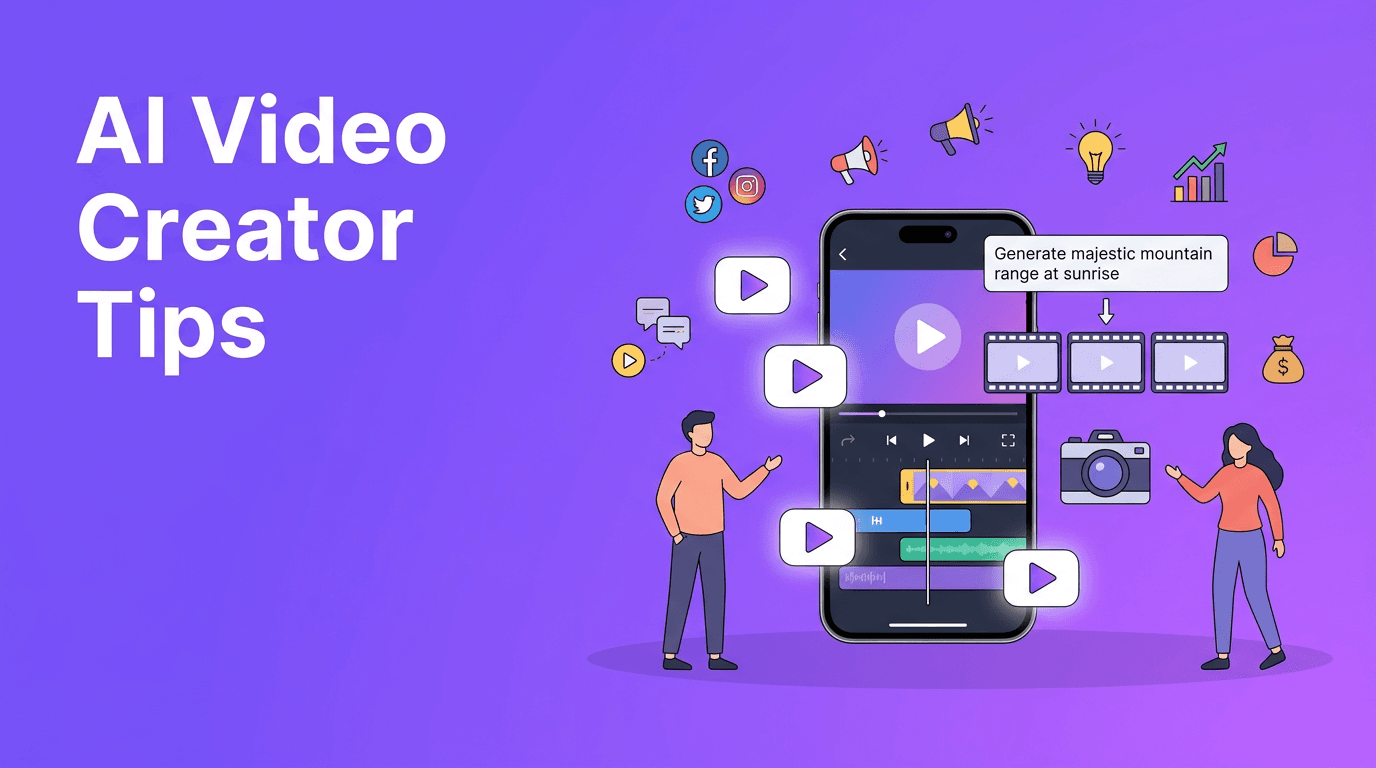
- Write prompts with subject + action + setting + camera angle + lighting + style.
- Keep early generations short, then expand the winning concept.
- Use brand references such as colors, products, tone, and recurring visual motifs.
- Generate multiple versions and compare before exporting.
- Match the aspect ratio to the platform from the start.
- Add captions, logos, and music after generation for a more finished result.
Prompt example for better output
Instead of writing "make a promo video," try: "Create a 10-second vertical product promo of a coffee cup on a wooden table, morning light through a window, slow camera push-in, realistic style, clean modern branding, suitable for Instagram Reels." This gives the model much better direction.
5. Best use cases for content creators, marketers, and small businesses
The best AI video generator is the one that fits your workflow, budget, and content goals. For many users, the biggest value is fast production for channels that need frequent posting.
- Content creators - Make short-form videos, animated story posts, intros, and visual experiments.
- Marketers - Produce ad variations, landing page videos, product highlights, and campaign teasers.
- Small businesses - Create promotions, menu spotlights, service explainers, and event announcements.
- Agencies - Test multiple concepts quickly before investing in full production.
- Educators and coaches - Turn scripts or talking points into visual lessons and explainers.
Create faster with Movi AI
*Movi AI* helps you generate videos from text, images, speech, and existing footage, all in one mobile app built for fast content creation.
Download Movi AI6. What to check: video quality and rendering speed
When comparing tools, do not look only at flashy demos. Check whether the platform keeps subjects consistent, handles motion naturally, and exports fast enough for your workflow. A strong AI video maker should balance quality with practical rendering speed.
- Consistency - Faces, products, and objects should stay recognizable across frames.
- Motion realism - Watch for unnatural hand movement, warping, or jitter.
- Resolution - Make sure exports fit your platform requirements.
- Render time - Faster is helpful, but not if quality drops too much.
- Editability - The best tools let you regenerate, refine, or iterate easily.
7. Choosing the right AI video generator app
If you are deciding between platforms, look for ease of use, output quality, supported inputs, and how quickly you can move from idea to publishable video. *Movi AI* is a practical option for people who want an AI video generator app that supports text-to-video, image-to-video, video-to-video, and speech-to-video in one place.
8. Final takeaway
An AI video generator is best seen as a speed and creativity tool, not just a shortcut. It can help you prototype ideas, publish more often, and reduce production barriers. For creators and brands that want fast, flexible content, an app like *Movi AI* makes it easier to turn concepts into videos without a complex editing setup.
Frequently Asked Questions
What is the best AI video generator for beginners?+
The best option for beginners is usually one with a simple interface, fast rendering, and multiple creation modes. Movi AI is a good choice because it supports text, image, speech, and video inputs in one app.
Can a free AI video generator make professional videos?+
Yes, for short social content and quick promos, a free AI video generator can produce useful results. For more polished outputs, better prompts, iteration, and post-editing still matter.
How does text to video AI work?+
Text to video AI analyzes a written prompt and generates visual frames that match the described subject, action, setting, and style. The model then renders those frames into a video clip.
Is an AI video maker better than traditional editing software?+
It depends on the task. AI video makers are faster for generating ideas and simple videos, while traditional editing software is better for precision, advanced effects, and full post-production control.
Create stunning AI videos in seconds!
Turn your ideas into professional videos with the #1 AI video maker.
Download Movi AI