Photo to Video Tips: How to Bring Still Images to Life with AI
Want better photo to video results? Learn how to animate still images, create cinematic motion, and turn product shots, listings, and memories into engaging AI videos.
By Movi AI Team
Movi AI Editorial Team
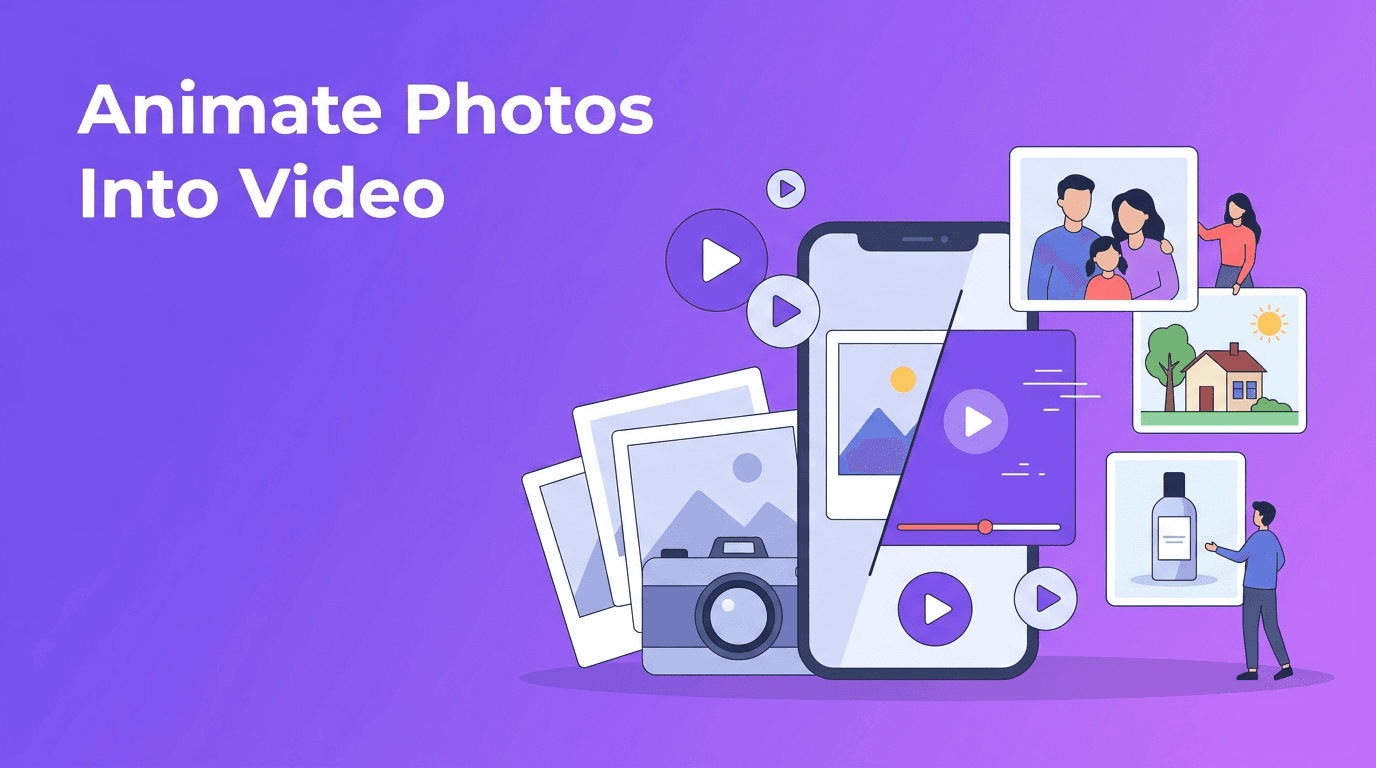
A great photo to video workflow can turn one static image into something that feels alive, polished, and ready to share. Whether you want to animate a product shot, create a real estate walkthrough, revive an old family photo, or make social content faster, today's AI tools make it much easier to add motion without filming from scratch.
Why photo to video works so well
People stop scrolling for motion. A still image can be beautiful, but subtle movement often makes it more emotional and more memorable. With modern image to video AI, you can simulate camera moves, depth, and scene motion from a single photo, which helps content feel more cinematic with less effort.
- For photographers: add movement to portraits, travel shots, and editorial images.
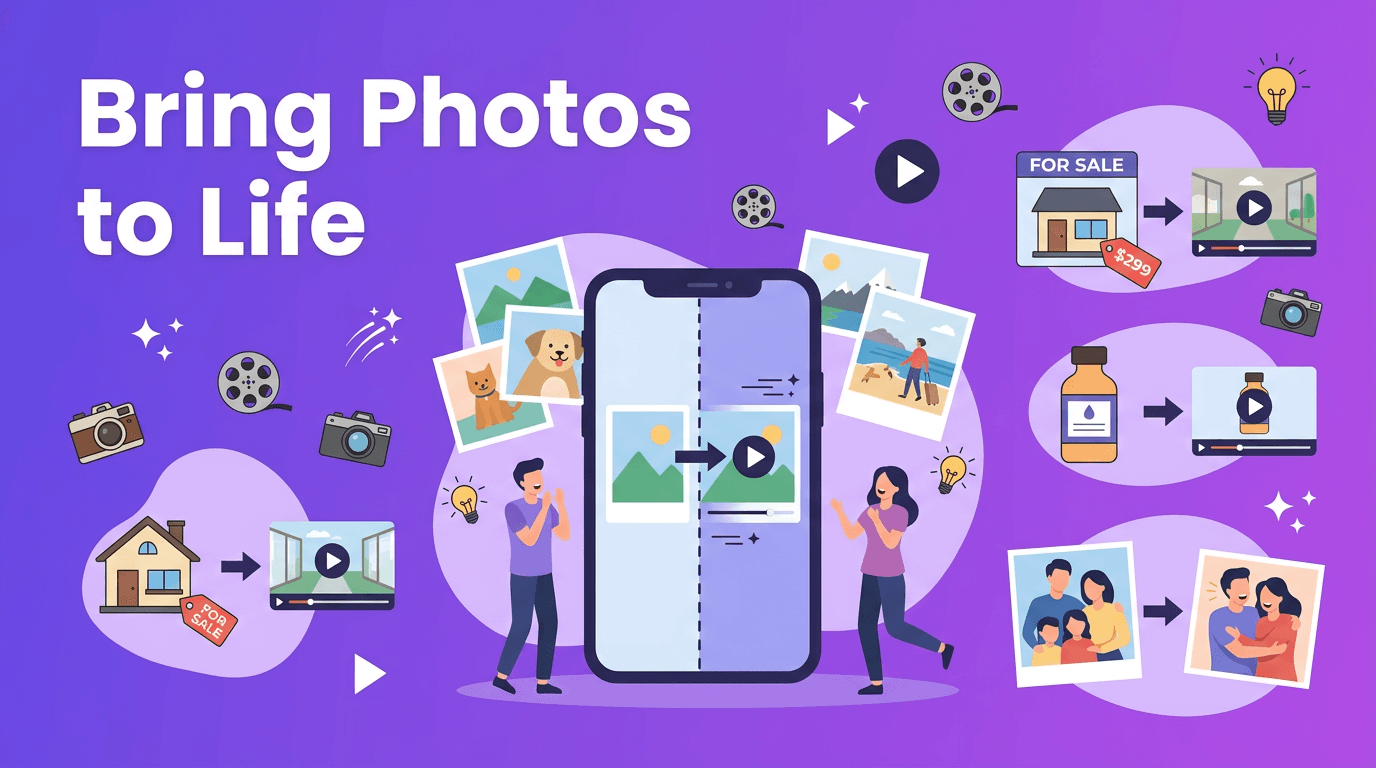
- For e-commerce sellers: make product photography feel premium with slow pans, zooms, and lighting motion.
- For real estate agents: turn listing photos into mini tours for social posts and property pages.
- For families and creators: use bring photos to life AI tools to make memories feel fresh again.
How AI turns a photo into a video
When you turn photo into video with AI, the app analyzes the image and predicts how movement could look naturally. In simple terms, it identifies subjects, background layers, edges, and likely depth. Then it creates in-between frames that simulate motion, such as a camera push-in, parallax effect, or gentle facial and environmental movement.
Common animation styles to try
- Cinematic pan - the frame moves sideways to reveal more of the scene.
- Slow zoom - ideal for portraits, products, and dramatic reveals.
- Parallax motion - foreground and background move at different speeds to create depth.
- Character animation - subtle face, hair, eye, or posture movement when supported by the source image.
"A single photo can tell a story, but motion helps people feel it."
Best source photos for AI photo animation
Your results depend heavily on the image you start with. The best ai photo animation projects usually begin with a sharp subject, clear separation from the background, and enough detail for the model to understand depth and texture.
- Use high-resolution photos whenever possible.
- Choose images with a clear main subject and minimal blur.
- Look for scenes with obvious layers, such as a person in front of a street, room, or landscape.
- Avoid heavy compression, screenshots, or overly dark photos.
- For old pictures, clean up dust and improve contrast before you convert image to video.
Use cases that make photo to video especially powerful
Product photography animation for e-commerce
A photo to video app can make a product image feel far more dynamic than a plain catalog shot. Imagine a skincare bottle with a slow rotating camera move, soft background motion, and a close-up zoom on the label. That kind of motion can improve attention on product pages, ads, and social reels without requiring a full video shoot.
Real estate virtual tours from listing photos
Real estate teams can use photo to video techniques to build quick property teasers from existing listing images. Add a pan across the living room, a push-in toward the kitchen island, or a layered parallax effect in the backyard shot. It is a practical way to create more content from photos you already have.
Personal memories and old photos
One of the most emotional uses of animate photo AI is restoring a sense of presence to old family pictures. A gentle zoom, slight head movement, or drifting background can make a memory feel immediate again. This works especially well for anniversaries, memorial tributes, birthday videos, and family history projects.
Social media content from still images
Creators often need more posts than they have time to film. If you can turn photo into video, you can repurpose travel shots, selfies, outfit photos, food images, or behind-the-scenes pictures into reels, stories, and short ads. It is one of the fastest ways to keep content flowing while maintaining a polished look.
Practical tips for more cinematic motion
- Start with one clear movement idea per clip, such as a slow push-in or left-to-right pan.
- Match the motion to the subject. Products often look best with smooth, controlled moves, while landscapes can handle bigger sweeps.
- Keep clips short. 5 to 10 seconds is often enough for social media and ads.
- If the scene feels artificial, reduce motion intensity and choose a subtler animation style.
- Add music, captions, or voiceover after generation to make the final video feel complete.
Try Movi AI for photo animation
Use *Movi AI* to create videos from photos, prompts, or existing clips. It is a simple way to test cinematic pans, zooms, parallax motion, and more from a single image.
Download Movi AIWhy Movi AI is a smart photo to video app
*Movi AI* helps users create engaging videos from images without needing complex editing skills. You can experiment with image to video AI workflows for product visuals, photo memories, social posts, and more. Because the app supports multiple AI video creation paths, it is useful whether you are starting from one photo, a text idea, or an existing clip.
Final thoughts on bringing photos to life
If you want more content without more filming, photo to video is one of the most practical AI techniques available right now. It helps you create motion from still images, tell better stories, and get more value from the photos you already have. Start with strong source images, choose subtle motion, and test different styles until the result feels natural and on-brand.
Frequently Asked Questions
How can I turn a photo into a video with AI?+
Use an AI app that supports photo animation. Upload your image, choose a motion style like zoom or pan, generate the clip, and then add music or captions if needed.
What is the best photo to video app for beginners?+
A good beginner app makes it easy to upload a photo, select motion, and export quickly. Movi AI is a simple option for creating AI videos from images and other inputs.
Can AI bring old photos to life?+
Yes. AI can add subtle motion, depth, and camera movement to older photos, making portraits and memory projects feel more vivid.
What types of photos work best for AI photo animation?+
Clear, high-resolution photos with a defined subject and visible depth usually work best. Avoid blurry, heavily compressed, or extremely dark images.
Create stunning AI videos in seconds!
Turn your ideas into professional videos with the #1 AI video maker.
Download Movi AI