Text to Video AI Explained: How Prompts Become Videos
Curious about text to video AI? Learn how prompts turn into clips, how models interpret language, and how to get better results with practical prompt tips.
By Movi AI Team
Movi AI Editorial Team
Text to video AI is changing how beginners, marketers, and creators make content. Instead of filming every scene manually, you can describe an idea in words and let AI generate motion, style, and composition. If you want to convert text to video faster, this guide explains the technology, prompt writing, model types, and practical ways to get better results.
What is text to video AI?
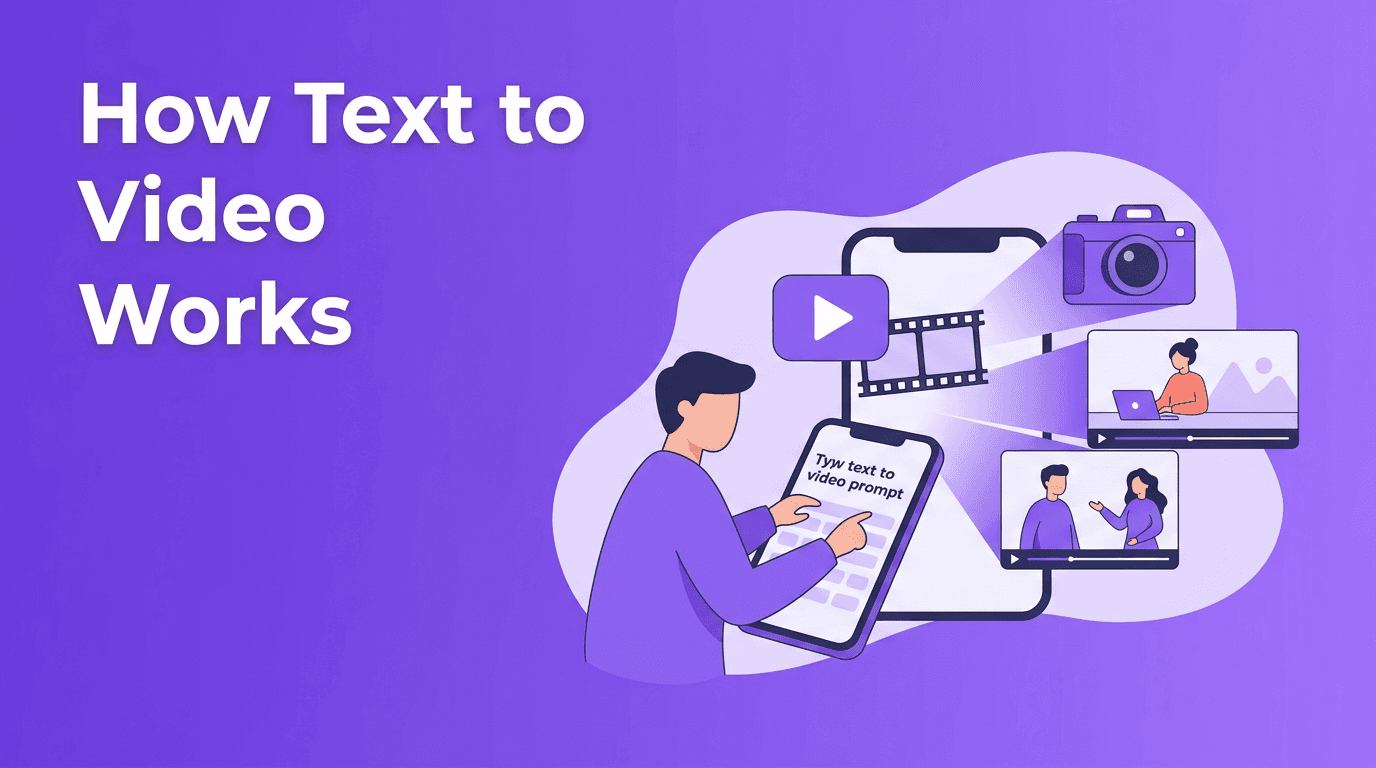
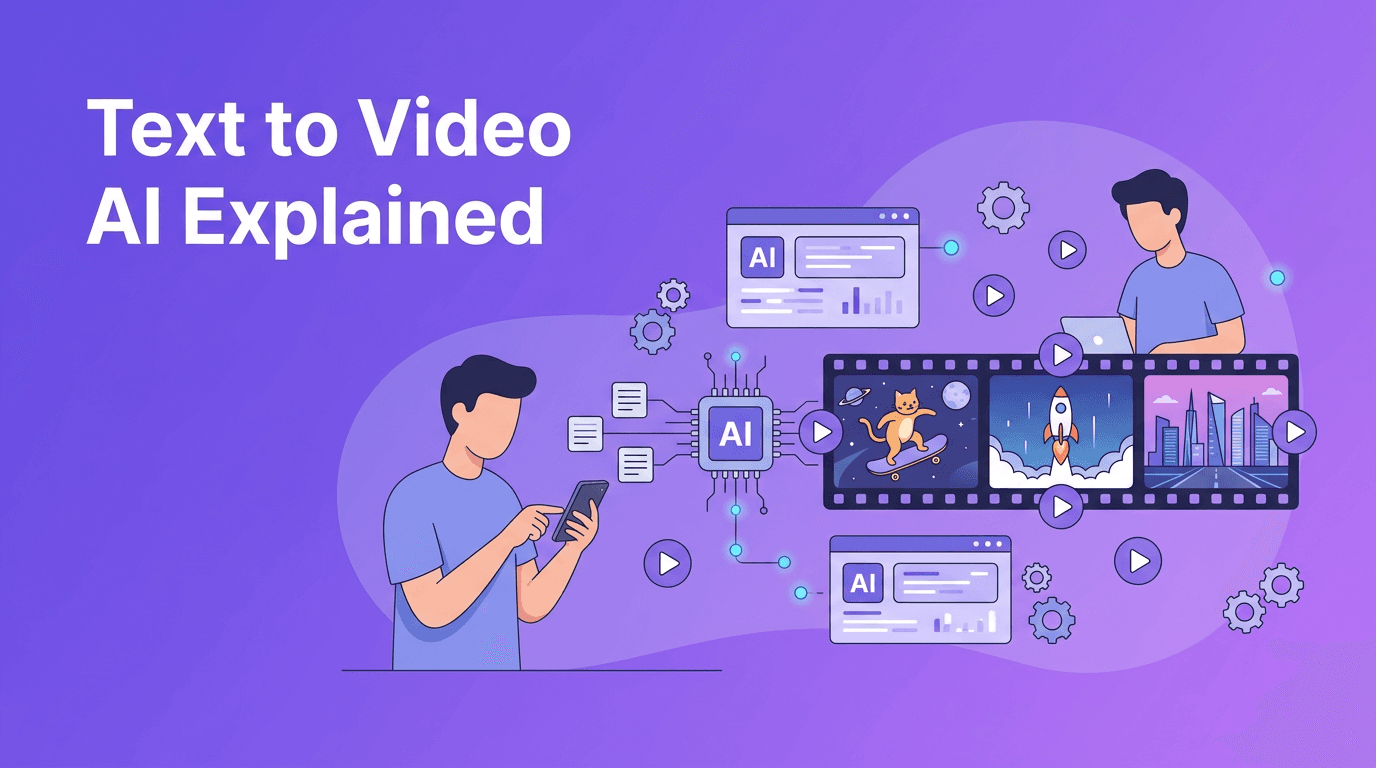
At a basic level, text to video AI turns written instructions into moving visuals. You type a prompt such as "a drone shot of ocean waves hitting black rocks at sunrise," and the model predicts a sequence of frames that match your description. A modern ai text to video generator can also interpret style, camera movement, lighting, pacing, and subject details from the prompt.
- Text prompt: Your written instruction describing the scene
- Model interpretation: The AI converts words into visual concepts
- Frame generation: The system generates multiple frames over time
- Motion consistency: The model tries to keep subjects and backgrounds coherent
- Rendering and export: The clip is assembled into a playable video
How AI converts text into video
To create video from text, the model first breaks your prompt into tokens, or small language units. It maps those tokens to learned visual patterns from training data. Then it generates a sequence of images that evolve over time, trying to keep the subject, environment, and motion believable from frame to frame. This is why prompt details like action, setting, and camera angle matter so much.
Why prompt wording changes results
AI models do not read prompts like humans do. They weigh keywords, relationships, and probabilities. The phrase "cinematic close-up of a chef plating pasta in a bright modern kitchen" gives much more structure than "chef cooking." Specific wording helps the model choose better composition, action, and mood when generating an ai video from text prompt.
"The quality of an AI video often reflects the clarity of the idea behind the prompt."
Prompt engineering tips for better text to video results
If you are using a text to video app, better prompts usually beat longer prompts. Focus on clear scene instructions, visual priorities, and motion. A useful formula is: subject + action + setting + camera + style + duration.
Bad prompt vs good prompt
- Bad: "make a cool city video"
- Better: "A slow tracking shot through a rainy neon city street at night, pedestrians with umbrellas, reflections on wet pavement, cinematic lighting, realistic style, 6 seconds, vertical video"
- Bad: "dog in park"
- Better: "A golden retriever running through a sunny park, tongue out, shallow depth of field, handheld camera feel, natural motion, cheerful mood, 5 seconds"
Practical prompt tips
- Start with one main subject to reduce confusion
- Describe one clear action such as walking, turning, pouring, or flying
- Add a camera instruction like close-up, wide shot, pan, or aerial view
- Include a style keyword such as realistic, animated, claymation, anime, or cinematic
- Set the aspect ratio based on platform needs, like vertical for Reels and TikTok or widescreen for YouTube
- Keep clip length modest at first, because shorter generations often maintain better consistency
- Use quality settings carefully, since higher quality can improve detail but may take longer
Different AI systems also interpret prompt structure differently. Some models respond strongly to descriptive nouns and style keywords, while others do better with short, direct instructions. That means the best workflow is iterative: generate, review, refine, and regenerate.
The science behind text to video models
Most text to video AI systems combine language understanding with image and motion generation. The language component interprets your prompt, while the generation component predicts how the scene should look over time. The hardest part is not creating a single good frame. It is keeping many frames visually consistent while motion unfolds naturally.
Diffusion models
Diffusion models start from noise and gradually turn it into meaningful visuals. For video, they generate or refine frames step by step, guided by your text prompt. Their strength is often high visual quality and rich detail. Their challenge can be temporal consistency, especially in longer or more complex scenes.
Transformer-based approaches
Transformer-based models are strong at understanding sequences and relationships over time. In video generation, they can help model how one frame connects to the next, which may improve motion planning and scene continuity. In practice, many modern systems use hybrid designs rather than relying on only one architecture.
Which approach is better?
There is no single winner. Diffusion-based systems often shine in visual richness, while transformer-based methods can be powerful for sequence modeling and prompt understanding. The best text to video free or paid tools usually balance quality, speed, controllability, and ease of use.
How aspect ratio, length, and style affect output
When you convert text to video, technical settings matter almost as much as the prompt itself. A 9:16 vertical clip is ideal for short-form social content, while 16:9 fits YouTube and presentations. Shorter clips often look more stable. Style terms like "cinematic," "3D animation," or "minimalist motion graphics" help the model choose a visual direction earlier in the generation process.
- 9:16 for TikTok, Reels, and Shorts
- 16:9 for YouTube, websites, and demos
- 1:1 for square social posts and ads
- Use 4 to 8 seconds when testing a new prompt
- Increase complexity only after the core scene works well
Practical use cases for text to video AI
- Social media content: Turn campaign ideas into short promo clips quickly
- Product marketing: Visualize product stories before full production
- Education: Explain concepts with animated scenes from written scripts
- Storyboarding: Test scenes before investing in filming
- Small business ads: Create fast visual content without a large production team
- Creative experimentation: Explore styles and concepts before final editing
Try a simpler way to create videos
*Movi AI* is a user-friendly **text to video app** that helps you generate videos from prompts, images, speech, or existing clips. It is a practical option for beginners who want fast results without a complicated workflow.
Download Movi AIA beginner workflow to create video from text
- Write a short prompt with subject, action, setting, and style
- Choose the right aspect ratio for your platform
- Generate a short test clip first
- Review motion, subject accuracy, and background consistency
- Refine the prompt by removing vague words and adding visual detail
- Regenerate and compare versions
- Export the best clip and add captions, music, or voice if needed
For beginners, *Movi AI* makes this process more approachable by bringing text to video AI, image-to-video, video-to-video, and speech-to-video tools into one app. That makes it easier to experiment and learn what prompt patterns produce the strongest results.
Final thoughts on text to video AI
The biggest shift in text to video AI is not just automation. It is accessibility. You no longer need a full studio to test visual ideas, build short campaigns, or prototype scenes. If you learn prompt structure, understand model behavior, and choose the right settings, you can create stronger videos faster and with less friction.
Frequently Asked Questions
What is text to video AI?+
Text to video AI is technology that generates video clips from written prompts. It interprets your words and creates scenes, motion, and style automatically.
How do I create video from text?+
Start with a clear prompt that describes the subject, action, setting, camera view, and style. Then generate a short test clip, review it, and refine the prompt.
What is the best prompt for an ai text to video generator?+
The best prompts are specific and visual. Include one main subject, one clear action, the environment, camera direction, style, and preferred length or aspect ratio.
Is there a text to video free option?+
Some platforms offer free trials or limited generations. Free options are useful for testing prompts, but paid plans often provide better quality, speed, and controls.
What is the best text to video app for beginners?+
Beginners should look for a text to video app with simple controls, fast generation, and multiple input options. Movi AI is designed to help users create AI videos from text, images, speech, or existing video.
Create stunning AI videos in seconds!
Turn your ideas into professional videos with the #1 AI video maker.
Download Movi AI