AI Text to Video Generator: How Prompts Become Videos
Learn how an AI text to video generator turns prompts into clips, how models work, and which prompt techniques help you create better videos faster.

By Movi AI Team
Movi AI Editorial Team
An ai text to video generator can turn a written idea into moving visuals in minutes. If you want to understand text to video tools, improve your prompts, and learn how modern models create clips from language, this guide gives you a practical starting point.
What is an AI text to video generator?
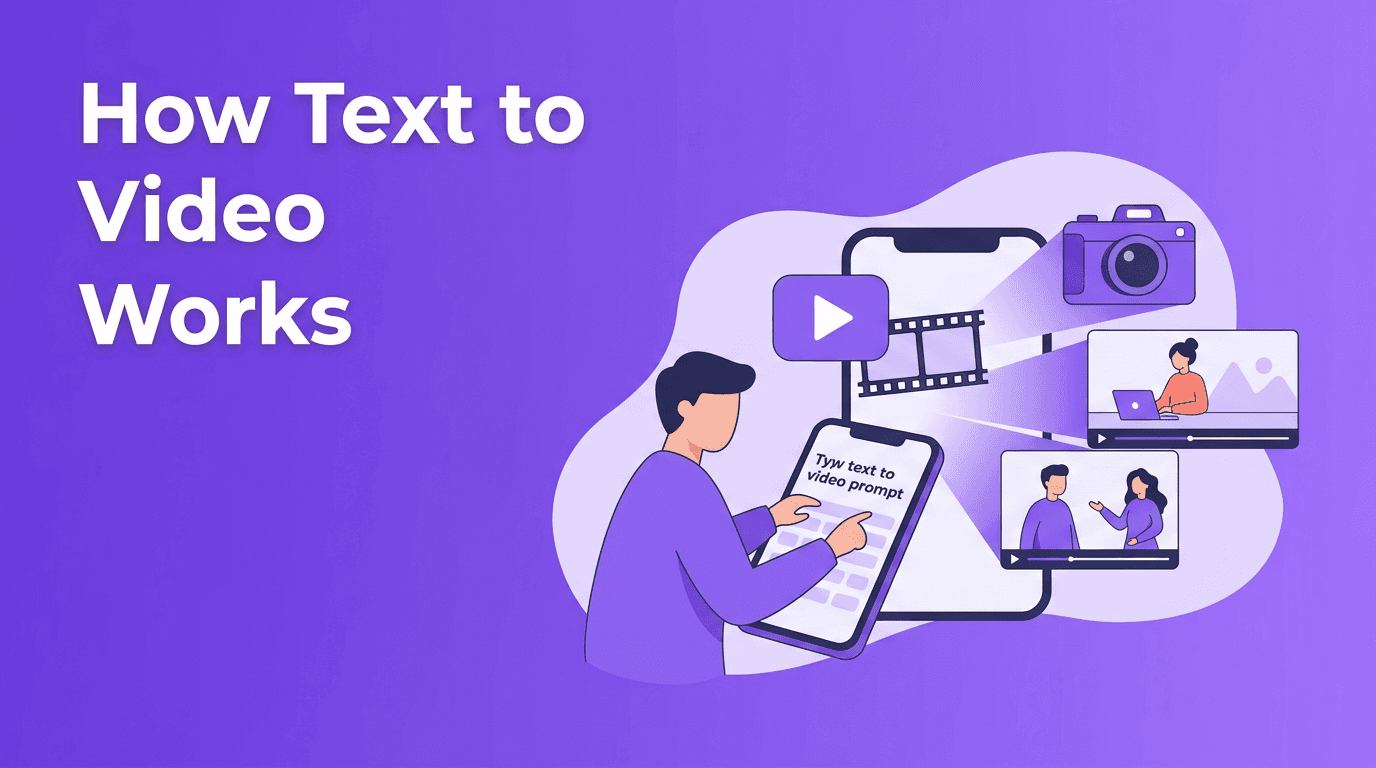
At a basic level, an ai text to video generator reads your prompt, predicts what the scene should look like, and builds a sequence of frames that match your words. Instead of filming with a camera, you describe the subject, action, setting, style, and mood. The model then tries to convert text to video by mapping language into visual patterns.
- Prompt: Your text instruction, such as subject, action, camera angle, lighting, and style
- Model: The AI system that interprets language and generates motion
- Output: A short video clip that can be refined with new prompts, settings, or reference media
How text to video AI works behind the scenes
Most text to video ai systems combine language understanding with image and motion generation. First, the model encodes your prompt into numerical representations. Then it generates frames, motion, or latent video features that align with those representations. Finally, it refines details like consistency, lighting, and movement so the clip feels more coherent from start to finish.
Step 1: The prompt is translated into meaning
Words like 'golden retriever', 'running', 'beach', and 'slow motion' are not treated as simple text strings. The model converts them into semantic relationships. This is why prompt structure matters. Clear descriptions help the system understand what should appear, what should move, and what style the final clip should follow.
Step 2: The model generates frames and motion
Some systems generate video frame by frame, while others create compressed latent representations first and decode them later. The goal is the same: produce believable motion over time, not just a single attractive image. This temporal consistency is one of the hardest parts of making an ai video from text prompt.
Step 3: Quality controls shape the result
Settings like aspect ratio, video length, resolution, motion strength, and style presets influence the output. A vertical 9:16 clip may work best for TikTok or Reels, while a 16:9 clip is better for YouTube. Shorter clips often look more stable than long ones, especially for beginners testing a new text to video app.
Diffusion models vs transformer-based video models
Not every ai text to video generator works the same way. Two major approaches dominate current systems: diffusion-based generation and transformer-based generation. Both can create impressive results, but they have different strengths.
Diffusion models
Diffusion models start from noise and gradually denoise it into a video that matches the prompt. They are known for strong visual detail and stylistic control. Many popular text to video tools rely on diffusion methods because they can produce cinematic frames and respond well to prompt tweaks.
- Strengths: high detail, strong style control, flexible prompt guidance
- Weaknesses: can be slower, may struggle with long consistent motion, often needs more reruns
- Best for: short clips, artistic scenes, marketing visuals, concept videos
Transformer-based models
Transformer-based systems model sequences efficiently and are excellent at understanding relationships across time. In video generation, they can help with scene continuity, object persistence, and long-range motion planning. This makes them promising for more structured storytelling and complex scene changes.
- Strengths: strong sequence modeling, better temporal reasoning, useful for longer coherence
- Weaknesses: can require large training data and compute, sometimes less direct style control depending on the system
- Best for: narrative clips, multi-step actions, scenes where motion consistency matters
Great AI video results rarely come from longer prompts alone. They come from clearer intent, better structure, and smart iteration.
Prompt engineering tips for better video results
If you want to know how to create video from text, prompt writing is the fastest skill to improve. Good prompts reduce ambiguity. Bad prompts force the model to guess.
Use a simple prompt formula
A practical formula is: subject + action + setting + camera + style + lighting + duration. You do not need every part every time, but this structure helps beginners create clearer instructions.
- Good prompt: 'A young skateboarder doing a kickflip in an empty city street at sunrise, handheld camera, cinematic lighting, realistic motion, 5 seconds, 16:9'
- Bad prompt: 'Cool skateboard video, make it awesome'
- Good prompt: 'A barista pouring latte art in a cozy cafe, close-up shot, warm natural light, shallow depth of field, realistic, 4 seconds, vertical 9:16'
- Bad prompt: 'Coffee shop scene'
Add constraints to avoid common errors
Models often make mistakes when a prompt is too broad. Add constraints such as one subject, one action, one location, and one camera move. For example, instead of asking for a person dancing, fireworks exploding, cars passing, and birds flying in one short clip, focus on a single hero moment.
Choose style keywords carefully
Style words like cinematic, realistic, anime, 3D animation, documentary, or product ad can strongly influence the result. Different models interpret style keywords differently, so test the same prompt across presets when possible. In *Movi AI*, you can refine outputs by adjusting prompt wording and generation settings instead of rewriting everything from scratch.
Match the aspect ratio to the platform
- 9:16 for TikTok, Reels, Shorts, and mobile-first content
- 16:9 for YouTube, presentations, and landscape ads
- 1:1 for feed posts and some product promos
- Tip: Compose the prompt with framing in mind, such as 'centered subject for vertical video'
Keep early tests short
When you first convert text to video, start with 3 to 5 seconds. Short clips render faster, cost less time, and help you validate motion and composition before generating longer versions. Once the visual direction works, expand the duration or create multiple shots.
Why different models interpret the same prompt differently
If one text to video ai tool gives you a realistic result and another produces something stylized, that does not mean one prompt is wrong. Models are trained on different datasets, tuned with different safety rules, and optimized for different output goals. One may favor cinematic realism, while another may emphasize animation or strong motion.
- Training data shapes what subjects, styles, and camera patterns a model knows well
- Prompt weighting changes how strongly the system follows certain words
- Motion priors affect how natural actions like walking, pouring, or turning look
- Safety filters may block or soften certain visual interpretations
Practical uses for text to video tools
Today, people use text to video systems for much more than experiments. Creators, marketers, educators, and small businesses use them to speed up production and test ideas quickly.
- Social content: make short clips for TikTok, Reels, and Shorts
- Product marketing: create concept ads, feature teasers, and launch visuals
- Education: turn scripts into visual explainers and lesson intros
- Storyboarding: preview scenes before full production
- Client pitches: present ideas faster without filming everything first
Ready to turn prompts into videos?
*Movi AI* is a user-friendly **text to video app** for creating AI videos from text, images, speech, or existing footage. It is built for beginners and creators who want faster results without a complicated workflow.
Download Movi AICan you find text to video free tools?
Many users search for text to video free options, but free access usually comes with limits like watermarks, shorter generations, slower queues, or restricted quality. A better approach is to test a few prompts on beginner-friendly tools, learn what works, and then choose the workflow that saves you the most time.
A beginner workflow to create better AI videos
- Write one clear prompt with a single subject and action
- Choose the right aspect ratio for your platform
- Start with a short duration, usually 3 to 5 seconds
- Generate multiple variations instead of expecting one perfect result
- Refine the best version by adjusting style, motion, or camera wording
- Assemble several short clips into a longer story
Frequently Asked Questions
How does text to video AI work?+
Text to video AI converts your prompt into visual representations, generates frames or latent video sequences, and refines motion over time to match your description.
What is the best prompt for an ai text to video generator?+
The best prompts are specific and structured. Include the subject, action, setting, camera view, style, lighting, duration, and aspect ratio when relevant.
Can I convert text to video for free?+
Some tools offer limited free generations, but they often include caps, watermarks, or lower quality. Free testing is useful for learning prompt basics.
Why do different text to video apps give different results?+
Different apps use different models, training data, settings, and safety filters. That means the same prompt can produce different styles, motion quality, and scene interpretation.
Create stunning AI videos in seconds!
Turn your ideas into professional videos with the #1 AI video maker.
Download Movi AI