Image to Video AI: How to Animate Photos Into Cinematic Stories
Image to video AI makes it easy to turn a single photo into motion-rich content. Learn how to animate still images for products, homes, memories, and social posts.
By Movi AI Team
Movi AI Editorial Team
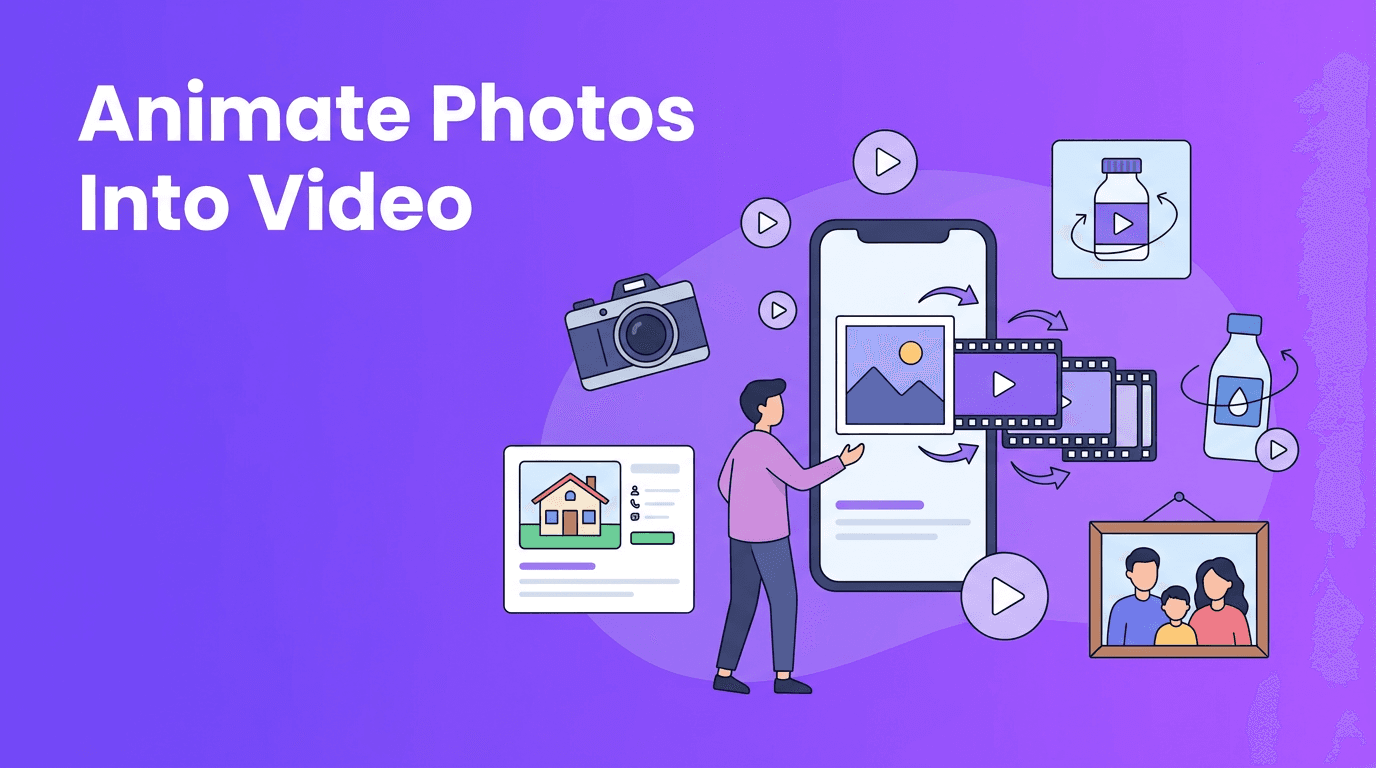
A single image can do much more than sit still on a screen. With image to video AI, you can add motion, depth, and storytelling to one photo, turning it into a short video that feels alive. Whether you want to showcase a product, create a real estate teaser, revive an old family picture, or make scroll-stopping social content, AI makes the process fast and surprisingly simple.
What image to video AI actually does
At its core, image to video AI analyzes the subjects, background, edges, and depth cues in a still photo, then predicts how movement should look across frames. Instead of manually keyframing every detail, you describe the motion or choose an effect, and the AI generates a video sequence from that single image. This is why terms like photo to video, animate photo AI, and AI photo animation have become so popular.
Common motion styles you can create
- Cinematic pan - the camera appears to glide sideways across the image for a dramatic reveal.
- Slow zoom - pushes attention toward a face, product, room feature, or focal point.
- Parallax motion - foreground and background move at different speeds to create a sense of depth.
- Character animation - subtle facial, body, hair, or environmental movement gives portraits more life.
- Ambient motion - clouds drift, lights flicker, curtains move, or shadows shift for a natural look.
"The most powerful videos do not always start with a camera. Sometimes they start with one meaningful photo and the right motion."
How to animate still photos without complex editing
If you have ever wanted to turn photo into video content without learning a full editing suite, AI is the shortcut. In apps like *Movi AI*, you can upload an image, choose or describe motion, and generate a video in minutes. You can start with product shots, portraits, travel photos, listing images, or old family albums.
A simple workflow anyone can follow
- Choose a high-quality source photo with a clear subject and decent lighting.
- Decide on the goal - sales, storytelling, memory sharing, or social engagement.
- Pick a motion style such as zoom, pan, parallax, or gentle subject animation.
- Add a prompt if needed, for example: "slow cinematic push-in, soft background movement".
- Preview the result and refine if motion feels too strong or unnatural.
- Export in the right format for Reels, TikTok, Stories, ads, or listing videos.
This approach helps you convert image to video content quickly while keeping the original mood of the image intact. The best results usually come from subtle motion, not excessive movement.
Best use cases for AI photo animation
1. Product photography animation for e-commerce
Static product shots can look polished, but motion often sells better. With AI photo animation, a single product image can become a short ad with a slow zoom, rotating perspective feel, or moving background details. A skincare brand might animate a serum bottle with light reflections and a soft push-in. A jewelry shop can add elegant parallax to make gemstones feel more dimensional.
- Use close-up photos with sharp focus and clean backgrounds.
- Highlight one product benefit per clip.
- Keep motion smooth and premium for paid ads and product pages.
- Create multiple versions from one photo for A/B testing on social platforms.
2. Real estate virtual tours from listing photos
Real estate agents can use photo to video app workflows to make listings more dynamic. Instead of posting a still kitchen or living room image, you can animate the shot with a slow pan or depth-based motion that feels like a mini walkthrough. This is especially useful when you only have a few strong listing photos but still want a video presence on Instagram, Facebook, or property portals.
- Animate wide-angle room photos with gentle lateral motion.
- Use zoom-ins to highlight countertops, windows, fireplaces, or staging details.
- Combine multiple animated images into a short vertical teaser.
- Add text overlays later for price, location, and open house details.
3. Personal photo memories and old photo revival
One of the most emotional uses of bring photos to life AI is restoring or animating old pictures. A childhood portrait, wedding photo, or image of a grandparent can feel newly meaningful when subtle motion is added. A light zoom, a realistic blink, or gentle environmental movement can make memory videos more immersive without losing authenticity.
For family projects, it is usually best to keep motion respectful and minimal. The goal is not to overproduce the image, but to help the moment feel present again.
4. Social media content creation from photos
Creators often need more content than they have time to shoot. That is where animate photo AI tools shine. A fashion creator can turn a lookbook shot into a reel. A food blogger can animate a plated dish with a slow reveal. A travel creator can use one scenic photo to make a mood clip with layered depth and movement. When done well, a single image can become several short videos for different platforms.
Quality tips for better image to video AI results
Start with the right source photo
- Use the highest resolution available.
- Avoid heavily blurred, noisy, or overcompressed images.
- Choose photos with a clear subject separation when possible.
- Make sure important faces or products are not cut off awkwardly.
- Look for natural depth cues such as foreground objects, windows, roads, or furniture layers.
Match the motion to the image
Not every photo needs dramatic motion. Portraits often work best with a slow zoom or gentle facial animation. Interiors usually benefit from a cinematic pan or parallax effect. Product shots often look strongest with controlled movement that emphasizes shape and texture. Smart image to video AI use is about choosing motion that fits the scene.
Keep clips short and purposeful
For most platforms, 3 to 8 seconds is enough. Short loops often outperform longer clips because they hold attention and are easier to reuse in ads, reels, and stories. If you want to turn photo into video content for social media, prioritize a strong opening frame and one clear visual idea.
Ready to animate your photos?
Use *Movi AI* to transform still images into engaging videos with cinematic motion, creative AI effects, and fast mobile editing.
Download Movi AIWhy Movi AI is a practical photo to video app
*Movi AI* is built for creators and businesses that want fast results without a steep learning curve. You can generate videos from images, prompts, and existing footage, which makes it useful whether you are testing ad creatives, building listing videos, or making personal memory clips. If you need a flexible photo to video app, it gives you a simple way to experiment with motion styles and create polished outputs from just one image.
- Create from photos, text prompts, or videos in one app.
- Use AI-powered generation for quick concept testing.
- Make content for e-commerce, real estate, social media, and personal storytelling.
- Produce vertical or standard videos depending on where you publish.
Final thoughts on bringing still images to life
The rise of image to video AI has changed how people use photos online. You no longer need a full video shoot to create motion-rich content. With the right source image, a smart prompt, and subtle animation, you can convert image to video for product marketing, property showcases, memory projects, and everyday social posts. Start simple, stay intentional with movement, and let the photo guide the story.
Frequently Asked Questions
How can I turn a photo into a video with AI?+
Upload your image to an AI tool, choose a motion style or enter a prompt, then generate and export the clip. Apps like Movi AI make this process quick on mobile.
What is the best image to video AI for beginners?+
The best option is one with simple controls, good motion presets, and fast exports. Movi AI is beginner-friendly because it lets you create videos from photos without complex editing steps.
Can AI animate old family photos?+
Yes, AI can add subtle motion to old portraits and scanned photos. Gentle effects usually work best to preserve the original feeling of the image.
What kind of photos work best for AI photo animation?+
Sharp, well-lit images with a clear subject and some depth in the scene usually produce the best results. High resolution also helps the AI create smoother motion.
Can I use AI photo animation for product and real estate marketing?+
Absolutely. AI animation is useful for e-commerce product shots, listing photos, and social ads because it adds movement without requiring a full video shoot.
Create stunning AI videos in seconds!
Turn your ideas into professional videos with the #1 AI video maker.
Download Movi AI