AI Video Generator for Small Brands: How to Create Faster, Smarter Marketing Videos
An AI video generator helps small brands turn ideas into polished marketing content fast. Learn how it works, which tools matter most, and how to create better videos with less editing time.
By Movi AI Team
Movi AI Editorial Team
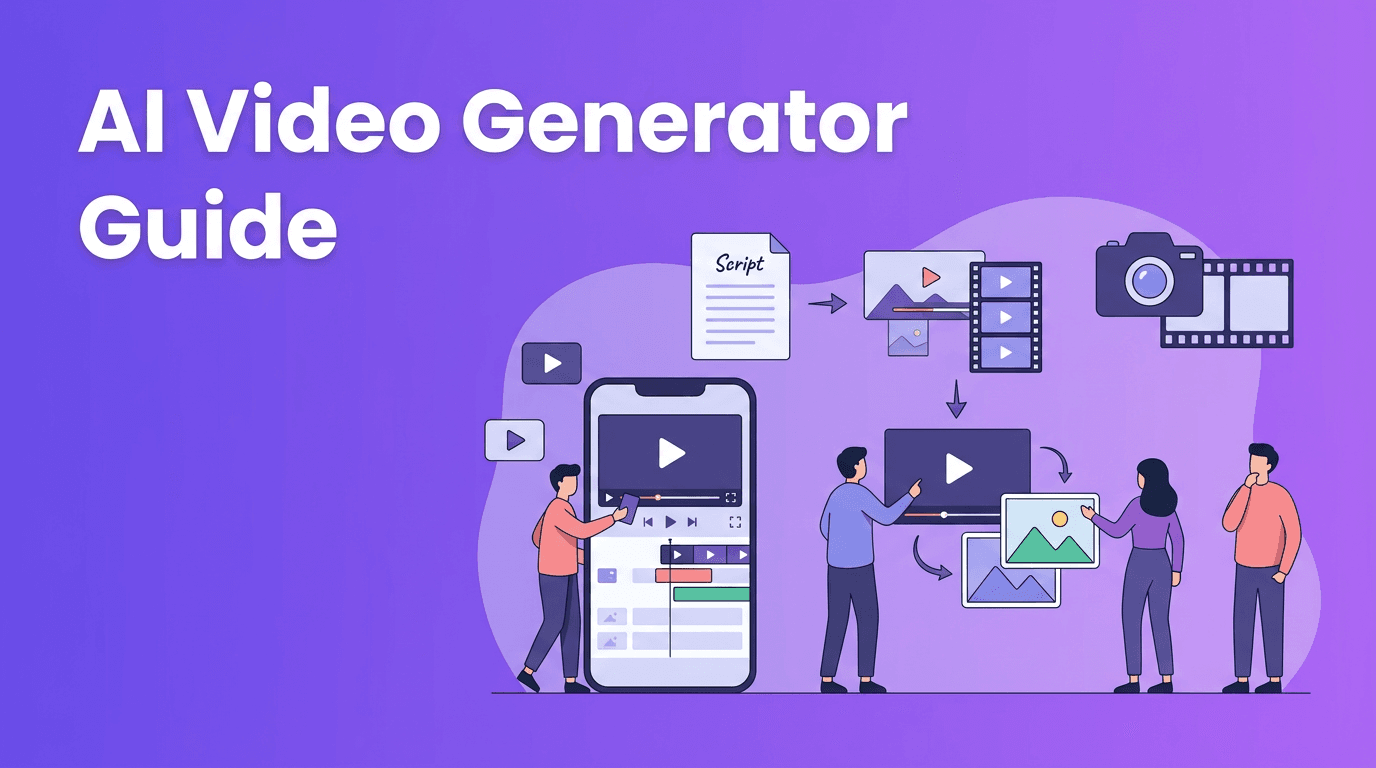
An AI video generator turns prompts, images, voice, or existing clips into finished videos with far less manual work than traditional editing. For content creators, marketers, and small businesses, that means faster production, easier experimentation, and more ways to publish professional content without a full studio setup.
1. What an AI video generator actually does
At a practical level, an AI video generator analyzes your input, such as a text prompt, image, script, or source video, then uses machine learning models to build scenes, motion, transitions, and visual style. Many modern tools also help with captions, voice sync, visual consistency, and export formatting for platforms like TikTok, Instagram Reels, YouTube Shorts, and ads.
- Text-to-video creates scenes from written prompts or scripts.
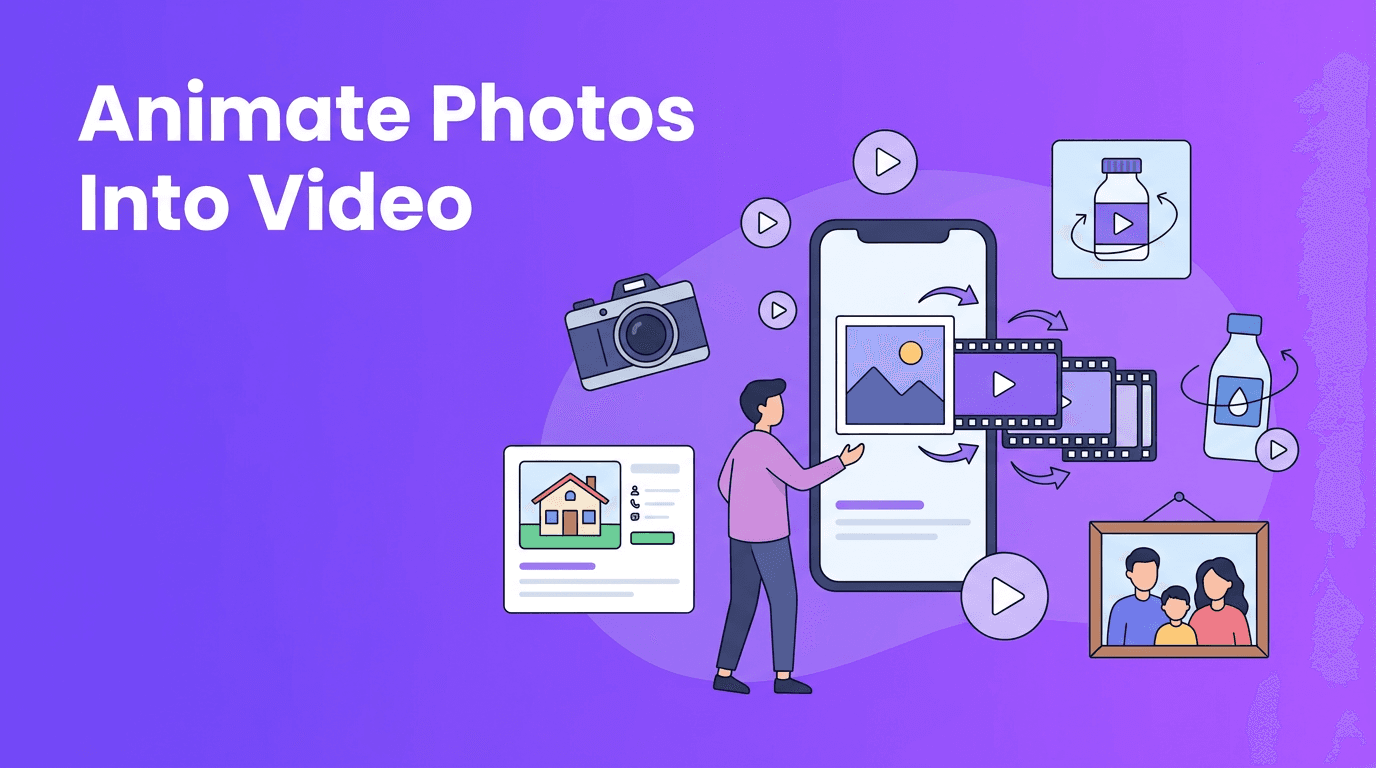
- Image-to-video animates still photos, product shots, or illustrations.
- Video-to-video transforms existing footage into a new visual look.
- Speech-to-video matches visuals to spoken narration or voiceover.
- AI enhancement can improve pacing, subtitles, and content repurposing.
2. How AI video maker tools work behind the scenes
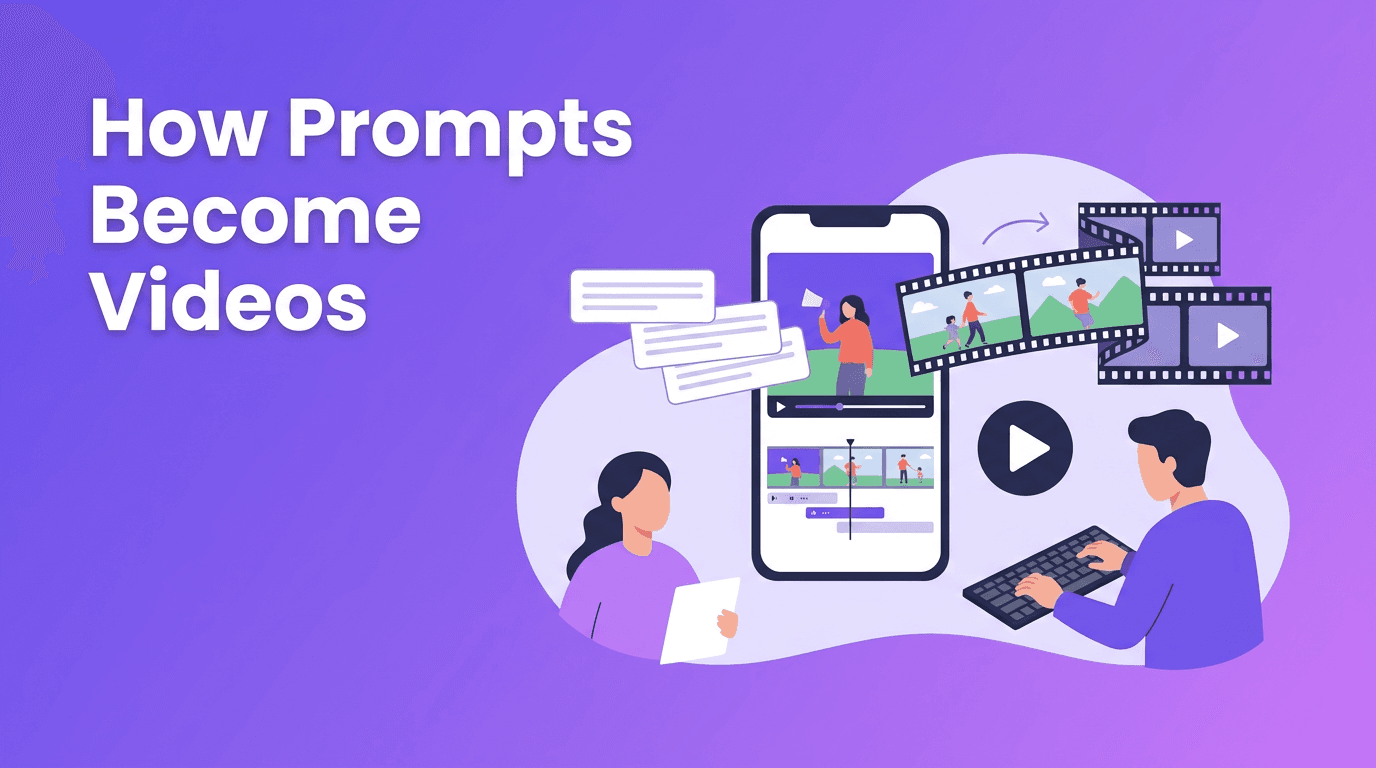
Most AI video maker platforms combine several systems rather than one single model. One system interprets your prompt, another generates or edits motion, another handles audio, and another prepares the final render. This layered process is why results improve when your prompt is specific about subject, movement, framing, duration, and tone.
Inputs that lead to better outputs
- Start with a clear objective, such as product promotion, tutorial, testimonial, or social post.
- Describe the subject, action, and camera angle in one sentence.
- Mention the platform format you need, such as 9:16 for Shorts or 1:1 for feeds.
- Keep visual instructions simple before adding style details.
- Use a reference image or existing clip when consistency matters.
"The best AI videos usually come from better direction, not longer prompts."
3. Best AI video generator features to compare
If you are evaluating the best AI video generator for work, do not focus only on flashy demos. Look at whether the tool fits your workflow, content volume, and quality expectations. For everyday creators and businesses, usability matters as much as raw generation power.
- Generation modes: text-to-video, image-to-video, video-to-video, and speech-to-video.
- Render speed: how quickly drafts and final exports are produced.
- Video quality: motion realism, facial consistency, scene coherence, and resolution.
- Editing control: the ability to refine clips instead of starting over.
- Mobile access: whether there is an AI video generator app for quick creation on the go.
- Export options: aspect ratios, watermark rules, and social-ready formats.
- Ease of use: ideal for teams without advanced editing experience.
*Movi AI* is a strong option here because it brings multiple AI creation workflows into one mobile-friendly experience. You can create videos from text prompts, images, existing footage, or speech, which is especially useful when you need content fast without juggling multiple apps.
4. AI video generator vs traditional video editing
Traditional editing still offers the deepest frame-by-frame control, especially for brand films, complex storytelling, or advanced post-production. But an AI video generator wins when speed, iteration, and accessibility matter most. Instead of manually sourcing clips, animating assets, and building every sequence from scratch, you can generate first drafts in minutes and refine only what matters.
Where each approach shines
- Choose traditional editing for high-budget campaigns, detailed motion graphics, and precise timeline control.
- Choose an AI video creator for rapid social content, ad testing, explainers, product demos, and quick creative exploration.
- Use a hybrid workflow when you want AI to generate drafts, scenes, or concepts, then polish them in an editor if needed.
For many teams, the smartest workflow is not AI or traditional editing. It is both. AI speeds up ideation and first-pass production, while manual editing adds final polish when necessary.
5. How to make AI videos that look professional
If you are searching how to make AI videos that do not look generic, focus on planning and refinement. AI can generate visuals quickly, but quality still depends on your direction, brand clarity, and editing choices.
- Write prompts with a single visual goal instead of too many competing ideas.
- Use short scenes and combine the best outputs rather than forcing one long generation.
- Keep branding consistent with the same logos, colors, tone, and message.
- Add captions, music, and voiceover to make the final video feel intentional.
- Review every clip for awkward motion, text errors, or off-brand imagery.
- Test multiple versions for hooks, thumbnails, and opening lines.
A simple 5-step workflow with Movi AI
- 1. Choose your input: prompt, image, voice, or existing video.
- 2. Define the goal: ad, reel, explainer, product showcase, or promo.
- 3. Generate a draft and review motion, pacing, and visual consistency.
- 4. Refine with better prompts, alternate scenes, or different source assets.
- 5. Export in the right format for your platform and publish quickly.
Ready to create without the editing bottleneck?
Use *Movi AI* to turn prompts, photos, and footage into polished videos faster. It is a practical way to create branded content on mobile without a steep learning curve.
Download Movi AI6. Free AI video generator options: what to expect
A free AI video generator can be useful for testing workflows, learning prompt structure, or creating simple drafts. However, free plans often limit export quality, clip length, speed, or watermark-free downloads. If video is part of your business workflow, reliability and flexibility usually matter more than the lowest price.
Instead of asking only whether a tool is free, ask whether it helps you create usable content consistently. That is what saves time and money in the long run.
7. Practical AI video use cases for creators and businesses
- Content creators can turn ideas into Shorts, Reels, and teaser clips faster.
- Marketers can test multiple ad concepts without filming every variation.
- Small businesses can create product explainers, promos, and seasonal campaigns on demand.
- Agencies can prototype client concepts before full production.
- Educators and coaches can build visual lessons from scripts or voice notes.
This is where text to video AI is especially useful. A simple script can become several different visual directions, making it easier to test what resonates before investing more time in production.
8. Final takeaway: choose speed, quality, and flexibility
The right AI video generator helps you move from idea to publishable content much faster than traditional workflows alone. If you want an efficient AI video generator app that supports text, image, video, and speech-based creation, *Movi AI* is a smart place to start. The biggest advantage is not just automation. It is the freedom to create more, test more, and publish more often.
Frequently Asked Questions
What is an AI video generator?+
An AI video generator is a tool that creates or edits videos from text prompts, images, voice, or source footage using machine learning models.
How do I make AI videos for social media?+
Start with a short script or prompt, choose a vertical format, generate a draft, refine the scenes, and export for platforms like TikTok, Reels, or Shorts.
What is the best AI video generator for beginners?+
The best option for beginners is a tool with simple workflows, fast rendering, and multiple input types. Movi AI is a strong choice for easy mobile creation.
Can a free AI video generator create professional videos?+
It can create useful drafts and simple content, but free plans often limit quality, exports, or features. Paid tools usually offer better consistency and control.
Create stunning AI videos in seconds!
Turn your ideas into professional videos with the #1 AI video maker.
Download Movi AI