AI Text to Video Generator: How Prompts Turn Into Better Videos
Learn how an AI text to video generator works, how to convert text to video with stronger prompts, and which model approaches create better results for creators.
By Movi AI Team
Movi AI Editorial Team
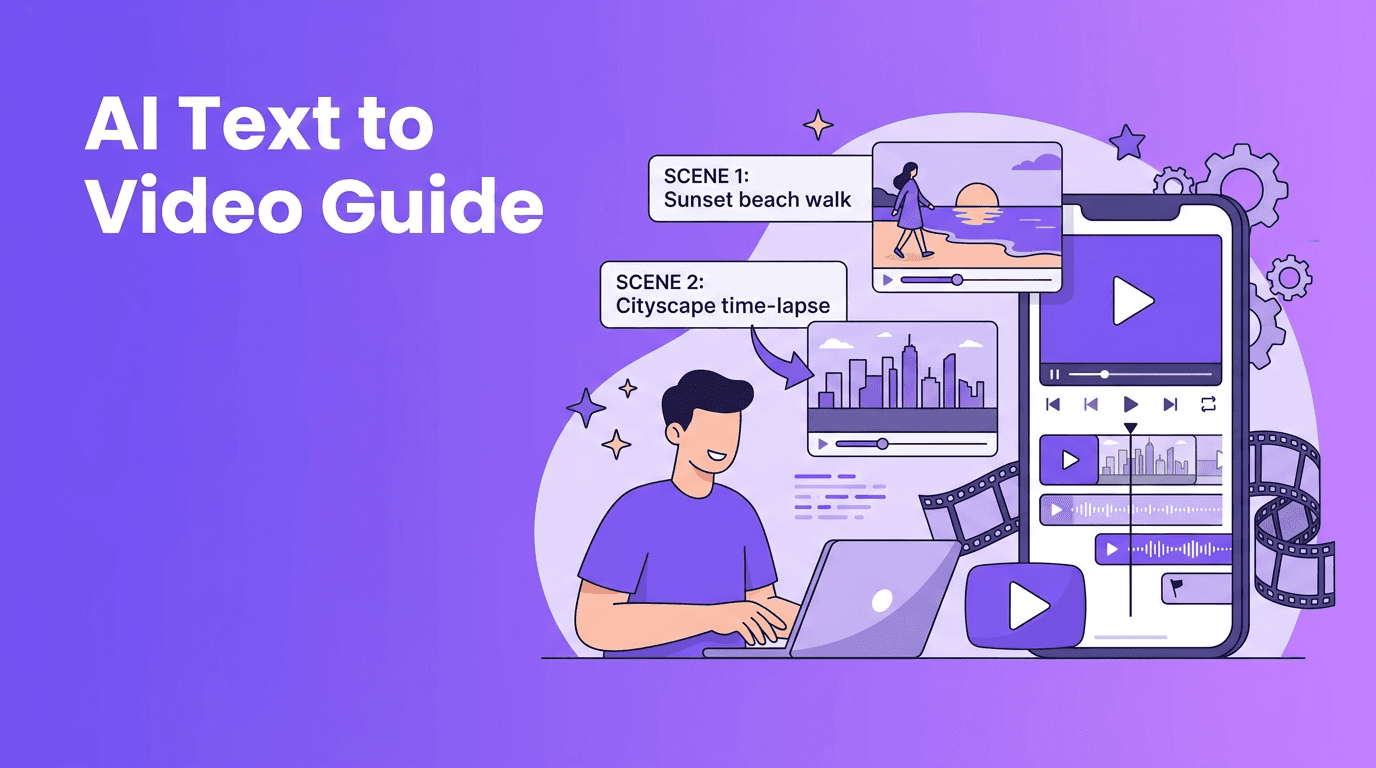
An AI text to video generator turns written instructions into moving visuals, making video creation faster for beginners, marketers, and creators. If you want to convert text to video, the real skill is not editing, it is learning how to describe scenes clearly so the model can build them.
What text to video actually means
At a basic level, text to video systems translate your prompt into a sequence of images with motion, camera behavior, lighting, and style. A modern text to video AI model does not simply paste words onto stock footage. It predicts what a scene should look like over time, based on patterns learned from huge datasets of videos, images, and captions.
- You write a prompt describing the subject, action, setting, style, and shot type.
- The model interprets your words as visual and motion instructions.
- It generates frames that stay as consistent as possible from start to finish.
- The app packages the result into a playable video clip you can refine or regenerate.
How to create video from text step by step
1. Start with one simple scene
Beginners often overload the first prompt. Instead of trying to tell a whole story in one go, begin with a single clear moment. This gives your ai video from text prompt a better chance of staying coherent.
2. Use a prompt formula
A useful formula is: subject + action + setting + camera + style + duration. Example: A barista pours latte art in a cozy cafe, close-up shot, soft morning light, cinematic realism, 5 seconds. This structure works well in many text to video app workflows, including *Movi AI*.
3. Choose the right aspect ratio and length
Aspect ratio changes how the model composes the shot. Use 9:16 for TikTok, Reels, and Shorts, 16:9 for YouTube and presentations, and 1:1 for square social posts. Keep early generations short, around 3 to 6 seconds, because shorter clips usually hold character and motion consistency better.
4. Adjust style and quality settings
Most tools let you guide the output with style keywords such as cinematic, anime, photorealistic, product ad, or clay animation. Quality settings can affect render time, detail, and motion smoothness. If your goal is testing ideas quickly, use a faster preview mode first, then upscale or regenerate the best take.
Prompt engineering tips for better text to video results
Prompt writing is where most results improve. A strong ai text to video generator prompt is specific enough to guide the model, but not so crowded that it creates conflicts.
Good vs bad prompts
- Bad: make a cool city video
- Why it fails: too vague, no subject, no motion, no style, no camera guidance.
- Good: a cyclist rides through a rainy neon city at night, low-angle tracking shot, reflections on wet streets, cinematic sci-fi look, 4 seconds
- Why it works: it defines the subject, motion, environment, camera behavior, mood, and visual style.
Prompt tips that usually help
- Use one main subject per shot when possible.
- Describe visible actions, such as running, turning, pouring, opening, or smiling.
- Add camera language like close-up, aerial shot, slow pan, or tracking shot.
- Include lighting and mood terms, such as golden hour, studio light, dramatic shadows, or soft daylight.
- Mention a visual style only if it matters, for example realistic, 3D animation, watercolor, or ad-style.
- Avoid conflicting instructions like minimalist scene and crowded background in the same prompt.
Great AI video prompts are less like commands and more like storyboards in one sentence.
The science behind text to video AI
To understand why prompts matter, it helps to know what happens under the hood. A text to video AI system first converts your words into mathematical representations called embeddings. These embeddings capture relationships between concepts like objects, actions, style, and context. The model then uses those representations to generate a sequence of frames that match the prompt as closely as possible.
Why motion is harder than image generation
Creating a single image is easier than creating many connected frames. Video models must handle temporal consistency, which means keeping characters, objects, lighting, and camera motion stable over time. That is why hands, faces, and object movement can still look strange in some generations.
How different AI models interpret text
Different systems weigh prompt details differently. Some models respond strongly to style words like cinematic or anime, while others react more to subject and motion verbs. Some are better at realistic scenes, and others are stronger at stylized animation. This is why the same prompt can produce very different outputs across tools. In a user-friendly text to video app like *Movi AI*, testing variations is part of the workflow.
Diffusion models vs transformer-based video models
Many people searching how to create video from text want to know which model type is better. The answer depends on the use case.
Diffusion models
Diffusion-based systems start with noise and gradually refine it into frames that match the prompt. They are known for strong visual quality and impressive detail. In text to video generation, diffusion models often excel at atmosphere, texture, and style, but they can struggle with long sequences and complex consistency.
Transformer-based models
Transformer-based approaches process relationships across tokens, frames, and sequences more directly. They can be very good at understanding longer context, planning motion, and preserving structure over time. In practice, transformer systems may improve narrative flow and shot coherence, especially as models scale.
Which approach is better for creators?
- Choose diffusion-heavy workflows when visual richness matters most.
- Choose transformer-oriented workflows when sequence understanding and longer motion planning matter more.
- Use the tool that gives you the best balance of speed, control, and consistency for your content type.
Practical applications for creators and businesses
- Social media content: create short hooks, product teasers, and explainer clips quickly.
- Marketing: test multiple ad concepts before paying for full production.
- E-commerce: generate product lifestyle scenes from simple descriptions.
- Education: turn lesson ideas into visual examples and micro-learning videos.
- Storyboarding: draft scenes before filming or animation work begins.
- Client pitching: show a concept video early, even before a full production budget exists.
For many users, the biggest value is speed. An ai text to video generator can help you move from idea to draft in minutes, which is why these tools are becoming popular with solo creators and small teams. Even people searching for text to video free options often discover that the real time savings come from faster ideation and iteration.
Ready to turn prompts into videos?
*Movi AI* makes it simple to create videos from text, images, and more. Test ideas fast, refine prompts, and generate content for social media or marketing in one app.
Download Movi AIA simple workflow to convert text to video with Movi AI
- Write one clear prompt with a single scene.
- Select the aspect ratio for your platform.
- Generate a short draft clip first.
- Review motion, subject consistency, and style.
- Rewrite the prompt to fix weak areas, then regenerate.
- Scale your best clip into a series, ad, or social post.
Final takeaway
If you want better results from text to video, focus on clarity, structure, and iteration. The best prompts describe what should appear, what should happen, how it should be framed, and what style it should follow. With the right workflow and a beginner-friendly tool like *Movi AI*, learning to convert text to video becomes much more practical and creative.
Frequently Asked Questions
What is the best way to write a text to video prompt?+
Start with a clear subject, action, setting, camera angle, and style. Keep it short, specific, and focused on one scene.
How do I convert text to video with AI?+
Use a text to video app, enter a prompt, choose settings like aspect ratio and length, then generate and refine the clip until it matches your goal.
Are diffusion models better than transformer models for text to video AI?+
Diffusion models often shine in visual detail, while transformer-based models can be stronger at sequence understanding and consistency. The best choice depends on your use case.
Can I use an AI text to video generator for social media content?+
Yes. These tools are great for short-form videos, ads, explainers, and concept clips for platforms like TikTok, Instagram Reels, and YouTube Shorts.
Create stunning AI videos in seconds!
Turn your ideas into professional videos with the #1 AI video maker.
Download Movi AI