Text to Video AI for Beginners: How Prompts Become Real Videos
Learn how text to video AI works, how to write better prompts, and how to convert ideas into videos faster with practical tips, model insights, and beginner-friendly examples.

By Movi AI Team
Movi AI Editorial Team
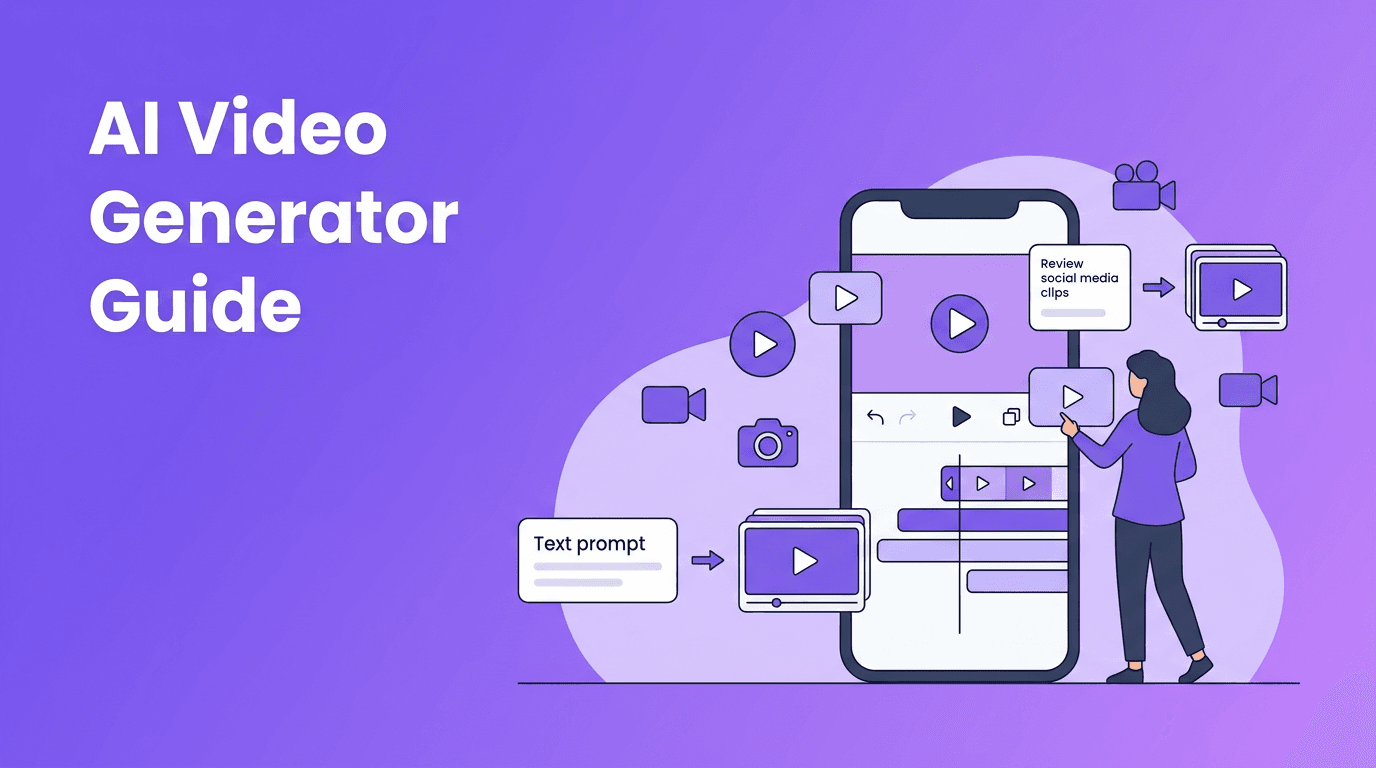
Text to video AI is changing how beginners and creators turn ideas into moving visuals. Instead of filming every scene yourself, you can describe a concept in words and let AI generate short video clips, motion, camera movement, and style from your prompt.
What text to video AI actually does
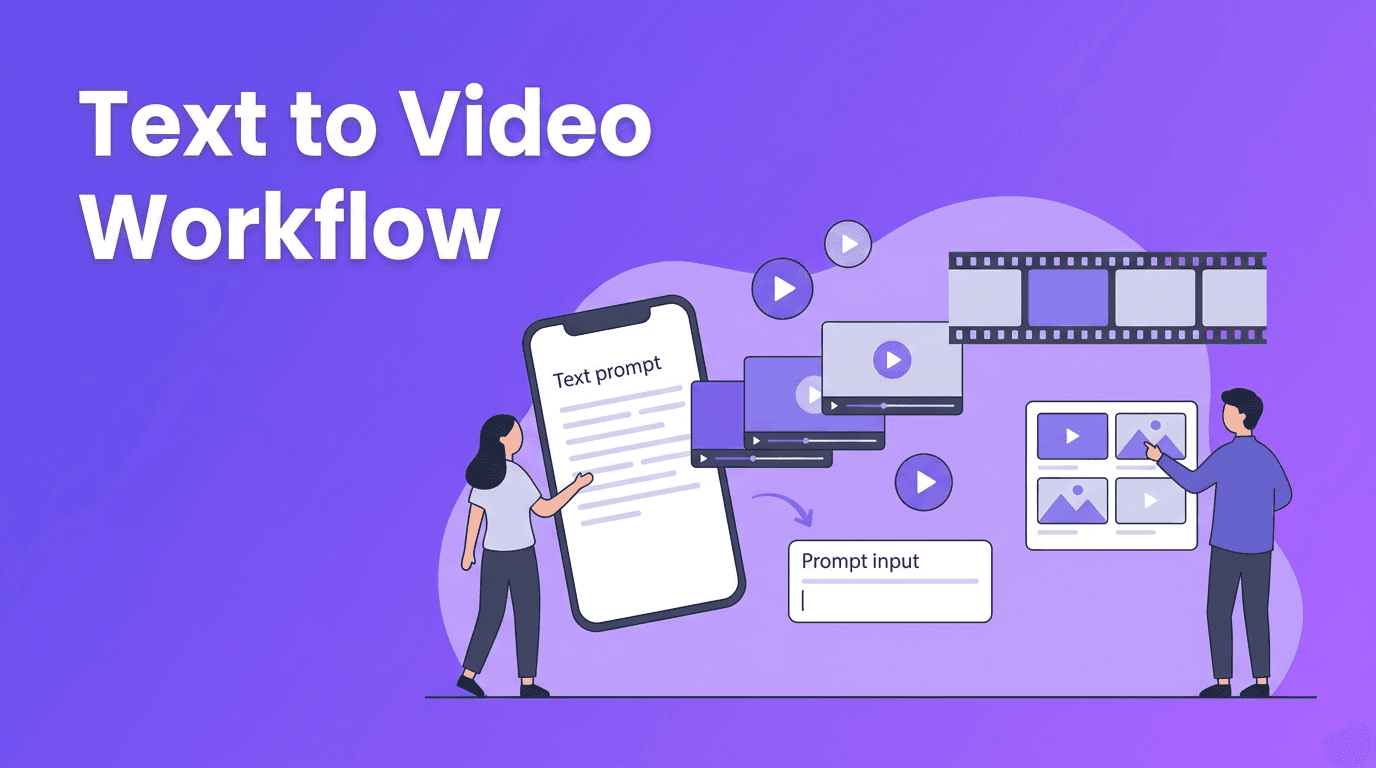
At a basic level, text to video AI converts written language into visual sequences. The model reads your prompt, identifies subjects, actions, settings, lighting, and style cues, then predicts a series of frames that match that description. Some tools also add camera motion, transitions, and cinematic pacing automatically.
- You type a prompt such as 'a golden retriever running through a snowy park at sunrise, cinematic wide shot'
- The model interprets the subject, environment, motion, and visual style
- It generates a sequence of frames that stay as consistent as possible over time
- The result is a short video clip you can refine with new prompts or variations
Why creators use AI to convert text to video
For many creators, the biggest advantage is speed. If you need concept videos, social posts, ad mockups, product teasers, or storyboards, AI can help you convert text to video without a full shoot. It lowers the barrier for beginners while giving experienced creators a faster ideation workflow.
"The quality of an AI video often starts with the quality of the prompt. Clear direction creates clearer motion."
The science behind text to video models
Most modern systems learn from huge datasets of videos, images, and text descriptions. During training, the model builds statistical relationships between words and visual patterns. That is why prompts like 'close-up, slow motion, city street, or watercolor style' can strongly influence the result.
Diffusion models vs transformer-based models
A common way to explain ai text to video generator systems is to compare two major approaches. Diffusion models usually start from visual noise and gradually denoise it into frames that match your prompt. Transformer-based models focus on learning patterns and sequences, which can help with longer-range consistency, timing, and structure.
- Diffusion models are often strong at detail, texture, and stylized visuals
- Transformer-based models can be strong at sequence prediction and maintaining logic across frames
- Some systems combine both approaches for better quality and motion consistency
- Different models interpret the same prompt differently, so testing variations matters
Why the same prompt can look different across tools
Every model has its own training data, architecture, safety rules, and motion handling. One text to video app may produce dramatic camera movement, while another may favor cleaner subject consistency. That is why creators should think in terms of prompt testing, not one perfect universal prompt.
How to create video from text with better prompts
If you want to know how to create video from text, start by writing prompts that describe five things clearly: subject, action, setting, camera, and style. Short prompts can work, but vague prompts often lead to generic output.
A simple prompt formula
- Subject: who or what is in the scene
- Action: what is happening
- Setting: where it happens
- Camera: wide shot, close-up, tracking shot, drone shot
- Style: cinematic, realistic, anime, product ad, documentary
Example strong prompt: 'A young chef plating pasta in a modern restaurant kitchen, steam rising, close-up shot, soft natural light, cinematic realism'.
Good prompts vs bad prompts
- Bad: 'make a cool food video'
- Better: 'Close-up of a chef slicing fresh basil over pasta, warm restaurant lighting, shallow depth of field, slow camera push-in, realistic food commercial style'
- Bad: 'car driving'
- Better: 'A red sports car driving along a coastal highway at sunset, low-angle tracking shot, reflections on the bodywork, cinematic ad style'
A strong ai video from text prompt gives the model enough structure to make better decisions. The goal is not more words, but more useful words.
Prompt details that improve results
- Use specific actions like 'walking', 'turning', 'pouring', or 'looking at camera'
- Add camera language such as 'wide shot', 'overhead shot', or 'slow zoom'
- Include lighting terms like 'golden hour', 'studio lighting', or 'neon night scene'
- Choose a visual style such as 'cinematic', '3D animation', 'anime', or 'photorealistic'
- Mention the mood if relevant, like 'calm', 'playful', or 'dramatic'
Practical settings: aspect ratio, length, and quality
Good prompts matter, but settings matter too. Many beginners get weak results because the format does not match the goal.
- Use 9:16 for TikTok, Reels, and Shorts
- Use 16:9 for YouTube and presentations
- Use 1:1 for square social posts
- Start with short clips when testing prompts, then expand
- If available, increase quality settings after the concept looks right
- Generate multiple versions instead of expecting one perfect result first
If you are looking for text to video free options, test short generations first to save credits or time. Once you find the right prompt structure, upscale quality or create longer scenes.
Try a simpler text to video workflow
*Movi AI* makes it easier to turn prompts, images, and ideas into ready-to-share videos with beginner-friendly tools on iOS and Android.
Download Movi AIReal-world uses for text to video AI
An ai text to video generator is useful far beyond experimentation. It can speed up content production for solo creators, marketers, and small teams.
- Create product teasers before a full video shoot
- Turn blog ideas into short social clips
- Build visual storyboards for ads or explainers
- Prototype scenes for pitches and presentations
- Make background visuals for music, podcasts, or voiceovers
- Test multiple creative directions quickly
Where Movi AI fits in
*Movi AI* is a user-friendly text to video app designed for people who want faster creation without a steep learning curve. You can generate videos from text prompts, images, existing videos, or speech, making it practical for both quick experiments and repeatable content workflows.
A smart beginner workflow to follow
- Start with one clear idea and write a focused prompt
- Choose the correct aspect ratio for your platform
- Generate a short test clip
- Refine the prompt by improving subject, motion, or camera details
- Compare outputs across styles or settings
- Use the best clip as a base for your final video
The easiest way to improve at text to video creation is to treat it like iteration, not magic. Small prompt changes often lead to major quality improvements.
Frequently Asked Questions
How does text to video AI work?+
Text to video AI reads a written prompt, maps it to visual concepts, and generates a sequence of frames that match the described scene, motion, and style.
What is the best prompt for an AI text to video generator?+
The best prompts clearly describe the subject, action, setting, camera angle, and style. Specific prompts usually perform better than vague ones.
Can I convert text to video for free?+
Some platforms offer free trials or limited generations. Short test clips are the best way to explore text to video free options before upgrading.
What aspect ratio should I use for text to video content?+
Use 9:16 for vertical social videos, 16:9 for YouTube or widescreen content, and 1:1 for square posts. Match the ratio to the platform first.
Which app is good for creating AI video from text prompts?+
Movi AI is a beginner-friendly option for creating AI videos from text prompts, images, videos, and speech on mobile devices.
Create stunning AI videos in seconds!
Turn your ideas into professional videos with the #1 AI video maker.
Download Movi AI