AI Video Maker Guide: 7 Smart Ways to Create Better Videos Faster
Discover how an AI video maker works, which tools stand out, and how to create polished videos faster with practical tips for creators, marketers, and small businesses.
By Movi AI Team
Movi AI Editorial Team
An AI video maker helps you turn prompts, images, voice, and existing clips into finished videos faster than traditional editing. If you want to understand how AI video generation works, compare the best AI video generator options, and learn practical ways to improve quality, this guide breaks it down clearly for creators, marketers, and small businesses.
1. What an AI Video Maker Actually Does
At a basic level, an AI video maker uses machine learning models to generate, transform, or edit video content from inputs like text, photos, audio, and footage. Instead of building every scene manually on a timeline, you describe the result you want, choose a style, and let the system produce motion, transitions, camera movement, and visual details for you.
- Text-to-video turns written prompts into short scenes or full visual sequences.
- Image-to-video animates still photos, graphics, or product images into moving content.
- Video-to-video restyles or transforms existing footage into a new visual look.
- Speech-to-video pairs voice input or narration with generated visuals and timing.
Why people use AI video tools
The biggest advantage is speed. A traditional workflow often requires scripting, shooting, editing, motion design, and export revisions. An AI video generator can reduce much of that effort, especially for social posts, ad concepts, explainers, product clips, and rapid content testing.
2. How AI Video Generation Works
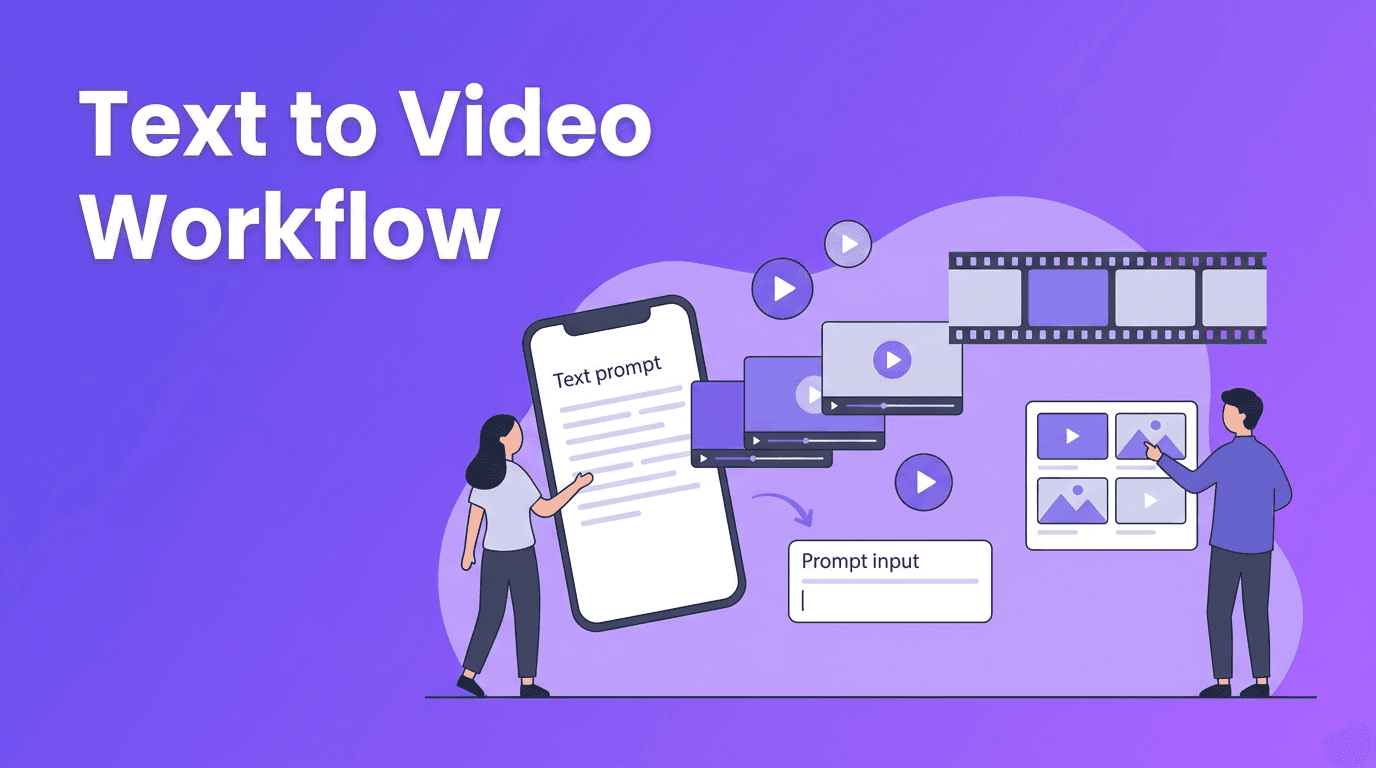
Most AI systems follow a simple pattern: input, generation, refinement, and export. You provide a prompt or asset, the model predicts frames and motion, then you refine results by adjusting prompts, aspect ratio, pacing, and style. This is why how to make AI videos well often depends more on direction and iteration than on editing skill alone.
- Start with a clear goal, such as a promo, tutorial, ad, or social clip.
- Write a specific prompt with subject, setting, action, mood, and camera direction.
- Upload a reference image or video if you want stronger visual control.
- Generate a first draft, then improve weak sections with prompt edits.
- Export in the right format for TikTok, Reels, YouTube Shorts, ads, or website use.
Great AI videos do not come from longer prompts alone. They come from clearer creative direction.
3. Best AI Video Generator Features to Compare
If you are comparing the best AI video generator tools, focus on practical output quality rather than hype. Not every platform is equally good at motion consistency, realism, speed, or ease of use.
- Video quality - Look for stable motion, clean subject details, and fewer visual artifacts.
- Rendering speed - Fast generation matters when you need to test multiple concepts quickly.
- Input options - The best tools support text, images, voice, and existing video.
- Editing control - Check whether you can revise clips without starting over each time.
- Mobile workflow - An AI video generator app is ideal for creators and marketers who work on the go.
- Export flexibility - Make sure the tool supports common aspect ratios and platform-ready formats.
Where Movi AI fits in
*Movi AI* is a strong option for users who want an accessible AI video creator on iOS and Android. It supports text-to-video, image-to-video, video-to-video, and speech-to-video, making it useful for fast content production without a steep learning curve.
Try Movi AI for faster video creation
Create videos from prompts, images, voice, or existing clips with a simple mobile workflow built for creators and marketers.
Download Movi AI4. AI Video Maker vs Traditional Video Editing
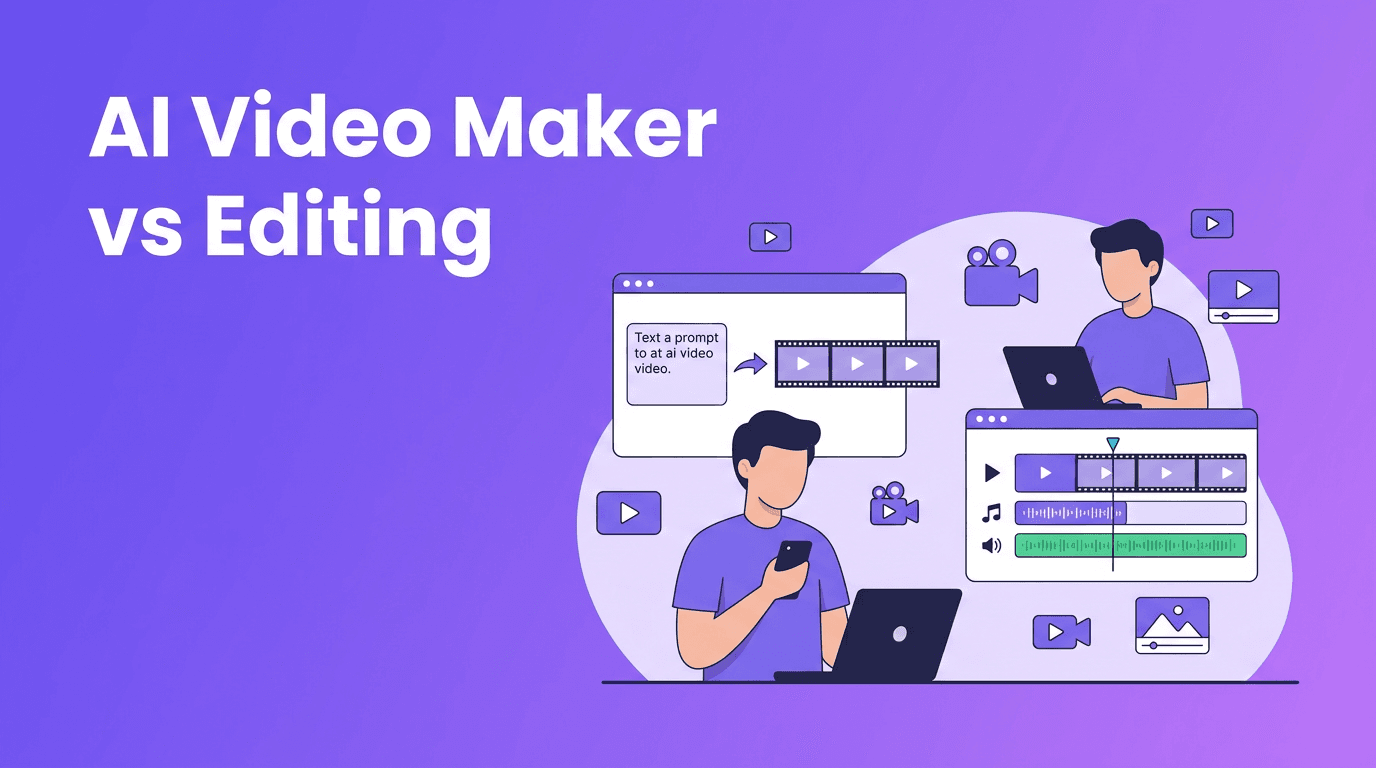
The right choice depends on your goal. An AI video maker is excellent for speed, ideation, and repeatable short-form content. Traditional editing remains stronger when you need frame-level precision, complex storytelling, live footage control, or brand-perfect post-production.
- Choose AI video generation when you need concept videos, ads, social clips, product promos, or fast creative testing.
- Choose traditional editing for documentaries, interviews, cinematic productions, or highly detailed commercial edits.
- Use both together for the best workflow - generate scenes with AI, then polish them in an editor if needed.
A practical comparison
For a small business owner, a free AI video generator or mobile AI app can dramatically lower production time and cost. For a production team, AI often works best as a pre-visualization and asset creation layer before final editing.
5. 6 Tips to Make Professional AI Videos
- Be specific with prompts - Include subject, action, setting, lighting, camera angle, and intended platform.
- Use short scenes - Generate smaller clips, then combine the best ones into a stronger final video.
- Match the format to the channel - Vertical for Shorts and Reels, horizontal for YouTube and websites.
- Guide the brand look - Mention colors, tone, audience, and style references in your prompt.
- Add voice or captions - Even strong visuals perform better with clear messaging and accessibility.
- Test multiple versions - The fastest way to improve results is to compare 3 to 5 prompt variations.
These habits matter whether you use a desktop platform or an AI video generator app. The tool helps with speed, but the final quality still depends on your creative brief.
6. Practical Use Cases for Creators, Marketers, and Small Businesses
- Content creators can turn ideas into Shorts, Reels, teaser clips, and channel intros.
- Social media managers can produce variations for campaigns, seasonal promotions, and A/B tests.
- Marketers can build ad concepts, product explainers, and landing page videos faster.
- Small businesses can create promo videos, service showcases, before-and-after visuals, and local ads without a full production team.
If your goal is speed and consistency, an AI video generator can help you publish more often while keeping production manageable.
7. Final Thoughts on Choosing an AI Video Maker
An AI video maker is not just a shortcut. It is a new production workflow that helps you move from idea to publishable video much faster. For creators and businesses that need frequent content, tools like *Movi AI* make it easier to experiment with text to video AI, image animation, and fast mobile production without getting stuck in complex editing software.
Frequently Asked Questions
What is the best AI video generator for beginners?+
The best option for beginners is usually one with simple prompts, multiple input types, and fast exports. Movi AI is a practical choice because it supports text, image, video, and speech-based workflows in a mobile-friendly app.
Can I use a free AI video generator for business content?+
Yes, but free tools may have limits on quality, export length, watermarks, or speed. For business use, check licensing, branding options, and output quality before publishing.
How do I make AI videos look professional?+
Use clear prompts, generate short scenes, keep branding consistent, and add captions or voiceover. Reviewing multiple versions and choosing the strongest clips also improves results.
Is an AI video maker better than traditional editing?+
It is better for speed, idea testing, and quick content production. Traditional editing is still better for precise control, detailed storytelling, and complex post-production.
Create stunning AI videos in seconds!
Turn your ideas into professional videos with the #1 AI video maker.
Download Movi AI