Image to Video AI: How to Turn One Photo Into Cinematic Motion
Discover how image to video AI helps you animate still photos, create cinematic movement, and turn a single image into engaging content for products, real estate, memories, and social media.
By Movi AI Team
Movi AI Editorial Team
Image to video AI is changing how creators use still photos. Instead of letting a great image sit flat on a screen, you can now add motion, depth, and storytelling in minutes. Whether you want to turn photo into video content for a product page, a property listing, a family memory, or a social post, AI makes the process faster and far more accessible.
Why image to video AI matters now
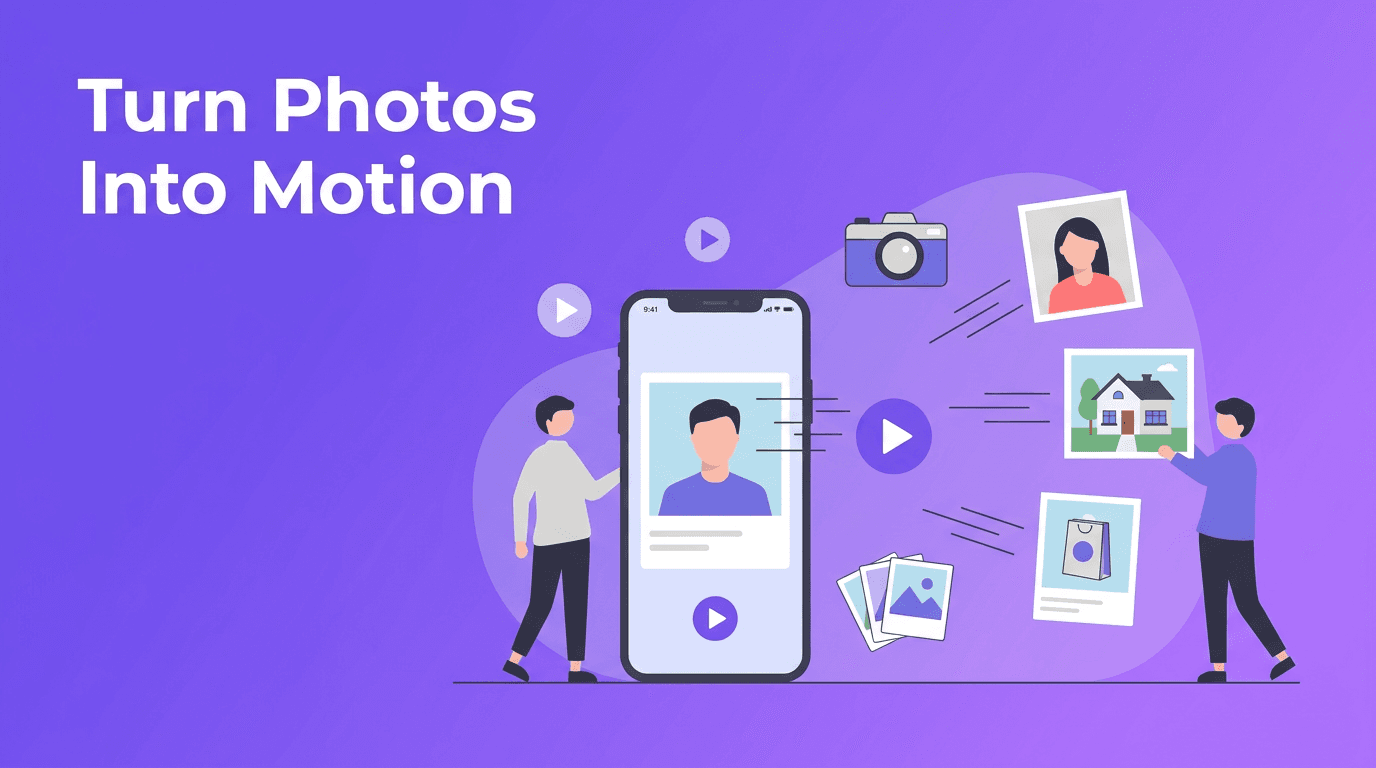
A single strong photo can already grab attention, but motion often holds it longer. With ai photo animation, software analyzes the image and generates realistic movement such as camera pans, zooms, parallax depth, or subtle facial and environmental motion. This helps you convert image to video without needing traditional editing skills or complex timelines.
- Photographers can add cinematic movement to portfolio shots.
- E-commerce sellers can make product images feel more dynamic and premium.
- Real estate agents can build simple listing videos from room photos.
- Families and creators can revive personal memories and old portraits.
- Social media marketers can turn static posts into scroll-stopping clips.
How AI turns a still image into motion
In simple terms, image to video AI looks at the contents of your photo, identifies subjects, background layers, edges, and likely depth, then predicts how movement should look from frame to frame. This can produce effects like a slow cinematic push-in, a side-to-side pan, layered parallax, or animated elements such as hair, clouds, water, or light. Some tools also support prompts, so you can describe the style of movement you want.
Common animation styles to try
- Cinematic pan - Great for landscapes, interiors, and wide product shots.
- Zoom in or zoom out - Ideal for portraits, hero products, and emotional moments.
- Parallax motion - Adds depth by moving foreground and background at different speeds.
- Character animation - Useful for portraits where faces, eyes, or expressions gain subtle life.
- Ambient motion - Small effects like drifting fog, moving curtains, or flickering light for realism.
"A still image captures a moment. Motion helps people feel it."
Best use cases for photo-based video creation
1. Product photography animation
If you sell online, static product photos often need extra help to stand out. A photo to video app can turn a hero image into a short product teaser with zoom, rotation feel, light movement, or background motion. For example, a skincare brand can animate a serum bottle with a slow push-in and floating sparkles, while a fashion seller can add subtle fabric movement to a still apparel shot.
2. Real estate virtual tours from photos
Agents can use bring photos to life AI workflows to make listing content feel more immersive. Instead of uploading a simple slideshow, you can animate kitchen, bedroom, and exterior shots with smooth pans and parallax depth. This creates the feeling of a walkthrough even when you only have still photos. It is a practical option for faster listings, social ads, and email campaigns.
3. Personal memories and old photo restoration
One of the most emotional uses of animate photo AI is reviving family pictures. You can take an old portrait, a wedding photo, or a childhood snapshot and add subtle motion that makes the memory feel present again. Gentle camera moves work especially well here. The goal is not to overdo the effect, but to preserve the feeling of the original moment while making it more alive.
4. Social media content from a single image
Creators often need more output from fewer assets. With image to video AI, one good image can become a Reel, Story, TikTok, ad creative, or teaser post. A food creator can animate a plated dish with steam and a slow zoom. A travel creator can add motion to a scenic shot. A coach can turn a branded quote card into a more engaging video post.
How to get better results from source photos
The quality of your output depends heavily on the quality of the original image. Clean, sharp, well-lit photos usually generate more believable motion. Clear subject separation also helps AI understand what should move in the foreground versus the background.
- Use high-resolution photos whenever possible.
- Choose images with a clear subject and uncluttered composition.
- Avoid heavy blur, compression, or extreme noise.
- For portraits, use photos with visible facial detail.
- For interiors and products, start with good lighting and strong framing.
- Match the motion style to the image. A subtle zoom often works better than dramatic movement.
When cinematic motion works best
The most convincing animations usually start with photos that already suggest depth or storytelling. A hallway, living room, mountain road, close-up portrait, or product on a styled surface gives AI more visual cues. If you want to turn photo into video content that feels polished, think like a director and choose images with a strong focal point and natural layers.
Try Movi AI for photo animation
Use *Movi AI* to transform images into eye-catching videos with smart motion, cinematic effects, and easy creation tools on mobile.
Download Movi AIA simple workflow to convert image to video
- Start with your best image and decide the goal, sales, storytelling, or engagement.
- Upload the photo into *Movi AI* and choose an image-to-video workflow.
- Select a motion style such as pan, zoom, parallax, or animated scene movement.
- If available, add a prompt describing the mood or action you want.
- Preview the result and adjust intensity to keep motion natural.
- Export in the format that fits your platform, such as vertical for Reels or horizontal for listings.
This workflow is especially useful for busy creators who want fast results without learning advanced editing software. A good photo to video app reduces production time while still giving you room to experiment.
Why Movi AI is a smart choice
*Movi AI* makes it easy to create videos from images, prompts, and existing clips in one place. If you want to convert image to video for marketing, content creation, or personal storytelling, it gives you a practical mobile workflow with modern AI generation tools. That means fewer editing bottlenecks and more content from the visuals you already have.
Final thoughts
AI-powered photo animation is no longer a novelty. It is a useful content tool for brands, agents, photographers, and everyday creators who want more impact from existing images. From product showcases to memory videos, image to video AI helps you create movement, emotion, and attention from a single frame. If you have strong photos already, you are much closer to compelling video than you might think.
Frequently Asked Questions
How do I turn a photo into a video with AI?+
Upload your image to an AI tool, choose a motion style such as zoom or parallax, generate the clip, and export it for your platform.
What is the best image to video AI for beginners?+
A beginner-friendly option is one that offers simple upload, preset motion styles, and quick export. Movi AI is designed to make that process easy on mobile.
Can AI animate old family photos?+
Yes. AI can add subtle movement to portraits and scanned photos, helping old memories feel more vivid while keeping the original image recognizable.
What photos work best for AI photo animation?+
Sharp, well-lit images with clear subjects and visible depth usually produce the best results. Clean composition also helps the AI create more natural motion.
Create stunning AI videos in seconds!
Turn your ideas into professional videos with the #1 AI video maker.
Download Movi AI