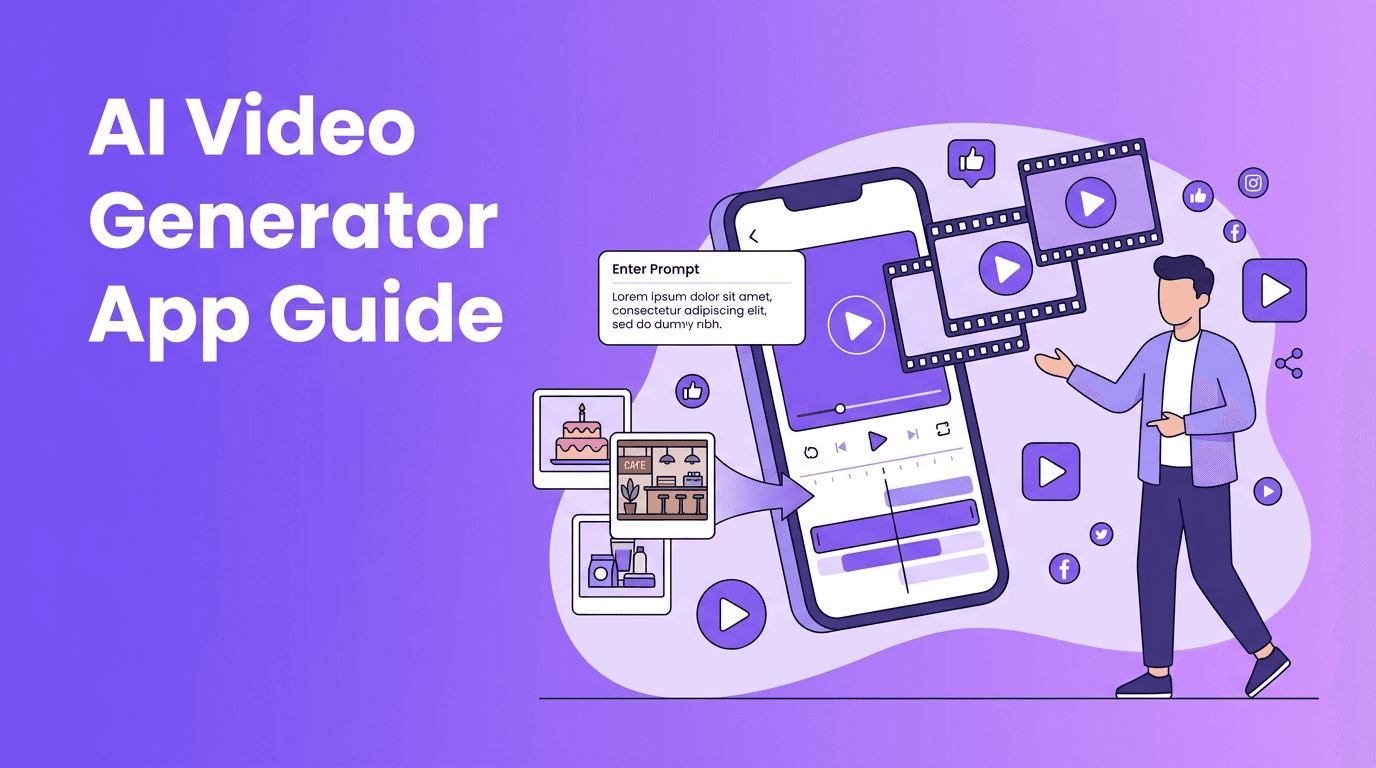
AI Video Maker vs Traditional Editing: 7 Smart Differences That Matter
An AI video maker can speed up production, simplify text-to-video workflows, and help creators publish faster. Learn how it compares with traditional editing and when to use each approach.
By Movi AI Team
Movi AI Editorial Team
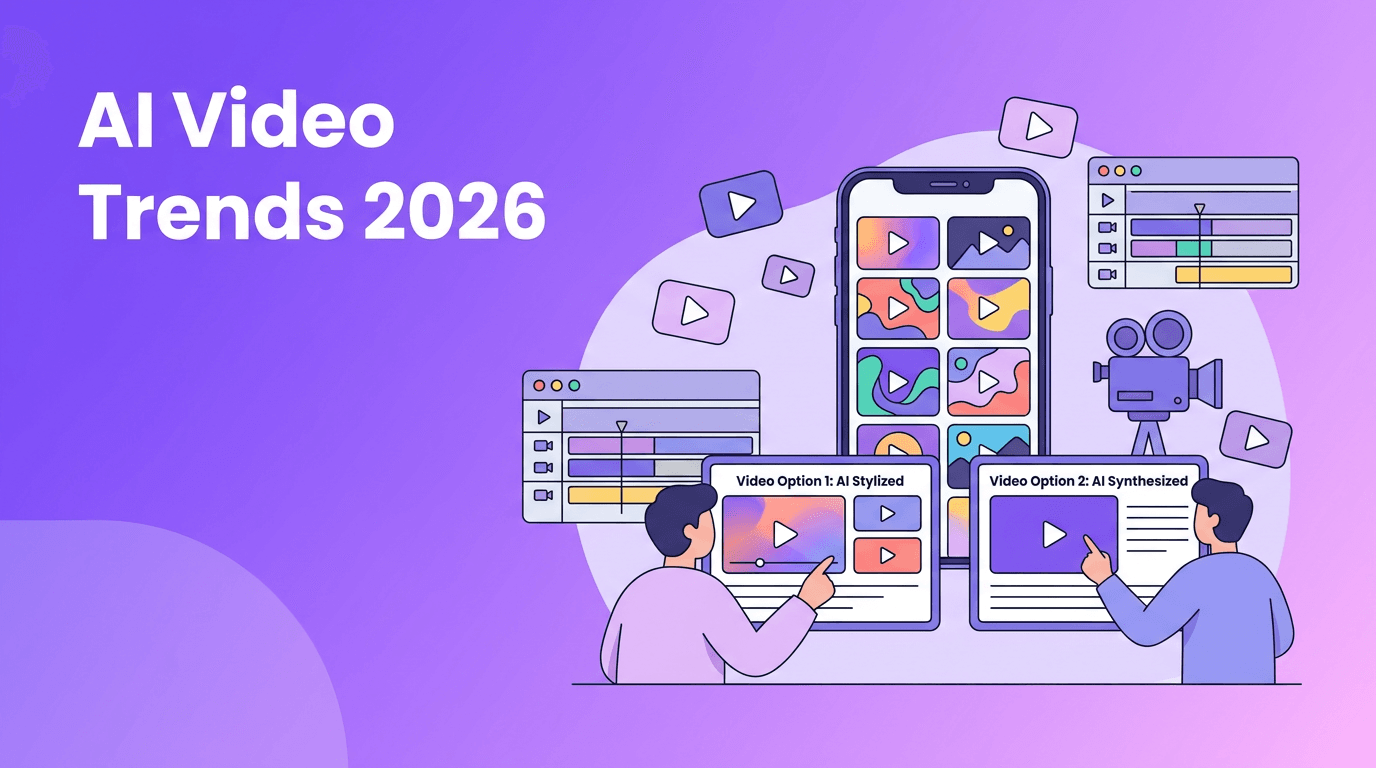
An AI video maker helps you create videos from prompts, images, audio, or existing clips, often much faster than traditional editing software. If you want the short answer, an AI video maker is best for speed, rapid ideation, and scalable content, while traditional editing is still stronger for frame-level control and complex post-production.
Why creators compare AI video maker tools with editors
Search interest in AI video generator and AI video maker tools keeps growing because creators need more content in less time. Social media managers, marketers, and small businesses often do not need a full post-production pipeline for every video. They need quick outputs, multiple versions, and a simple way to turn ideas into watchable clips.
- Use an AI video creator when you need speed, variations, and simple production.
- Use traditional editing when you need precise cuts, layered sound design, and manual visual control.
- Combine both when you want the fastest workflow with better final polish.
1. How AI video generation works
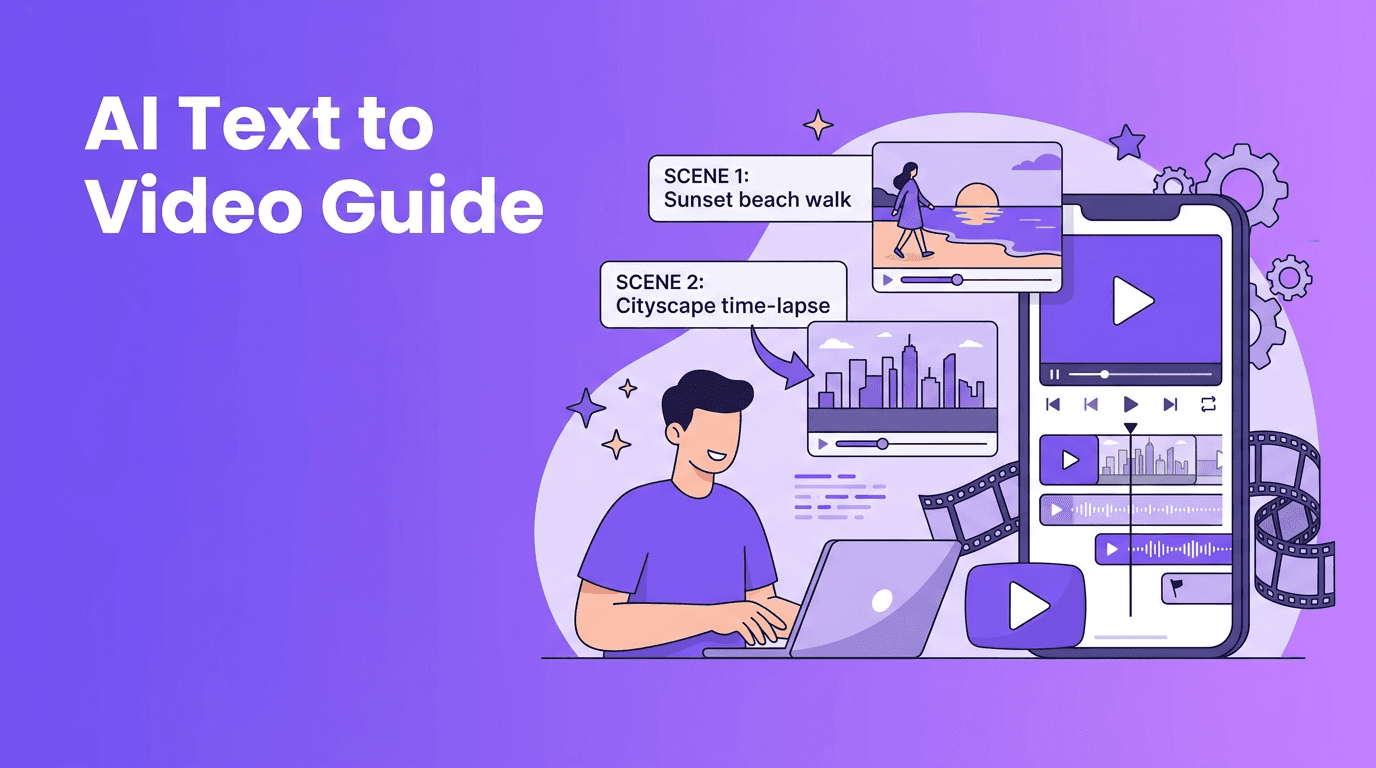
Most modern tools use trained AI models to turn inputs into motion content. These inputs can be text to video AI prompts, still images, spoken audio, or source footage for style transformation. The model predicts visual frames, motion, transitions, and sometimes sound or lip sync based on the prompt and the selected generation settings.
Common input types
- Text-to-video: Write a prompt describing the scene, action, mood, and camera movement.
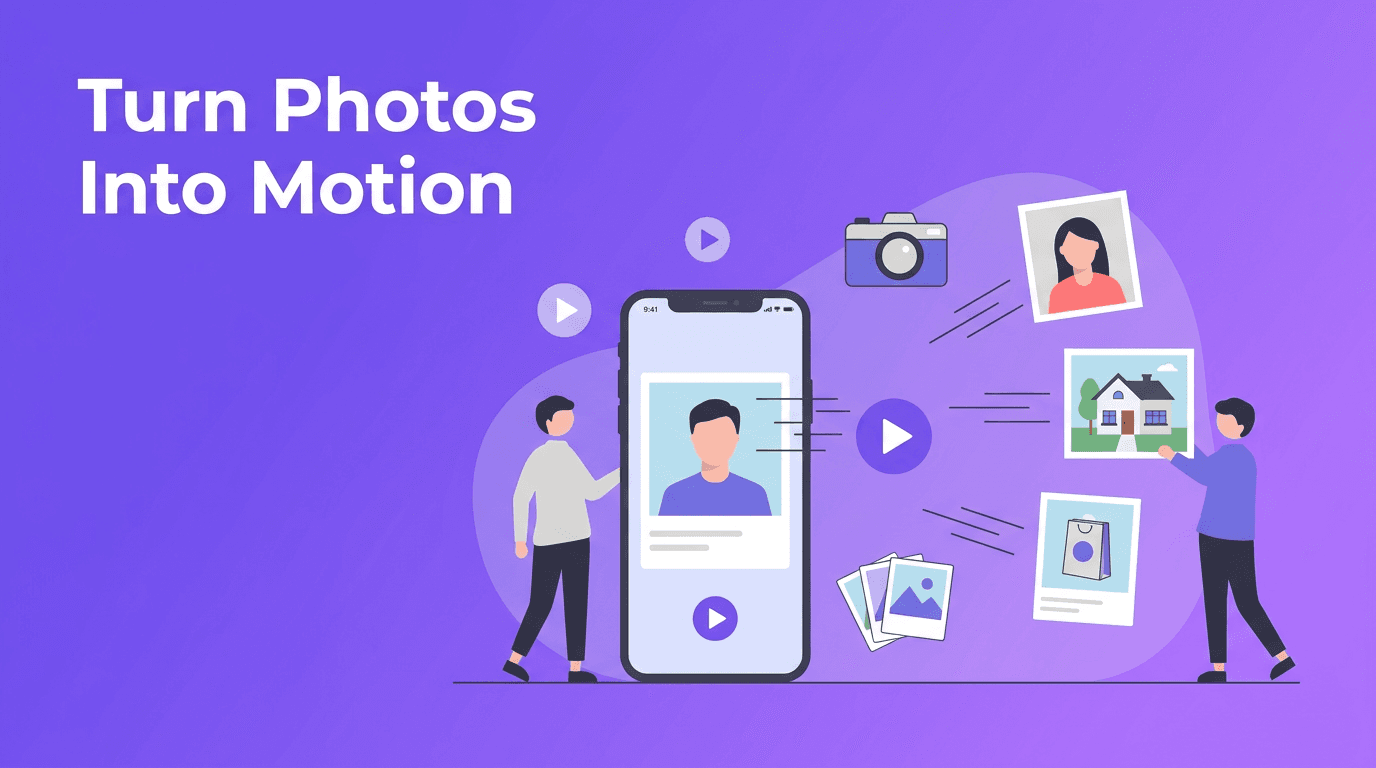
- Image-to-video: Start with a product photo, portrait, or design and animate it into motion.
- Video-to-video: Transform an existing clip into a new look or style.
- Speech-to-video: Use a voice track or narration to guide visuals and pacing.
"The best video workflow is not the one with the most controls. It is the one that helps you publish your best idea on time."
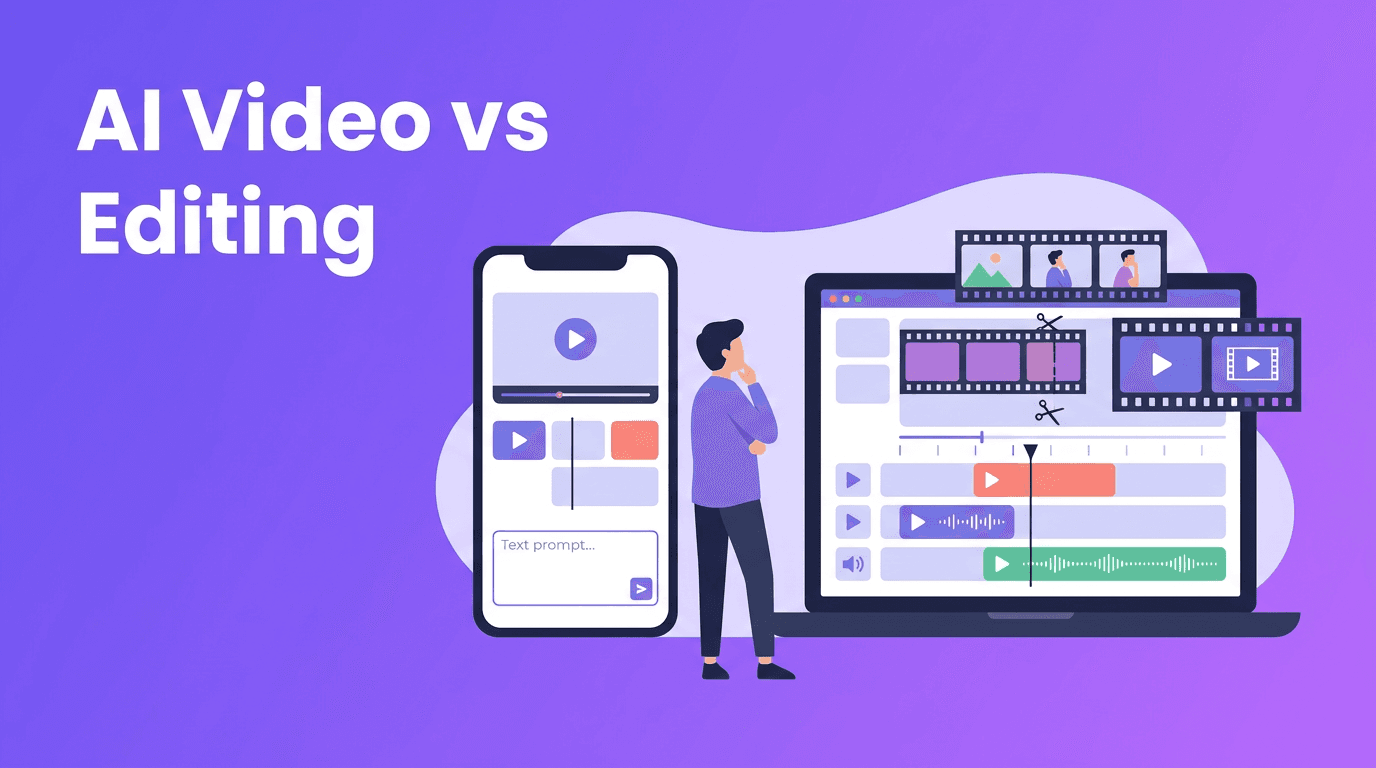
2. AI video maker vs traditional editing
Speed and rendering
A strong AI video maker can shorten ideation and production dramatically. Instead of building every scene manually, you describe the result and generate drafts in minutes. Traditional editing can be faster for simple trimming, but slower for concept-heavy videos that require custom motion, stock searching, and repeated revisions.
Control and precision
Traditional editors still win when you need exact timing, detailed masking, advanced motion graphics, or frame-by-frame changes. AI tools are improving fast, but generated results can vary, which means you may need multiple attempts to get the perfect scene.
Cost and accessibility
For solo creators and small teams, an AI video generator app can lower the barrier to entry. You do not always need deep editing skills, expensive software, or hours of manual work. That makes AI especially useful for testing ads, social clips, explainers, and product promos.
3. Best use cases for an AI video generator
- Content creators: Turn ideas into short-form videos for TikTok, Reels, and Shorts.
- Marketers: Produce ad concepts, product teasers, and campaign variations faster.
- Small businesses: Create promos, menu highlights, service explainers, and local offers.
- Agencies: Generate concept boards and draft videos before full production.
- Educators and coaches: Turn lessons, scripts, or voice notes into visual content.
4. How to make AI videos look professional
Use tighter prompts
If you are learning how to make AI videos, start by being specific. Include the subject, action, scene, camera angle, lighting, motion, and output goal. For example, instead of writing 'make a coffee ad,' write 'close-up of a barista pouring latte art in a cafe, slow camera push-in, warm morning atmosphere, optimized for a 15-second product promo.'
Generate short scenes first
Professional-looking AI videos often come from assembling short, focused shots instead of asking for one long perfect clip. Generate 3 to 5 scenes, choose the strongest outputs, then combine them into a clean narrative.
Match format to platform
- Use vertical video for TikTok, Reels, and Shorts.
- Use square or vertical for mobile-first ads.
- Use horizontal for YouTube, websites, and presentations.
- Keep hooks in the first 2 seconds for social content.
Polish with editing
The smartest workflow is often hybrid. Use an AI video maker to generate scenes quickly, then refine the final result with captions, branding, music, and tighter cuts. This gives you both speed and a professional finish.
5. What to look for in the best AI video generator
- Text-to-video support for fast idea generation.
- Image-to-video tools for product photos and visual storytelling.
- Video-to-video options for restyling existing footage.
- Fast rendering speed so you can test multiple versions quickly.
- High output quality with consistent motion and fewer visual artifacts.
- Mobile workflow if you want an AI video generator app for on-the-go creation.
- Easy export options for social platforms and ad formats.
If you want a practical option, *Movi AI* is a useful choice for creators who want to generate videos from text, images, or existing clips directly on mobile. It supports flexible workflows for social content, marketing videos, and creative experiments without requiring a complex editing setup.
Try a faster AI video workflow
Use *Movi AI* to create videos from prompts, images, or footage and turn ideas into publishable content faster.
Download Movi AI6. Can a free AI video generator replace editing software?
A free AI video generator can be excellent for testing concepts, learning prompt writing, and creating simple social videos. But for advanced brand work, complex storytelling, or polished commercial output, you may still want editing software for final assembly and quality control.
- Choose AI-first tools for speed and content volume.
- Choose editors for precision and finishing.
- Choose both for the most efficient professional workflow.
7. A simple workflow for creators and marketers
- 1. Define the goal - ad, explainer, product demo, or social post.
- 2. Write a clear prompt with subject, action, framing, and platform format.
- 3. Generate 2 to 4 variations in your chosen AI video generator.
- 4. Select the best clips based on clarity, motion, and brand fit.
- 5. Add captions, logo, music, and CTA.
- 6. Export platform-specific versions and test performance.
Frequently Asked Questions
What is an AI video maker?+
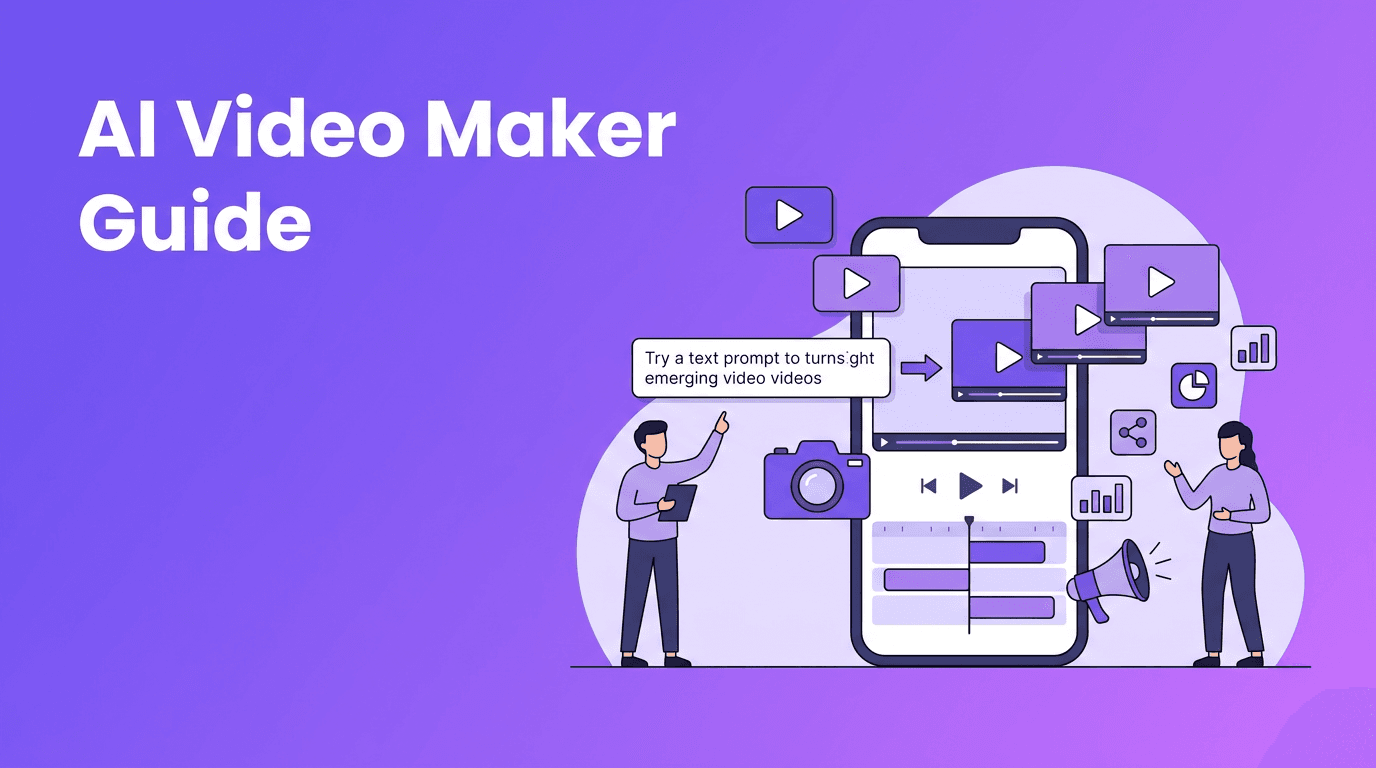
An AI video maker is a tool that creates videos from prompts, images, audio, or source footage using AI models. It helps speed up production and reduce manual editing.
Is an AI video generator better than traditional editing?+
It depends on the goal. AI is better for speed and rapid content creation, while traditional editing is better for precise control and advanced finishing.
How do I make AI videos look more professional?+
Use specific prompts, generate shorter scenes, match the aspect ratio to the platform, and polish the final output with captions, branding, and music.
What is the best AI video generator for beginners?+
Beginners should look for a tool with text-to-video, image-to-video, fast rendering, and a simple interface. Movi AI is a practical option for mobile-first creation.
Can I use a free AI video generator for business content?+
Yes, for drafts, social posts, and concept testing. For important campaigns, review output carefully and consider adding final edits for stronger brand consistency.
Create stunning AI videos in seconds!
Turn your ideas into professional videos with the #1 AI video maker.
Download Movi AI