AI Video Generator for Beginners: How It Works, What to Use, and When It Beats Editing
An AI video generator can turn prompts, images, and clips into polished content fast. Learn how it works, which tools to try, and how Movi AI helps you create better videos.
By Movi AI Team
Movi AI Editorial Team
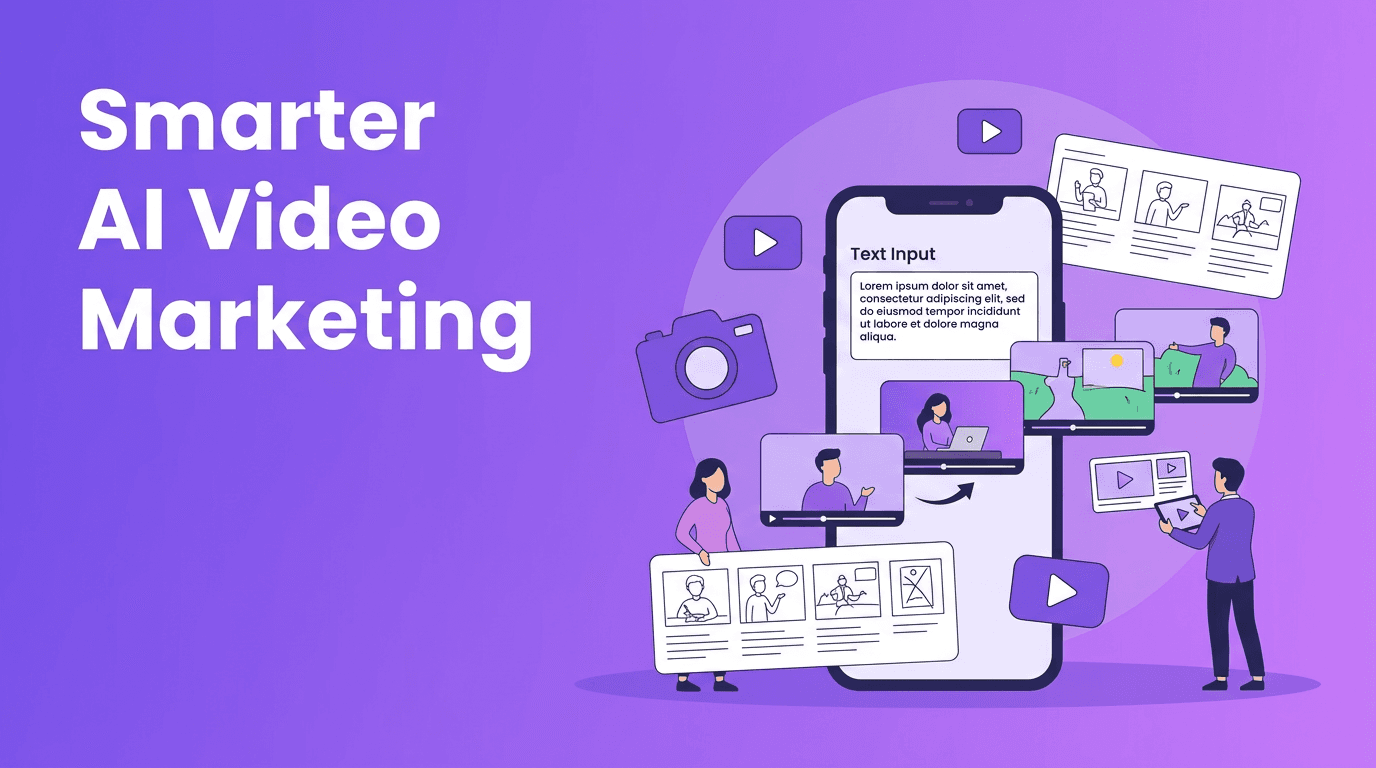
An AI video generator creates videos from text prompts, images, voice, or existing footage using machine learning models. If you want to understand how these tools work, which options are worth trying, and when they can outperform manual editing, this guide breaks it down in practical terms for creators, marketers, and small businesses.
1. What an AI video generator actually does
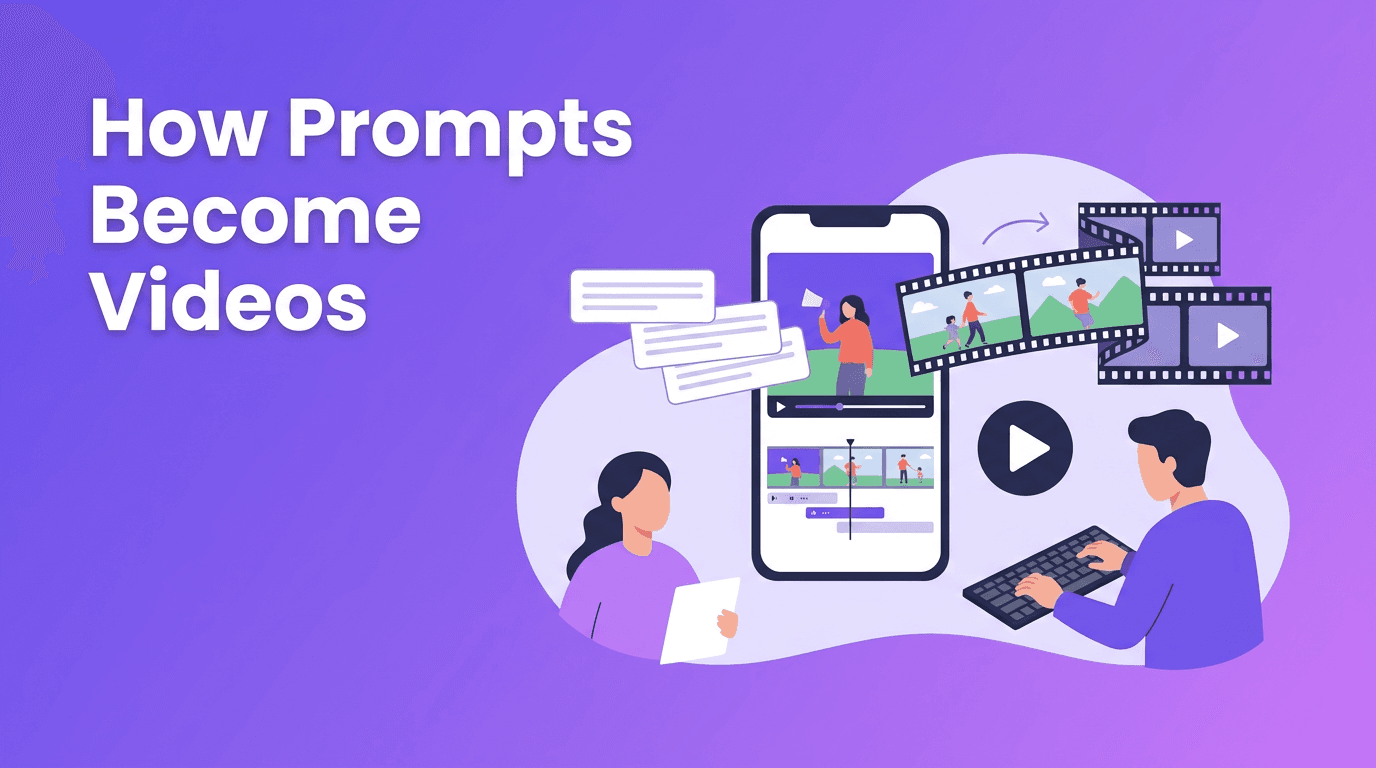
At a basic level, an AI video generator predicts what a sequence of video frames should look like based on your input. That input might be a written prompt, a still image, a reference video, or a voice track. Instead of building every scene by hand on a timeline, you describe the result you want and the system generates motion, transitions, camera feel, and visual details for you.
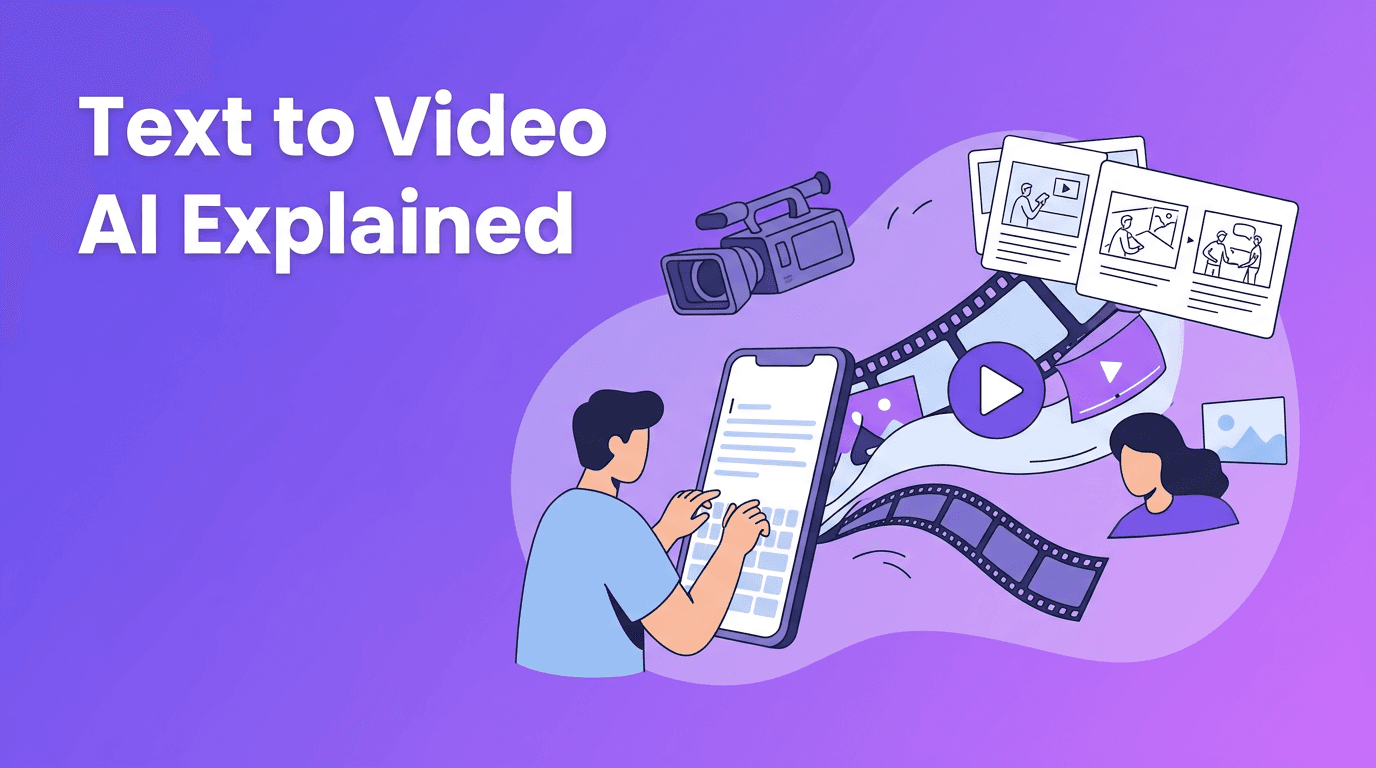
- Text-to-video turns written prompts into original clips or scenes.
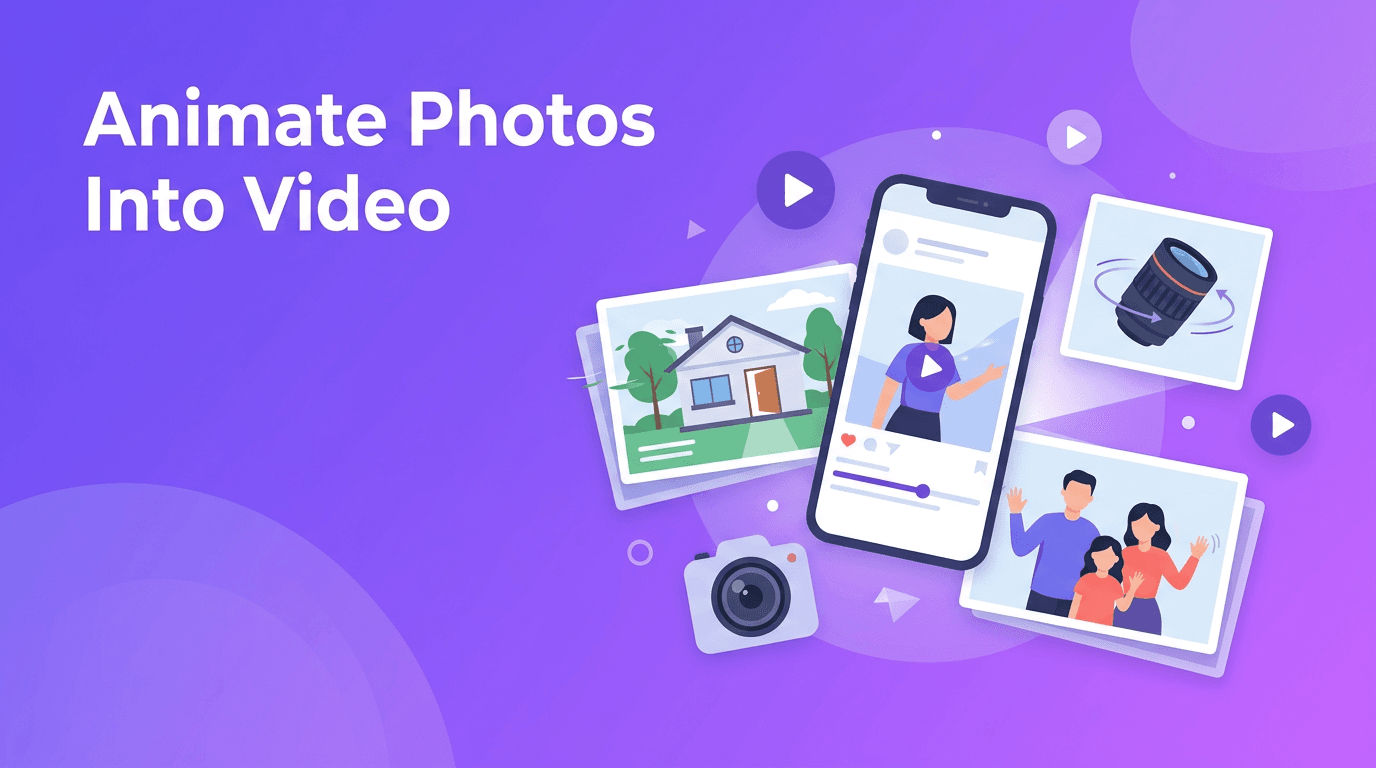
- Image-to-video animates still photos, product shots, or illustrations.
- Video-to-video restyles or transforms existing footage into a new look.
- Speech-to-video can build visuals around narration or spoken input.
2. How AI video generation works behind the scenes
Most modern systems combine large language understanding with visual generation models. First, the tool interprets your prompt and identifies subjects, actions, mood, camera movement, and scene structure. Then it generates a sequence of frames and tries to keep them consistent over time so characters, objects, and backgrounds do not change randomly between moments.
Core steps in the process
- Prompt interpretation: the model reads your request and extracts intent.
- Scene planning: it maps out subjects, environments, and motion.
- Frame generation: it creates visuals frame by frame or in compressed latent space.
- Temporal consistency: it reduces flicker and keeps motion believable.
- Upscaling and rendering: it improves sharpness and exports the final video.
"The best AI video workflows do not replace creativity, they remove the slowest parts between idea and execution."
3. Text-to-video vs image-to-video vs traditional editing
Text to video AI is powerful when you need to move from idea to concept quickly. You can brainstorm ad angles, social clips, or storyboard scenes without filming anything first. Image-to-video is often better when you already have product photos, brand visuals, or campaign assets and want to add motion. Traditional editing still matters when you need exact timing, precise cuts, advanced color work, or frame-perfect brand control.
When each approach makes sense
- Use text-to-video for concept testing, rapid content ideation, and creating visual drafts.
- Use image-to-video for product promos, animated posts, and breathing life into static assets.
- Use traditional editing for polished commercials, long-form storytelling, and highly controlled revisions.
- Use a hybrid workflow when you want AI speed plus manual refinement.
4. Best AI video generator features to look for
If you are comparing the best AI video generator options, do not focus only on flashy demos. The real value comes from control, speed, output quality, and how easily the tool fits your workflow. For many users, a mobile-first AI video generator app is also important because content often gets created and published on the go.
- Multiple input modes such as text, image, video, and voice.
- Fast rendering speed so you can test several ideas in one session.
- Consistent video quality with fewer artifacts, flicker, or warped details.
- Easy prompt controls for style, motion, framing, and pacing.
- Export flexibility for social media formats and marketing channels.
- Simple mobile workflow if you want to create directly from your phone.
Try a simpler AI video workflow
*Movi AI* helps you create videos from text prompts, images, and existing footage on iOS and Android. It is a practical choice for creators and marketers who want speed without a steep learning curve.
Download Movi AI5. How to make AI videos that look professional
If you are searching how to make AI videos that do not look generic, the answer is usually better inputs and better iteration. AI can generate quickly, but the strongest results come from clear direction, strong reference material, and a simple production plan.
7 practical tips for better output
- Start with a specific prompt. Describe subject, action, setting, camera angle, and mood.
- Use reference images when brand consistency or product accuracy matters.
- Keep clips short and focused. It is often easier to stitch great short scenes than fix one weak long scene.
- Ask for simple motion first. Overly complex action can reduce realism.
- Match your aspect ratio to the platform before rendering.
- Generate multiple versions and choose the strongest one instead of over-editing a weak take.
- Polish the result with captions, music, logos, and trimming for a more finished feel.
A good AI video maker should make this process easier, not more technical. That is why tools like *Movi AI* are useful for everyday content production. You can move from idea to draft quickly, test different creative directions, and produce videos without needing a full desktop editing setup.
6. AI video generator vs traditional video editing
The biggest advantage of an AI video generator is speed. You can create concepts, ads, explainers, or social snippets in minutes instead of spending hours filming, sourcing stock, and editing manually. Traditional editing still wins when you need exact storytelling control, detailed audio mixing, advanced compositing, or strict brand review processes.
Quick comparison
- Speed: AI generation is usually faster for first drafts and short-form content.
- Control: traditional editing gives more precise scene-by-scene control.
- Cost: AI can reduce production costs for simple promos and experiments.
- Quality ceiling: traditional workflows still lead for high-end commercial polish.
- Scalability: AI is excellent for producing many content variations quickly.
7. Real use cases for creators, marketers, and small businesses
- Content creators can make teaser clips, visual storytelling posts, and fast trend-based videos.
- Social media managers can turn one campaign idea into multiple short video variations.
- Marketers can test different hooks, offers, and visual styles before scaling spend.
- Small businesses can create product demos, local ads, menu highlights, and seasonal promos without hiring a full production team.
- Agencies and freelancers can speed up concepting and present ideas to clients faster.
This is where a flexible AI video creator becomes valuable. Instead of waiting on a long production cycle, you can build content around promotions, launches, events, or timely trends while the opportunity is still fresh.
8. Is a free AI video generator enough?
A free AI video generator can be useful for learning the basics, testing prompts, or creating rough drafts. But free plans often limit clip length, export quality, rendering speed, or access to the newest models. If video is part of your marketing or publishing workflow, upgrading to a more capable tool usually saves time and improves consistency.
9. Final takeaway
An AI video generator is best seen as a production accelerator. It helps you turn ideas into visual content faster, explore more creative directions, and publish more consistently. For creators and businesses that want a practical mobile workflow, *Movi AI* is a strong option because it supports text-to-video, image-to-video, video-to-video, and speech-to-video in one easy app.
Frequently Asked Questions
What is the best AI video generator for beginners?+
The best option for beginners is usually a tool with simple prompting, fast rendering, and multiple creation modes. Movi AI is a strong choice because it supports text, image, and video inputs in an easy mobile workflow.
How do I make AI videos look more professional?+
Use specific prompts, keep scenes short, match the aspect ratio to your platform, and generate multiple versions. Add captions, music, and light editing to polish the final result.
Can an AI video maker replace traditional video editing?+
Not completely. AI video tools are excellent for speed and concept creation, while traditional editing is still better for precise control, advanced finishing, and complex storytelling.
Are free AI video generator tools worth using?+
Yes, for testing and learning. However, free plans often limit quality, speed, features, or export options, which can be restrictive for regular content production.
Create stunning AI videos in seconds!
Turn your ideas into professional videos with the #1 AI video maker.
Download Movi AI