Text to Video AI Explained: How Prompts Turn Into Powerful Videos
Curious about text to video AI? Learn how prompts become videos, how models interpret language, and how to get better results with practical prompt tips and real use cases.
By Movi AI Team
Movi AI Editorial Team
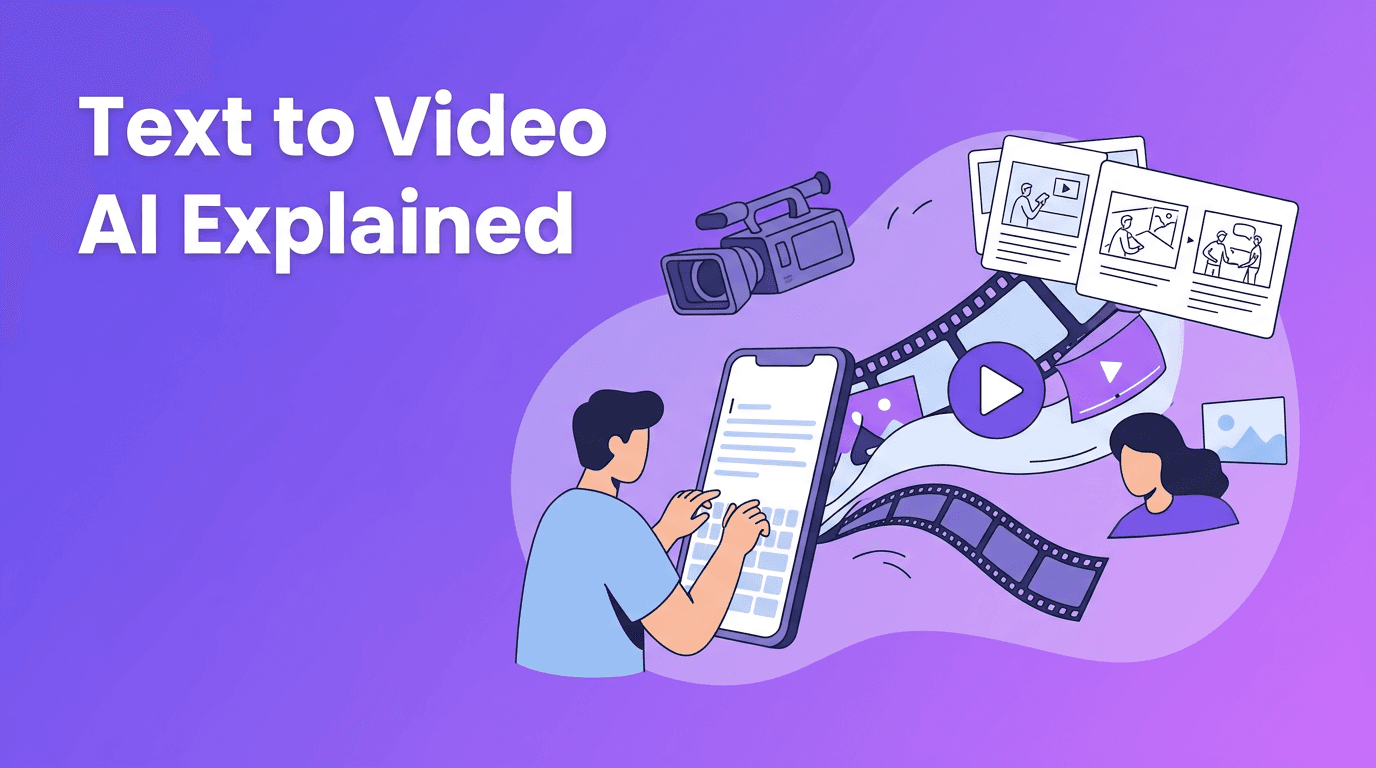
Text to video AI is changing how beginners, creators, and marketers make visual content. Instead of filming every scene manually, you can describe what you want in words and let an AI system convert text to video. The result is a faster path from idea to storyboard, draft, and finished clip.
What text to video AI actually does
At a basic level, text to video AI takes a written prompt and predicts what a sequence of moving images should look like. It analyzes subjects, actions, camera angles, style cues, lighting, and motion, then generates frames that match the prompt as closely as possible. A modern ai text to video generator also tries to keep characters, objects, and backgrounds consistent from frame to frame.
- You write a prompt such as: 'A woman walking through a rainy city street at night, cinematic lighting, close-up shot'.
- The model breaks the prompt into concepts like subject, setting, action, mood, and style.
- It generates visual frames and motion patterns that fit those concepts.
- It refines the output to improve coherence, detail, and timing.
- You review the clip, revise the prompt, and generate again if needed.
"The best AI videos usually start with clear thinking, not longer prompts."
How AI models turn prompts into video
To understand how to create video from text, it helps to know that AI models do not 'imagine' like humans. They learn statistical relationships between words, images, and motion from large datasets. When you type a prompt, the model maps language into visual meaning, then generates frames that fit that meaning over time.
Step 1: The prompt is encoded
Your text prompt is converted into numerical representations called embeddings. These embeddings capture relationships between words such as 'golden hour', 'wide shot', 'slow motion', or 'anime style'. This is why wording matters. Small prompt changes can lead to very different results.
Step 2: The model predicts visual content
The system predicts what should appear in the scene, including people, objects, environments, camera movement, and motion direction. This is where a strong ai video from text prompt depends on clear instructions. If the prompt is vague, the output may look generic or inconsistent.
Step 3: Frames are linked through time
Unlike image generation, video generation must maintain continuity. The model needs to keep the same subject recognizable across multiple frames while also showing believable motion. That temporal consistency is one of the hardest parts of text to video generation.
Diffusion models vs transformer-based video models
There are several technical approaches behind text to video AI, but two of the most talked-about are diffusion models and transformer-based models. You do not need to be a machine learning expert to benefit from understanding the difference.
Diffusion models
Diffusion models start from noise and gradually refine it into video frames that match the prompt. This approach is known for producing strong visual detail and stylistic richness. Many tools that help users convert text to video rely on diffusion-based methods or hybrid systems built around them.
- Strengths: strong image quality, rich textures, flexible styles
- Weaknesses: can be slower, may struggle with long motion consistency
- Best for: short cinematic clips, stylized scenes, concept visuals
Transformer-based models
Transformer models are excellent at handling sequences, which makes them a natural fit for language and video. In a video context, they can model how one frame relates to the next over time. This can improve scene planning, object continuity, and action flow in a text to video app or advanced generation platform.
- Strengths: strong sequence understanding, better long-range coherence, powerful prompt interpretation
- Weaknesses: computationally heavy, quality depends on architecture and training data
- Best for: story-driven clips, multi-step actions, prompt-heavy scenes
In practice, many modern systems combine methods. A platform may use transformers to interpret the prompt and plan motion, then use diffusion components to generate high-quality frames. That is one reason different tools can respond very differently to the same prompt.
Prompt engineering tips for better video results
If you want better results from a text to video AI tool, prompt engineering matters more than most beginners expect. A good prompt is not just descriptive. It is structured. Think in layers: subject, action, environment, camera, style, lighting, and duration.
A simple prompt formula
Try this formula: subject + action + setting + camera shot + style + lighting + motion detail. This gives the model enough guidance without overwhelming it.
- Good prompt: 'A skateboarder jumps over a stair set in a downtown plaza, low-angle tracking shot, realistic style, late afternoon sunlight, smooth motion'
- Bad prompt: 'Make a cool skate video'
- Good prompt: 'A cup of coffee steaming on a wooden table by a window, slow push-in camera movement, cozy morning mood, cinematic realism'
- Bad prompt: 'Coffee scene'
Use style keywords carefully
Style terms like 'cinematic', 'photorealistic', 'anime', 'claymation', or 'advertising commercial' can strongly influence results. But stacking too many style keywords can confuse the model. Pick one main visual direction and one secondary mood or finish.
Specify aspect ratio and length
When learning how to create video from text, format choices matter. A vertical 9:16 clip suits TikTok, Reels, and Shorts. A horizontal 16:9 clip works better for YouTube and presentations. Also think about duration. Short prompts usually work best for 3 to 8 second clips, while longer scenes often need multiple generations stitched together.
- 9:16 for mobile-first social content
- 16:9 for YouTube, websites, and demos
- 1:1 for square social placements
- Keep early tests short so you can iterate faster
- Increase quality settings after the concept looks right
Know that models interpret text differently
One important truth about ai text to video generator tools is that the same prompt can produce very different outputs across platforms. Some models respond strongly to camera terms like 'close-up' or 'drone shot'. Others pay more attention to style, mood, or subject detail. That is why testing and prompt revision are part of the workflow, not a sign that you did something wrong.
Common mistakes when you convert text to video
- Being too vague, which leads to generic footage
- Adding too many ideas into one prompt, which creates visual confusion
- Ignoring camera language like shot type or movement
- Skipping aspect ratio selection for the intended platform
- Expecting one generation to produce a final result immediately
- Using long scenes instead of breaking ideas into shorter shots
Many users searching for text to video free tools expect perfect one-click output. In reality, the best workflow is iterative. Generate a short version, inspect what worked, then refine the wording, style, or motion instructions.
Ready to turn prompts into videos?
*Movi AI* makes **text to video AI** simple for beginners. Generate videos from text, images, or existing footage, then refine your results faster with an intuitive mobile workflow.
Download Movi AIPractical use cases for text to video AI
The value of text to video goes far beyond experimentation. It can speed up content creation, reduce production costs, and help non-editors create visual drafts quickly.
- Social media creators can turn script ideas into short attention-grabbing clips
- Marketers can prototype ad concepts before full production
- Small businesses can make product teasers and explainer visuals
- Educators can visualize lessons, processes, and abstract ideas
- Creative teams can storyboard scenes before filming
- App users can test multiple video concepts quickly inside a mobile text to video app like *Movi AI*
A practical workflow beginners can follow
- Start with one clear idea and one scene
- Write a prompt using subject, action, setting, and camera direction
- Choose the right aspect ratio for your platform
- Generate a short draft first
- Review motion, subject consistency, and style
- Refine the prompt with more specific details
- Export the best clip and combine scenes if needed
Why Movi AI is a beginner-friendly choice
If you want a user-friendly way to explore text to video AI, *Movi AI* offers an approachable path. You can create videos from text prompts, images, or existing footage, which is helpful when you want to start from scratch or build from assets you already have. For creators who want speed without a steep learning curve, that flexibility matters.
The biggest mindset shift is this: learning to convert text to video is partly about learning to direct. The clearer your creative instructions, the better your outputs tend to be. Over time, you build a prompt library, discover which styles work for your goals, and create videos much faster.
Frequently Asked Questions
What is text to video AI?+
Text to video AI is technology that turns written prompts into generated video clips. It uses AI models trained on language, images, and motion patterns to create scenes from text descriptions.
How do I create video from text prompts?+
Start with a clear prompt that includes the subject, action, setting, camera angle, and style. Generate a short clip first, then refine the prompt based on the result.
What is the best AI text to video generator for beginners?+
Beginners usually benefit from tools with simple workflows, preset formats, and fast iteration. *Movi AI* is a beginner-friendly option for creating videos from text, images, or video inputs.
Are text to video free tools good enough?+
Free tools can be useful for testing ideas and learning prompt writing. For better quality, more control, and reliable exports, paid or full-featured apps often provide a smoother experience.
Why does the same prompt look different in different text to video apps?+
Different models are trained differently and prioritize different parts of a prompt, such as style, motion, or subject detail. That is why prompt performance varies across platforms.
Create stunning AI videos in seconds!
Turn your ideas into professional videos with the #1 AI video maker.
Download Movi AI