AI Video Creator Guide: 7 Smart Ways to Make Better Videos Faster
An AI video creator helps turn prompts, images, and ideas into polished content fast. Learn how AI video creation works, which tools stand out, and how to make professional videos with less effort.
By Movi AI Team
Movi AI Editorial Team
An AI video creator is a tool that turns text prompts, images, audio, or existing footage into finished videos with far less manual editing than traditional software. If you want to understand how AI video generation works, compare the best options, and learn how to make professional clips faster, this guide breaks it down in a practical way for creators, marketers, and small businesses.
1. What an AI video creator actually does
At its core, an AI video creator uses machine learning models to generate or transform video based on your input. You can start with a written prompt, a still image, a voice track, or a source video, then let the system build scenes, motion, transitions, and style variations automatically. This shortens the path from idea to publishable content.
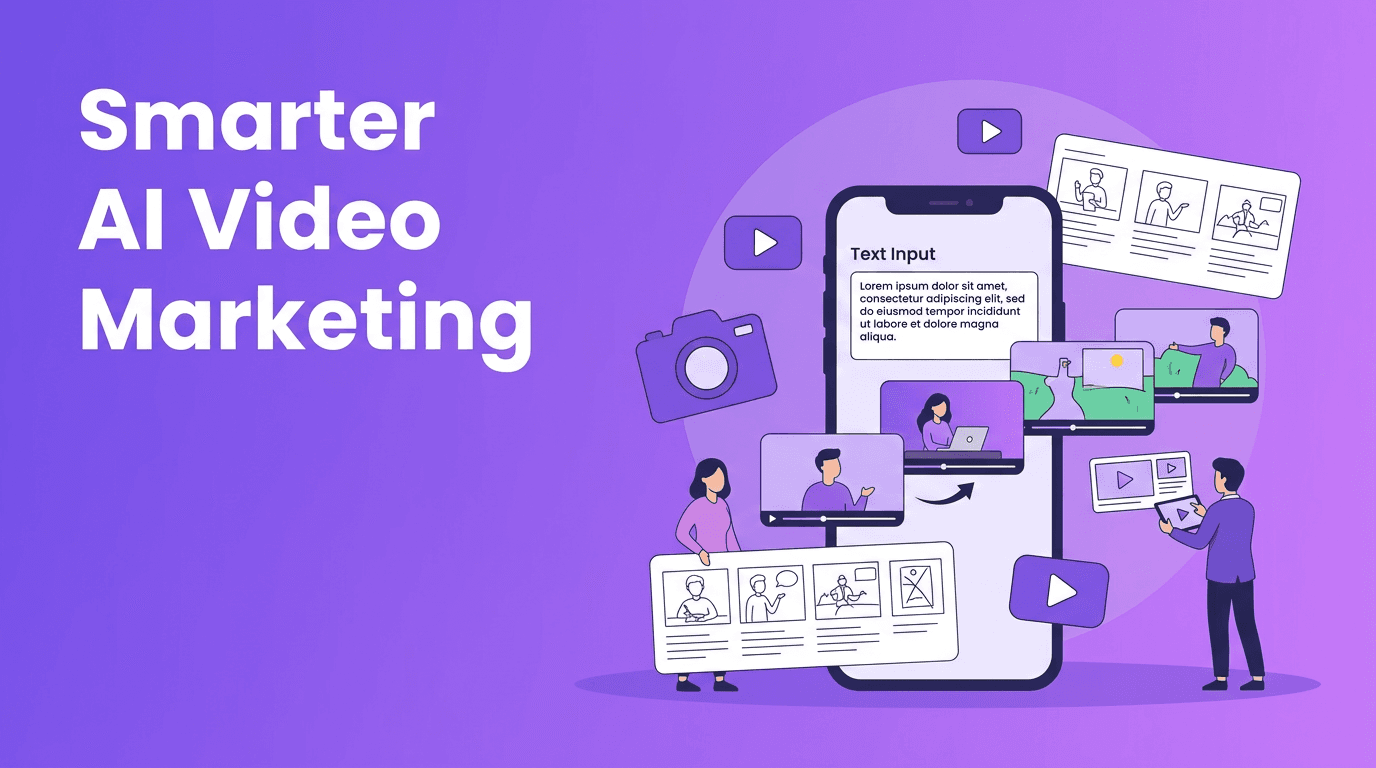
- Text-to-video: Turn a written prompt into animated or cinematic scenes.
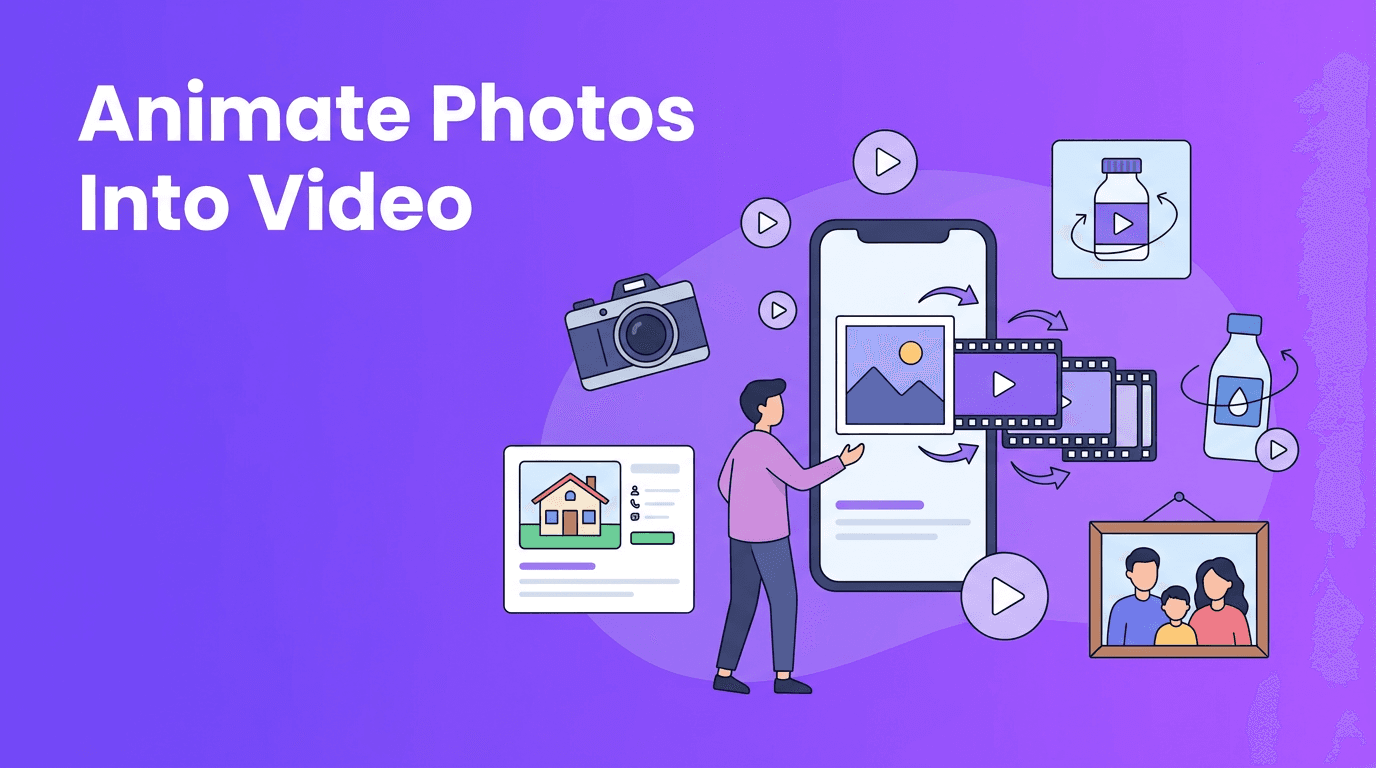
- Image-to-video: Add motion, camera movement, or effects to still photos.
- Video-to-video: Restyle or transform existing footage into a new visual look.
- Speech-to-video: Use narration or voice as the base for scene generation and pacing.
2. How AI video generation works step by step
Prompt, plan, generate, refine
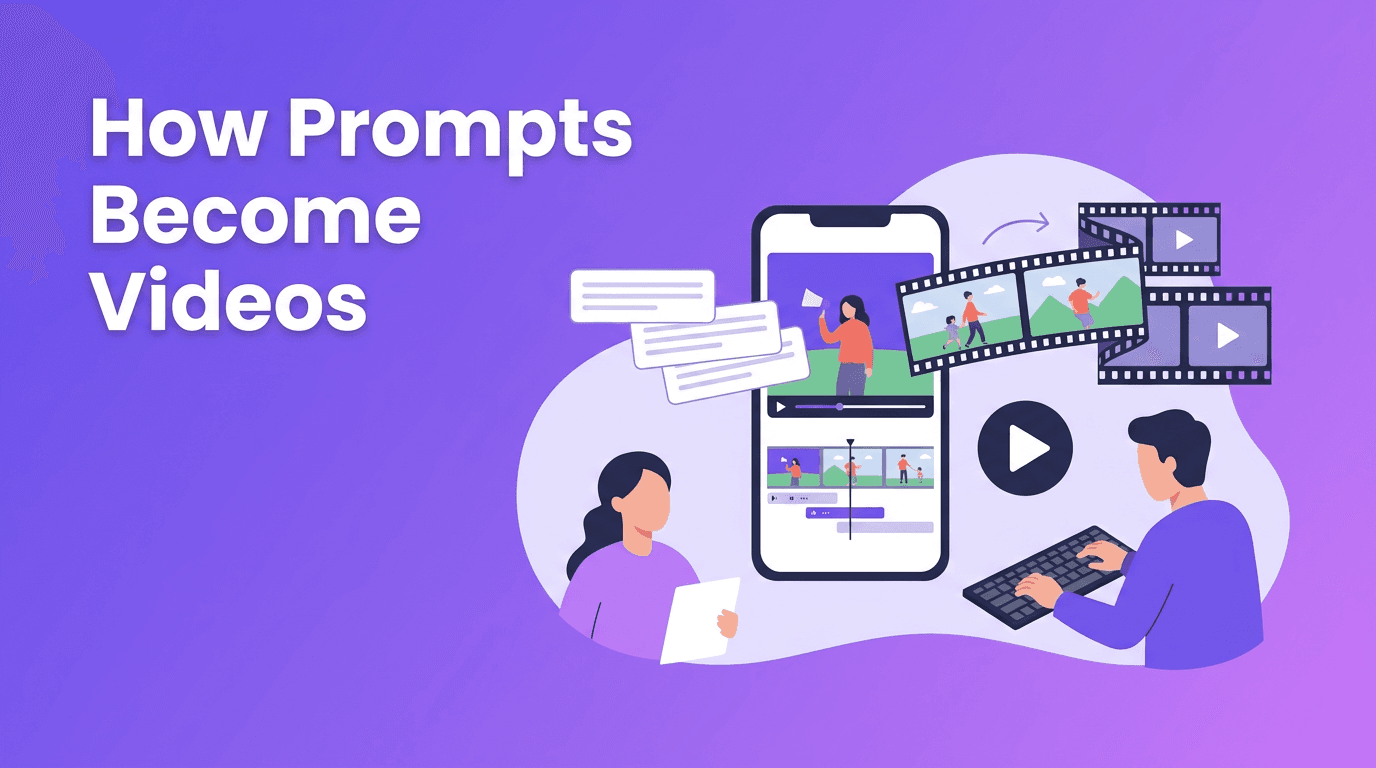
- Step 1 - Input: Enter a prompt, upload an image, record audio, or import a video clip.
- Step 2 - Interpretation: The model analyzes your request, identifies subjects, actions, style cues, and scene structure.
- Step 3 - Generation: AI creates frames, motion, transitions, and visual continuity based on your input.
- Step 4 - Enhancement: Some tools improve sharpness, pacing, subtitles, or audio sync automatically.
- Step 5 - Export: You render the final video for social media, ads, product demos, or brand content.
This is why many teams now use an AI video creator for first drafts, campaign variations, and rapid content testing. Instead of building every scene by hand, you guide the result with better inputs and revisions.
"The fastest way to create better videos is not to do less thinking, but to spend more time on the idea and less time on repetitive editing."
3. AI video creator vs traditional video editing
Traditional editing gives you deep control over every cut, keyframe, and timeline detail. AI tools prioritize speed, automation, and experimentation. The right choice depends on your workflow.
- Speed: AI is usually faster for ideation, drafts, and short-form content.
- Control: Traditional editors offer more precise scene-by-scene adjustments.
- Learning curve: AI tools are easier for beginners and non-editors.
- Consistency: Traditional editing can be more predictable for complex brand work.
- Scalability: AI is excellent when you need many versions of the same message.
For many creators, the best approach is hybrid. Use AI to generate concepts, backgrounds, or short clips, then polish the final piece with manual edits if needed.
4. Best use cases for creators, marketers, and small businesses
- Social media content: Make reels, shorts, and teaser videos quickly.
- Product marketing: Turn product photos into motion-based promos.
- Local business ads: Create short campaigns without hiring a full production team.
- Educational content: Turn scripts into explainers with visuals and voice.
- Content repurposing: Convert blog posts, testimonials, or podcasts into video snippets.
5. What to look for in the best AI video tools
Key features that matter most
- Generation modes: Look for text-to-video, image-to-video, and video-to-video options.
- Video quality: Check motion realism, visual consistency, and export resolution.
- Rendering speed: Faster processing helps when you need multiple versions.
- Ease of use: A clean workflow matters if you are not a professional editor.
- Mobile access: An app-based workflow is useful for on-the-go content creation.
- Output formats: Make sure exports fit TikTok, Instagram, YouTube, and ads.
If you want an easy mobile workflow, *Movi AI* is a strong option. It lets users create AI videos from text prompts, images, and existing clips, making it useful for creators who need speed without a steep learning curve.
Ready to try AI video creation?
Create videos from prompts, photos, or footage in minutes with *Movi AI*. It is a practical way to test ideas, make social content, and produce professional-looking visuals faster.
Download Movi AI6. 7 tips to make professional AI videos
- Write clearer prompts: Specify subject, action, camera angle, mood, and platform format.
- Use strong source images: Clean, high-quality visuals usually produce better motion results.
- Keep scenes short: Short clips are easier to control and often look more polished.
- Generate multiple versions: Compare outputs instead of settling for the first result.
- Edit for brand consistency: Match fonts, colors, captions, and tone across videos.
- Add a clear hook: The first 2 seconds matter most for social video performance.
- Use AI for drafts, then refine: Treat generation as the starting point, not always the final step.
A simple prompt formula
Try this structure: subject + action + setting + camera movement + style + duration. Example: "A coffee shop owner plating a pastry in a cozy cafe, slow camera push-in, polished commercial style, 8 seconds." Better prompts usually lead to better outputs.
7. Common limitations and how to work around them
- Inconsistent motion: Regenerate shorter clips and stitch the best ones together.
- Weak prompt interpretation: Add more detail about action, framing, and scene context.
- Rendering delays: Batch your ideas and generate several variants at once when possible.
- Generic-looking results: Use your own images, branding, or footage to make videos feel original.
- Less control than manual editing: Use AI for speed, then finalize key details in an editor if needed.
8. How to choose the right workflow
Choose AI-first if you need speed, volume, and simple production. Choose traditional editing if you need exact control, advanced effects, or complex storytelling. Choose a hybrid workflow if you want the best balance of efficiency and quality. For many modern teams, that hybrid model is the smartest path.
9. Final takeaway
An AI video creator can help you produce more content, test more ideas, and reduce production time significantly. Whether you are building social posts, ads, product clips, or explainers, the real advantage is speed paired with creative flexibility. Start simple, improve your prompts, and use tools like *Movi AI* to turn rough ideas into polished videos faster.
Frequently Asked Questions
What is an AI video creator?+
An AI video creator is software that generates or transforms videos from text, images, audio, or existing footage using AI models.
How do you make AI videos look professional?+
Use clear prompts, high-quality source assets, short scenes, multiple generations, and consistent branding elements like captions and color choices.
Is AI video creation better than traditional editing?+
It is better for speed and content volume, while traditional editing is better for precise control. Many creators use both together.
Can I create videos from text on my phone?+
Yes. Apps like Movi AI let you create videos from text prompts, images, and footage directly on mobile devices.
Create stunning AI videos in seconds!
Turn your ideas into professional videos with the #1 AI video maker.
Download Movi AI