AI Video Maker Guide: 7 Ways to Create Better Videos Faster
An AI video maker can turn prompts, images, and ideas into polished content fast. Learn how AI video creation works, which tools matter most, and how to create better videos with less editing time.
By Movi AI Team
Movi AI Editorial Team
An AI video maker helps you create videos from text prompts, images, voice, or existing clips in far less time than manual editing. For creators, marketers, and small businesses, it can speed up ideation, production, and testing while still delivering professional-looking results when used with the right workflow.
1. What an AI video maker actually does
At its core, an AI video maker uses machine learning models to generate or transform video content based on your input. That input might be a script, a still image, a reference video, or a spoken narration. Instead of building every scene by hand on a timeline, you guide the system with prompts and creative direction.
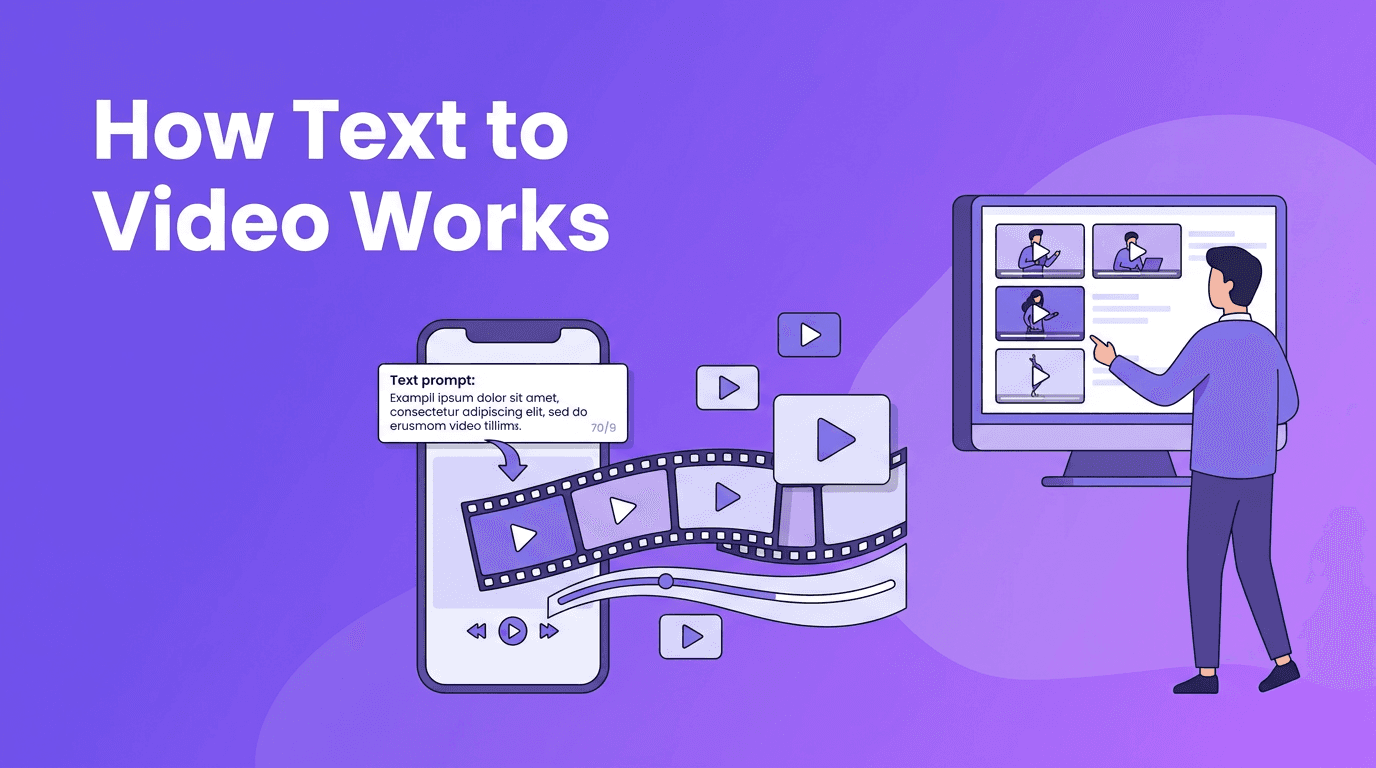
- Text-to-video turns written prompts into animated or cinematic scenes.
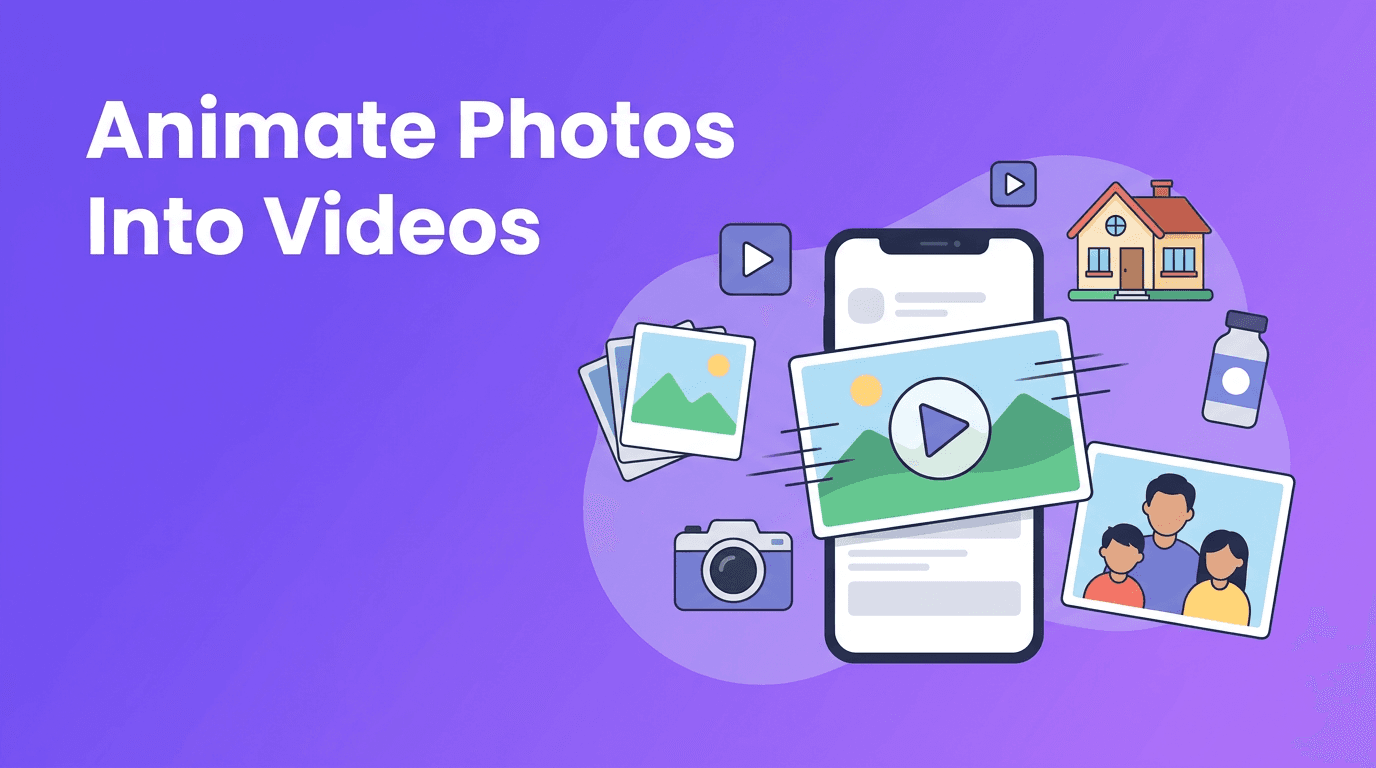
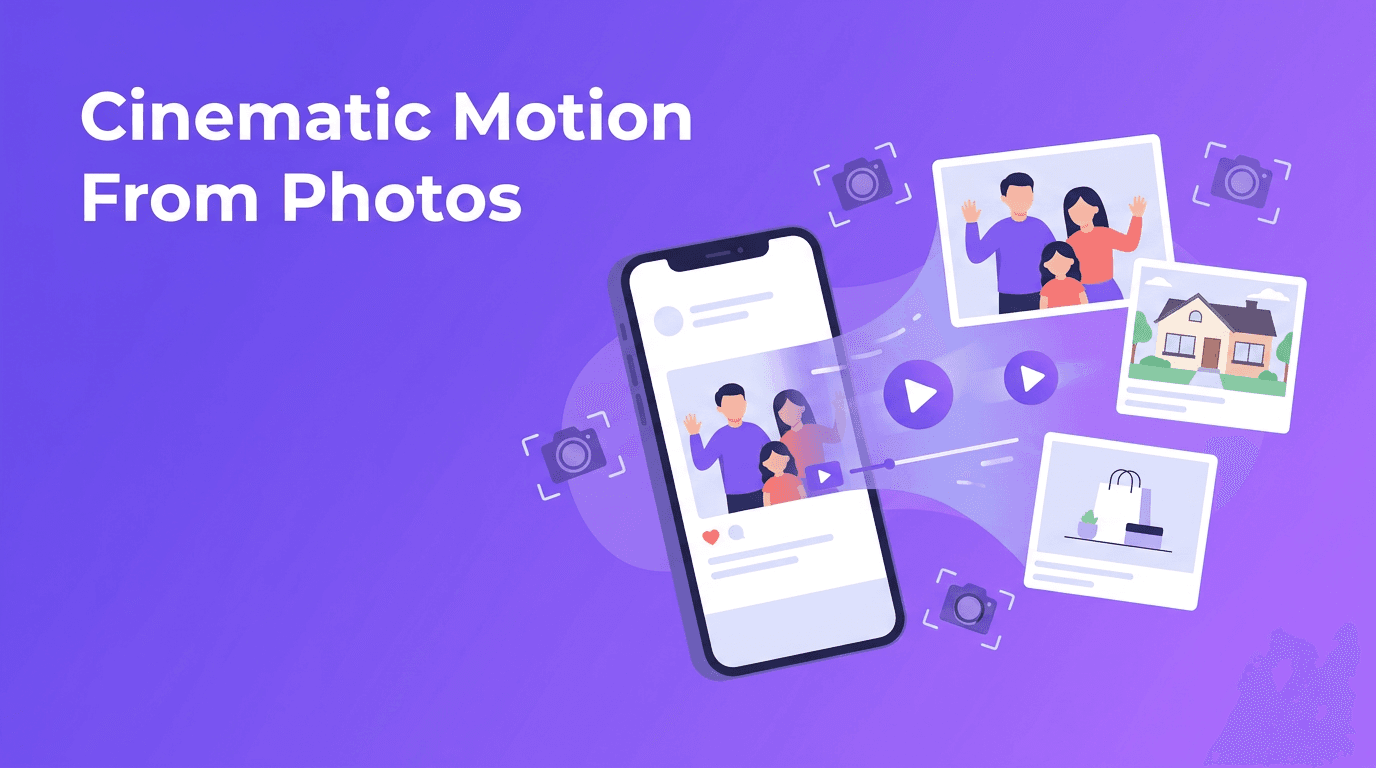
- Image-to-video adds motion to still photos, artwork, or product shots.
- Video-to-video transforms existing footage into a new visual style.
- Speech-to-video syncs narration or audio with generated visuals.
- AI-assisted editing can help with captions, pacing, and scene generation.
2. How AI video generation works behind the scenes
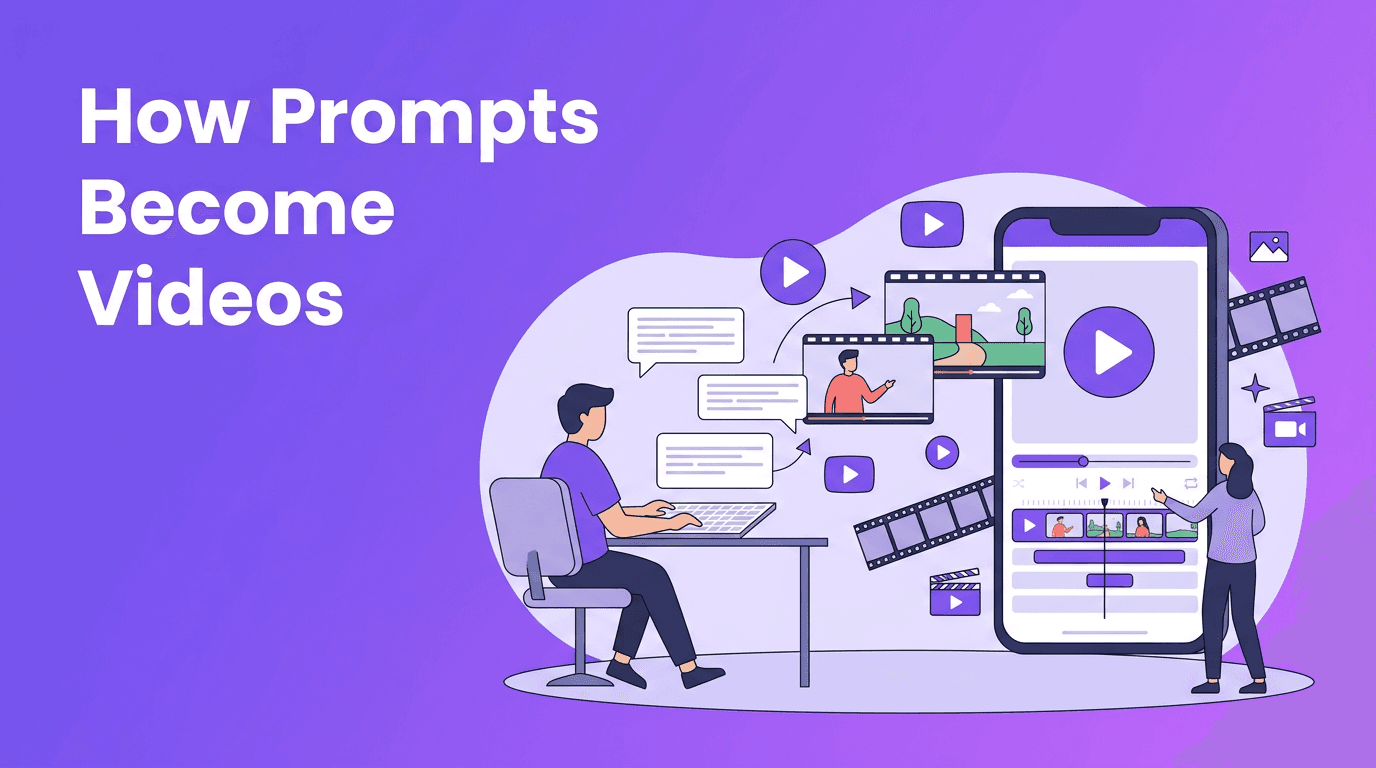
Most AI video tools analyze your input, predict visual sequences, and render short clips based on patterns learned from large datasets. In simple terms, the model interprets your prompt, decides what should appear in each frame, and generates motion across time. The better your prompt and source material, the better the output usually becomes.
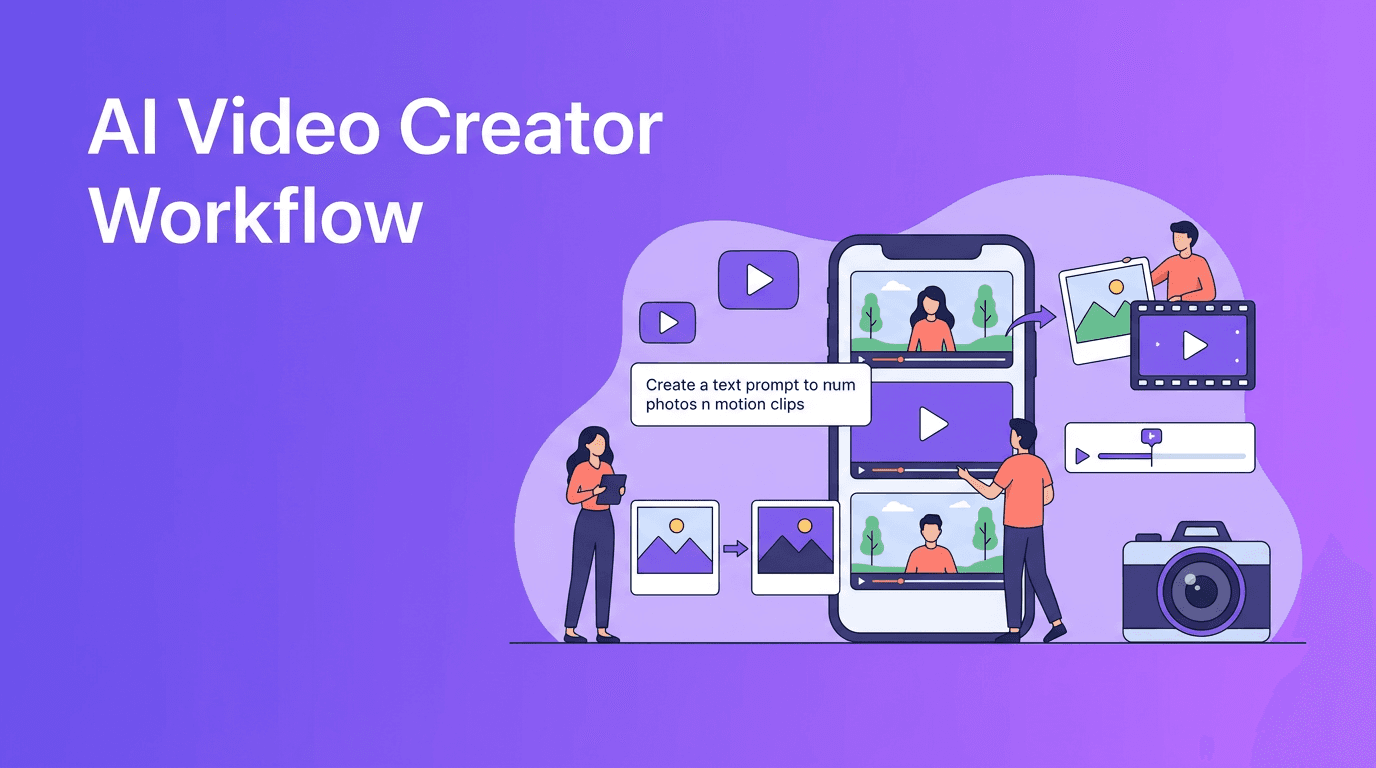
A simple workflow to understand
- Write a clear prompt with subject, action, setting, and camera feel.
- Choose an input type such as text, image, or video.
- Select aspect ratio and duration for your platform.
- Generate a draft, then review movement, consistency, and pacing.
- Refine the prompt or source material, then export the strongest version.
"AI speeds up video production, but clear creative direction is still what makes content feel professional."
3. Best use cases for creators, marketers, and small businesses
The best results come when AI is used for repeatable, high-volume content needs. Instead of replacing strategy, it helps you produce more variations faster and test what performs best.
- Content creators can make shorts, explainers, mood clips, and concept videos quickly.
- Social media managers can generate multiple ad variations for different audiences.
- Marketers can turn campaign ideas into storyboard-style videos before full production.
- Small businesses can create product demos, promos, and seasonal announcements without a studio.
- Agencies can prototype concepts fast before investing in full shoots or edits.
4. AI video maker vs traditional editing
Traditional editing gives you frame-level control, but it often takes more time, software knowledge, and production assets. AI tools are faster for ideation, first drafts, and lightweight marketing content. The smartest workflow often combines both: generate quickly with AI, then polish strategically where needed.
When AI wins
- You need content fast.
- You want to test multiple creative directions.
- You have limited footage or no filming setup.
- You need lower production costs for frequent publishing.
When traditional editing wins
- You need precise brand control and detailed timing.
- You are editing long-form interviews, documentaries, or complex narratives.
- You already have strong footage and want advanced motion graphics or audio mixing.
5. 6 practical tips for more professional AI videos
- Start with a specific prompt, not a vague idea. Include subject, action, setting, mood, and shot type.
- Use strong source images for image-to-video projects. Clean, high-resolution visuals usually perform better.
- Keep clips short and focused. Shorter generations are easier to control and combine.
- Generate multiple versions instead of expecting one perfect result.
- Match the aspect ratio to the platform, such as vertical for Reels and TikTok.
- Polish with captions, trimming, and branding after generation for a more finished look.
If you are learning how to make AI videos, treat prompting like directing. The model needs context, visual cues, and constraints. A short, precise prompt often outperforms a long, messy one.
Try Movi AI for faster video creation
*Movi AI* makes it easy to create videos from text, images, voice, or existing footage. It is a practical choice for creators and brands that want a simple mobile workflow.
Download Movi AI6. What to look for in the best AI video generator
If you are comparing tools, focus on output quality, rendering speed, input options, ease of use, and export flexibility. The best ai video generator for one team may not be the best for another, especially if your workflow depends on mobile creation, quick drafts, or social-first publishing.
- Video quality - Are subjects consistent and motion believable?
- Rendering speed - Can you create variations quickly enough for real workflows?
- Input types - Does it support text, image, video, and speech inputs?
- Mobile access - Is there a smooth ai video generator app experience?
- Ease of editing - Can you refine outputs without a steep learning curve?
- Export options - Are formats and aspect ratios suitable for your channels?
7. Why Movi AI stands out for mobile creators
*Movi AI* is designed for people who want to create AI videos without getting stuck in complex desktop software. You can explore text to video ai, image-to-video, video-to-video, and speech-driven workflows in one app, which is especially useful for fast-moving content teams and solo creators.
Final takeaway
An AI video maker is most valuable when you use it to reduce production friction, test more ideas, and publish consistently. For many creators and brands, the winning process is simple: generate quickly with AI, keep what works, and polish only where it matters most. That is how you save time without sacrificing quality.
Frequently Asked Questions
What is an AI video maker?+
An AI video maker is a tool that creates or transforms video using inputs like text prompts, images, audio, or existing clips. It helps speed up production and reduce manual editing work.
How do I make AI videos that look professional?+
Use clear prompts, strong source material, platform-specific aspect ratios, and short test generations. Then refine the best outputs with trimming, captions, and branding.
Is an AI video maker better than traditional editing software?+
It depends on the project. AI is faster for drafts, variations, and social content, while traditional editing is better for precise control and complex storytelling.
What is the best AI video generator for mobile creators?+
The best option depends on your workflow, but Movi AI is a strong choice for mobile users who want text-to-video, image-to-video, video-to-video, and speech-to-video features in one app.
Create stunning AI videos in seconds!
Turn your ideas into professional videos with the #1 AI video maker.
Download Movi AI