AI Video Maker vs Traditional Editing: What Creators Should Know
An AI video maker can turn prompts, images, and clips into polished content faster than manual editing. Learn how it works, compare top tools, and see when AI is the smarter choice.
By Movi AI Team
Movi AI Editorial Team
An AI video maker helps you create videos from text prompts, images, voice, or existing clips without building every scene by hand. For creators, marketers, and small businesses, it can save hours compared with traditional editing while making AI video generation more accessible on mobile and desktop.
What an AI Video Maker Actually Does
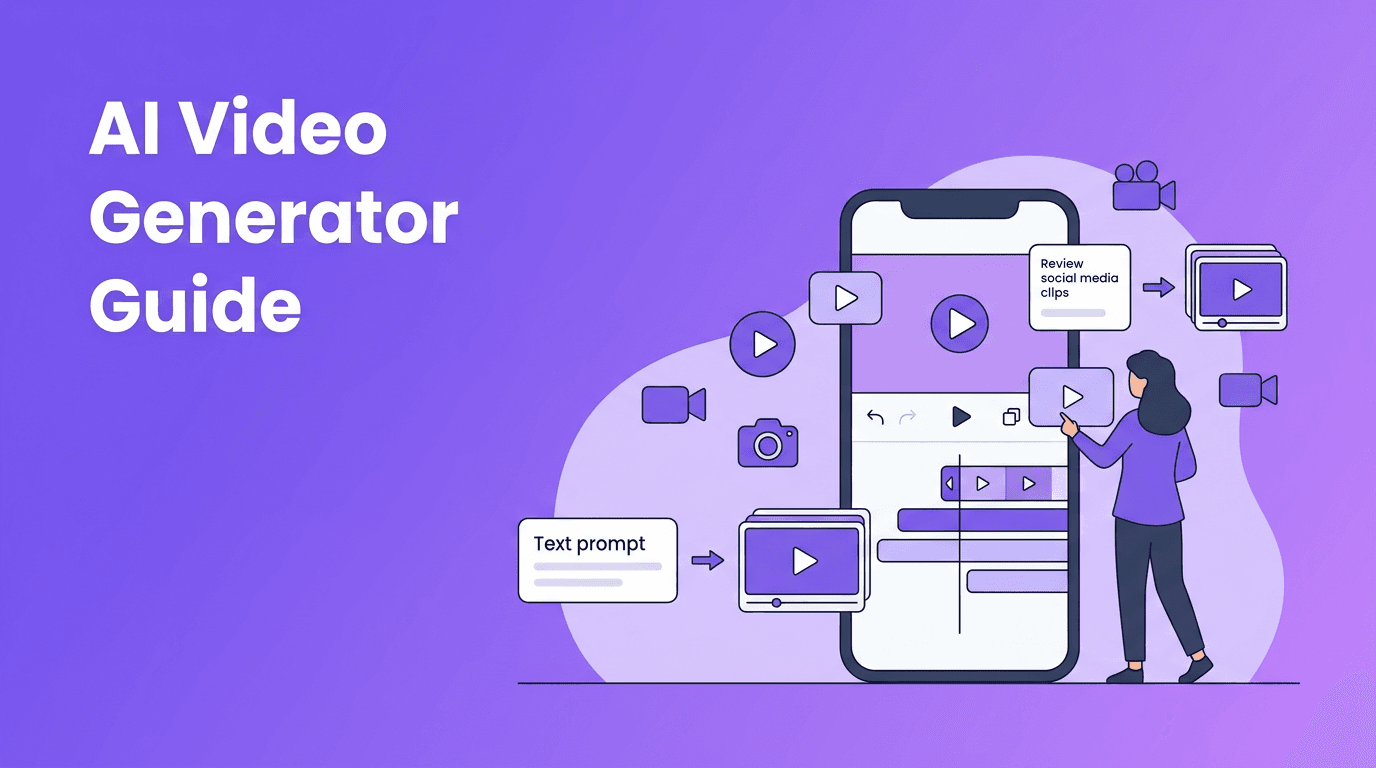
At its core, an AI video maker uses machine learning models to turn your input into moving visuals. Depending on the tool, that input might be a written prompt, a photo, a product image, a talking-head clip, or narration. The system predicts motion, style, camera movement, transitions, and sometimes even lip sync or scene continuity.
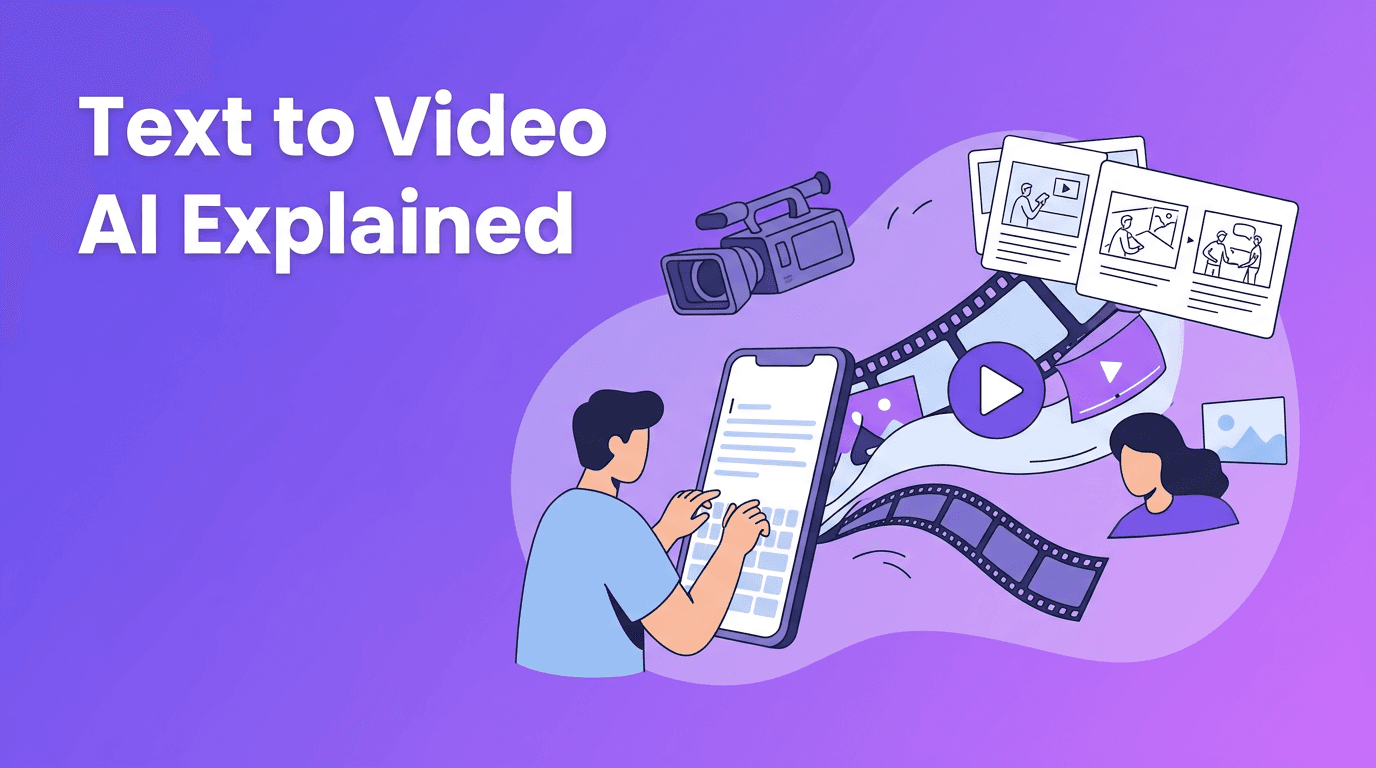
- Text-to-video turns a written prompt into a generated scene or short sequence.
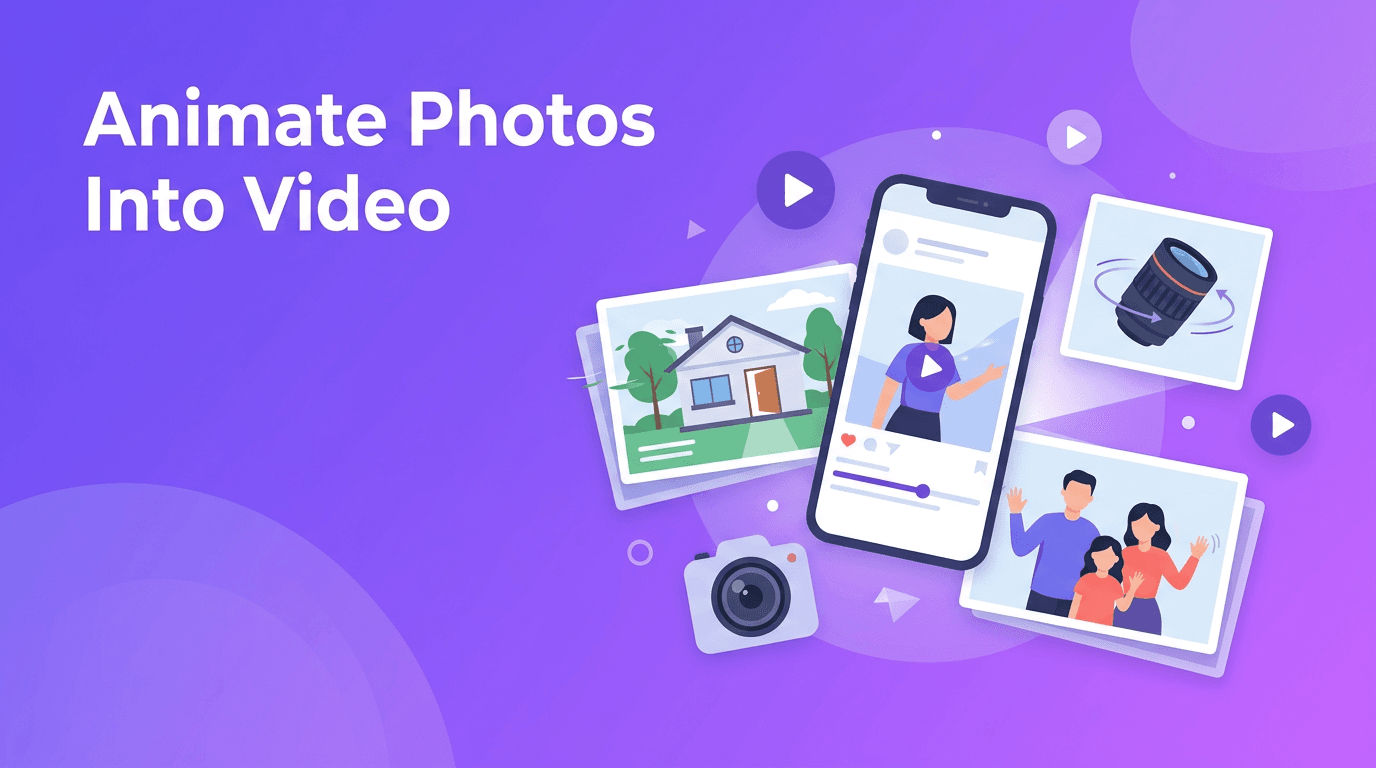
- Image-to-video animates a still image with motion, camera movement, or character action.
- Video-to-video transforms existing footage into a new style or look.
- Speech-to-video matches visuals to spoken audio, scripts, or narration.
How AI video generation works in simple steps
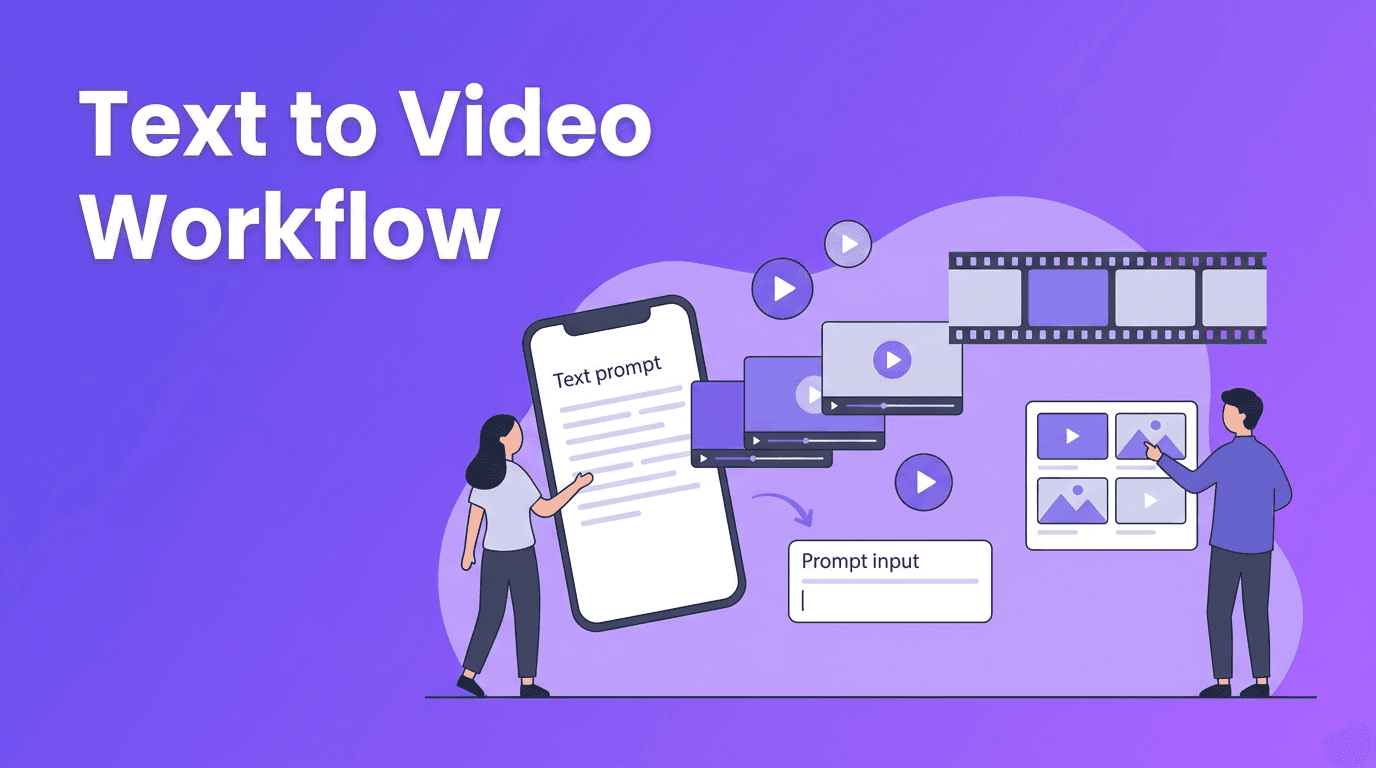
- Write a clear prompt with subject, action, setting, and mood.
- Upload an image or video if you want the output to follow a visual reference.
- Choose aspect ratio, duration, and style settings.
- Generate a draft and review motion, framing, and consistency.
- Refine with a better prompt, stronger references, or another generation pass.
- Export and polish the final cut with captions, music, or branding.
AI Video Maker vs Traditional Video Editing
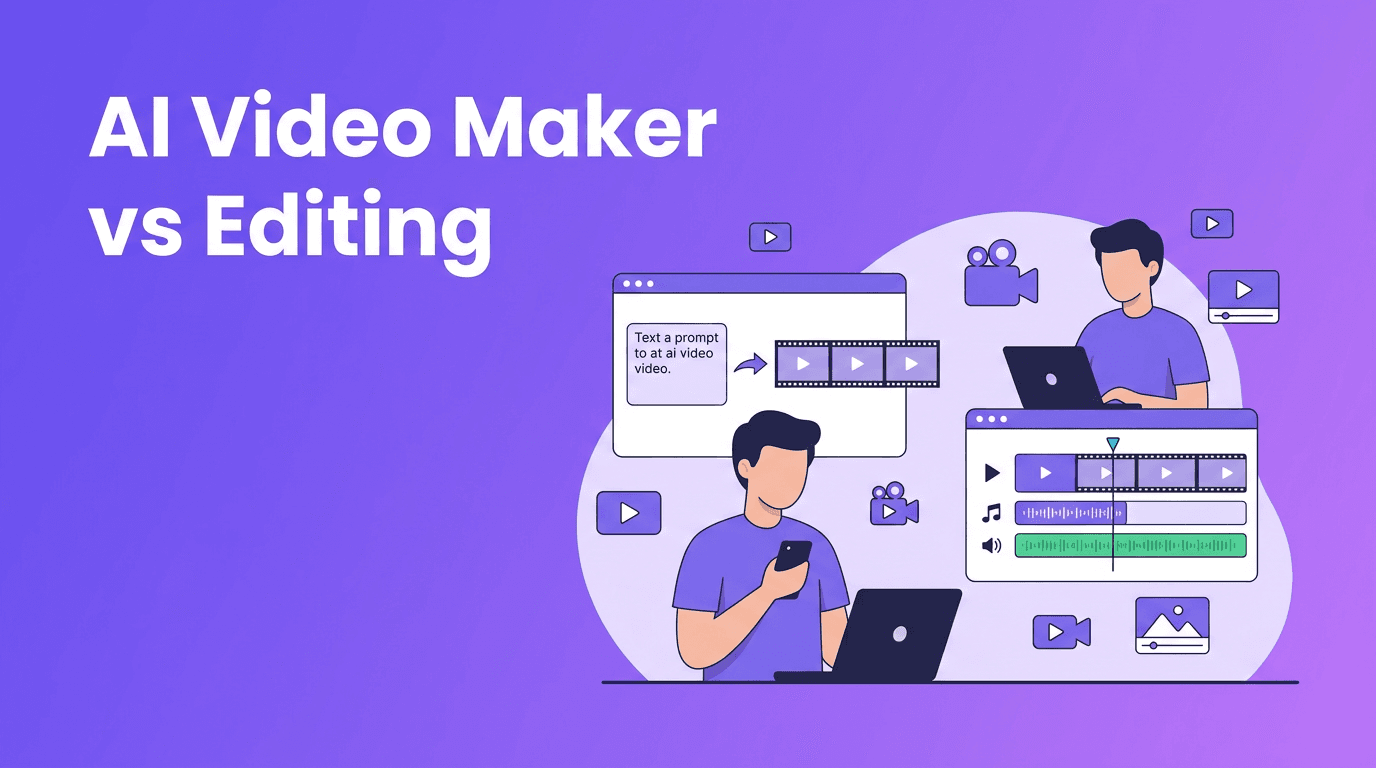
Traditional editing gives you deep control over every frame, cut, and effect, but it also takes more time, software knowledge, and asset preparation. An AI video maker is faster for ideation, short-form content, ad variations, and concept testing. Traditional editing is still stronger when you need exact timing, complex storytelling, or frame-perfect brand compliance.
- Speed: AI wins for rapid drafts and quick social content.
- Control: Traditional editing wins for precision and fine-tuning.
- Learning curve: AI tools are easier for beginners.
- Cost of production: AI can reduce filming and editing costs for many projects.
- Consistency: Traditional workflows still offer more predictable results for long-form work.
"The best video workflow is not AI or editing. It is knowing when to use each one for speed, quality, and creative control."
Best AI Video Generator Features to Look For
If you are comparing the best AI video generator options, do not just look at flashy demos. Focus on practical features that affect daily workflow, output quality, and revision speed.
- Prompt control for camera angles, motion, scene details, and style.
- Image and video input support for more predictable results.
- Fast rendering speed so you can test multiple ideas quickly.
- Mobile access if you want an AI video generator app for on-the-go creation.
- High export quality for social ads, reels, shorts, and presentations.
- Easy retries and variations to improve weak generations fast.
- Branding tools like captions, logos, and format presets.
Where Movi AI fits in
*Movi AI* is a practical choice for anyone who wants an AI video creator that works from prompts, images, and existing videos. It supports text-to-video, image-to-video, video-to-video, and speech-to-video, making it useful for creators who need fast experiments and publish-ready content from a phone.
Try Movi AI for faster video creation
Create videos from text, images, or clips in minutes with *Movi AI*. Great for content ideas, marketing assets, and quick creative testing.
Download Movi AI5 Tips to Make Professional AI Videos
1. Start with prompts that describe motion
When learning how to make AI videos, many people describe only the subject and forget the action. Add movement words such as "walking toward camera," "slow zoom in," or "product rotating on a table." Motion cues often improve the result more than style words alone.
2. Use reference images for better consistency
If your tool supports image-to-video, upload a strong reference image with clear lighting and composition. This helps the model keep the subject more stable and makes the result feel more intentional.
3. Keep scenes short and focused
Shorter clips are easier for AI systems to generate well. Instead of trying to create one long perfect scene, generate several strong micro-scenes, then combine them. This is often the easiest path to professional-looking output from a free AI video generator or premium app.
4. Polish with captions, music, and pacing
AI generation is only part of the job. Add subtitles, trim weak frames, layer sound, and adjust pacing. These finishing touches are what make an AI video generator output feel ready for clients, customers, or social platforms.
5. Test multiple versions quickly
The real advantage of an AI video maker is iteration. Create three to five prompt variations, compare the outputs, and keep only the strongest shots. Fast testing is especially valuable for ad creatives, thumbnails, and product promos.
Practical Use Cases for Creators, Marketers, and Small Businesses
- Content creators: turn ideas into reels, shorts, explainers, and visual storytelling clips.
- Social media managers: produce multiple aspect ratios and campaign variations faster.
- Marketers: generate product teasers, ad concepts, and landing page videos without a full shoot.
- Small businesses: create promos, service explainers, menu showcases, and local ads on a tighter budget.
- Educators and coaches: turn scripts into visual lessons or bite-sized social content.
What About Video Quality and Rendering Speed?
Video quality depends on your prompt clarity, source materials, model strength, and how much consistency you need. Rendering speed matters because AI video is often an iterative process. A fast AI video generator app lets you test more ideas in less time, while slower tools may produce stronger visuals for selected use cases. The best workflow balances quality with speed, not one or the other.
When to Use AI, and When to Edit Manually
Use AI when you need speed, concept exploration, affordable content production, or many creative variations. Use manual editing when timing must be exact, footage is already strong, or the project requires detailed brand and story control. In many cases, the smartest workflow is hybrid: generate scenes with AI, then refine them with editing tools.
Frequently Asked Questions
What is the best AI video maker for beginners?+
The best option is usually one with simple prompt input, fast generation, and support for text, image, and video sources. *Movi AI* is beginner-friendly because it makes it easy to start from prompts or existing media.
Can an AI video generator replace video editing?+
Not completely. AI is excellent for speed and idea generation, while traditional editing is better for precise control, sequencing, and detailed finishing.
How do I make AI videos look professional?+
Use clear prompts, strong reference images, short scenes, and then polish the result with captions, music, pacing, and branding. Generating multiple versions also improves quality.
Is there a free AI video generator worth trying?+
Some tools offer free trials or limited credits, which are useful for testing workflow and quality. Choose one that supports the inputs you need and lets you iterate quickly.
Create stunning AI videos in seconds!
Turn your ideas into professional videos with the #1 AI video maker.
Download Movi AI