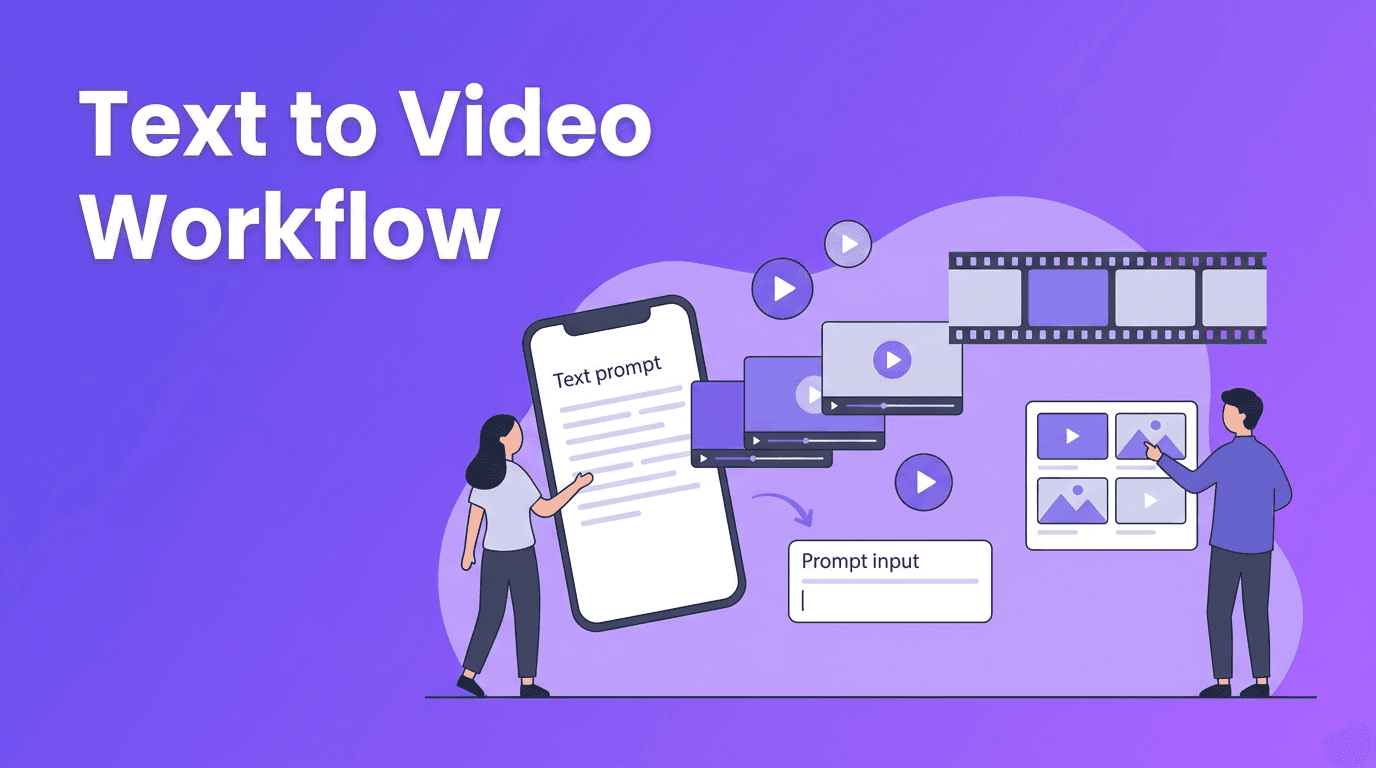
Text to Video Workflow: How Prompts Become Watchable AI Clips
Curious about text to video tools? Learn how prompts turn into AI clips, how models interpret your words, and how to get better results with practical prompt tips.
By Movi AI Team
Movi AI Editorial Team
Text to video has moved from a futuristic idea to a practical creative workflow. If you have ever wondered how an ai text to video generator turns a short prompt into a moving scene, this guide breaks down the process in simple terms, shows how to convert text to video more effectively, and explains why some prompts produce much better results than others.
What text to video actually does
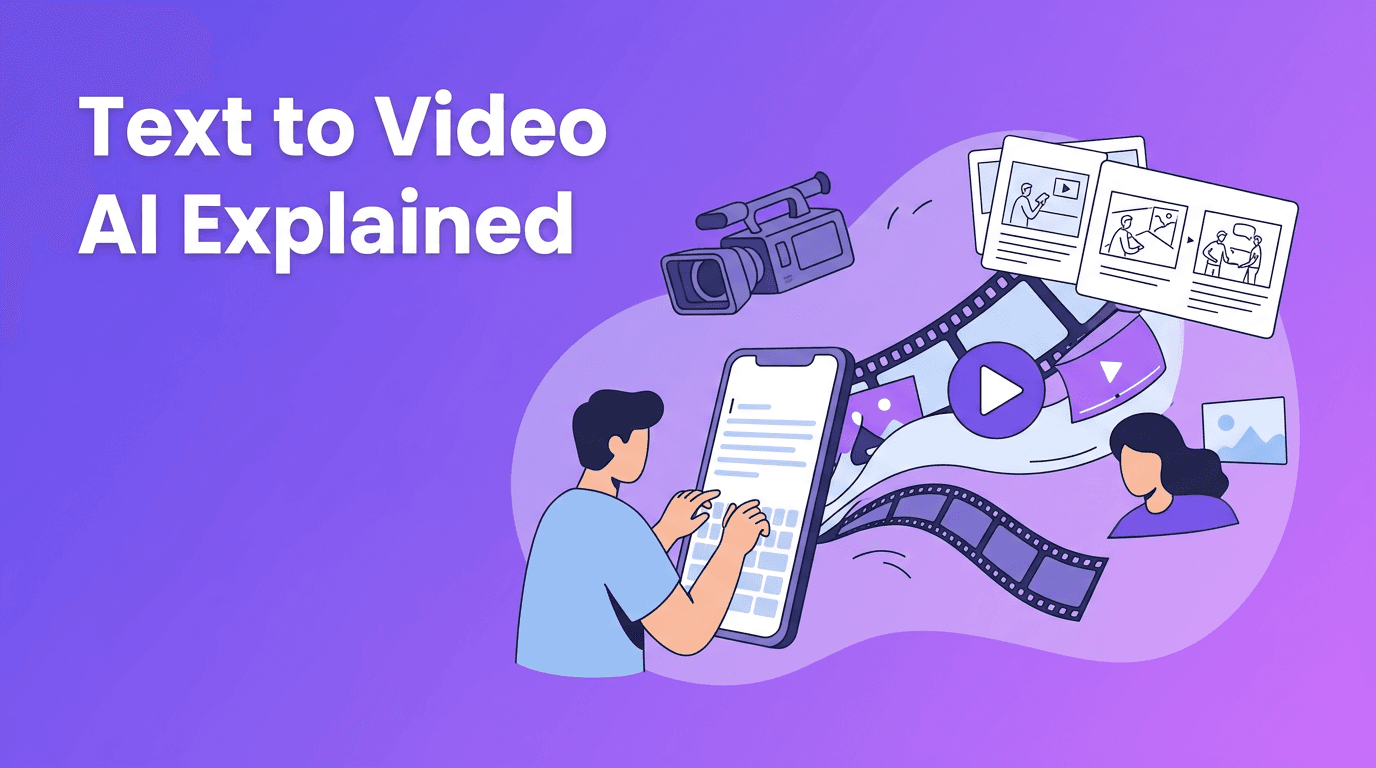
At a basic level, text to video ai systems translate language into visual instructions. The model reads your prompt, predicts what objects, actions, camera movement, lighting, and style should appear, then generates a sequence of frames that flow like a video. Instead of editing every shot manually, you describe the result you want and let the model build a first draft for you.
- Input: a prompt such as 'a golden retriever running through autumn leaves, slow motion, cinematic lighting'
- Interpretation: the model maps words to visual concepts, motion patterns, and scene relationships
- Generation: the system creates frames and tries to keep subjects consistent over time
- Refinement: settings like duration, aspect ratio, and style help shape the final output
Why the same prompt can look different across tools
Different tools are trained on different datasets and use different model architectures. That means one platform may create stronger motion, while another handles realism, faces, or cinematic shots better. This is why text to video results are never fully identical across apps, even when you use the exact same prompt.
The science behind text to video models
Most modern systems combine language understanding with image and motion generation. The language component interprets your prompt. The visual component generates frames. The motion component helps maintain continuity so the clip feels alive instead of flickering from one unrelated image to the next.
Diffusion models in simple terms
Diffusion models work by starting with noise and gradually turning that noise into meaningful visuals. For video, they do this across many frames while trying to preserve consistency. This approach is popular because it can create detailed and impressive scenes, but it may need more compute and can still struggle with long, complex motion.
Transformer-based approaches
Transformer-based models are strong at understanding sequence and context. In video generation, that matters because a clip is not just one image, it is a timeline of related moments. Transformer-based systems can be better at tracking relationships between frames, planning motion, and understanding more nuanced prompt structure.
- Diffusion strengths: visual detail, strong image quality, flexible style generation
- Diffusion challenges: temporal consistency, cost, longer render times
- Transformer strengths: sequence modeling, context handling, motion planning
- Transformer challenges: training complexity, heavy data requirements, output quality varies by implementation
"The best AI video prompt is not the longest one. It is the clearest one."
How to create video from text with better prompts
If you want to create video from text, think like a director, not just a describer. A strong prompt gives the model clear instructions about subject, action, setting, camera, style, and mood. A weak prompt is vague, overloaded, or contradictory.
A simple prompt formula
Use this structure: subject + action + setting + camera + style + quality. You do not need every part every time, but this formula helps beginners create more reliable prompts in any text to video app.
- Bad prompt: 'make a cool video'
- Better prompt: 'a barista pouring latte art in a small cafe, close-up shot, warm morning light, shallow depth of field, realistic motion'
- Bad prompt: 'city at night, anime, realistic, drone, handheld, fast and slow motion'
- Better prompt: 'a rainy neon city street at night, slow forward camera movement, anime-inspired style, reflections on pavement, cinematic atmosphere'
Prompt engineering tips that improve results
- Be specific about the main subject so the model knows what must stay consistent
- Describe one clear action instead of several competing actions
- Add camera language like close-up, wide shot, pan left, tracking shot, or overhead view
- Include style keywords such as realistic, cinematic, animated, documentary, watercolor, or 3D render
- Mention lighting and mood like soft daylight, dramatic shadows, foggy morning, or golden hour
- Set the aspect ratio based on where the video will be used, such as vertical for Reels and TikTok, horizontal for YouTube
- Choose a short duration for more control, especially when testing prompts
- Iterate in small steps, changing one variable at a time
These prompt habits matter whether you are using a premium tool or looking for text to video free options. Better inputs usually lead to better outputs, even on beginner-friendly apps.
Settings that shape your final AI clip
Aspect ratio
Pick the frame shape before you generate. Use 9:16 for short-form social content, 16:9 for YouTube or presentations, and 1:1 for feeds and ads. A good ai video from text prompt can still fail if the composition does not match your publishing platform.
Video length
Shorter clips are easier for models to handle well. Start with 3 to 8 seconds when testing. Once you find a prompt that works, expand or generate multiple clips and stitch them together for a longer story.
Style and quality settings
If your tool supports quality presets, use them strategically. Draft mode is useful for testing concepts quickly. Higher quality modes are better when you have locked the prompt. Style settings can also push the result toward realism, animation, product demo, or cinematic storytelling.
Try a simpler way to make AI videos
*Movi AI* makes it easy to go from prompt to polished clip with **text to video**, image-to-video, and more. Great for creators, marketers, and beginners who want faster results.
Download Movi AIPractical ways to convert text to video
- Social media content: turn script ideas into short promos, hooks, and visual explainers
- Product marketing: generate concept ads, feature teasers, and launch visuals quickly
- Education: visualize lessons, summaries, and abstract concepts for easier learning
- Storyboarding: test scenes before full production or client approval
- Small business content: create affordable branded clips without a full editing team
A good text to video app does not replace creativity. It removes the slowest parts of production so you can test more ideas, publish faster, and learn what resonates with your audience.
Common mistakes beginners make
- Using prompts that are too vague
- Trying to generate too many actions in one clip
- Ignoring camera direction and composition
- Mixing conflicting styles in the same prompt
- Starting at maximum duration instead of testing short scenes first
- Expecting every model to interpret words the same way
The biggest mindset shift is this: prompt writing is part creative writing, part experimentation. The more intentionally you describe the shot, the easier it is for the system to produce a useful result.
FAQ
Frequently Asked Questions
What is text to video?+
Text to video is AI technology that turns written prompts into short video clips by generating visuals and motion from your description.
How do I create video from text with AI?+
Start with a clear prompt that defines the subject, action, setting, camera angle, and style. Then choose settings like aspect ratio and duration, generate, and refine the prompt based on the result.
What is the best prompt for an ai text to video generator?+
The best prompt is specific and structured. Include a main subject, one action, the environment, camera movement, and a visual style for more consistent output.
Are there text to video free tools?+
Yes, some tools offer free trials or limited generations. Free options are useful for testing ideas, but paid tools often provide better quality, speed, and control.
Why do text to video AI tools give different results?+
They use different datasets, training methods, and model architectures. Because of that, each tool interprets prompts and motion in its own way.
Create stunning AI videos in seconds!
Turn your ideas into professional videos with the #1 AI video maker.
Download Movi AI